WidgetPhoto
source

WidgetPhoto

(15)
Price
Free
Category
Utilities Productivity
Last update
Mar 24, 2026
Publisher
Lisfee, Inc. Contact publisher
View in store
Loading...

Ratings & Reviews performance

Ratings & Reviews performance provides an overview of what users think of your app. Here are the key metrics to help you identify how your app is rated by users and how successful is your review management strategy.

Number of reviews,
total
15
Avg rating,
total
⭐4.6
Loading...

Description

623 chars

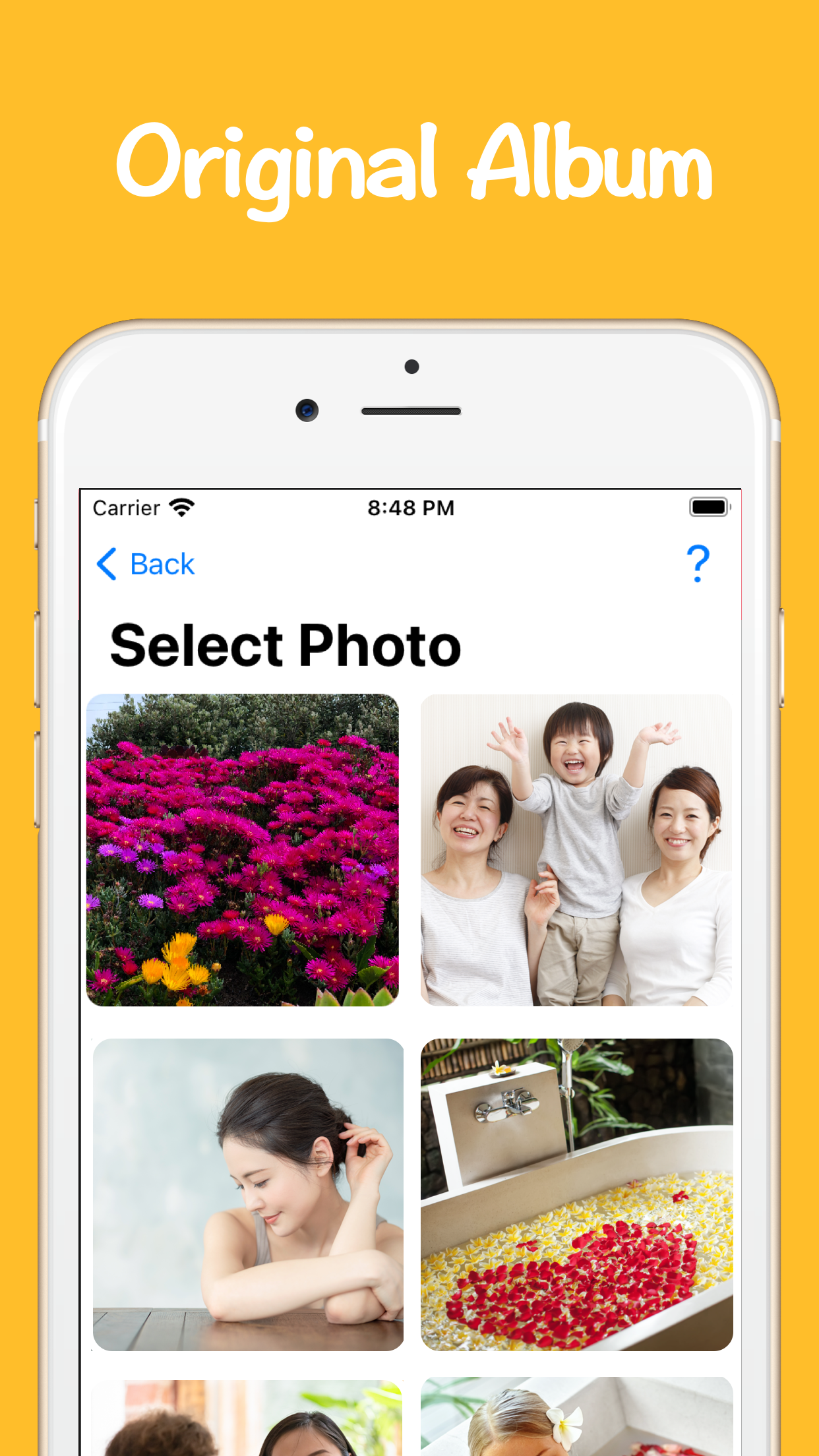
Customize your iPhone screen with photo widgets! ◆ The app is super easy to use! ◆ ① Select an album(widget) in the top menu. ② Add the photos in your device. ③ Go back to home screen and press for a while. ④ + button shows up in the top-left corner, so tap it and choose 'WidgetPhoto'. After you select the size, you can see the widgets on your home screen. That's all! ◆ Sticking points ◆ 1. Supported Small/Medium/Large size widgets. 2. Photo shown in the widget automatically changes every 60 seconds. ◆ Future plans ◆ We will add as many features as possible. Thank you for your warm support message for the review!

Screenshots

https://is1-ssl.mzstatic.com/image/thumb/PurpleSource114/v4/fe/8b/d6/fe8bd6ad-7e63-6fbd-c9e6-6d354b0acff7/21c5332b-3a3b-4b00-bbb4-06d35d2c8b4c_WidgetPhoto_en_iPhone_1.png/1242x2208.pnghttps://is1-ssl.mzstatic.com/image/thumb/PurpleSource114/v4/f6/f3/33/f6f333a3-17f9-04f0-0429-6c602bd8707c/3c69700e-2d08-4c08-ad5a-7180e0f365e6_WidgetPhoto_en_iPhone_2.png/1242x2208.pnghttps://is1-ssl.mzstatic.com/image/thumb/PurpleSource124/v4/09/08/e9/0908e94c-a9d9-bd8c-41df-fdb4149df29f/1abdae7e-810b-446d-89e0-eaa07ada616e_WidgetPhoto_en_iPhone_3.png/1242x2208.png
Loading...
Loading...

Find growth insights on our blog

React to user feedback and market trends faster