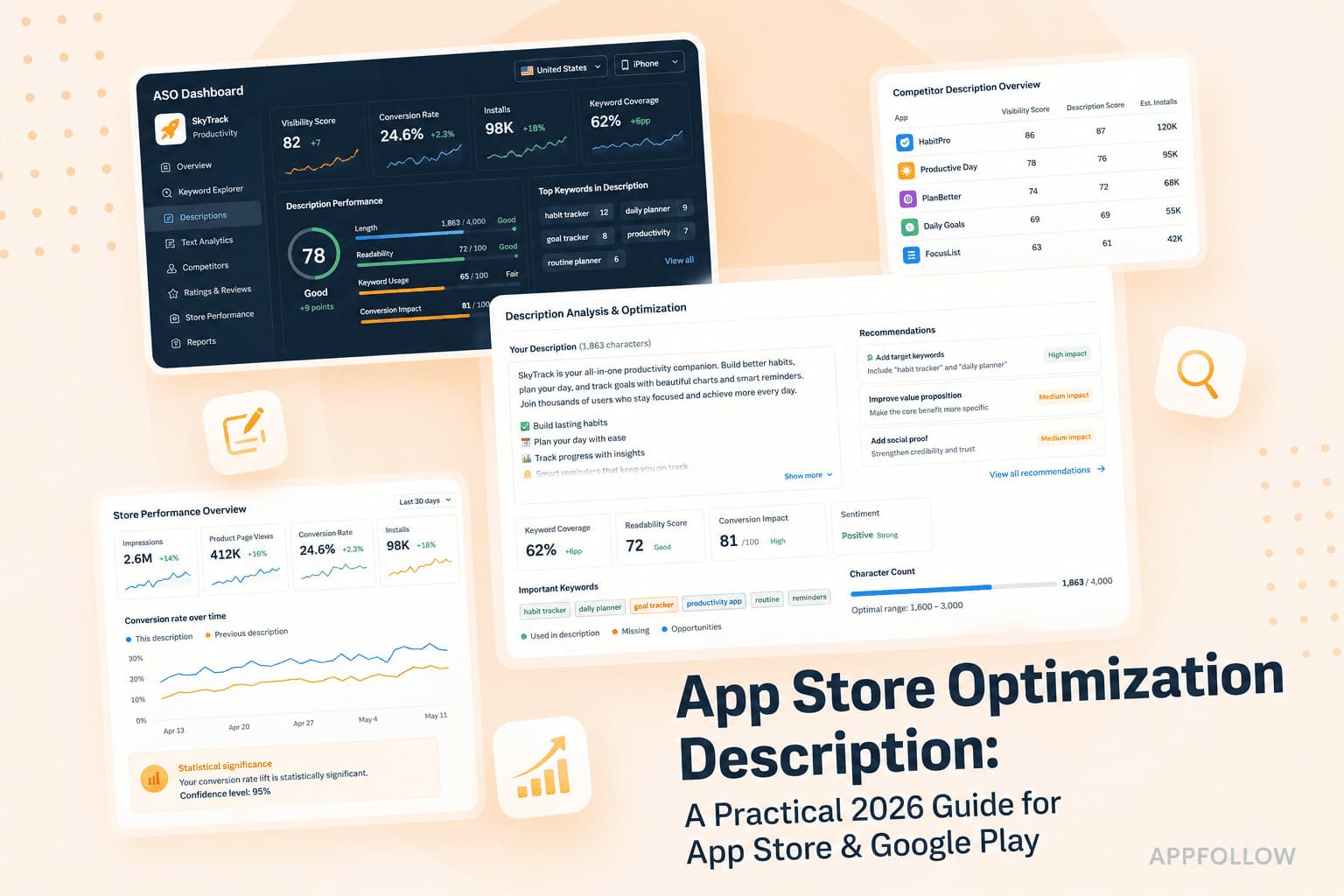
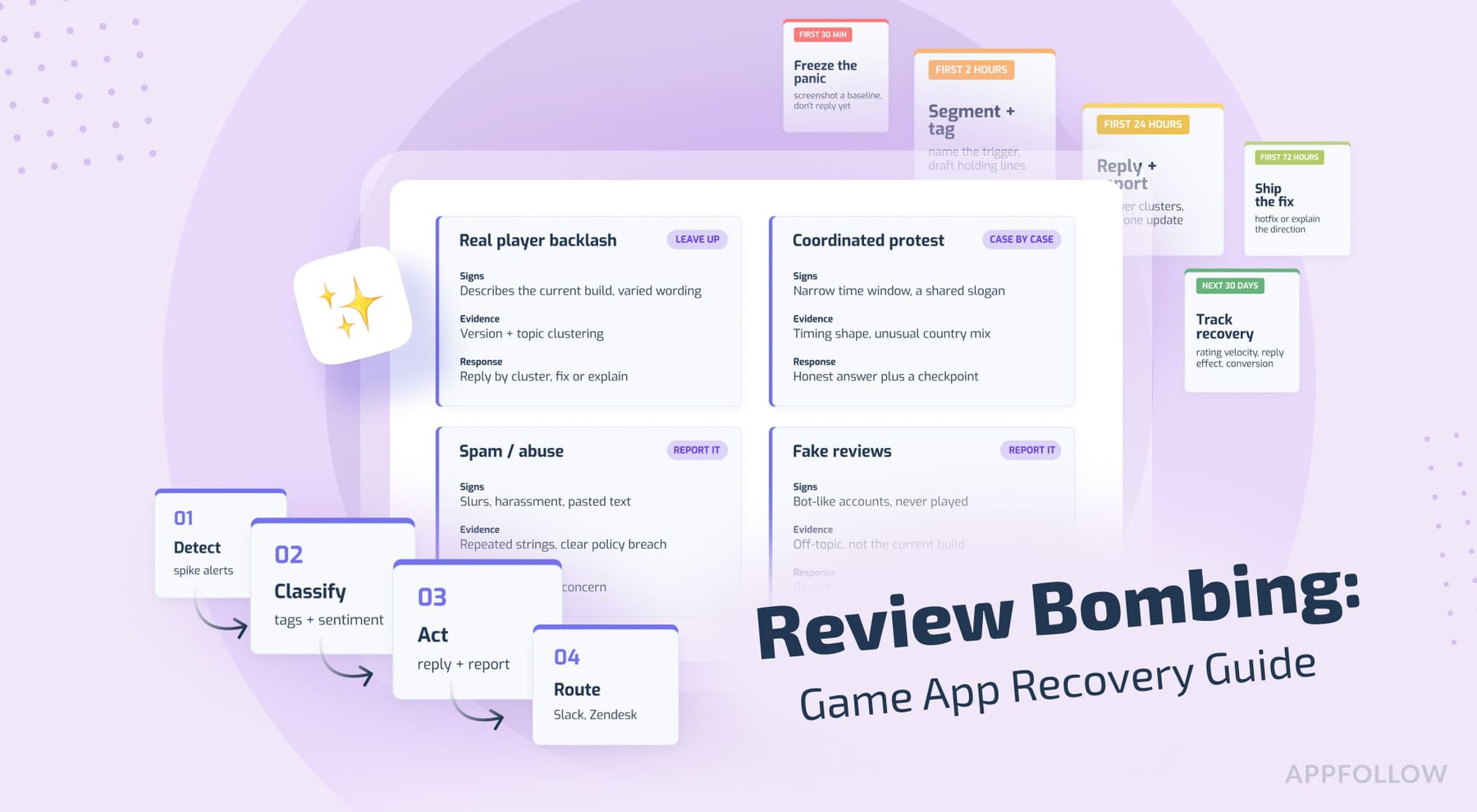
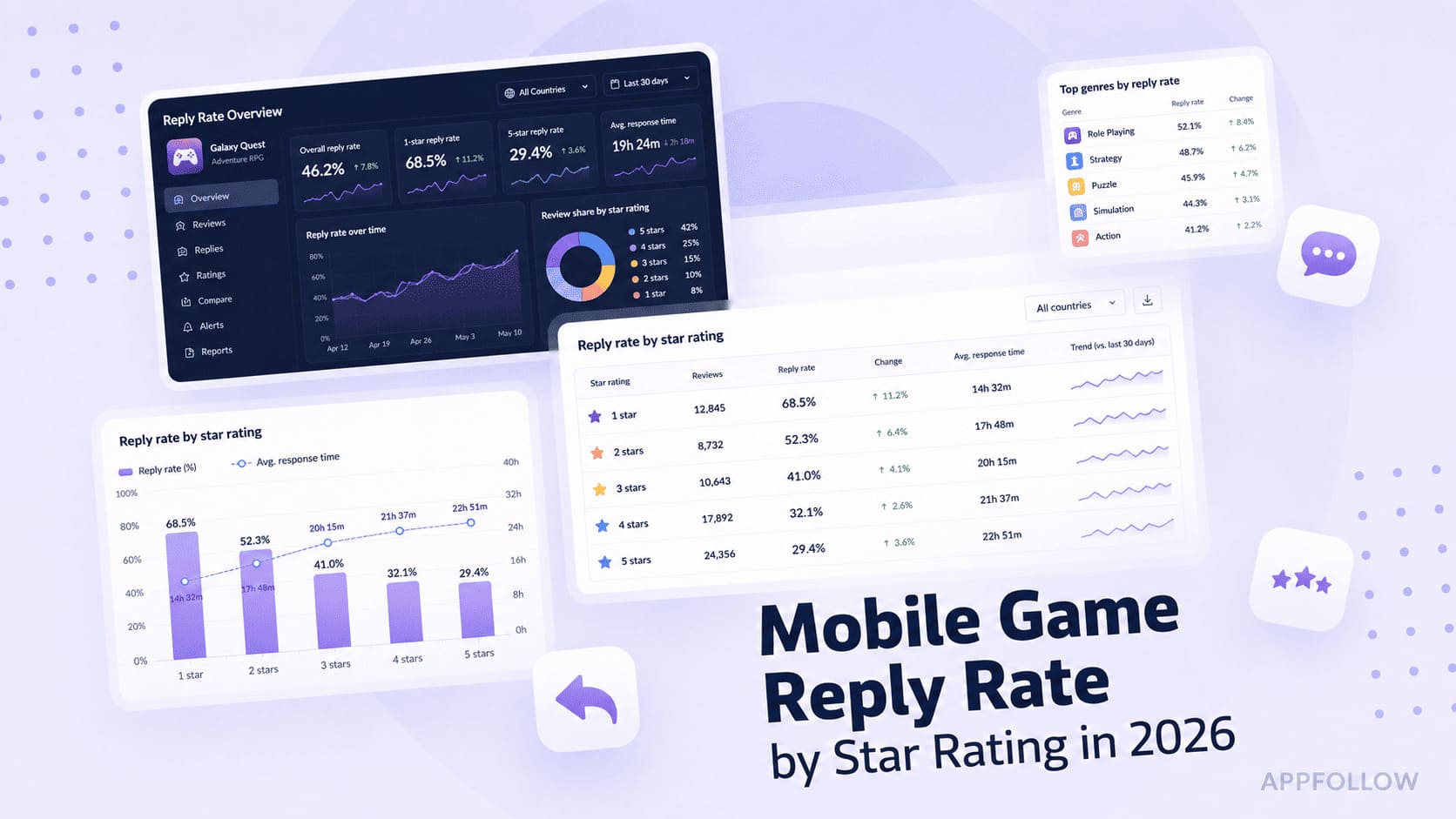
Ratings & Reviews performance provides an overview of what users think of your app. Here are the key metrics to help you identify how your app is rated by users and how successful is your review management strategy.
 4.6
4.6
User reviews affect conversion to installs and app rating. Featured and helpful reviews are the first to be noticed by users and in case of no response can affect download rate.
Tasks is a flexible task manager built for Apple devices. Start with a simple to-do list, then add structure only when you need it—with projects, subtasks, tags, priorities, custom statuses, Kanban boards, collaboration, and powerful automations. Your work is rarely just “to do” or “done.” A task might be in progress, waiting, under review, or following a workflow unique to your team. Tasks lets you shape every project around the way you actually work, without overwhelming you upfront. START SIMPLE. GROW YOUR WAY. • Capture tasks quickly and organise them into folders, projects, and subtasks • Add tags, priorities, task types, notes, links, images, PDFs, and other details • Create custom statuses for any workflow • Use fixed or completion-based recurring reminders • Build Smart Lists with powerful filters across all your projects • Find tasks, comments, and project information with advanced search • Start faster with project templates and helpful tag and date suggestions SEE WORK MOVE FORWARD Turn any project into a clear visual workflow with Kanban. Move tasks between custom statuses, or let completing a task advance it naturally through your flow. From a personal checklist to a multi-stage project, you can always see what is happening and what comes next. AUTOMATE ALMOST ANYTHING With more than 50 App Intents, Tasks works deeply with Siri, Shortcuts, Spotlight, and system automations. Create, edit, clone, search, and organise tasks and projects without opening the app. Build workflows around dates, recurring rules, locations, tags, priorities, statuses, comments, and collaborators. COLLABORATE WITHOUT THE OVERHEAD Share projects by email or public link, assign work, add comments, and keep files with the tasks they belong to. Only the person sharing a project needs Tasks Plus—collaborators can join without purchasing their own subscription. MADE FOR THE APPLE ECOSYSTEM Tasks is designed for iPhone, iPad, Mac, Apple Watch, and Apple Vision Pro, with reliable CloudKit-powered sync across your devices. • Interactive Home Screen and Lock Screen widgets • A full Apple Watch app for capturing and completing tasks from your wrist • Share and Action extensions for creating tasks from other apps • Focus Filters, rich notifications, and Time Sensitive alerts • Keyboard, trackpad, drag-and-drop, and multi-window support • Native dark mode, Dynamic Type, and accessibility support • Import from Apple Reminders and Notes • Export and import complete backups using the .tasks format • URL schemes and x-callback-url support for advanced workflows PRIVATE BY DESIGN Tasks is built with privacy in mind, with secure CloudKit-powered sync across your Apple devices. START FREE Tasks is free to download with a generous free tier. Upgrade to Tasks Plus with monthly, annual, family, and lifetime options when you need more. Questions or feedback? We read every message. tasks@msquarelabs.com Privacy Policy: https://mufasayc.com/thetasksapp/privacy Terms of Use: https://mufasayc.com/thetasksapp/terms