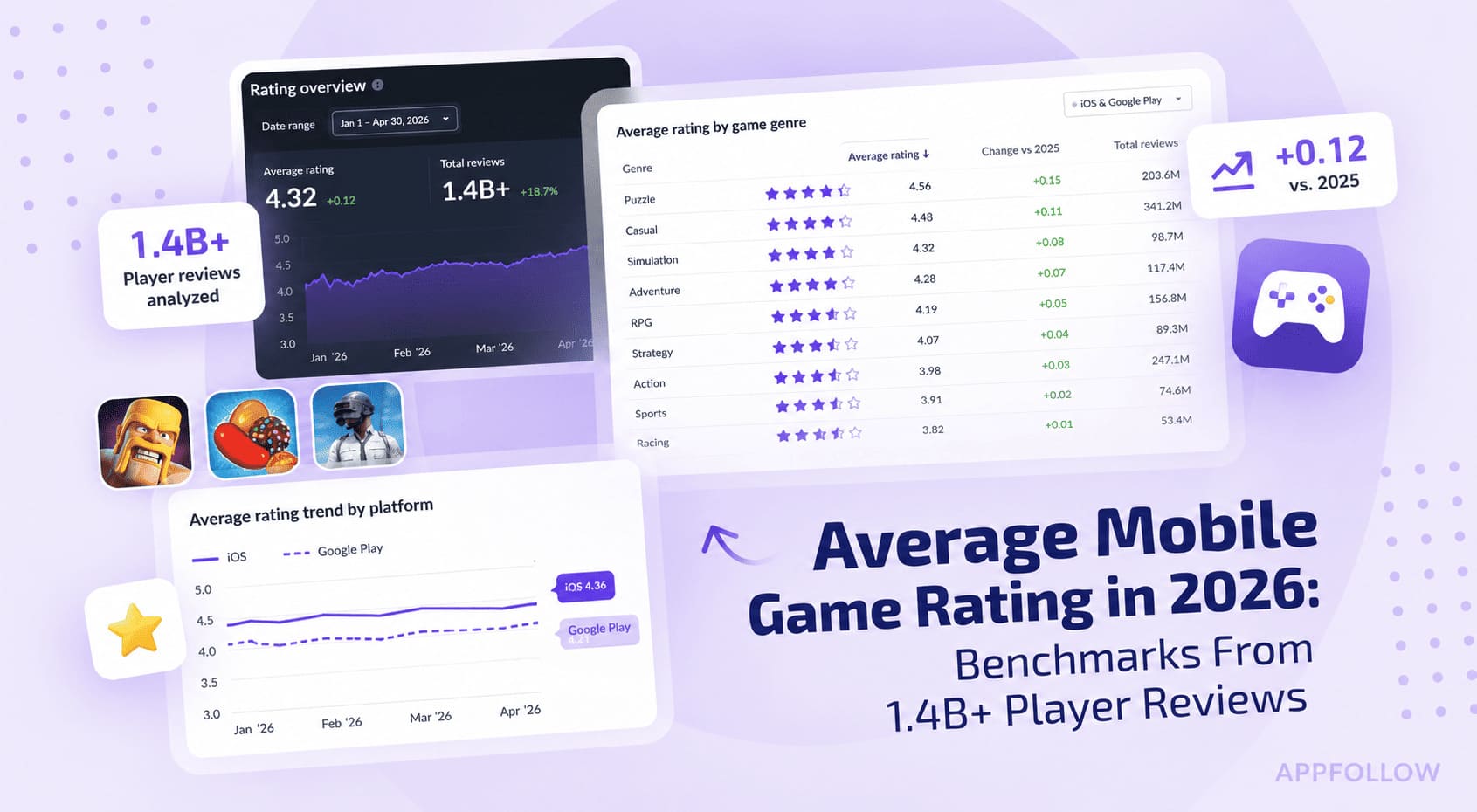
Ratings & Reviews performance provides an overview of what users think of your app. Here are the key metrics to help you identify how your app is rated by users and how successful is your review management strategy.
 4.8
4.8
User reviews affect conversion to installs and app rating. Featured and helpful reviews are the first to be noticed by users and in case of no response can affect download rate.
Get paid in-person or on-the-go with the QuickBooks GoPayment app. With Tap to Pay on iPhone in the GoPayment app, you can accept in-person, contactless payments, right on your iPhone — from physical debit and credit cards, to Apple Pay and other digital wallets — no extra terminals or hardware needed. It’s easy, secure, and private. Terms apply**. Use the GoPayment app as you scale, so your employees can take payments on their device or card reader without accessing your sensitive business data. Settle unpaid invoices on the spot and get fast access to your payments without the hassle of chasing them down. Every sale made with the mobile app or card reader syncs with your QuickBooks Online account, so your books are up-to-date with your latest sales. Start accepting payments right away with competitive processing fees at just 2.5% for in-person card payments - visit https://quickbooks.intuit.com/payments/payment-rates/ to see all rates. Other app features: - Collect or retrieve existing customer details and send a text or email receipt on the spot. - Easily add products or services during a sale, and the GoPayment app calculates the total with sales tax, tips and any discounts. - Easily create products and services—with labels and prices—so you can quickly find the right item during a sale. - All your deposits are listed in the app, with status updates on pending funds so you never wonder where your money is. - Visa, MasterCard, Discover, and American Express debit and credit cards are all accepted. Money movement services are provided by Intuit Payments Inc., licensed as a Money Transmitter by the New York State Department of Financial Services **Product features Tap to Pay on iPhone requires a supported payment app and the latest version of iOS. Update to the latest version by going to Settings > General > Software Update. Tap Download and Install. Some contactless cards may not be accepted by your payment app. Transaction limits may apply. The Contactless Symbol is a trademark owned by and used with permission of EMVCo, LLC. Tap to Pay on iPhone is not available in all markets. For Tap to Pay on iPhone countries and regions, see https://developer.apple.com/tap-to-pay/regions/. Apple Pay is a service provided by Apple Payments Services LLC, a subsidiary of Apple Inc. Neither Apple Inc. nor Apple Payments Services LLC is a bank. Any card used in Apple Pay is offered by the card issuer. Privacy Link: https://www.intuit.com/privacy/ Developer Website: https://quickbooks.intuit.com/payments/mobile-payments/ Intuit Payments' money transmission licenses: https://www.intuit.com/legal/licenses/payment-licenses/ Order A Card Reader: https://quickbooks.intuit.com/payments/readers/ Terms, conditions, pricing, features, service and support are subject to change without notice.