Ratings & Reviews performance provides an overview of what users think of your app. Here are the key metrics to help you identify how your app is rated by users and how successful is your review management strategy.

User reviews affect conversion to installs and app rating. Featured and helpful reviews are the first to be noticed by users and in case of no response can affect download rate.
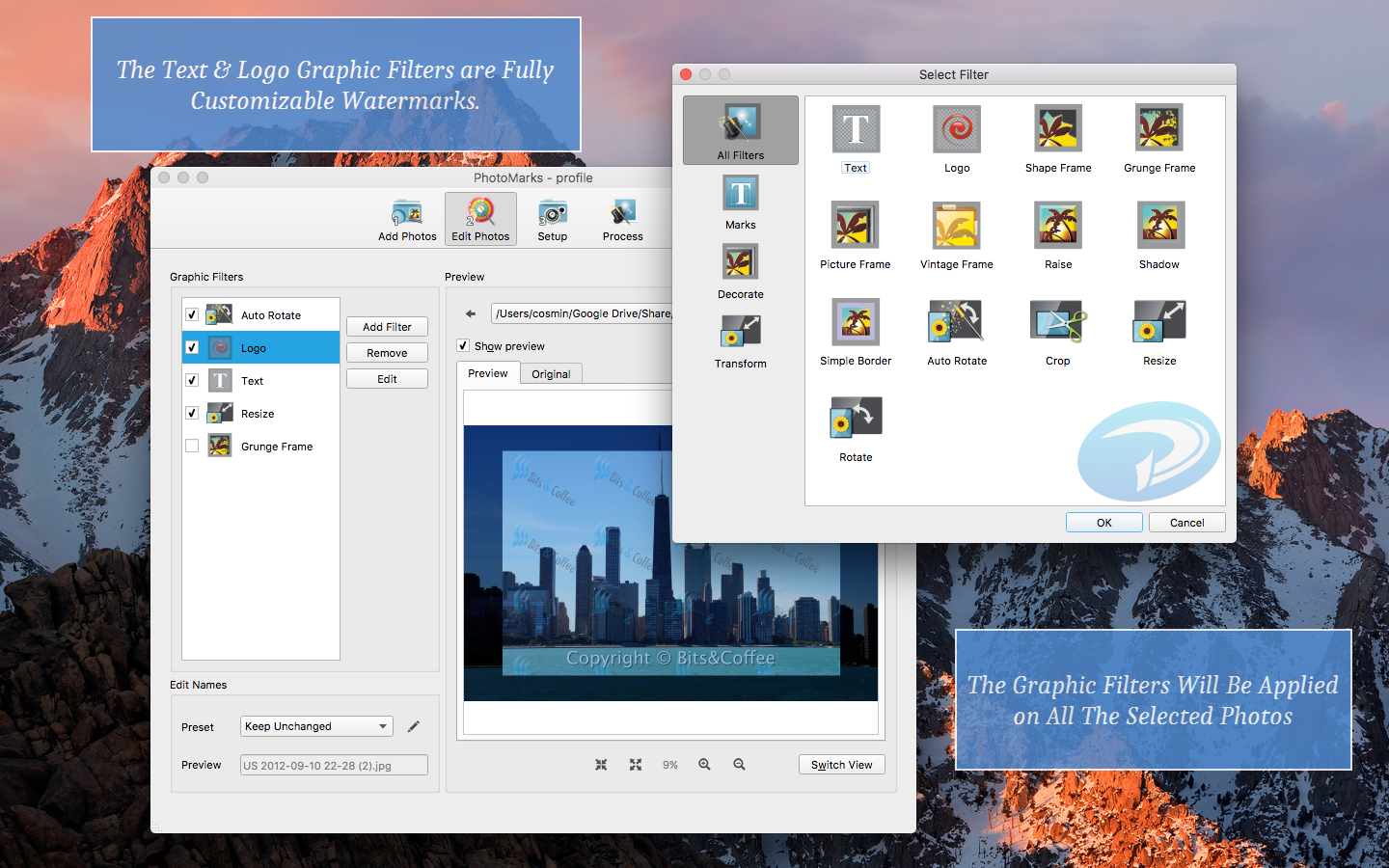
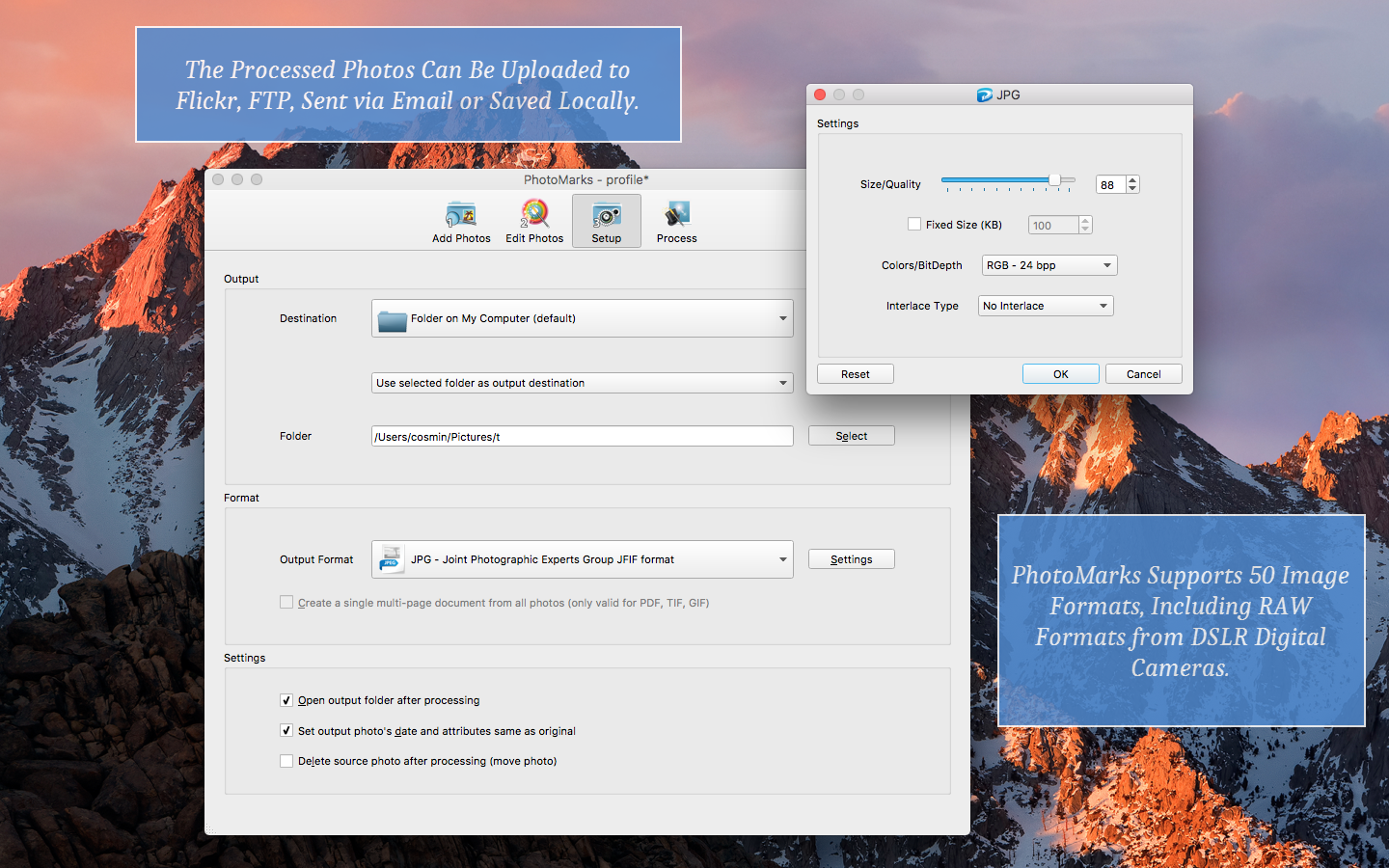
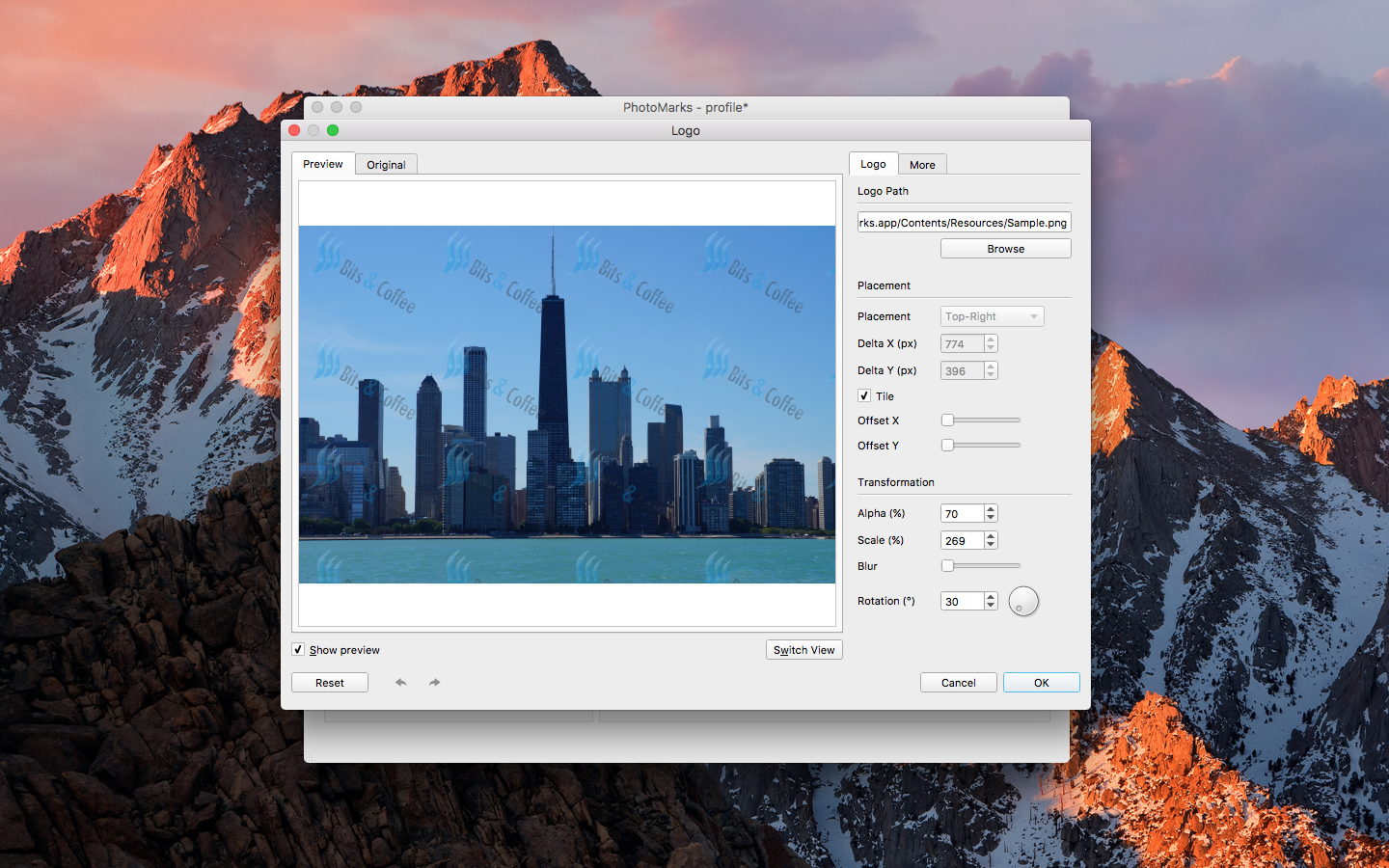
PhotoMarks is a privacy-focused solution for visually watermarking your copyrighted images in batch mode, on your Mac. Why upload your images to a 3rd party or use a complicated, general-use image editor? Also why pay a subscription when you can buy a lifetime license? With PhotoMarks you can completely customize the appearance of your text and logo marks, as well as perform additional edits like Resize, Rename, Auto Rotate, or add Graphical Frames to your photos in the same session. It works by editing photos in batch mode and takes advantage of multi-core processors for speeding up the process. You can also save your settings as profiles to easily reuse them later. PhotoMarks is an elegant solution with a greatly designed user interface, where previews are available for every step of the process. Functionality • Batch photo processing with support for Multi-Core Processors for greatly improving the editing speed • Add multiple layers of text and logo marks as well as other filters • Save settings as Profiles and easy reuse them later • Upload directly to SFTP/FTP or send via Email • Support for 50 image formats, including RAW formats from DSLR digital cameras • Support for modern image formats like HEIF, WEBP and AVIF • Easily Rename images with keywords and search & replace in filenames • Support for undo & redo Text Mark • Drag & drop interface • Pixel-perfect positioning with 9 pre-defined zones • Multi-line text with keywords and alignment • Tile mode • Rotation • Custom & textured fonts • Stroke fx • Shadow fx • Bounding-box fx Logo Mark • Drag & drop interface • Pixel-perfect positioning with 9 pre-defined zones • Tile Mode • Rotation & Scaling • Shadow fx • Stroke fx Mask Mark • Add an image overlay over the entire image • The option to specify a separate landscape image overlay • Custom transparency And more • Resize filter for reducing image size in pixels • Auto Rotate filter for automatically rotating photos to the correct orientation • Graphically decorate photos with beautifully designed Grunge, Vintage, Picture, and Shape Frames • Shadow, Raise, and Border Effects