Ratings & Reviews performance provides an overview of what users think of your app. Here are the key metrics to help you identify how your app is rated by users and how successful is your review management strategy.
 3.0
3.0
User reviews affect conversion to installs and app rating. Featured and helpful reviews are the first to be noticed by users and in case of no response can affect download rate.
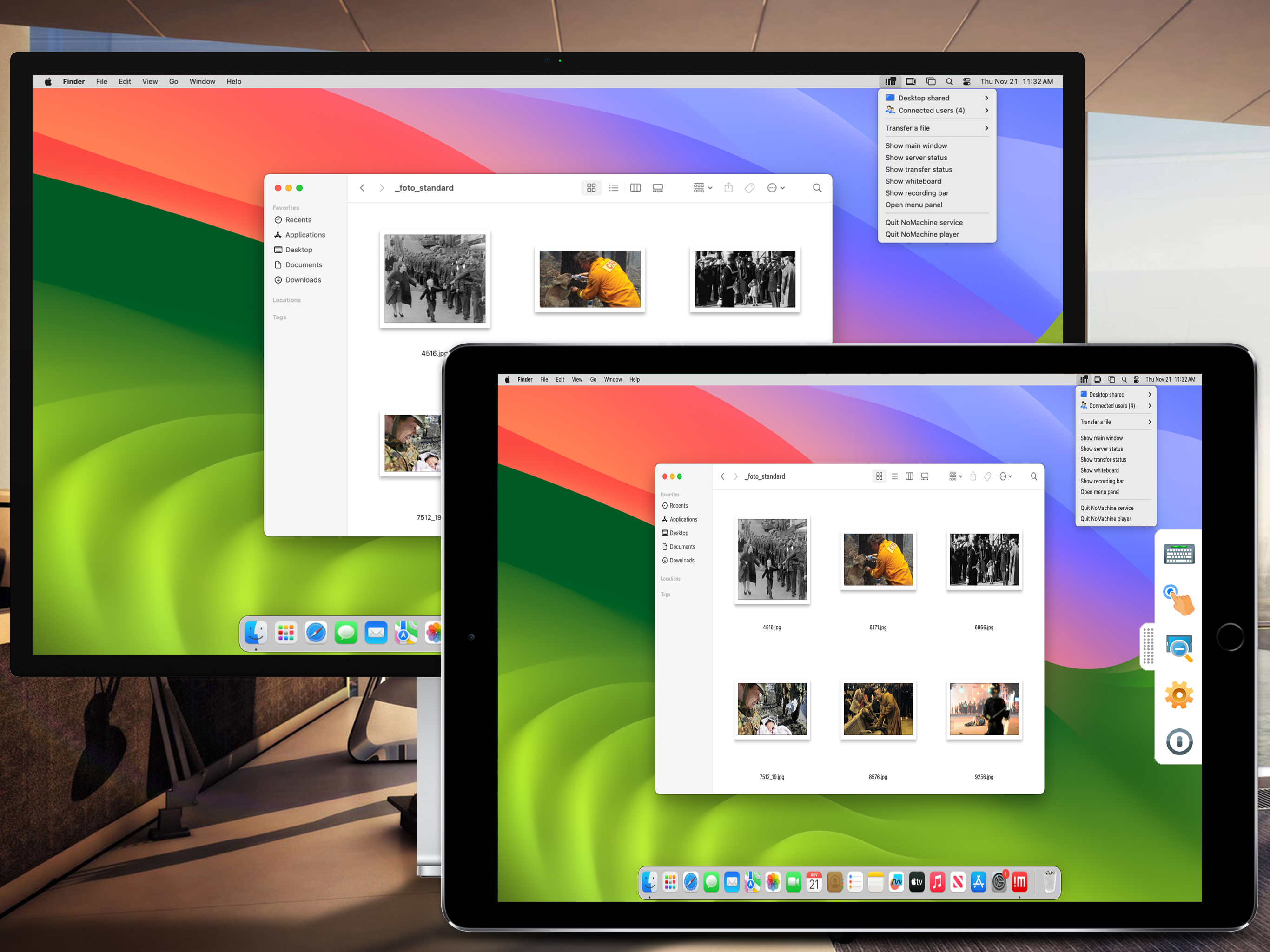
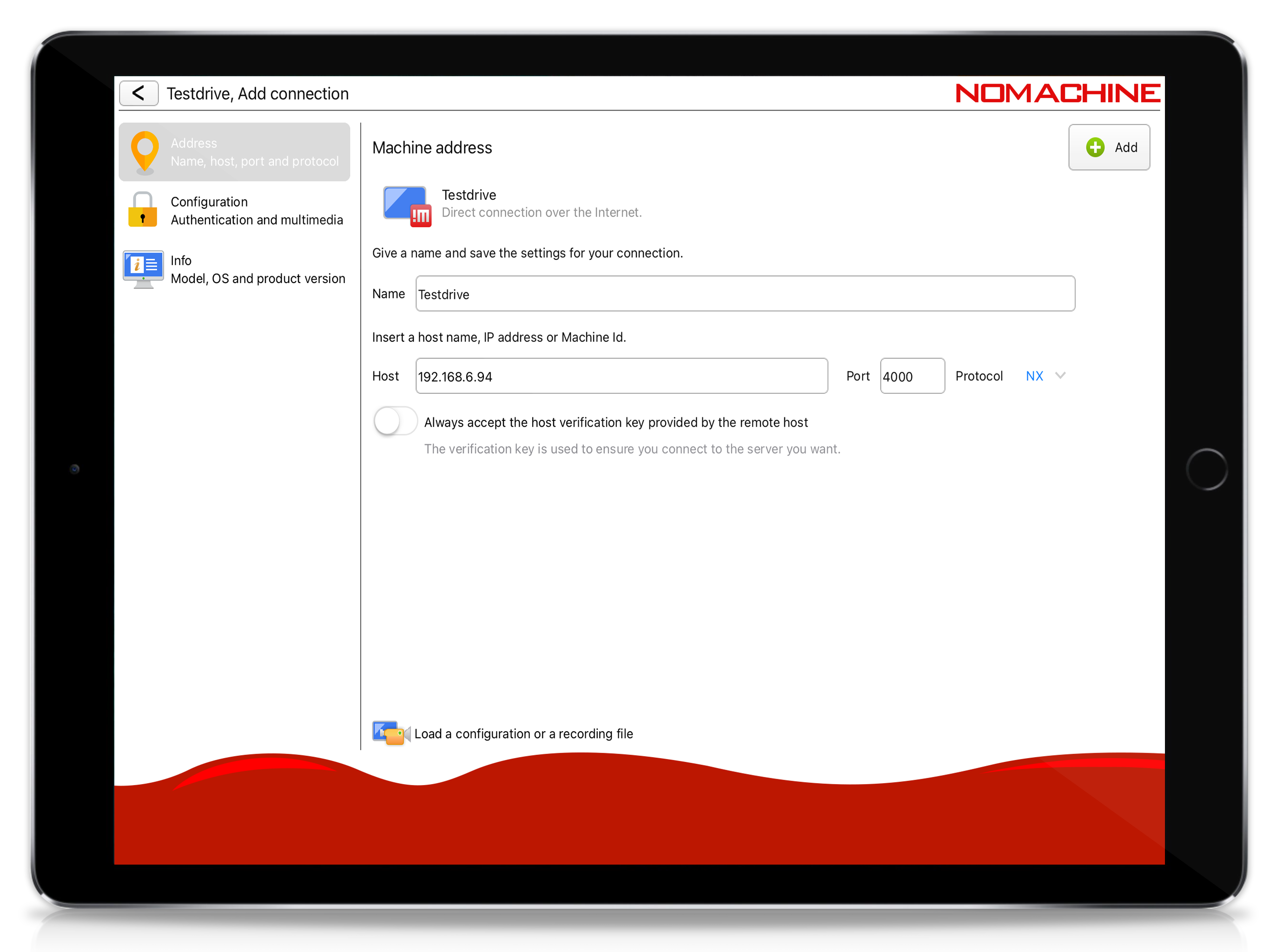
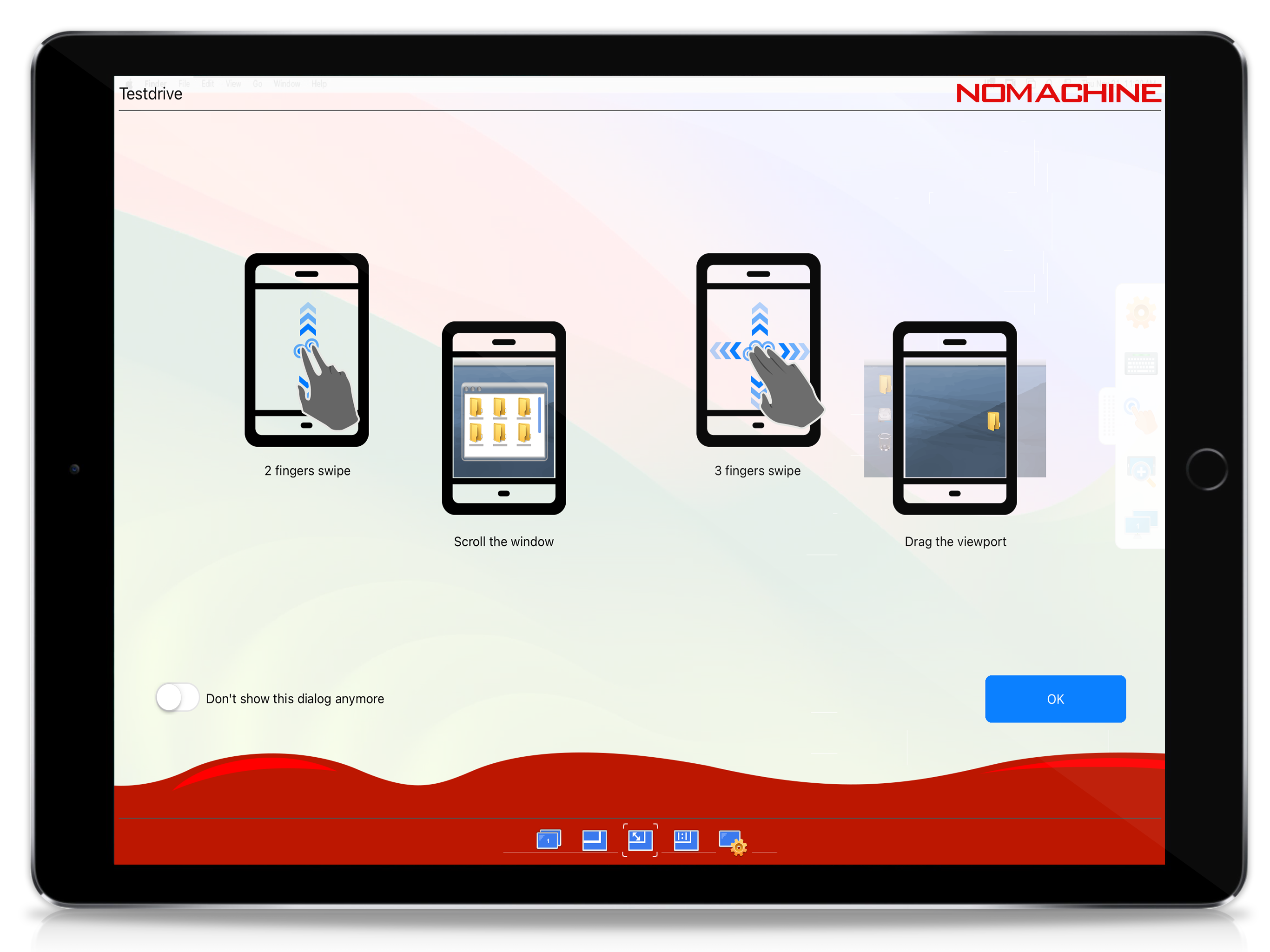
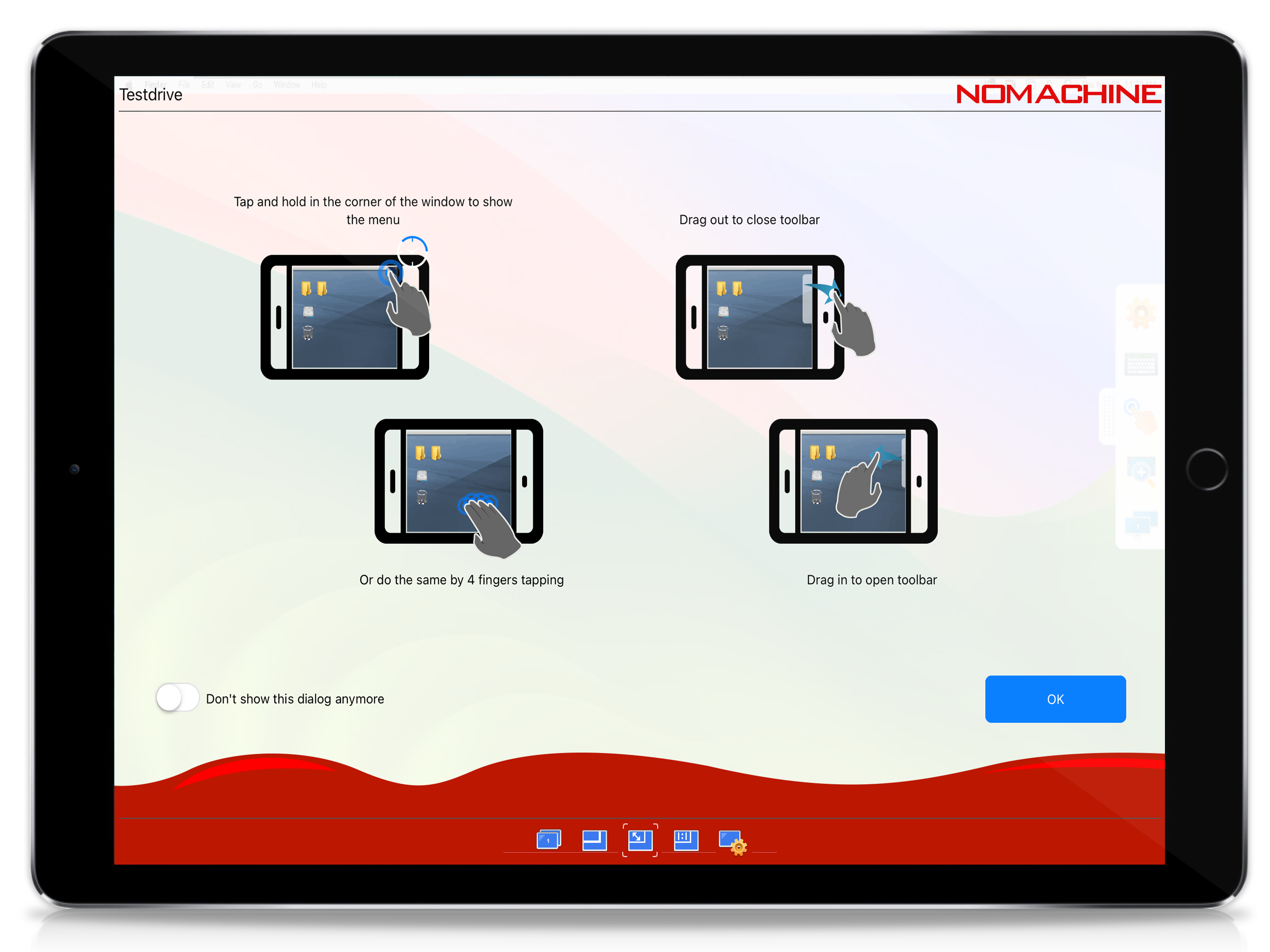
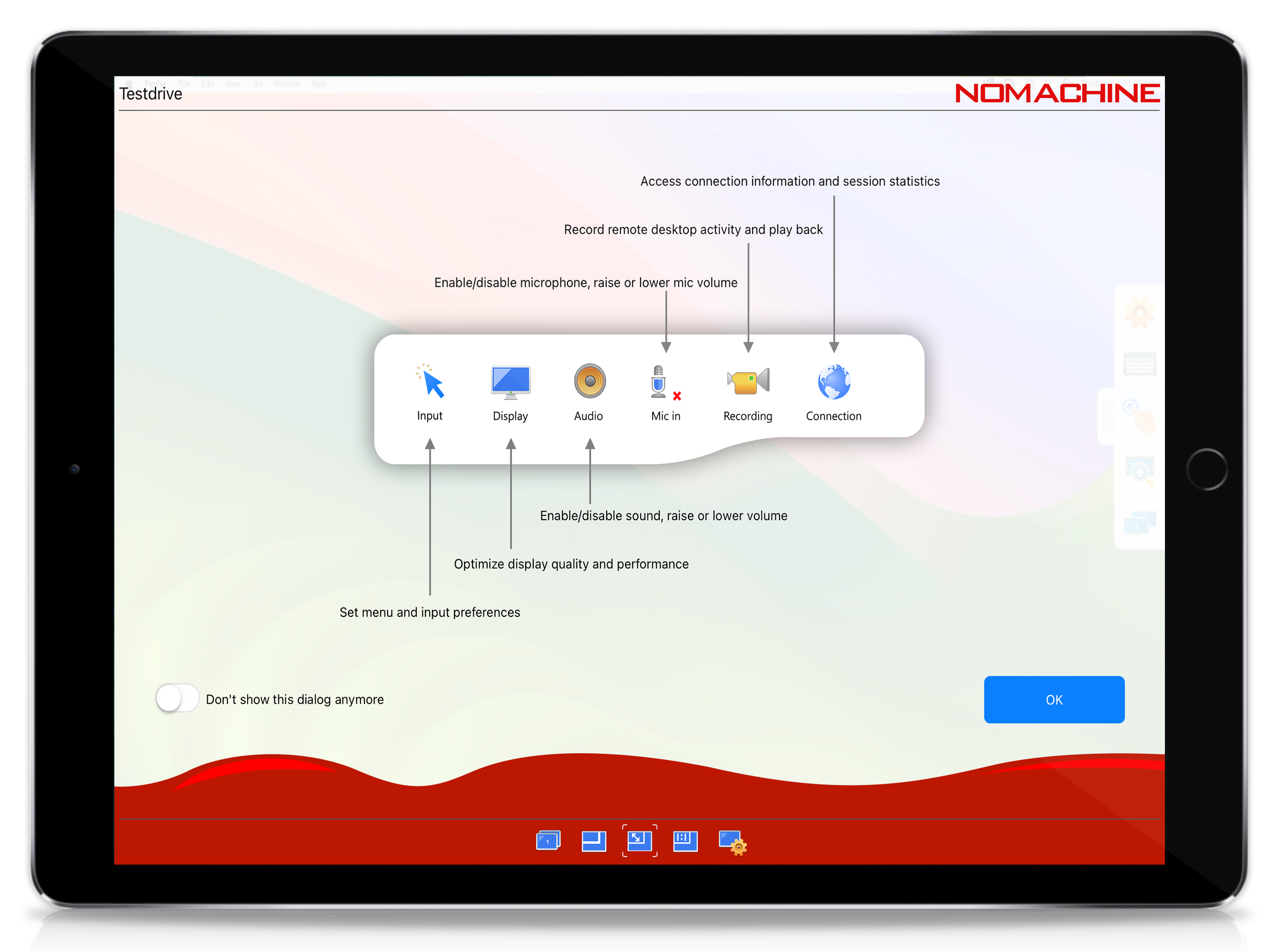
Connect from your device to any NoMachine-enabled PC or Mac at the speed of light. NoMachine is the fastest remote desktop software you have ever tried. In just a few clicks you can reach any computer in the world and start working on it as if it was right in front of you. The perfect travel companion, you can use it to: - Enjoy all videos, including HD movies, TV shows, and music files that are playable only on your computer - Play graphic intensive games - Remotely administrate unattended computers and give on-the-go support to colleagues and friends - Control your computers remotely as if you were sitting in front of them - Work with all your files, desktop applications and other programs all running on your computer elsewhere Features: - Access all computers behind firewalls - High-resolution video and audio streaming - Transfer files in both directions - Record any activity on the remote desktop - Intuitive touch and control gestures Quick guide 1) Install this app. 2) Download NoMachine from our website and install it on the computer you want to access. 3) In the NoMachine for iOS GUI enter the IP of your computer or the Machine Id. 4) You must already have an account on the remote computer. Enter the credentials for your system account when prompted or use a guest account.5) For more detailed instructions check the tutorial here: https://www.nomachine.com/getting-started-with-nomachine-for-ios.