Falling Notes Piano Trainer
source

Falling Notes Piano Trainer

(6)
Price
Free
Category
Music Education
Last update
Jun 27, 2026
Publisher
Pooya Jannaty Contact publisher
View in store
Loading...

Ratings & Reviews performance

Ratings & Reviews performance provides an overview of what users think of your app. Here are the key metrics to help you identify how your app is rated by users and how successful is your review management strategy.

Number of reviews,
total
6
Avg rating,
total
⭐4.7
Loading...

Description

1180 chars

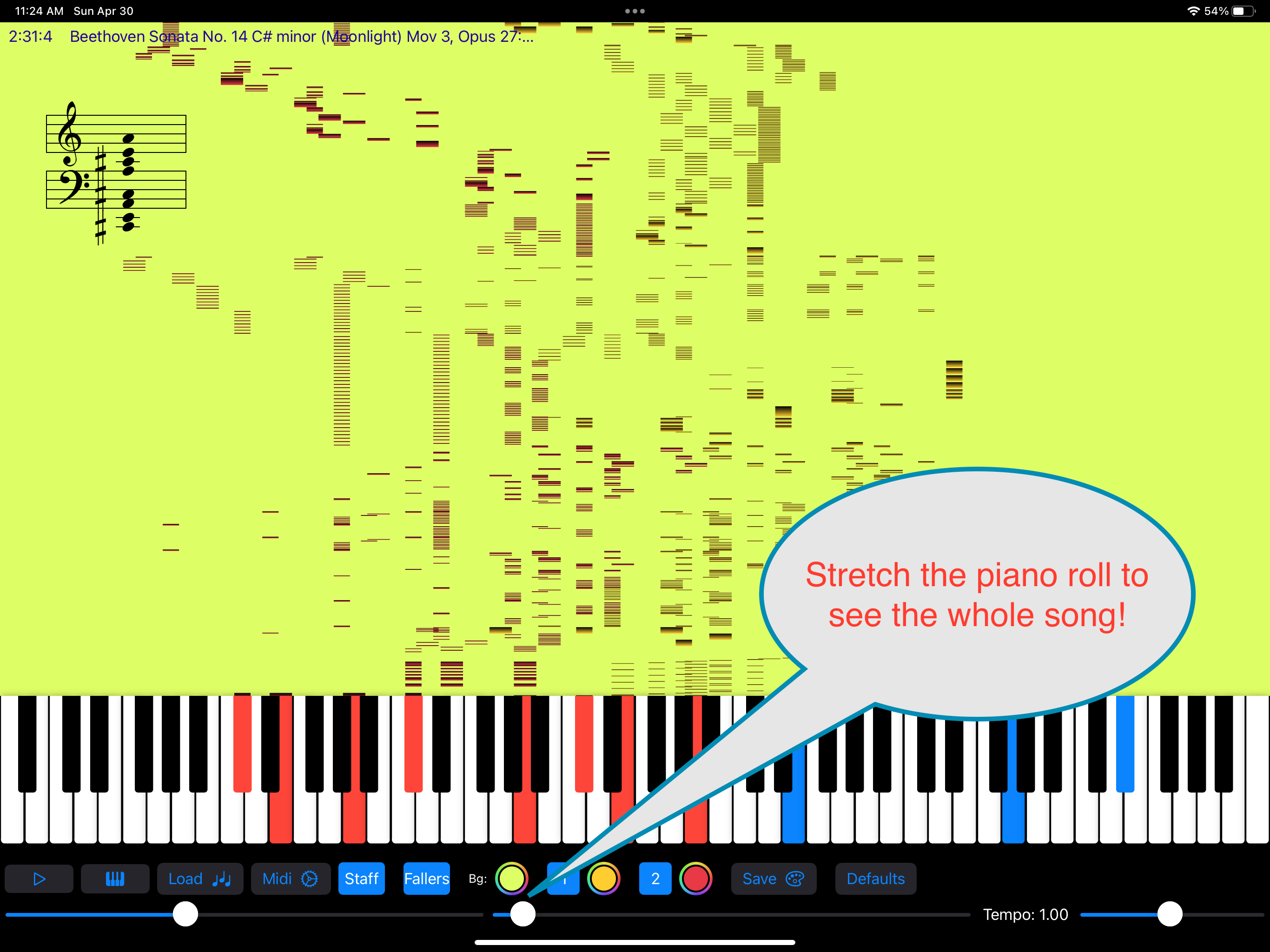
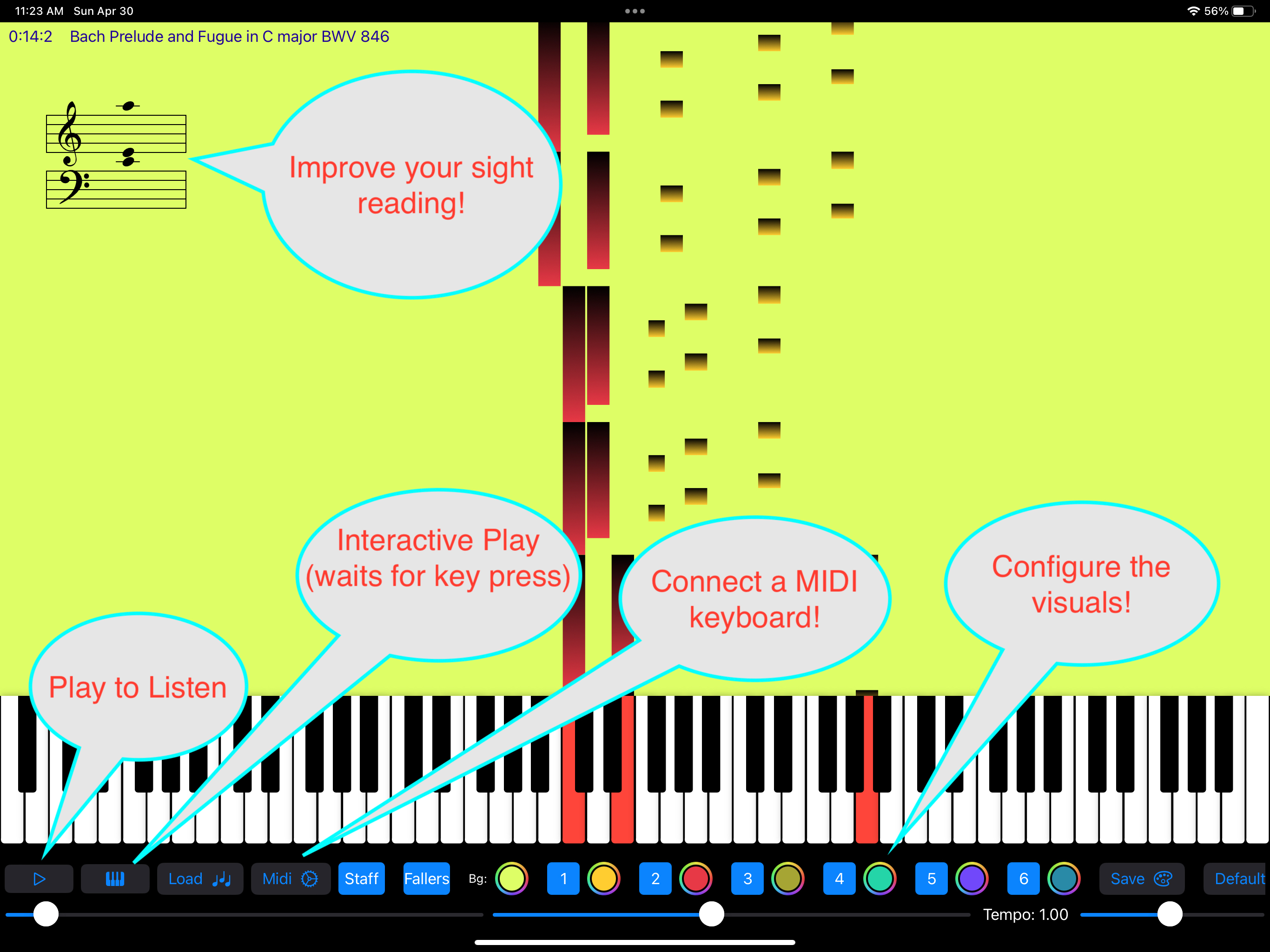
Learn, practice, and edit piano music in one place. Falling Notes lets you load your own MIDI files or choose from included songs, then practice with a MIDI keyboard at your own pace. Watch falling notes guide your hands, pause on notes until you play them, and follow the staff to build sight-reading skills. Version 2.0 also adds powerful editing tools, so you can shape a song instead of just playing it. Adjust individual notes or edit groups of notes together: change pitch, move notes in time, resize note lengths, adjust velocity, reassign tracks, and edit tempo changes throughout the piece. Features: • Load standard MIDI files or choose from included songs • Connect a MIDI-compatible keyboard for interactive practice • Practice left hand, right hand, or full song • Pause on notes and continue at your own pace • View active notes on the staff for sight-reading support • Edit individual notes or groups of notes • Change note pitch, timing, length, velocity, and track assignment • Edit tempo changes directly in the song • Export MIDI files in Steinway Spirio-compatible format for supported player pianos Support: https://sites.google.com/view/fallingnotes/home

Screenshots

https://is1-ssl.mzstatic.com/image/thumb/Purple221/v4/fe/53/f7/fe53f7d7-b384-c41a-e0ea-9d0ab4c58581/a3a741f7-e4b8-4db6-b187-7f9e6dc26763_FallingNotes-iPad-1.jpeg/2732x2048.pnghttps://is1-ssl.mzstatic.com/image/thumb/PurpleSource221/v4/7c/18/0d/7c180d95-3414-aa0a-4969-f577788d9c74/97a95b52-e53f-4bcf-b49c-153cb89f27e7_FallingNotes-iPad-2.png/2732x2048.pnghttps://is1-ssl.mzstatic.com/image/thumb/Purple211/v4/0e/0a/8a/0e0a8a9e-55ea-f329-46d1-9311d0a531d4/d93c1d10-db29-4844-a30b-24ace3902365_FallingNotes-iPad-3.png/2732x2048.pnghttps://is1-ssl.mzstatic.com/image/thumb/Purple221/v4/4f/6a/f2/4f6af27d-bc09-4a3a-49b4-3a3911d61f85/4d82246b-b2a5-4943-a0bb-f7269ef45e61_FallingNotes-iPad-4.png/2732x2048.pnghttps://is1-ssl.mzstatic.com/image/thumb/Purple211/v4/98/6c/b9/986cb9e6-bdc8-e1b2-5009-d2146528c837/50b166ef-0484-4e81-9b5c-c6c25b6939d8_FallingNotes-iPad-5.jpeg/2732x2048.pnghttps://is1-ssl.mzstatic.com/image/thumb/PurpleSource211/v4/3f/7f/05/3f7f050d-d30e-6627-3af7-d8680b1ed3a2/b59dd4f4-e468-4802-a9e2-f6431a3bfe9c_FallingNotes-iPad-6.png/2732x2048.png
Loading...
Loading...

Find growth insights on our blog

React to user feedback and market trends faster