Ratings & Reviews performance provides an overview of what users think of your app. Here are the key metrics to help you identify how your app is rated by users and how successful is your review management strategy.
 5.0
5.0
User reviews affect conversion to installs and app rating. Featured and helpful reviews are the first to be noticed by users and in case of no response can affect download rate.
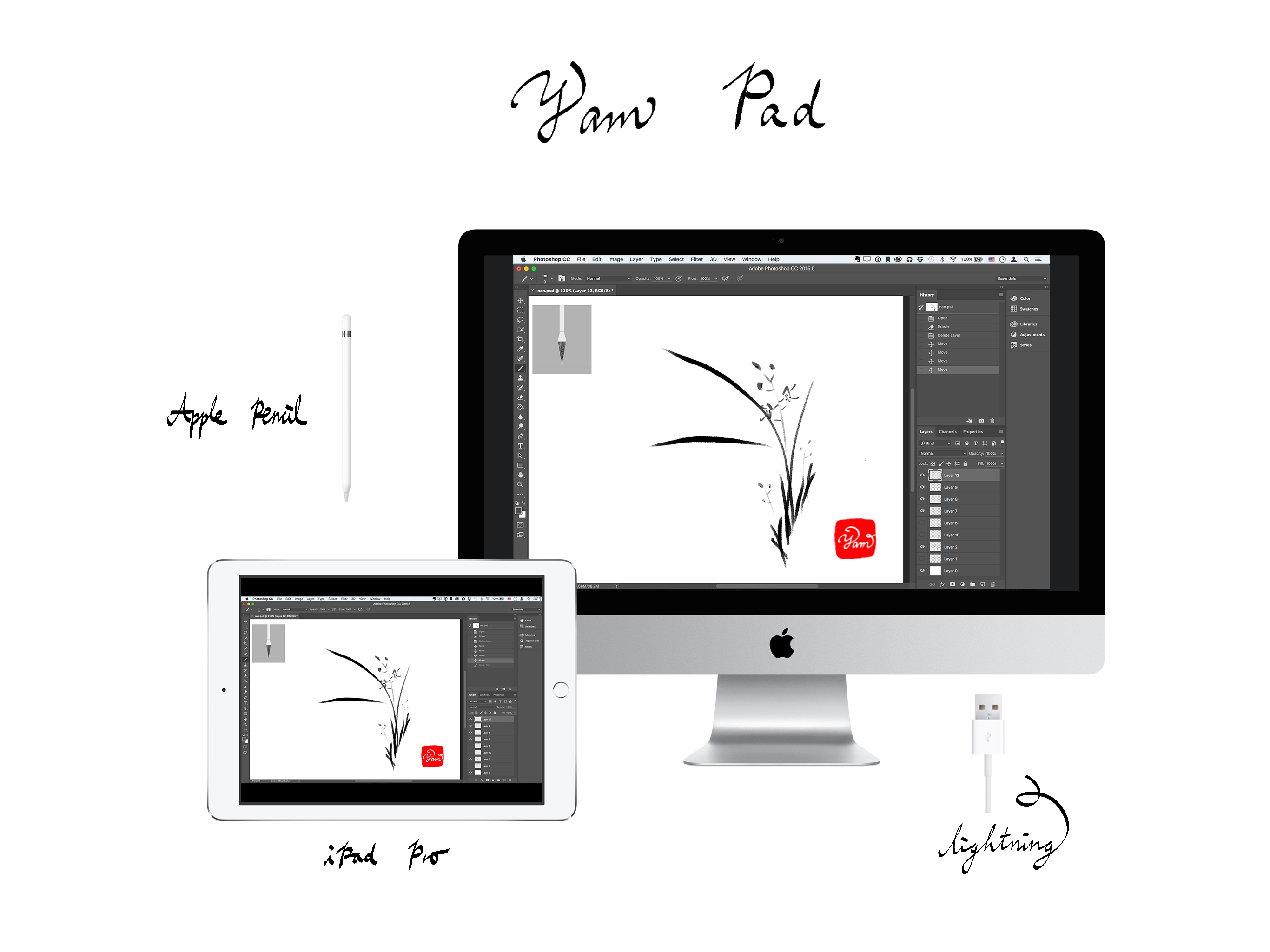
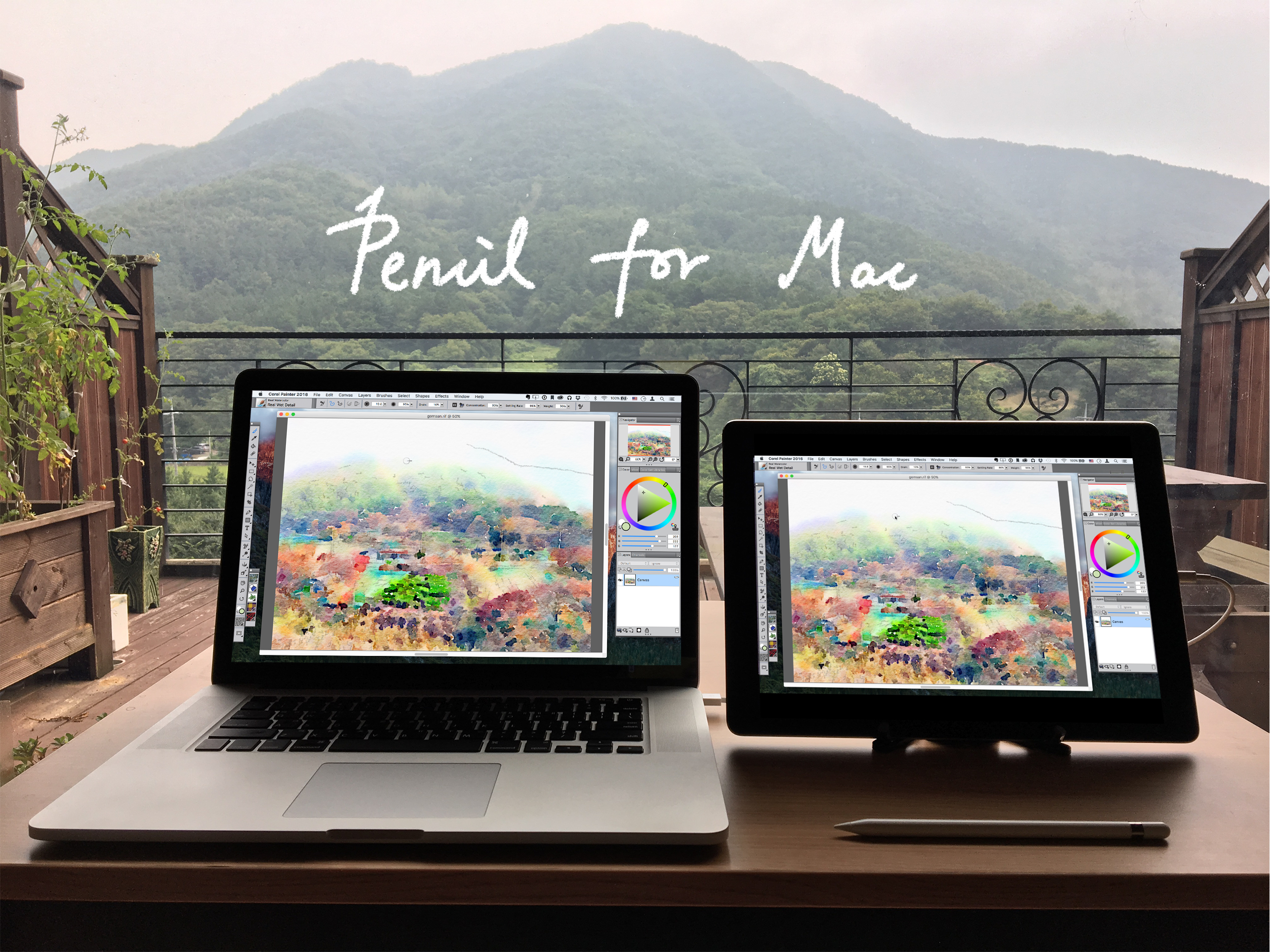
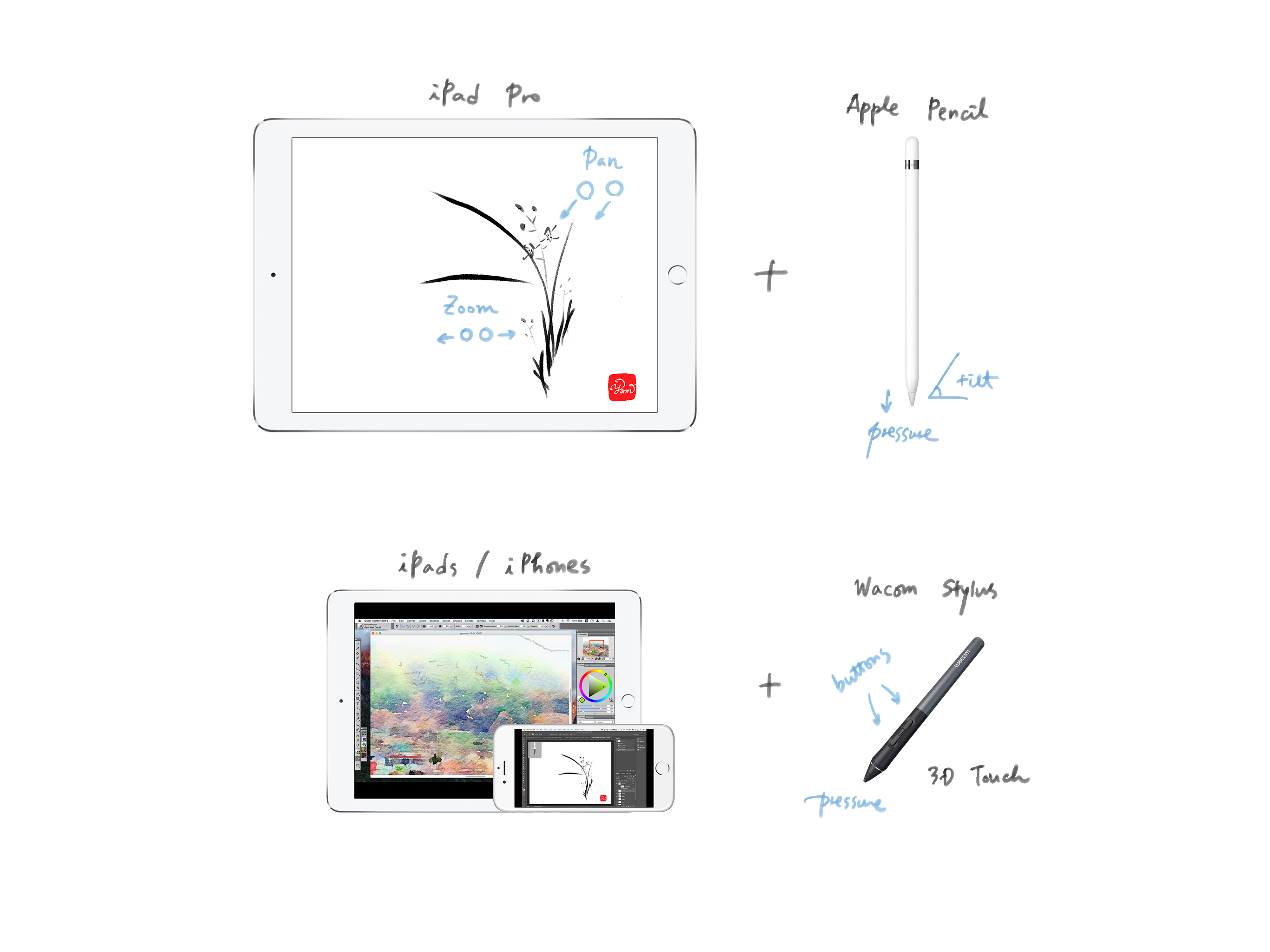
Yam Pad turns your iPad into a Drawing Table for Mac via USB. Supports Apple Pencil pressure & tilt and hover for various Mac apps for drawing. Control the canvas with multi-touch gestures, including pan and zoom, undo & redo. Fast and simple USB connection will let you focus on your creative work. Key Features: - Apple Pencil Pressure & Tilt and Hover - Touch Gestures: Zoom/Pan/Undo/Redo - Fast and secure USB connectivity - Cristal clear resolution - Keyboard support - Touch Bar simulation Mac Apps compatible: - Photoshop - Affinity Photo - Illustrator - SketchBook - Corel Painter - Lightroom - Toon Boom Harmony - MediBang Paint - Clip Studio Paint - ZBrush - MarginNote 3 - and more... (let us know your favorites) Stylus supported: - Apple Pencil (for iPads that support Apple Pencil) - Wacom Stylus (for iPads that do not support Apple Pencil) System Requirements: - iPads with iPadOS 9.1 or later: * iPad (5th generation or later) * iPad Air (all generations) * iPad Pro (all generations) * iPad mini (2nd generation or later) - Macs with macOS 10.9 or later Download the free host app for Mac: yamdisplay.com/yampad Support: help@yamdisplay.com