Ratings & Reviews performance provides an overview of what users think of your app. Here are the key metrics to help you identify how your app is rated by users and how successful is your review management strategy.
 3.3
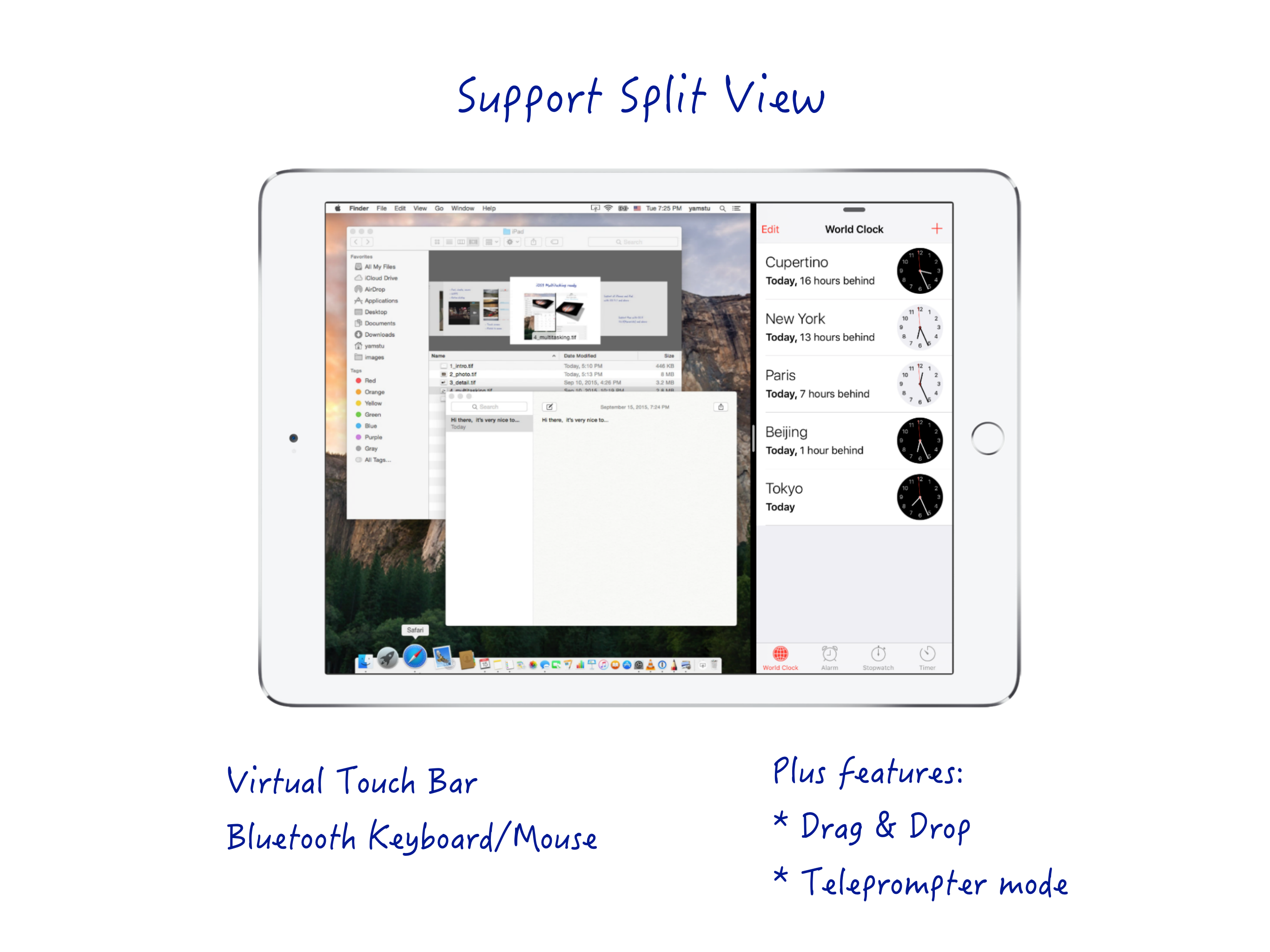
3.3# Yam Air is a wireless version of Yam Display # # On your Mac, download Yam Display host app from www.yamdisplay.com # Yam Air turns your iPad/iPhone into a wireless second display for your Mac. On your Mac, download Yam Display host app from www.yamdisplay.com for free. Yam Air will automatically connect to a nearby Mac just by turning on Wi-Fi. For devices that support AirDrop, even internet connection is not required. Handy for simple tasks such as browsing or text editing when you are out in a café or outside. You can control your Mac with touch gestures and virtual keyboard on your iPad. For multitasking enabled iPads, you can utilize every single pixel of your screen in Split View. Plus features such as Drag and Drop and Teleprompter Mode will make your workflow more efficient. The extended display with Yam Air will help you improve your productivity. Key Features: - Peer-to-peer connection - Extend Display / Mirror Display - Energy efficient for static screens - Retina display - 30 FPS / 60 FPS (optional) - Split View (iOS 9 or later) - Touch Gestures: Click / Zoom / Rotate / Scroll / Drag - Virtual Touch Bar (for Macs with macOS Sierra or later) - Hardware keyboard and Mouse paired with iPad - Virtual keyboard (launch by 3 fingers tap) Plus Features (In-App Purchase): - Drag and Drop between iPad and Mac (iOS 11 or later) - Teleprompter Mode System Requirements: - Macs released after 2012 with macOS 10.10 or later: * MacBook Air (Mid 2012 or later) * MacBook Pro (Mid 2012 or later) * MacBook (Early 2015 or later) * iMac (Late 2012 or later) * Mac mini (Late 2012 or later) * Mac Pro (Late 2013 or later) * Mac Studio (※ Other Macs can cause delay) - All iOS devices with iOS 8.0 or later (Best for devices that support AirDrop: * iPad 4G or later * iPad Air, iPad Pro, iPad mini * iPhone 5 or later * iPod Touch 5G or later ※ Other devices need to be connected to the same Wi-Fi network or bluetooth pairing) For any questions or suggestions: help@yamdisplay.com