Ratings & Reviews performance provides an overview of what users think of your app. Here are the key metrics to help you identify how your app is rated by users and how successful is your review management strategy.
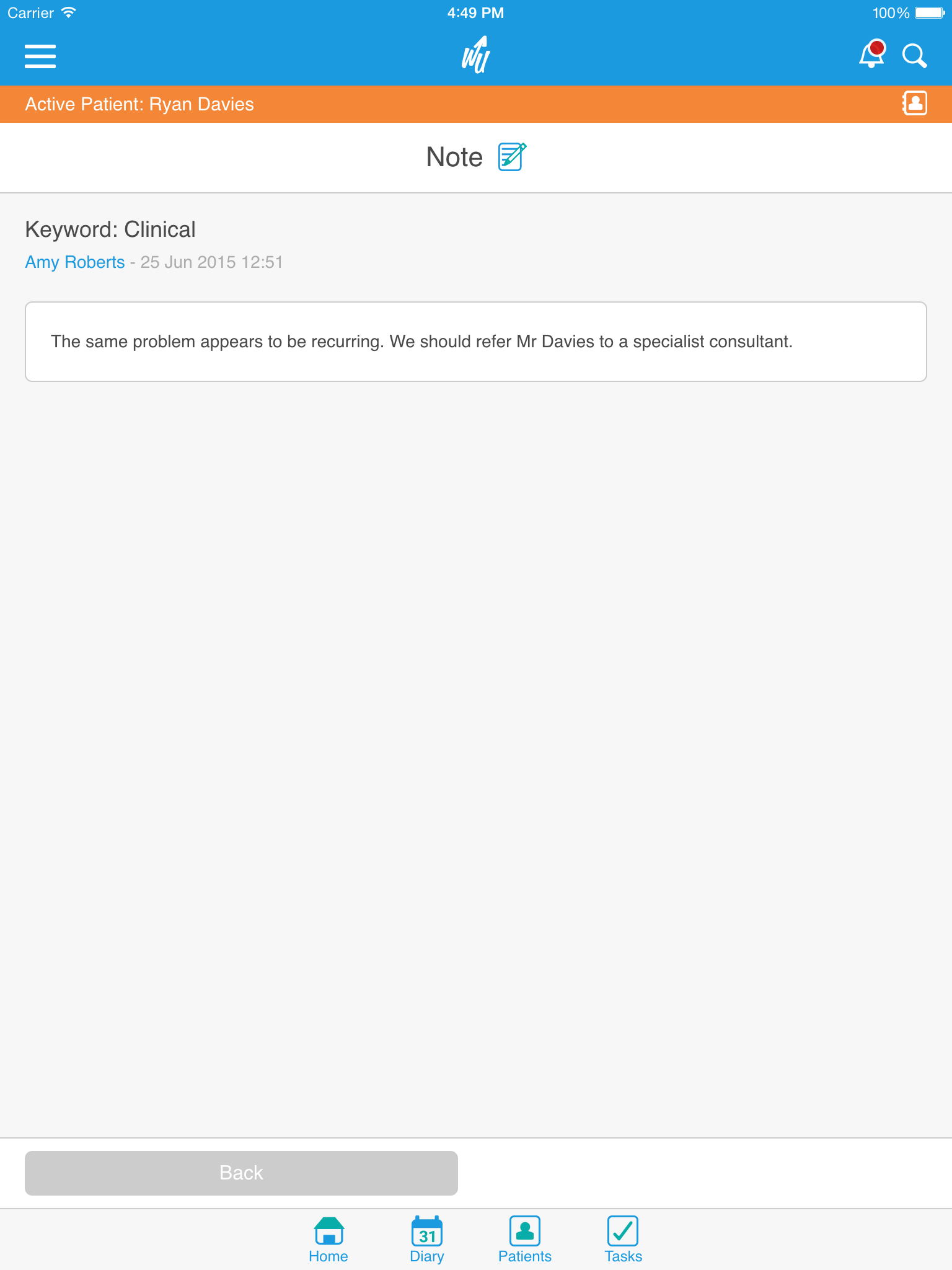
Take your private practice anywhere with WriteUpp. Simple and easy to use, you can navigate effortlessly through your diary, add notes, assessments, and tasks so you know what's next no matter where you are: - Book appointments, manage your schedule and keep track of your team - Access client info from anywhere, on any device - Write or dictate your notes quickly and easily - Complete assessments online - Attach images and documents to client records - Manage your tasks and to-do's Manage your schedule your way: No matter where you are, you can easily browse your diary, create custom appointment types, and colour code entries by status. Call, email & find: Keep a database of well organised contact details with an active-client model. WriteUpp makes interacting with your client details quick and easy. Notes on the go: Keep your client records organised and your team updated with our note system. Your details will be synchronised across the entire WriteUpp platform. Documents available anywhere: You can view any client-related documents, such as referral letters or discharge summaries, directly on your mobile device. No need to type with dictation: Dictate your notes on the go, and save them straight into your client’s record. GDPR compliant images: Take client photos straight from the app, without storing them on your device. Log your expenses: Track client-related expenses, such as mileage, or items that you have provided to clients so you can invoice them later. Mobile Assessments: Clinic, Home, Workplace or Drop-in - custom assessments can be completed on a mobile or tablet using forms optimised for small screens.