


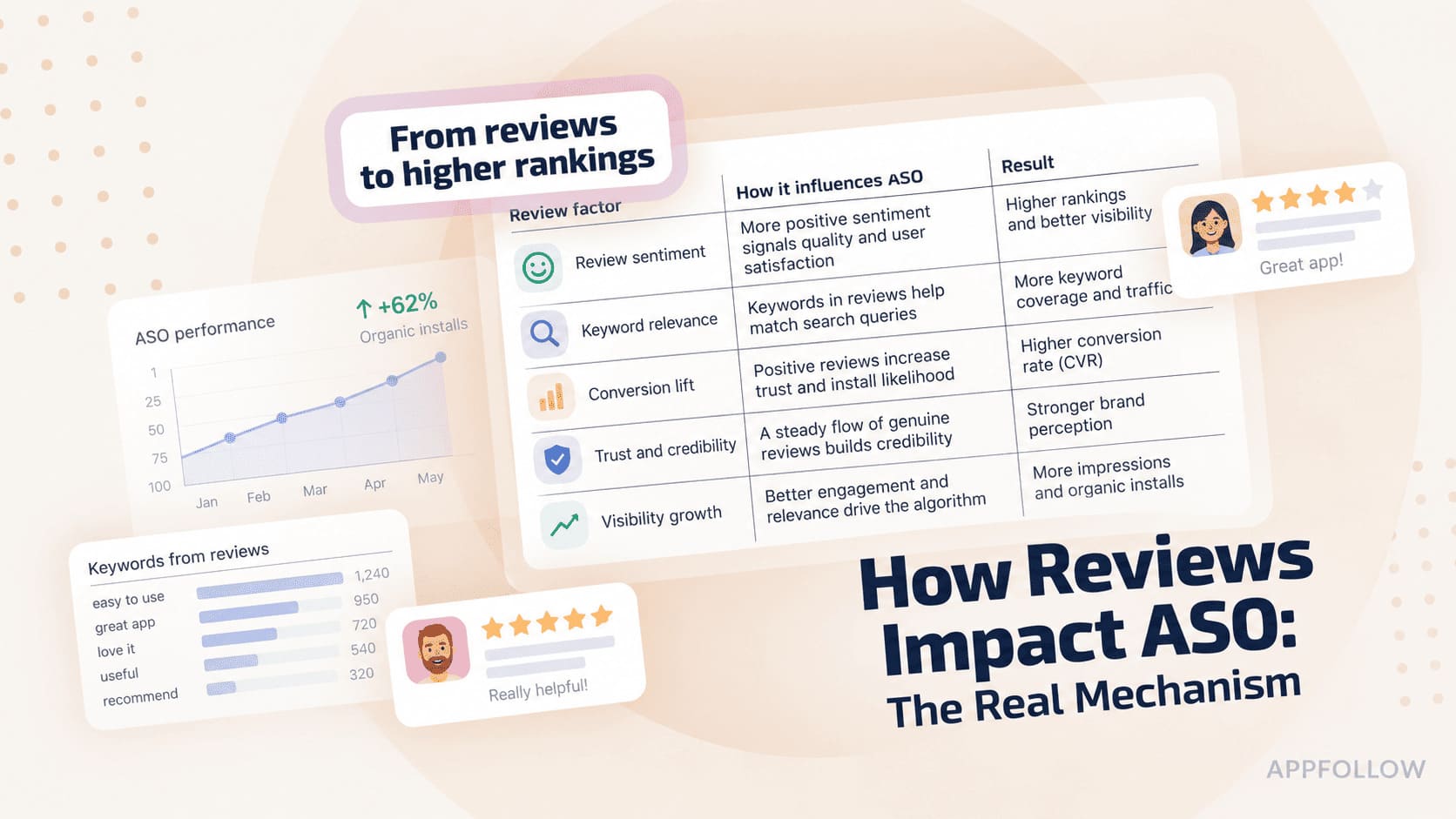
Ratings & Reviews performance provides an overview of what users think of your app. Here are the key metrics to help you identify how your app is rated by users and how successful is your review management strategy.
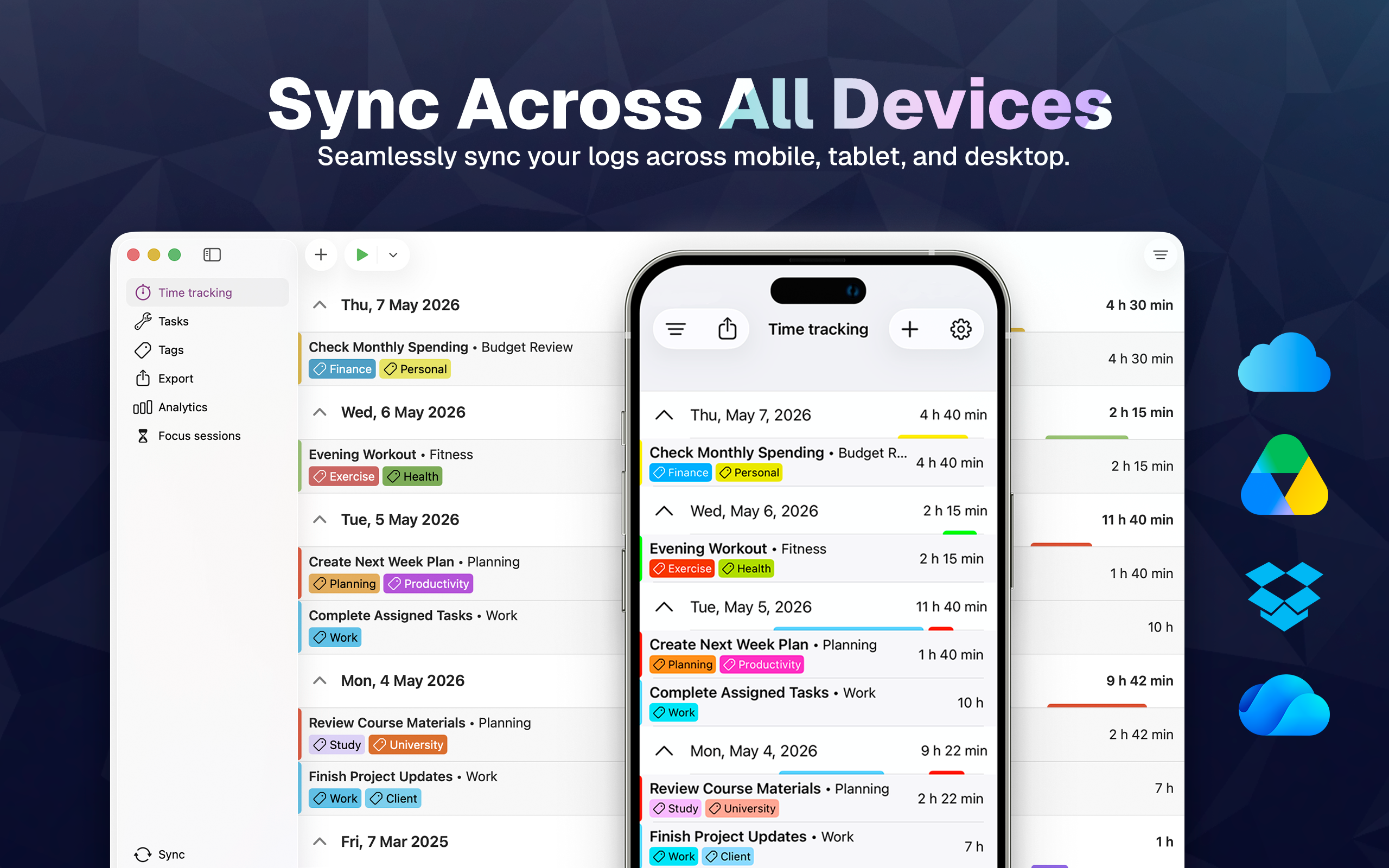
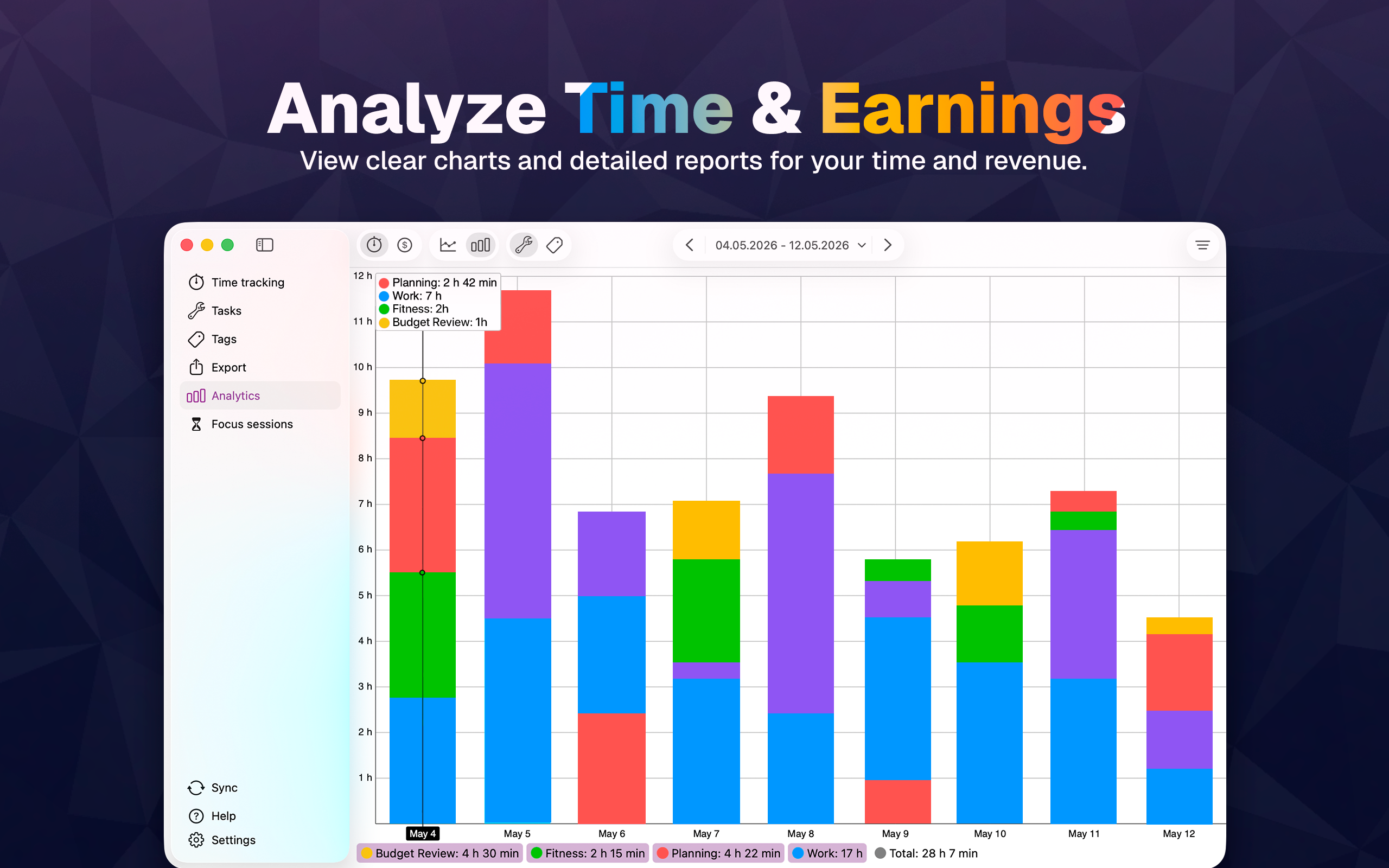
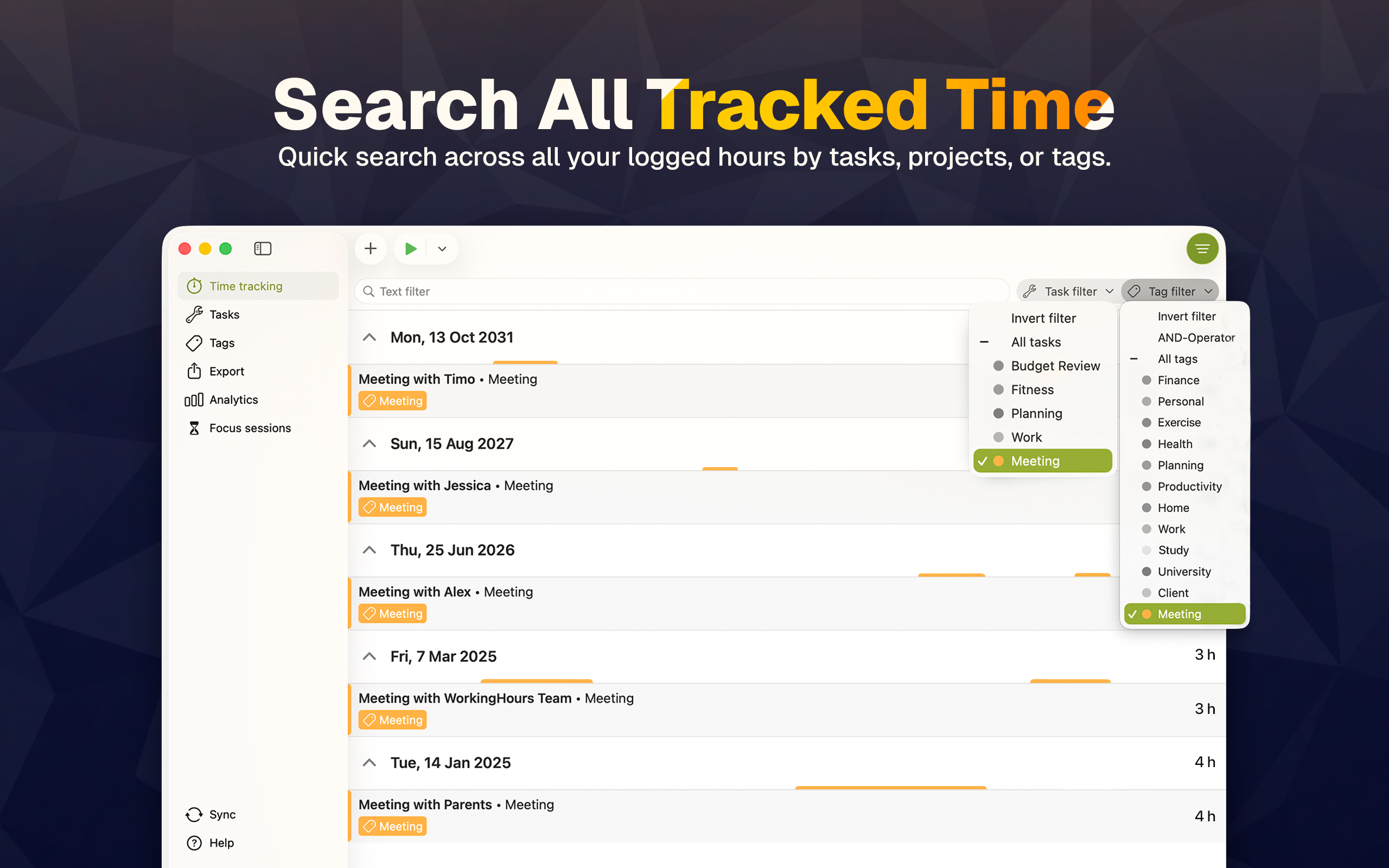
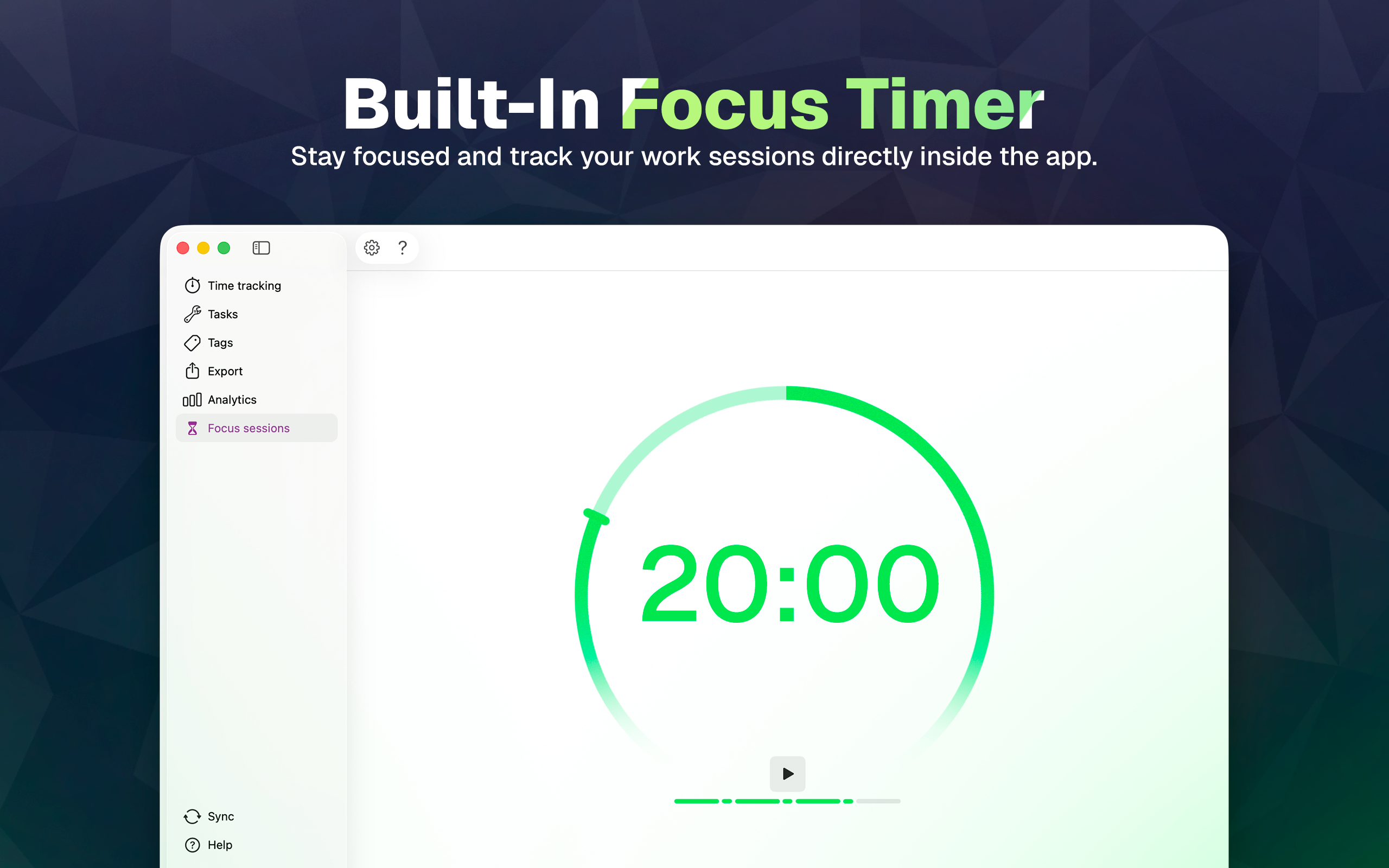
Track work hours, build clear timesheets, and export the data you need for billing, client reports, or your own records. WorkingHours is a practical time tracker for freelancers, employees, contractors, consultants, and anyone who wants a reliable personal work log without a subscription. Start, pause, and stop your timer as you work, track breaks, and correct entries anytime. Organize hours by task, project, and tag so your timesheet stays accurate and useful. Use WorkingHours to: • Track work time with start, pause, stop, and resume • Add and edit entries manually when plans change • Automatically split sessions that run across midnight • Organize time by projects, tasks, tags, notes, and descriptions • Track hourly rates, fixed fees, earnings, billable hours, and overtime • Adjust time or earnings with tag rules using plus, minus, multiply, or divide See where your time goes: • Filter and search your work log quickly • View charts and reports for duration or revenue • Review patterns across tasks, tags, and work periods Export and billing support: • Export timesheets to Excel or CSV • Customize export columns • Group exports by day, week, month, task, or tag • Create PDF invoices from your WorkingHours data with SubTotal Helpful desktop controls: • Import appointments from your system calendar or Outlook • Use Pomodoro and focus sessions • Control the timer from the menu bar or Dock • Detect inactivity on your Mac and keep entries accurate Keep your data with you across supported phone, tablet, laptop, and desktop versions with optional sync through your own cloud storage. WorkingHours supports OneDrive, Google Drive, Dropbox, iCloud, and WebDAV. No WorkingHours account or registration is required. WorkingHours is free to use, and some advanced features require WorkingHours Pro. You can try Pro features with a 7-day trial after installing. A Pro purchase is linked to your Apple ID and unlocks Pro on macOS. A separate Pro purchase may be required on other platforms.




![[Webinar recap] What gaming apps get wrong (and right) in the app stores](https://cdn.appfollow.io/blog/static/appfollow_72417f3e-2586-4881-b677-60b644c4e653.jpg)


