What to Eat AI
source

What to Eat AI

Price
Free
Category
Health & Fitness Food & Drink
Last update
Sep 27, 2021
Publisher
View in store
Loading...

Ratings & Reviews performance

Ratings & Reviews performance provides an overview of what users think of your app. Here are the key metrics to help you identify how your app is rated by users and how successful is your review management strategy.

Loading...

Description

832 chars

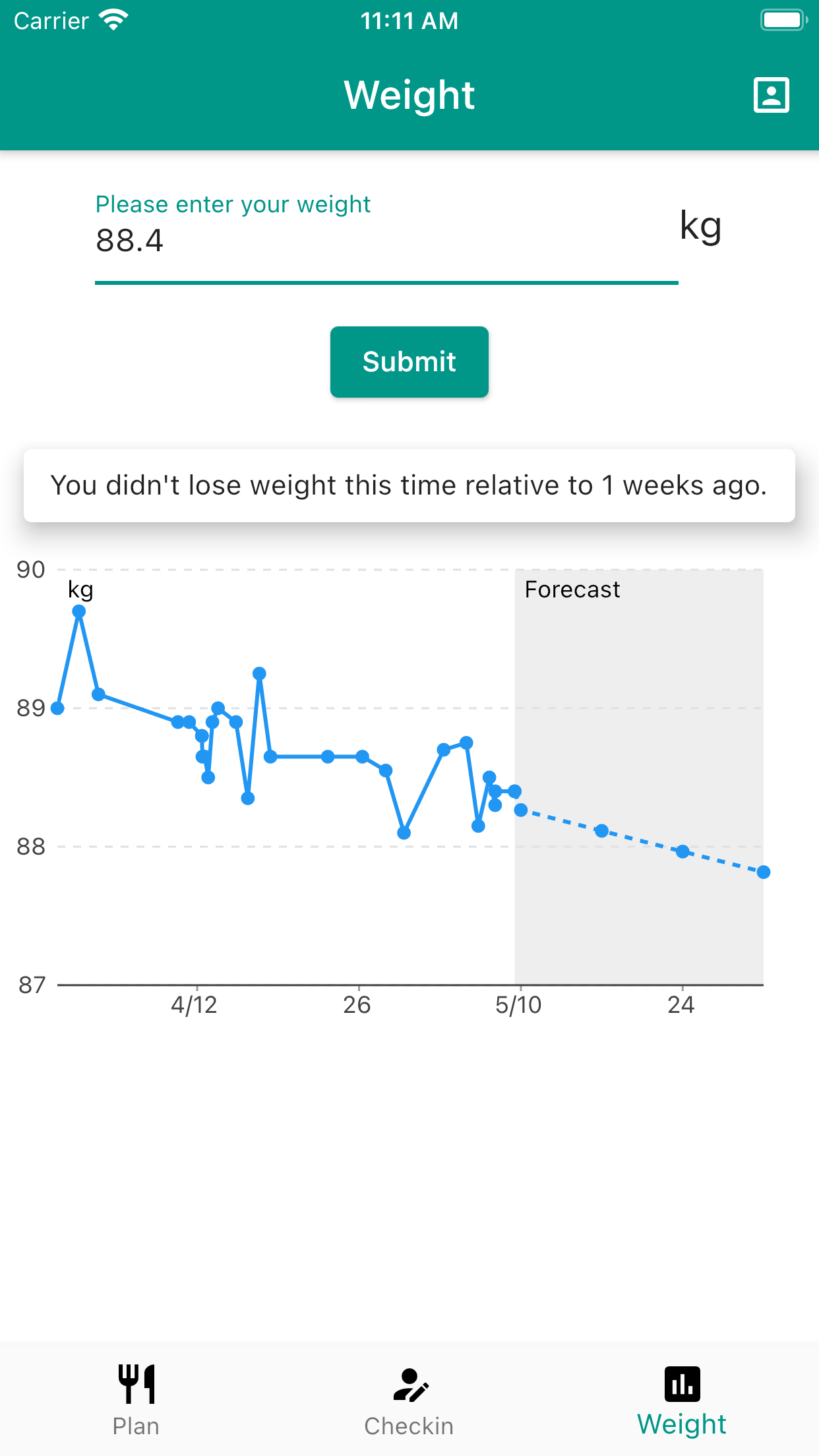
What to Eat app gives you instant text feedback on how well you eat in your meal. No need to manually calculate how much diet you should take for the day. Enjoy a fully customizable weight loss experience. Log your weight anytime in the day and get text feedback on your progress toward your weight goal. Food logging is made easy by simply taking a photo of your meal, and some ingredients of it will be shown to you. Get meal plan suggestions based on food that you ate often. Food types and portions are customized based on your weight goal. What to Eat is a diet management virtual assistant. It automatically tracks daily calorie intake and ingredient types to track how much and how balanced your meals are. It helps you reach your weight goals up to 1.5% without counting your calorie numbers.

Screenshots

https://is1-ssl.mzstatic.com/image/thumb/PurpleSource125/v4/6a/d2/ab/6ad2ab14-2d55-e5c2-8b3a-e944791b1103/d3d20878-456c-44c1-ab9a-c67817089da2_Simulator_Screen_Shot_-_iPhone_8_Plus_-_2021-05-09_at_11.10.15.png/1242x2208bb.pnghttps://is1-ssl.mzstatic.com/image/thumb/PurpleSource125/v4/b5/c2/91/b5c29149-56fb-1942-84eb-b3016e5f7359/c17b6264-bb02-4a7a-8edc-b6e4b0e7e37a_Simulator_Screen_Shot_-_iPhone_8_Plus_-_2021-06-19_at_10.49.09.png/1242x2208bb.pnghttps://is5-ssl.mzstatic.com/image/thumb/PurpleSource125/v4/a7/cc/60/a7cc6068-eb6b-f817-f646-90ed5d58a74f/5f41e88d-daac-4a07-b772-af2867006bda_Simulator_Screen_Shot_-_iPhone_8_Plus_-_2021-05-09_at_11.10.22.png/1242x2208bb.pnghttps://is3-ssl.mzstatic.com/image/thumb/PurpleSource125/v4/4d/77/73/4d77734d-6245-69fd-3b1b-df7943edc8b6/63de0b89-7d71-466f-9d75-e72e7e5a6718_Simulator_Screen_Shot_-_iPhone_8_Plus_-_2021-05-09_at_11.11.20.png/1242x2208bb.pnghttps://is1-ssl.mzstatic.com/image/thumb/PurpleSource125/v4/de/26/46/de26461d-ccf9-6a1a-16d4-7ed7d42e0c61/54526f56-f0c6-4ffe-8d7b-81124535d9b6_Simulator_Screen_Shot_-_iPhone_8_Plus_-_2021-06-19_at_10.47.59.png/1242x2208bb.pnghttps://is5-ssl.mzstatic.com/image/thumb/PurpleSource125/v4/c5/bf/79/c5bf79fb-4446-2a20-a082-8efdca3f5d8b/de214e98-2862-4c30-9126-2e947f3a759e_Simulator_Screen_Shot_-_iPhone_8_Plus_-_2021-06-19_at_10.23.06.png/1242x2208bb.pnghttps://is2-ssl.mzstatic.com/image/thumb/PurpleSource125/v4/53/8f/c5/538fc5d6-26cd-4bcc-b479-59cc333b9c2a/e14a7e6f-2540-4575-953a-f49e881d2e3b_Simulator_Screen_Shot_-_iPhone_8_Plus_-_2021-06-19_at_10.23.11.png/1242x2208bb.png
Loading...
Loading...

Find growth insights on our blog

React to user feedback and market trends faster