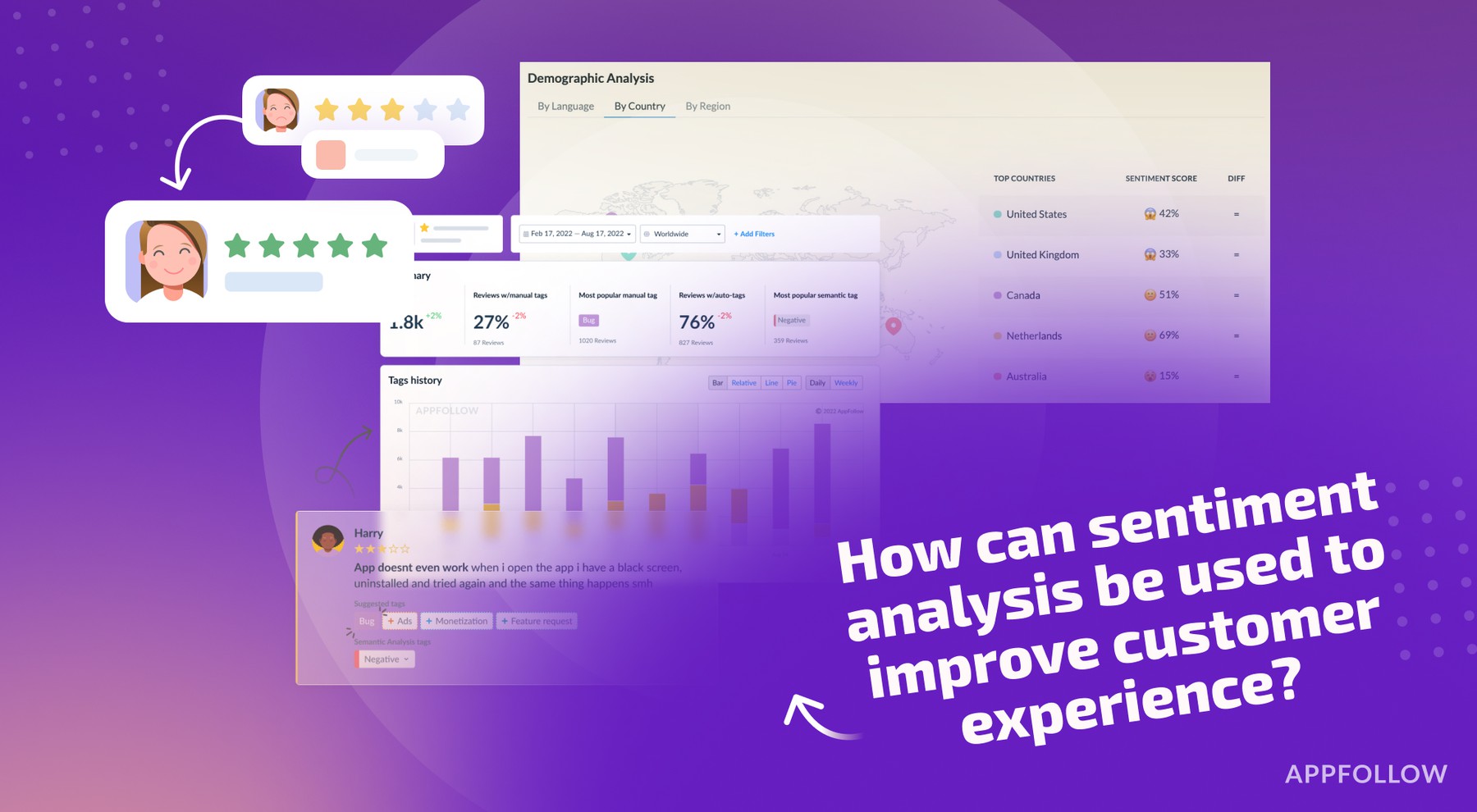
Ratings & Reviews performance provides an overview of what users think of your app. Here are the key metrics to help you identify how your app is rated by users and how successful is your review management strategy.
Give your child a safer way to explore the internet. Weblock Browser is a kid-friendly browser with powerful parental controls that put you in charge of what's allowed—no surprises, no unwanted detours. *** How it works Weblock runs on two devices: your child browses safely on their iPhone, while you approve sites and review activity from yours — anytime, anywhere. *** Why parents choose Weblock • Allow-list first: Children can open only the websites you approve. • Ad-free browsing: Block ads, pop-ups, and trackers—fewer distractions, more focus. • Simple setup: Pair devices in seconds, add sites in minutes. • Age-appropriate by design: Clean UI, big targets, zero dark patterns. • Privacy-first: No data sales, ever. *** Key features • Allow-List Mode – Lock the browser to your approved websites for true kid safety. • Smart Search (Kid-Safe) – Helpful suggestions that respect your allow-list and guide kids to the right result. • Curated Bookmarks – Organize learning, games, and family favorites with icons that are easy to recognize. • Activity Overview – A clear, parent-friendly view to help you coach good habits. • Fast & Battery-Friendly – Smooth performance on modern iPhone and iPad. *** Designed for families & schools Weblock fits home learning, homework stations, and classroom iPads. Keep kids on task with an allow-list for lessons, research, and trusted educational tools. *** Easy to get started 1. Install Weblock on your child's iPhone or iPad — this becomes their safe, ad-free browser. 2. Install Weblock on your own device — this is your control panel. 3. Pair with a quick QR scan. 4. Add trusted sites and start monitoring. --- Tip: Add your must-have sites (school portal, dictionary, coding game, video lessons) so they're one tap away. *** Subscription Weblock requires a subscription to use parental control features. Subscriptions automatically renew unless canceled at least 24 hours before the end of the current period. Terms of Use: https://weblock.online/terms_of_use Privacy Policy: https://weblock.online/privacy_policy