Ratings & Reviews performance provides an overview of what users think of your app. Here are the key metrics to help you identify how your app is rated by users and how successful is your review management strategy.
 4.0
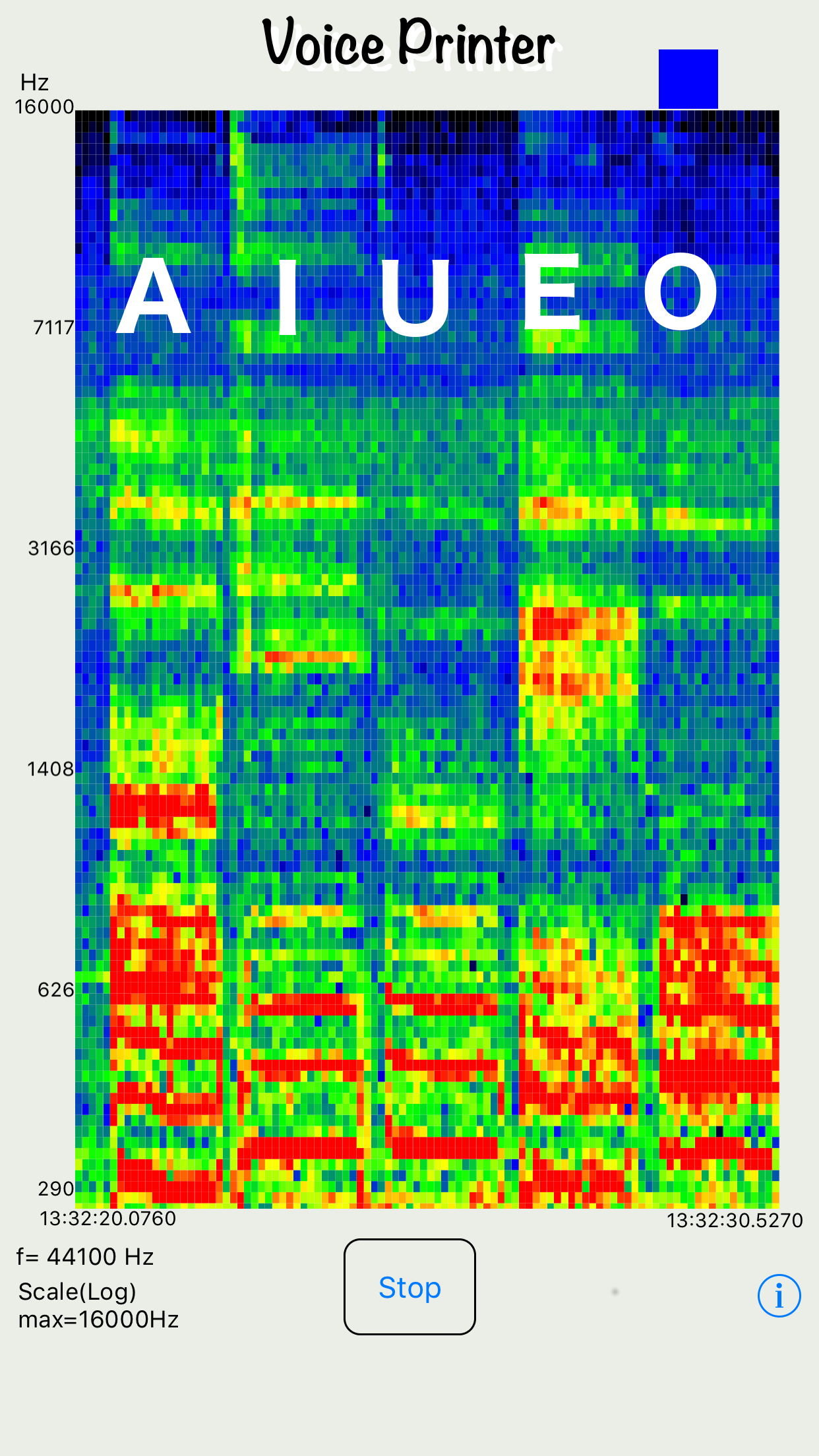
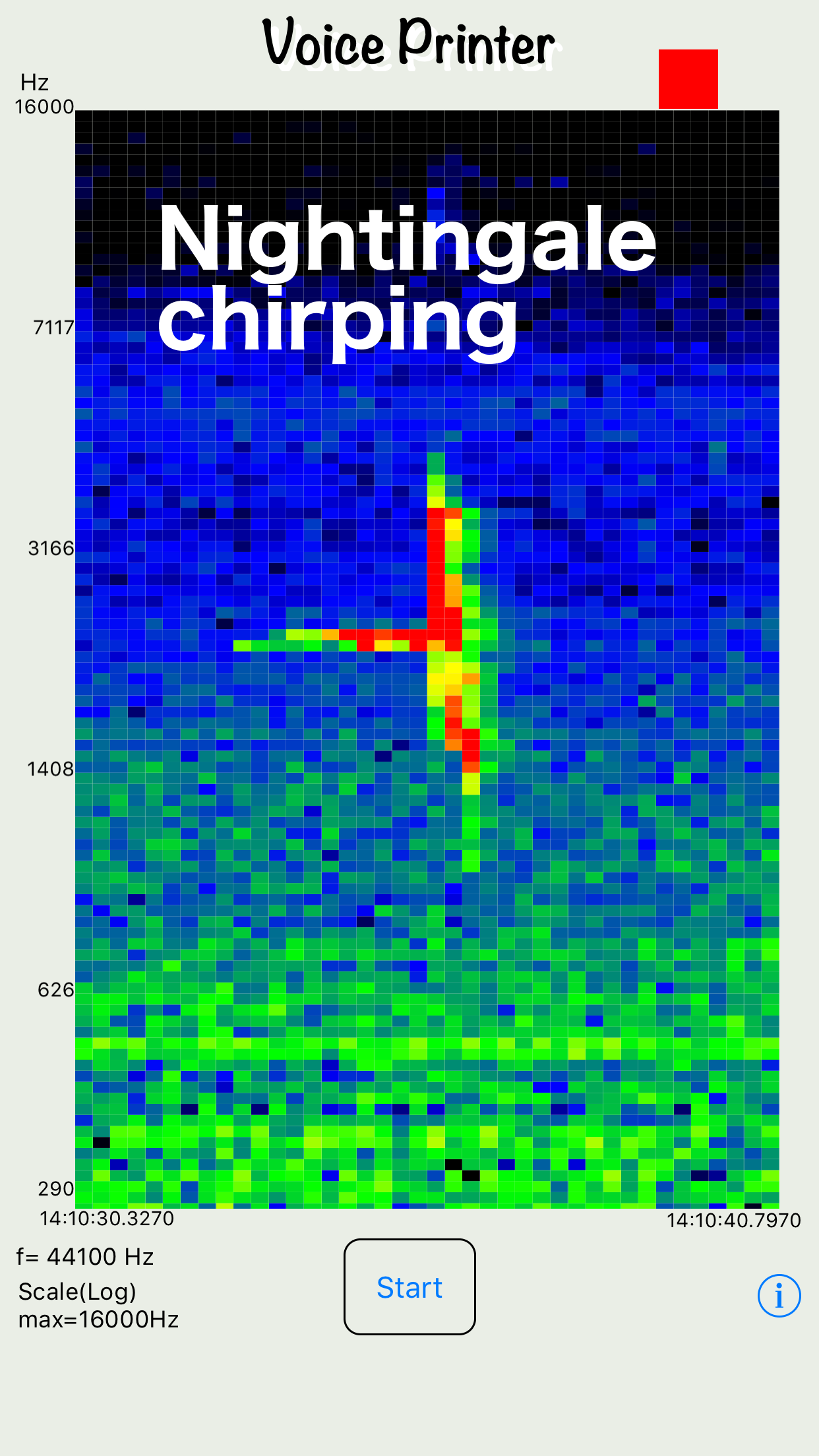
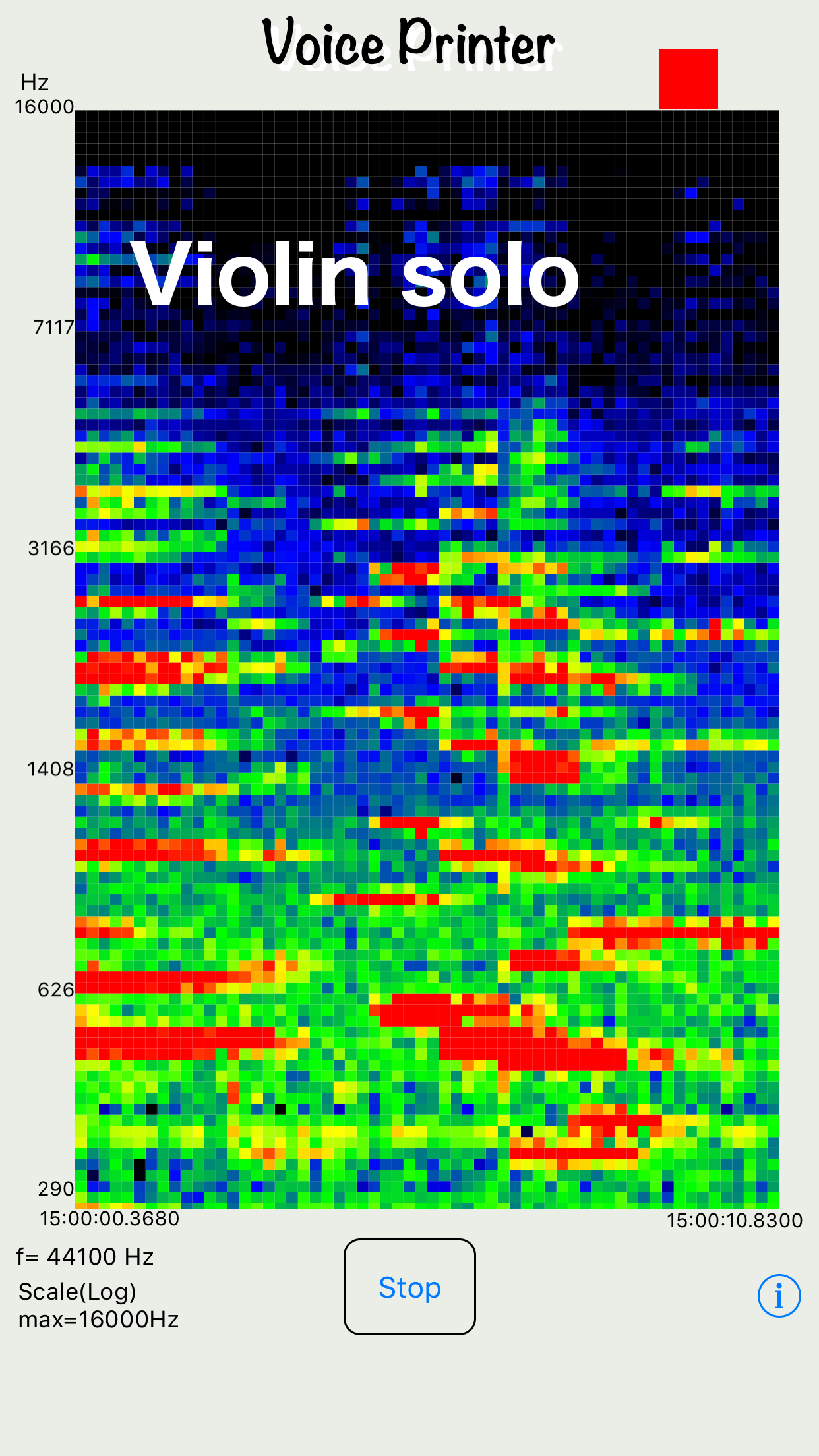
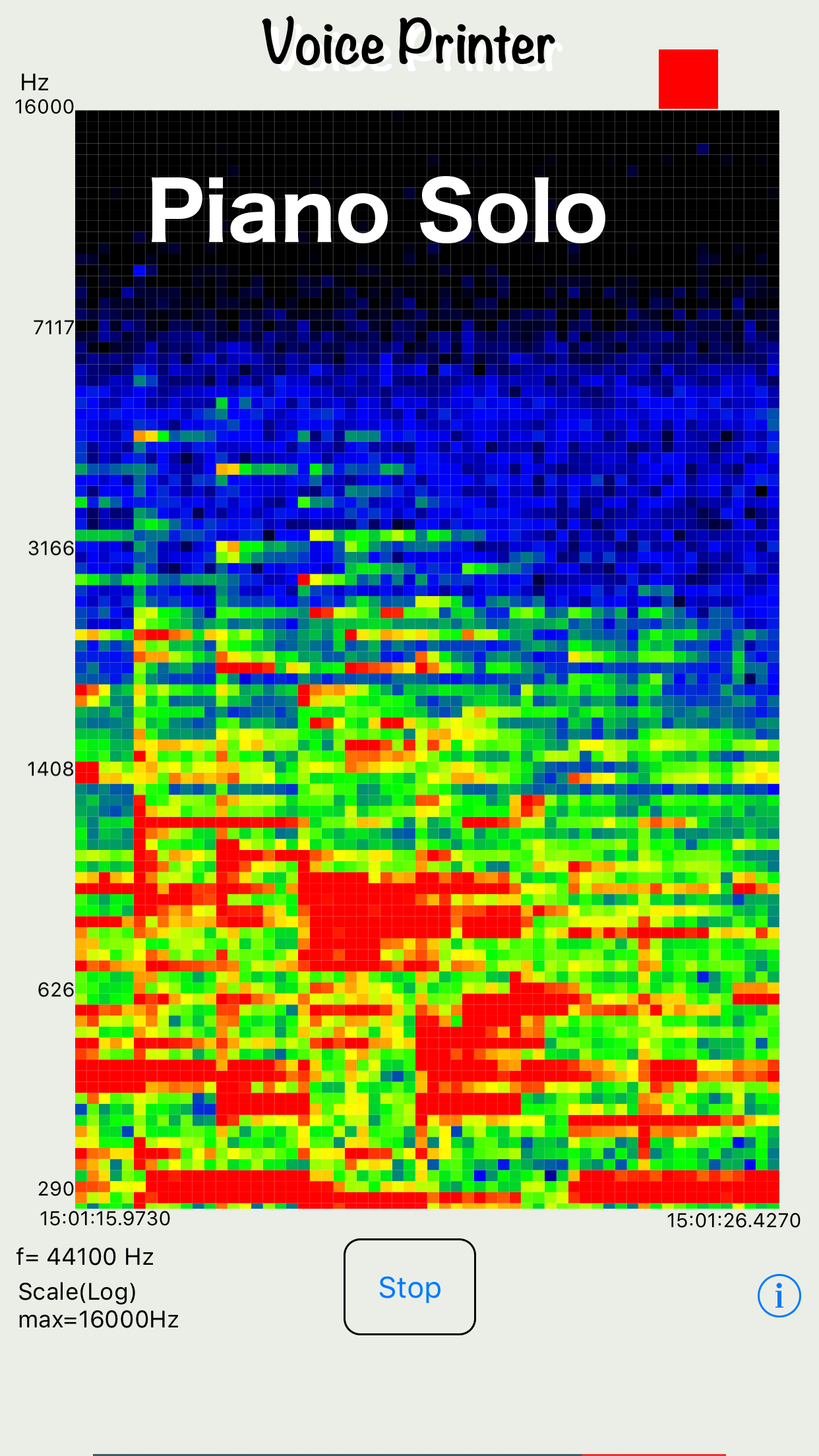
4.0Sound is decomposed into two dimensions and displayed continuously over time. The premium version offers a new style of audio recorder/player. This app can be used for analysis of Human voice, Environmental sound, Sound of animals, musics, etc. The specifications are as follows. Sampling rate = 10000 to 44100 Hz Display maximum frequency = 1000 to 22050 Hz Display time range = 2 to 10 seconds Frequency axis display resolution = 100 Time axis display resolution = 10 / sec From version 1.1, recording, playback, import, and export functions based on sound and voiceprints can be used by in-app purchase. In this case, banners will not be displayed. The premium version allows recording, playback, import of external sound source files, and external output. ・Record under the following conditions Sampling frequency = 10000~44100Hz ・Display audio analysis results under the following conditions (audio is played in sync with the analysis screen) Maximum display frequency (high-pitched display frequency limit) = 1000~22050Hz (half the sampling frequency or less) Display time range (time that can be displayed on one screen) = 2~10 seconds Frequency display resolution (frequency axis: number of data displayed on the vertical axis) = 200 points Time axis display resolution (time axis: display interval (pitch) on the horizontal axis) = 50~200ms (10~200 points) ・Importing external audio source files Imports 16-bit linear PCM mono audio sources. (In the case of stereo, only 1ch is imported.) ・External output Outputs as 16-bit linear PCM mono. *To input and output data to iCloud Drive, you must enable iCloud Drive in System Preferences. *******