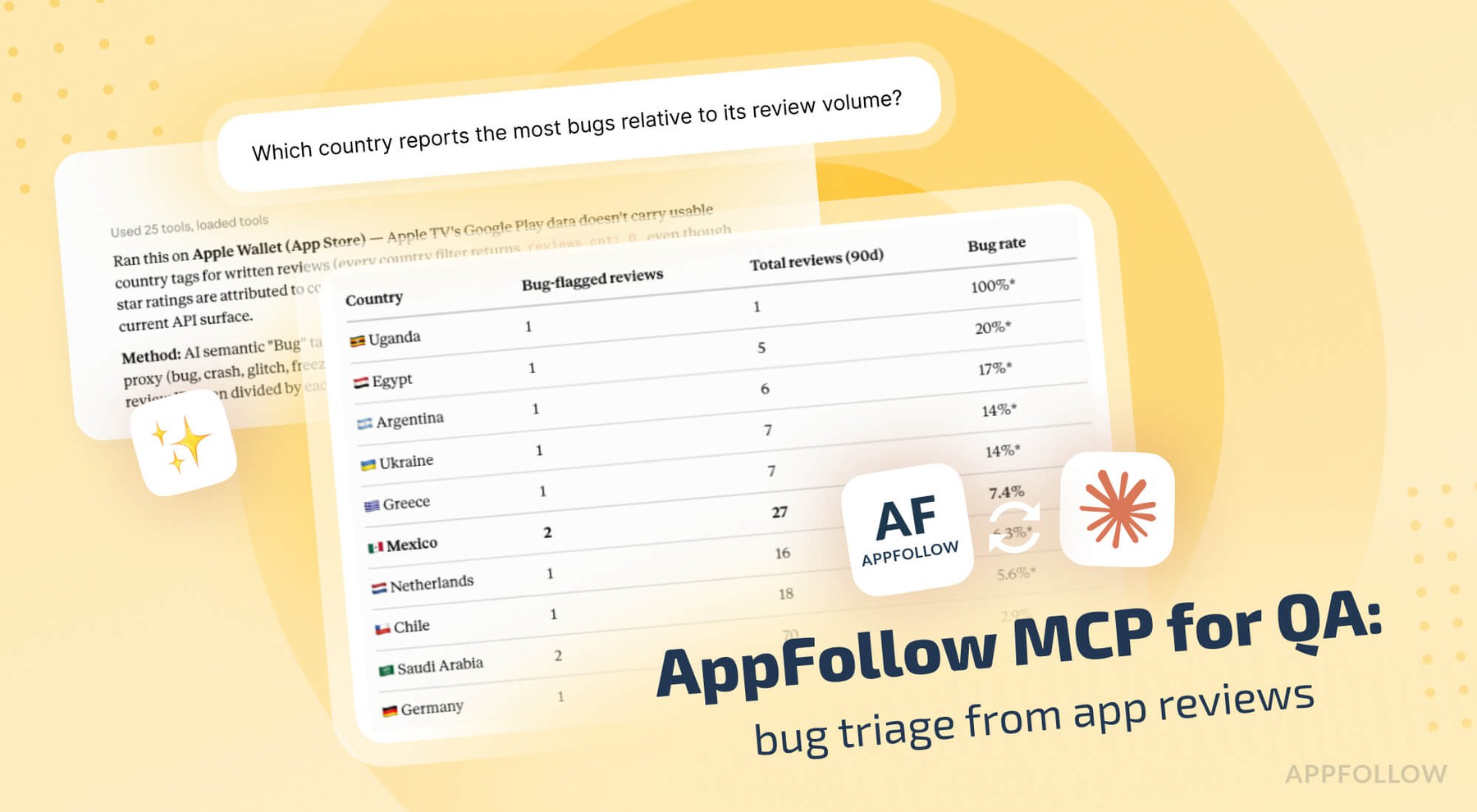
Ratings & Reviews performance provides an overview of what users think of your app. Here are the key metrics to help you identify how your app is rated by users and how successful is your review management strategy.
 4.2
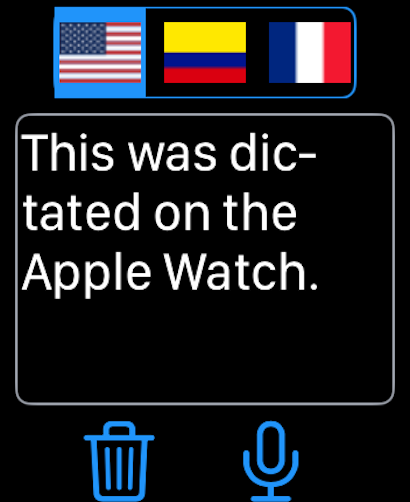
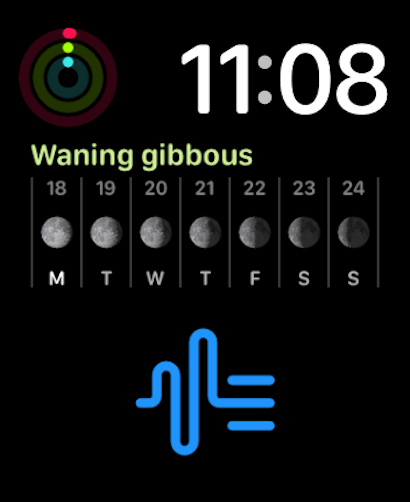
4.2Turn speech into text, transcribe recordings, and translate conversations with Dictation - Voice to Text. Dictate notes, capture ideas, record meetings, transcribe lectures, convert audio or video into text, and translate speech or written text in one focused app. Whether you are writing hands-free, reviewing an interview, summarizing a class, or saving meeting notes, Dictation - Voice to Text helps you work faster with your voice. Voice Dictation • Dictate text in real time instead of typing • Create notes, messages, journal entries, drafts, and longer documents • Configure three independent language zones for multilingual work • Supports more than 40 dictation languages AI Transcription • Transcribe voice memos, audio files, recordings, videos, and YouTube links • Convert meetings, interviews, lectures, classes, podcasts, and conversations into editable text • Use AI speech recognition for fast, high-quality transcripts • Supports over 100 transcription languages Translation • Translate spoken or written text into more than 40 languages • Dictate in one language and work with the result in another • Share translated text with other apps in just a few taps Files, Export, and Sync • Save audio and text files with the Apple Files app • Export dictations and transcripts as text files or PDFs • Organize recordings, notes, and transcripts for later use • Sync across iPhone, iPad, Mac, and Apple Watch with iCloud Designed for Everyday Productivity • Record and replay dictations • Share text through Mail, Messages, WhatsApp, Facebook, X, and more • Use Apple Shortcuts to speed up repeated workflows • Improve recognition with a custom user dictionary • Undo text edits when you need to revise quickly • Back up your data with built-in backup tools Accessibility and Comfort • Compatible with VoiceOver • Adjustable text sizes for better readability • Customizable button layout for easier use • Optional dictation privacy mode, depending on device capabilities Dictation - Voice to Text is built for students, writers, journalists, professionals, travelers, and anyone who wants to capture speech, audio, meetings, notes, and ideas without typing everything by hand. Important Notes Concerning Subscriptions of Dictation - Voice to Text All above Dictation - Voice to Text subscriptions renew within 24 hours before the current period ends, and you will be charged through your iTunes account. Any unused portion of a free trial period, if offered, will be forfeited when you purchase a subscription. Manage or cancel your subscription from iTunes Account settings. See our Terms & Conditions (https://ibn-software.com/app-terms-conditions) and Privacy Policy (https://ibn-software.com/app-privacy-policy).


![[Webinar recap] What gaming apps get wrong (and right) in the app stores](https://cdn.appfollow.io/blog/static/appfollow_72417f3e-2586-4881-b677-60b644c4e653.jpg)