Ratings & Reviews performance provides an overview of what users think of your app. Here are the key metrics to help you identify how your app is rated by users and how successful is your review management strategy.
 3.3
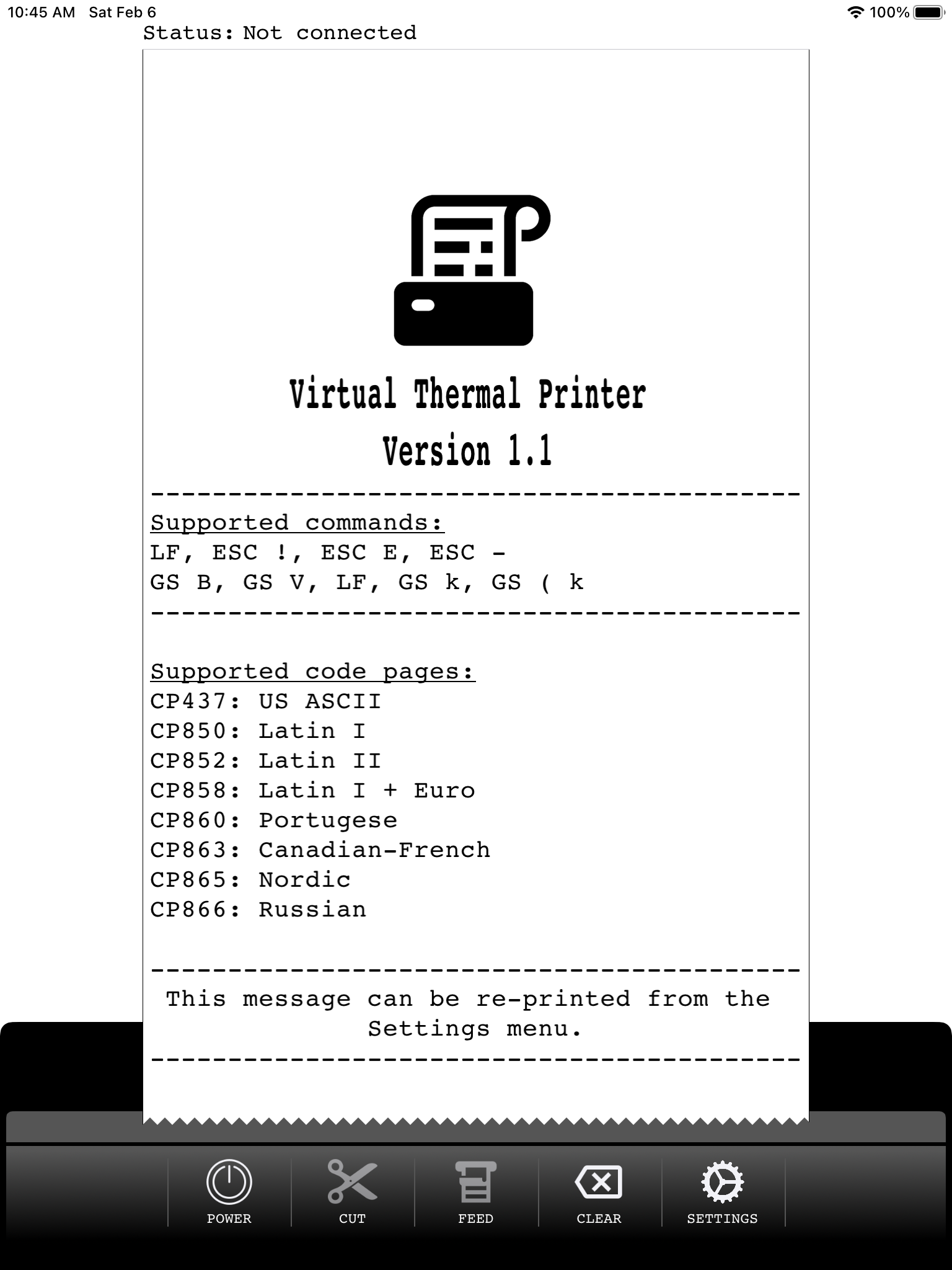
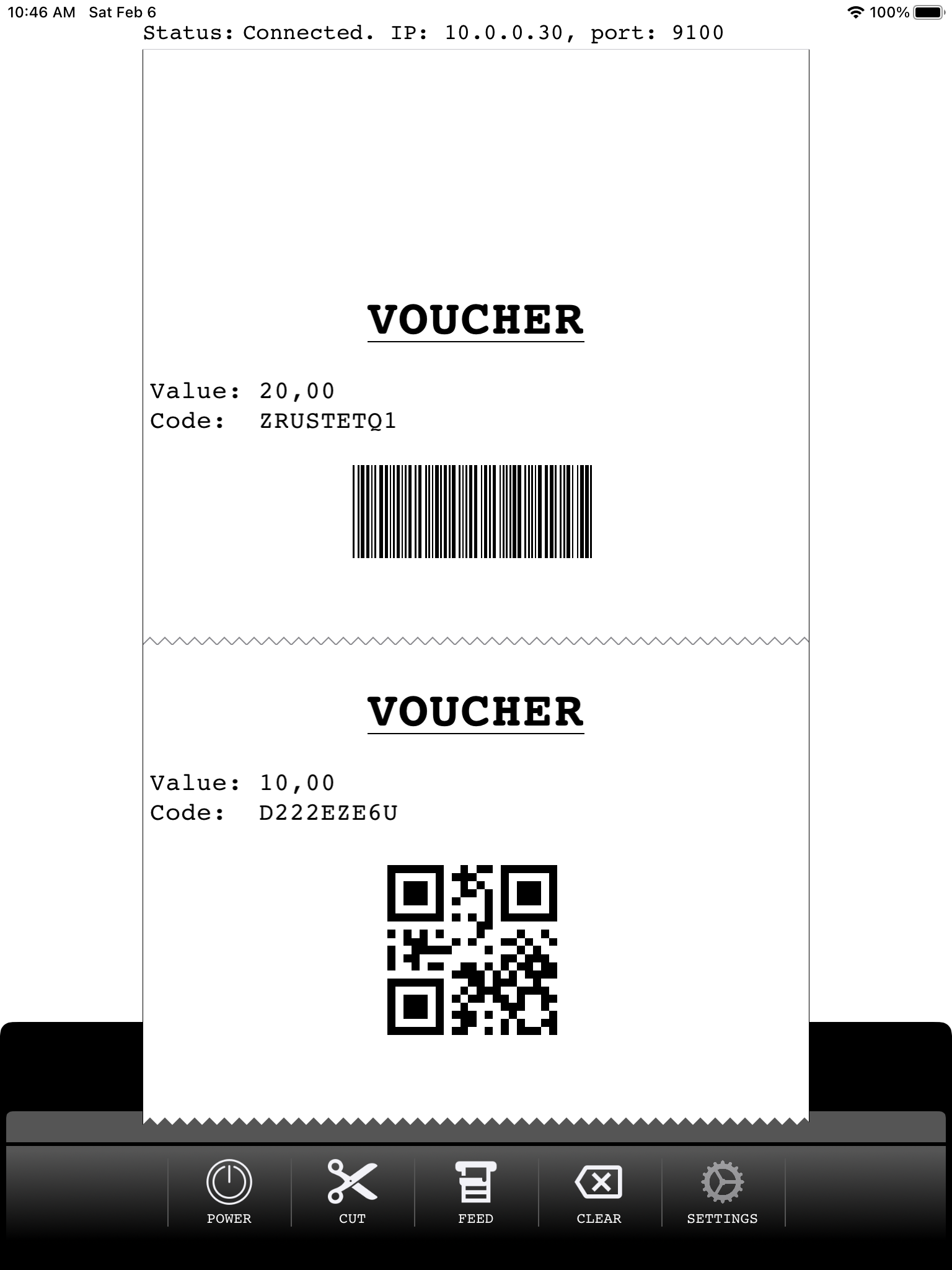
3.3Print receipts from POS applications that support ESC/POS printing over IP. Just power on the printer and configure the IP-address and port displayed in your POS application. List of supported commands: - ESC @: Initialize printer - LF: Print and line feed - GS !: Double-width and double-height - ESC E: Turn emphasized mode on/off - ESC -: Turn underline mode on/off - ESC a: Align text (left, right and center) - ESC i and ESC m: Partial cut - GS B: Turn white/black reverse print mode on/off - GS V: Cut paper ( - GS k: Print barcode (EAN8, EAN13, Code39) - GS ( k: Print QR Code. Functions 169 & 180 - DLE EOT: Printer status (1..4) - GS v 0: Print raster bit image For more details on ESC/POS commands see https://reference.epson-biz.com/modules/ref_escpos/index.php?content_id=2 The following code-pages are supported: - CP437: US ASCII - CP850: Latin I - CP852: Latin II - CP858: Latin I + Euro - CP860: Portugese - CP863: Canadian-French - CP865: Nordic - CP866: Russian Note: The content printed in the above screenshots is for illustrative purposes only. Depending on the POS system used, the output may vary. Please make sure your POS application supports ESC/POS commands before installing this application.