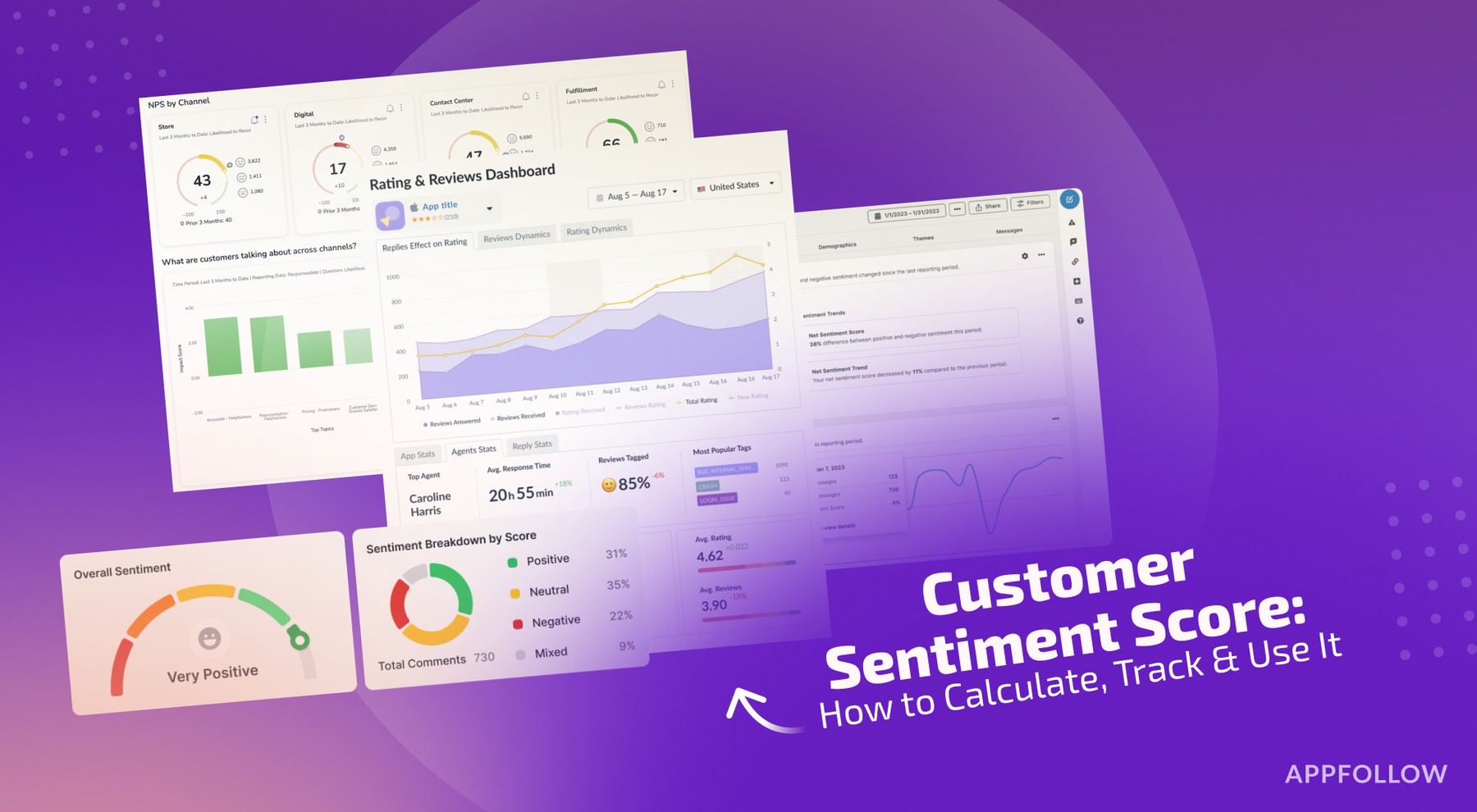
Ratings & Reviews performance provides an overview of what users think of your app. Here are the key metrics to help you identify how your app is rated by users and how successful is your review management strategy.
Video Compressor and Editor App is a fast and easy-to-use iOS app. VIDEO COMPRESSOR AND EDITOR APP FEATURES Video Compression Feature Using this application you can compress any video whether it's mp4 (MPEG-4 Part 14), avi, mkv, MOV, WMV, AVCHD, WebM, or FLV formats. Just follow a few simple steps and you are done: 1. Pick a video you want to compress 2. Select the needed quality from the list of Very low, low, medium, high, and very high options. 3. Press compress and wait a few seconds for the compressed video. After the compression, you can share the resulted video. Yes, with Video Compressor App it's that simple. Video Editor and Trimmer Feature This feature allows you to edit video as you want: 1. Editor offers the ability to rotate video (to the left and to the right) 2. Crop a video in the following presets: - 16:9 preset - 1:1 preset (for Instagram video) - 4:5 preset - free transformation preset, so you can edit the edges as you want. 3. Trim a video right in the editor with help of a trimmer slider and handy trim timeline that highlights the selected range. 4. Save an edited video to the application storage and share it wherever you want. History feature All the videos that you edited in a video editor or video compressor are saved in the app. The history feature is needed to store all the edited and compressed videos in one place. On the Dashboard screen, you can find a History card that brings you to the list of previously edited videos. Stay tuned to Video Compressor App updates.