


Ratings & Reviews performance provides an overview of what users think of your app. Here are the key metrics to help you identify how your app is rated by users and how successful is your review management strategy.
 5.0
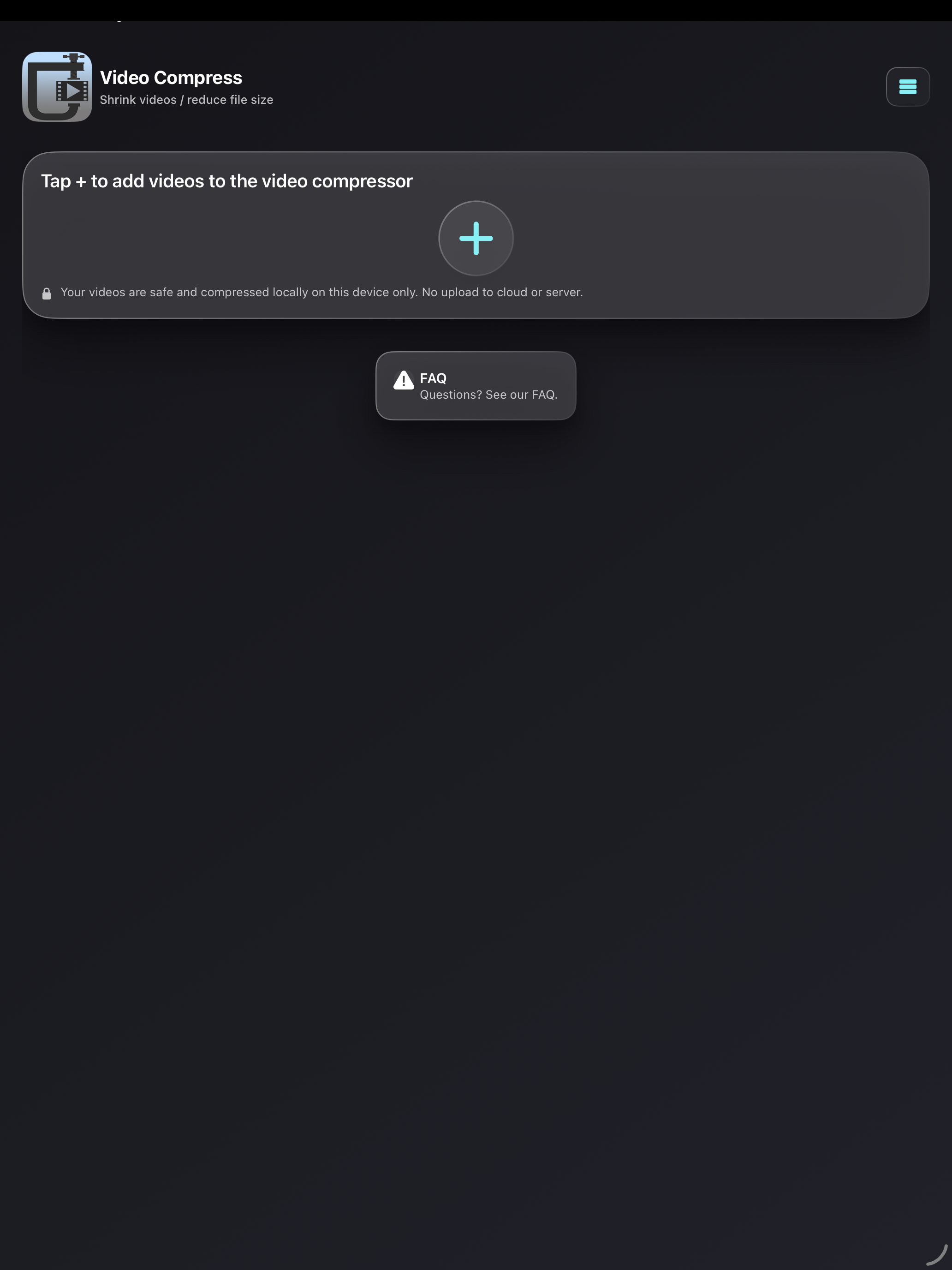
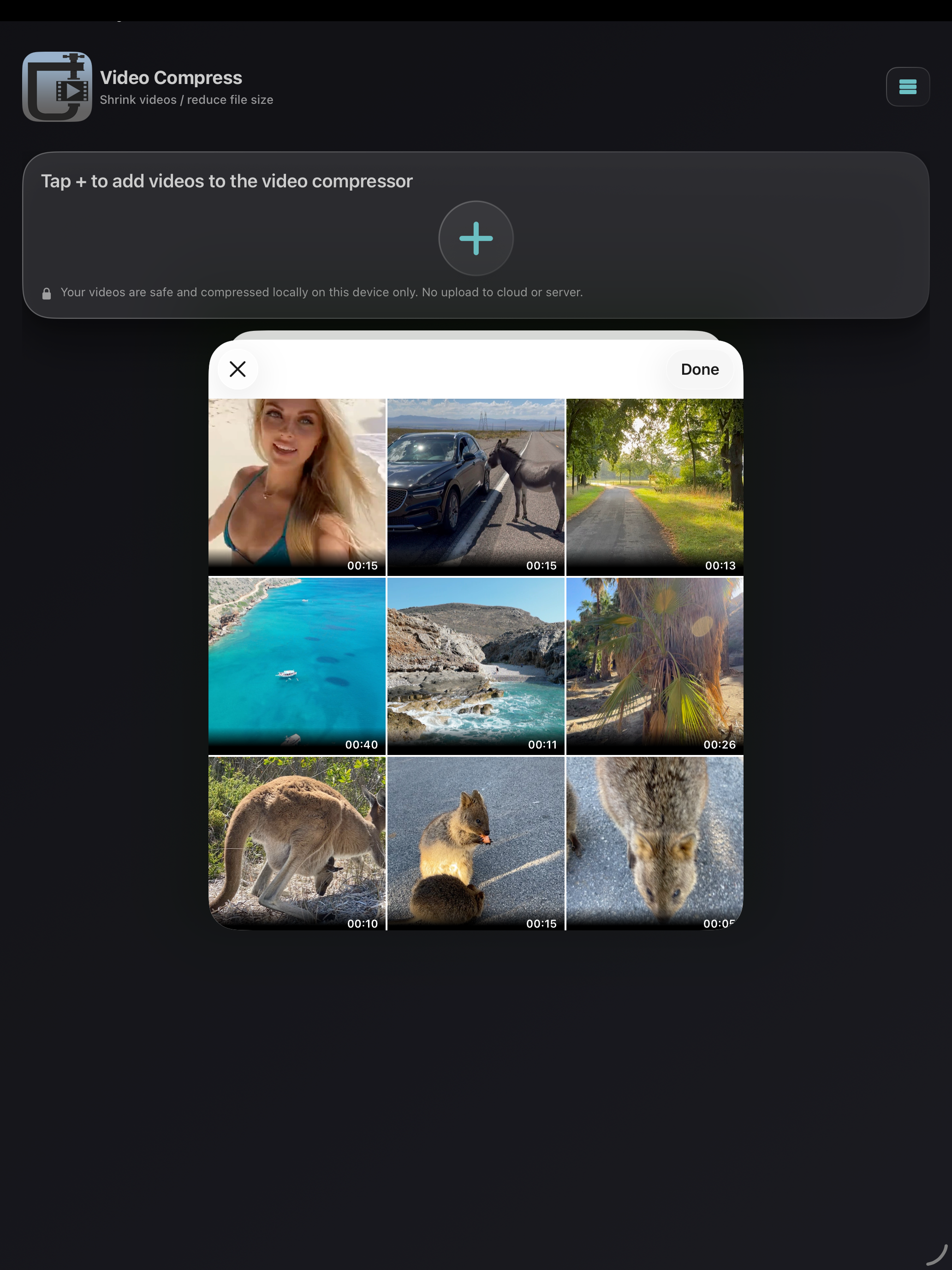
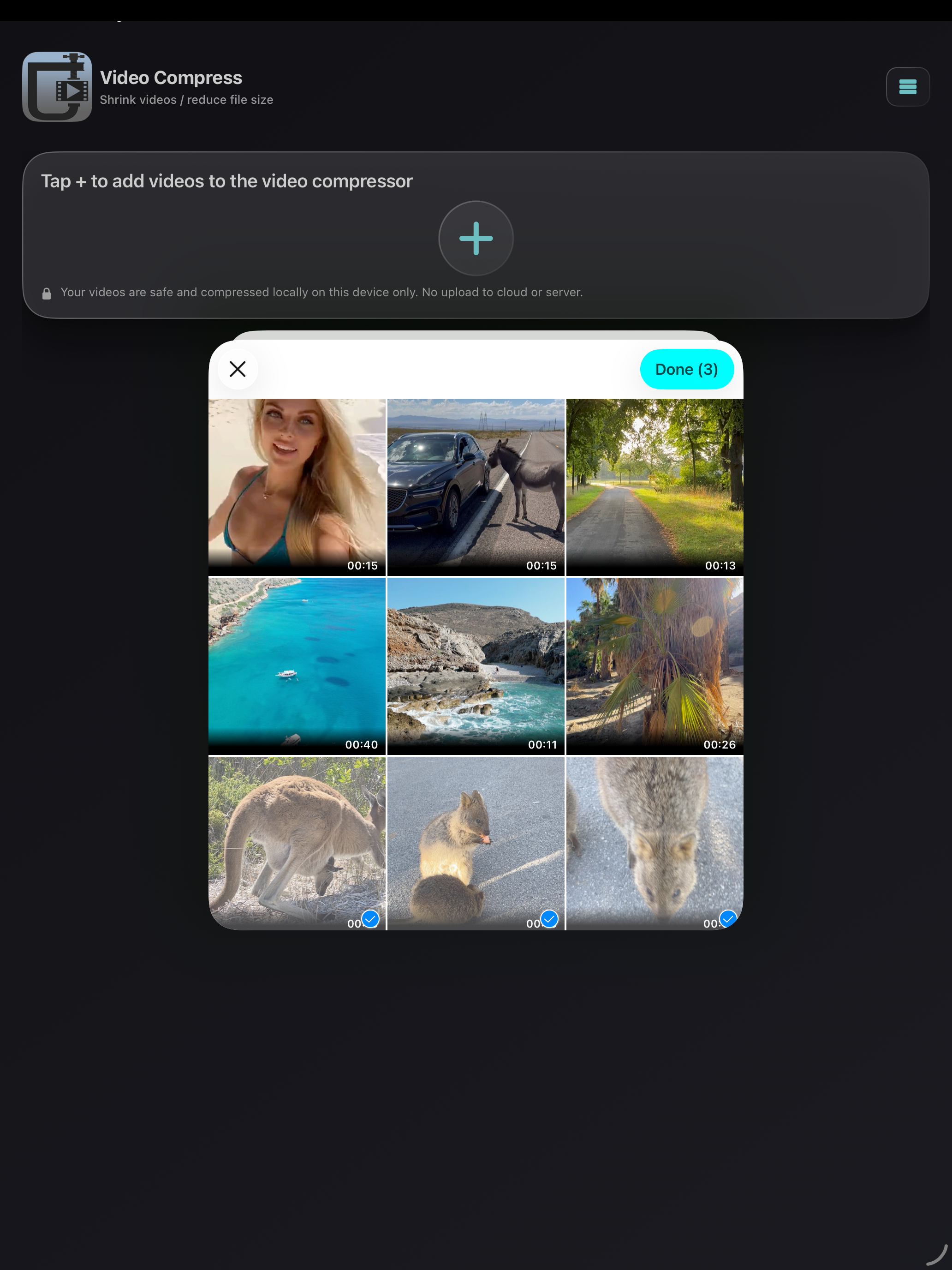
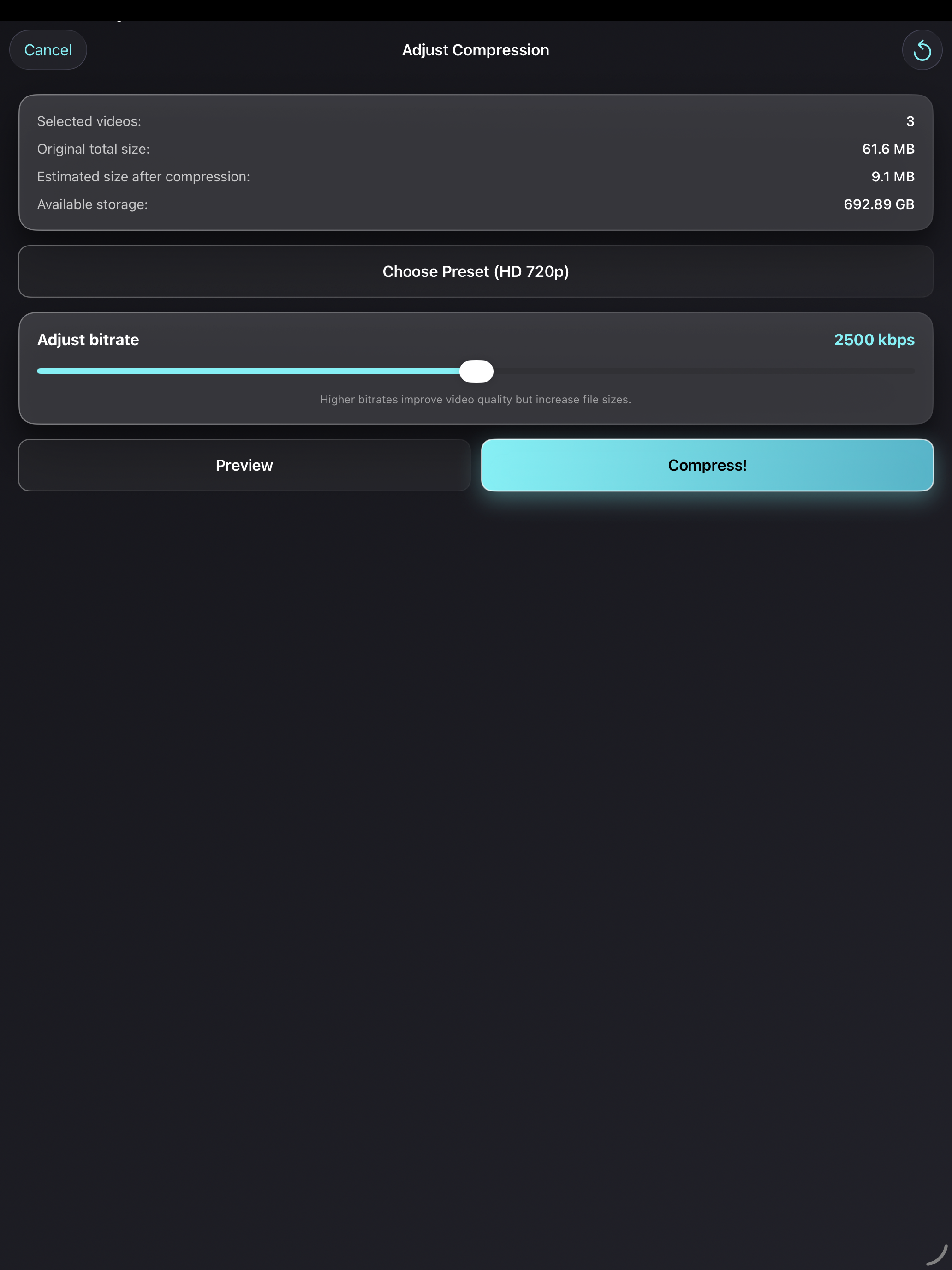
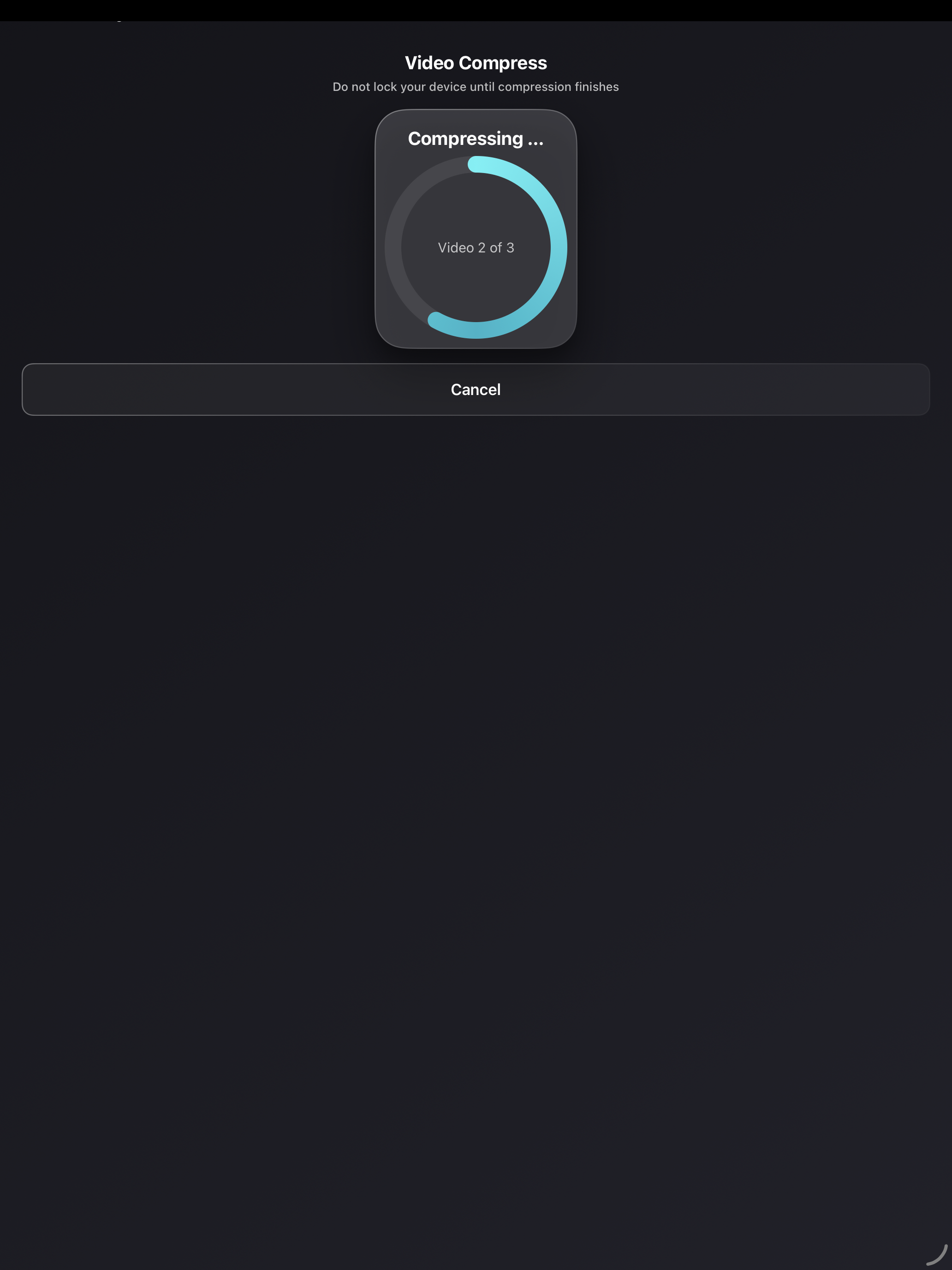
5.0Simply compress and shrink videos to save storage. Download now for free! Is your iPhone/iPad storage almost full — or do you want to reduce a video’s file size to send it faster via messengers like WhatsApp, iMessage, Telegram, Signal, Facebook Messenger, Snapchat, etc., or upload it to social media like Instagram, TikTok, Facebook, YouTube, and more? This app solves the problem. You can also use this app when your cloud storage (iCloud, Google Photos, Dropbox, OneDrive, Google Drive, etc.) is running out of space. Compress videos before uploading to fit many more — with little to no noticeable loss of quality. Everything happens on your device (on-device processing): no cloud, no server upload. Works offline, without an account or registration. How it works: 1) Choose a video (or select multiple videos) 2) Pick a preset resolution and set the compression strength with the bitrate slider 3) Preview the result: compare the compressed video with the original before you save 4) Save the compressed video to your iOS Photos/Videos library Great for: - Saving iPhone storage and freeing up space on iOS and iPadOS - Sending videos faster in chats (WhatsApp, iMessage, Telegram, Signal, Messenger, Snapchat, etc.) - Uploading to social apps when your video is too large (Instagram, TikTok, Facebook, YouTube, etc.) - Backing up more videos to cloud storage (iCloud, Google Photos, Dropbox, OneDrive, Google Drive, etc.) - Keeping quality high while shrinking the video file size Overview: - Compress and shrink a single video or multiple videos to save storage on your iPhone/iPad - Choose presets for video compression (resolution) and adjust compression strength with a bitrate slider - Before/after preview to check the visual quality of the compressed video - Shows available device storage and the estimated new file size (before and after compression) - Simple & intuitive - Optional: delete the original video after compression (it may still appear in the “Recently Deleted” album — delete it there as well to free up storage) - No watermark on compressed videos - Keeps important metadata, including date/time and location (GPS), after compression - Compatible with iPhone and iPad - Works with 4K videos recorded on iPhone/iPad Presets available for video compression: - Full HD 1080p (1920×1080 pixels) - HD 720p (1280×720 pixels) - HD 540p (960×540 pixels) - 480p (640×480 pixels) - 360p (480×360 pixels) In addition, you can set the bitrate with a slider. The app shows the estimated new file size and provides a before/after video preview so you can check the image quality. Download now for free and save storage on your device! PLEASE NOTE: The app was made to compress original videos that had been recorded with the original camera app of your iPhone/iPad and may not always be able to compress videos from other sources or videos that had previously been edited, although it was successfully tested with drone videos, GoPro action cam videos, DSLR camera videos etc. in MOV, HEVC (H.265), MP4, H.264 in different fps (frames per second). Please also don't select too many videos at once. Please always try to compress a short video from the same source and see if it works before you make a purchase within the app. Standard Apple Terms of Use (EULA): https://www.apple.com/legal/internet-services/itunes/dev/stdeula/






![How to measure customer sentiment for app reviews [7 metrics]](https://cdn.appfollow.io/blog/static/appfollow_1335e02d-b0b3-49f7-9eb6-94171dc7e379.jpg)
