Ratings & Reviews performance provides an overview of what users think of your app. Here are the key metrics to help you identify how your app is rated by users and how successful is your review management strategy.
 4.9
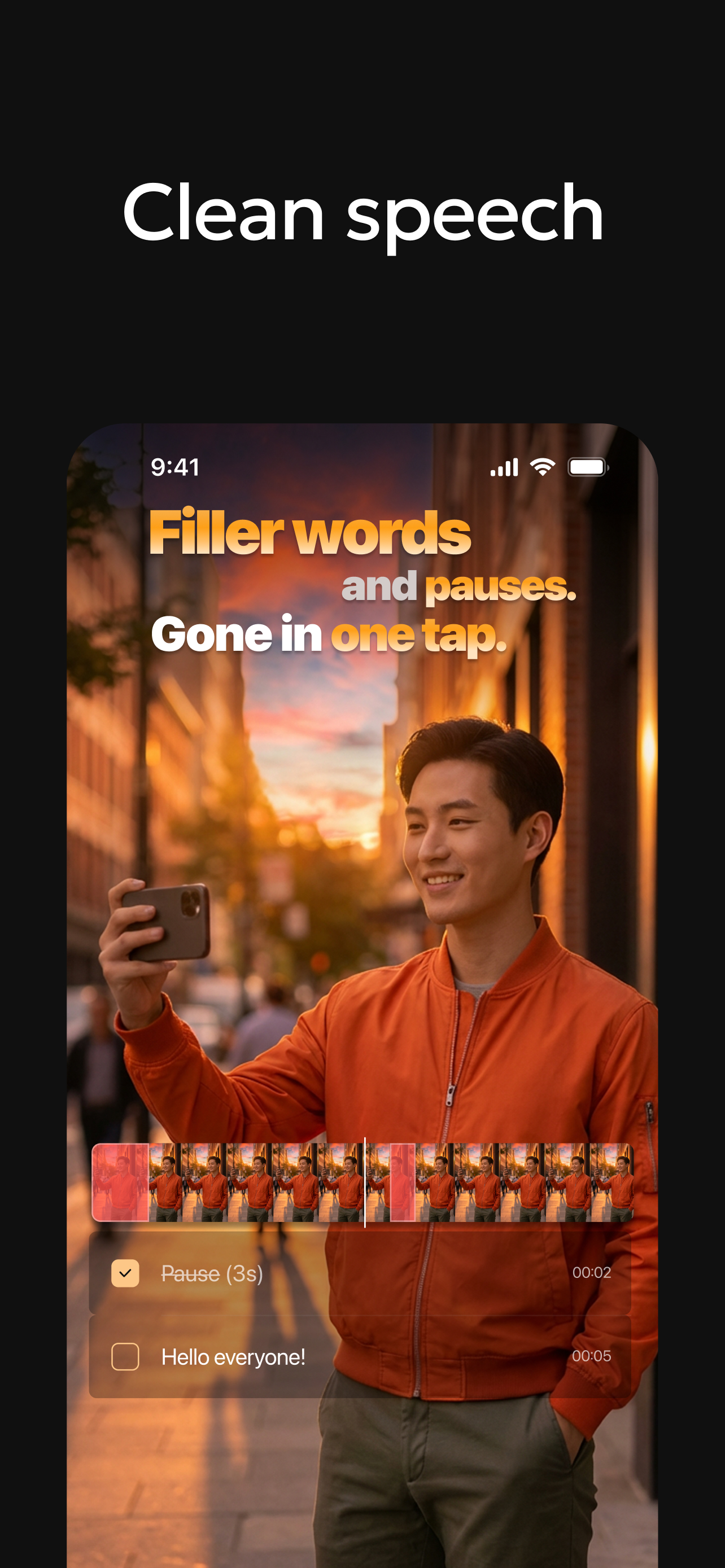
4.9Your video ideas deserve better than hours of editing. Verba makes it effortless. Verba is an AI-powered video editor and caption generator for short-form video creators who want to record, edit, and publish polished videos faster. Whether you're adding dynamic AI captions, cleaning up background noise, or styling subtitles to match your brand — Verba handles it all in one place. Rated 4.9 by creators who say Verba captures audio accurately even in noisy environments, where other apps fall short. • Dynamic AI captions — AI auto-generates, positions, and styles subtitles to match your video. 50+ presets, unlimited custom styles. • Publish in 1080p or 4K — your content looks sharp on any platform and any screen. • Make subtitles yours — 50+ caption presets, custom fonts, colors, animations, and gradient styles to match your brand. • Studio-quality audio — Audio Enhancement removes background noise so your voice sounds clear and professional. • Reach a global audience — translate your subtitles into 25+ languages with a single tap. KEY FEATURES Dynamic AI Captions Verba's AI analyzes every frame of your video and dynamically positions, sizes, and styles subtitles to match the visual context — automatically. Customize with 50+ caption presets, fonts, colors, gradients, and animations. Unlimited styles when you build your own. High Resolution Export Export every video at 1080p or 4K so your content looks sharp on any platform and any screen. Caption Styling 50+ ready-made caption presets — custom fonts, colors, animations, gradient text, and background options so subtitles feel like part of your brand. Unlimited styles when you customize your own. Teleprompter Record while reading your script on screen. Scrolls at your pace, available in portrait and landscape mode. Audio Enhancement One tap removes background noise and brings your voice to studio-quality clarity — no external mic needed. AI Translation Translate your subtitles into 25+ languages in one tap and reach audiences worldwide — without re-recording a single word. AI Voiceover Add a voice to your video without recording. Choose language, style, and pacing — Verba generates the audio and syncs it automatically. Beat-Sync Edit AI analyzes your audio track and cuts your footage to the beat automatically — perfect for vlog-format content without manual timeline work. Clean Speech Removes pauses, filler words, and dead air from your talking videos automatically — so every sentence lands clean. Download Verba and publish your next video today. Q: Can Verba add captions to my video automatically? A: Yes — drop in your video and AI generates accurate subtitles in seconds. Works reliably even with background noise or multiple speakers. Q: Is Verba built for short-form video? A: Yes — Verba is designed for short-form content. It handles AI captions, teleprompter, beat-sync editing, voiceover, and 4K export in one place, optimized for vertical formats. Q: Can Verba translate my video captions into other languages? A: Yes — AI Translation converts your subtitles into 25+ languages in one tap, so you can reach a global audience without re-recording anything. SUBSCRIPTION Unlock the full Verba experience — more AI tools, higher export quality, and everything you need to create faster. Start free — no commitment needed. Subscriptions auto-renew unless cancelled at least 24 hours before the end of the current period. Privacy Policy: https://static.verba.digital/verba-privacy-policy.pdf Terms of Use: https://static.verba.digital/verba-terms-and-conditions.pdf Support: support@verba.digital