V-8HD Remote
source

V-8HD Remote

(4)
Price
Free
Category
Utilities Photo & Video
Last update
Mar 09, 2026
Publisher
Roland Corporation Contact publisher
View in store
Loading...

Ratings & Reviews performance

Ratings & Reviews performance provides an overview of what users think of your app. Here are the key metrics to help you identify how your app is rated by users and how successful is your review management strategy.

Number of reviews,
total
4
Avg rating,
total
⭐4.5
Loading...

Description

1338 chars

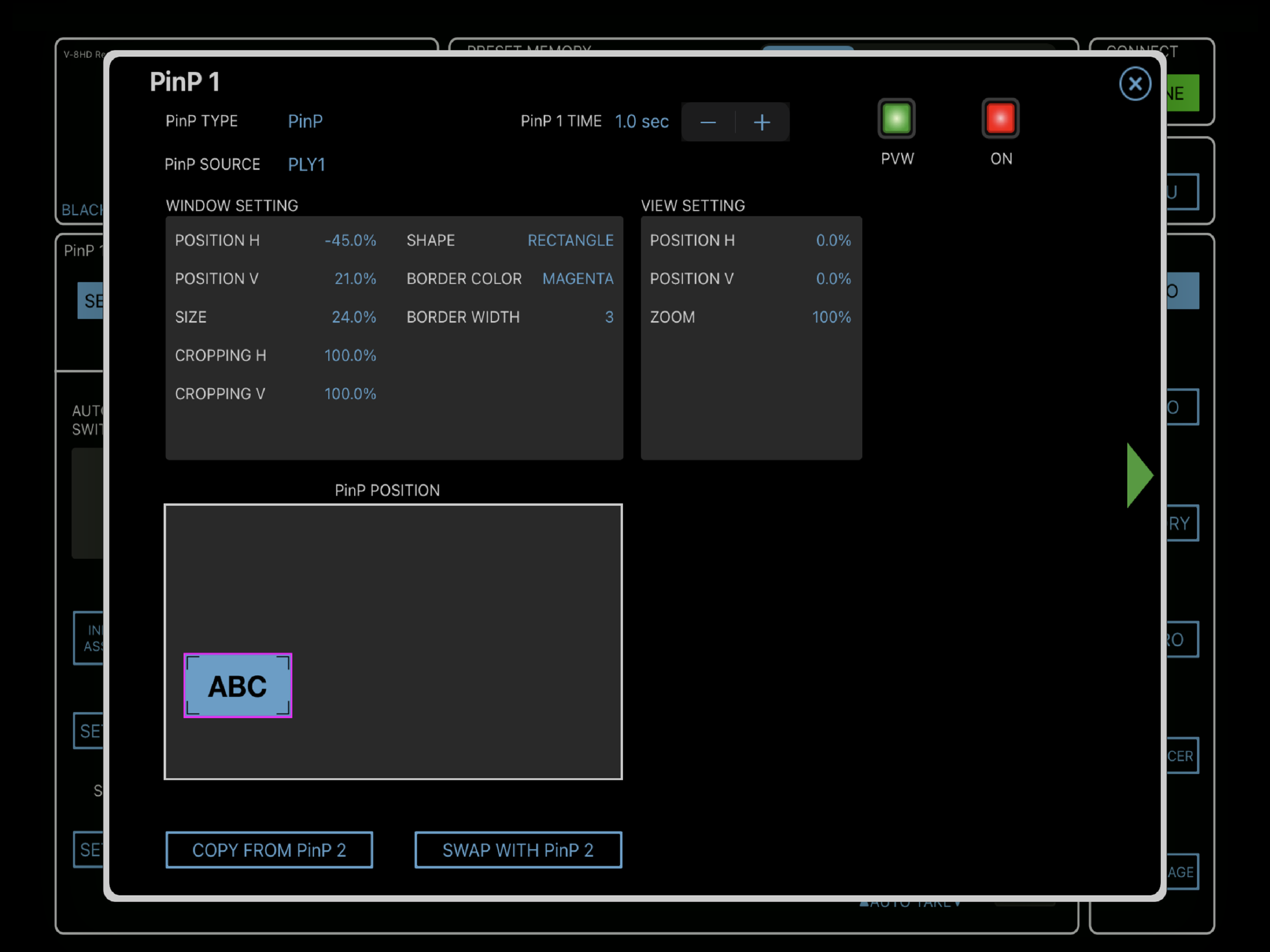
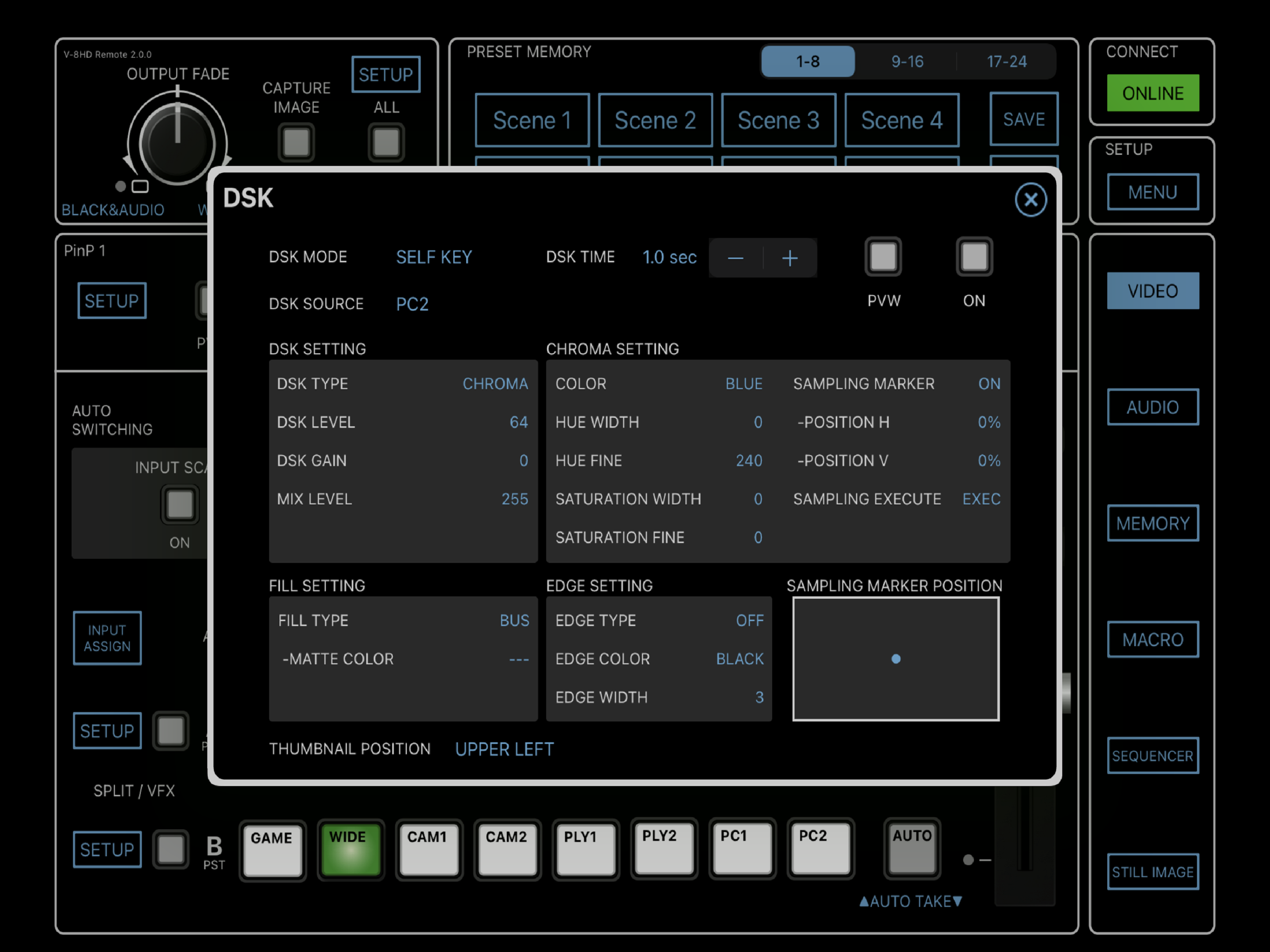
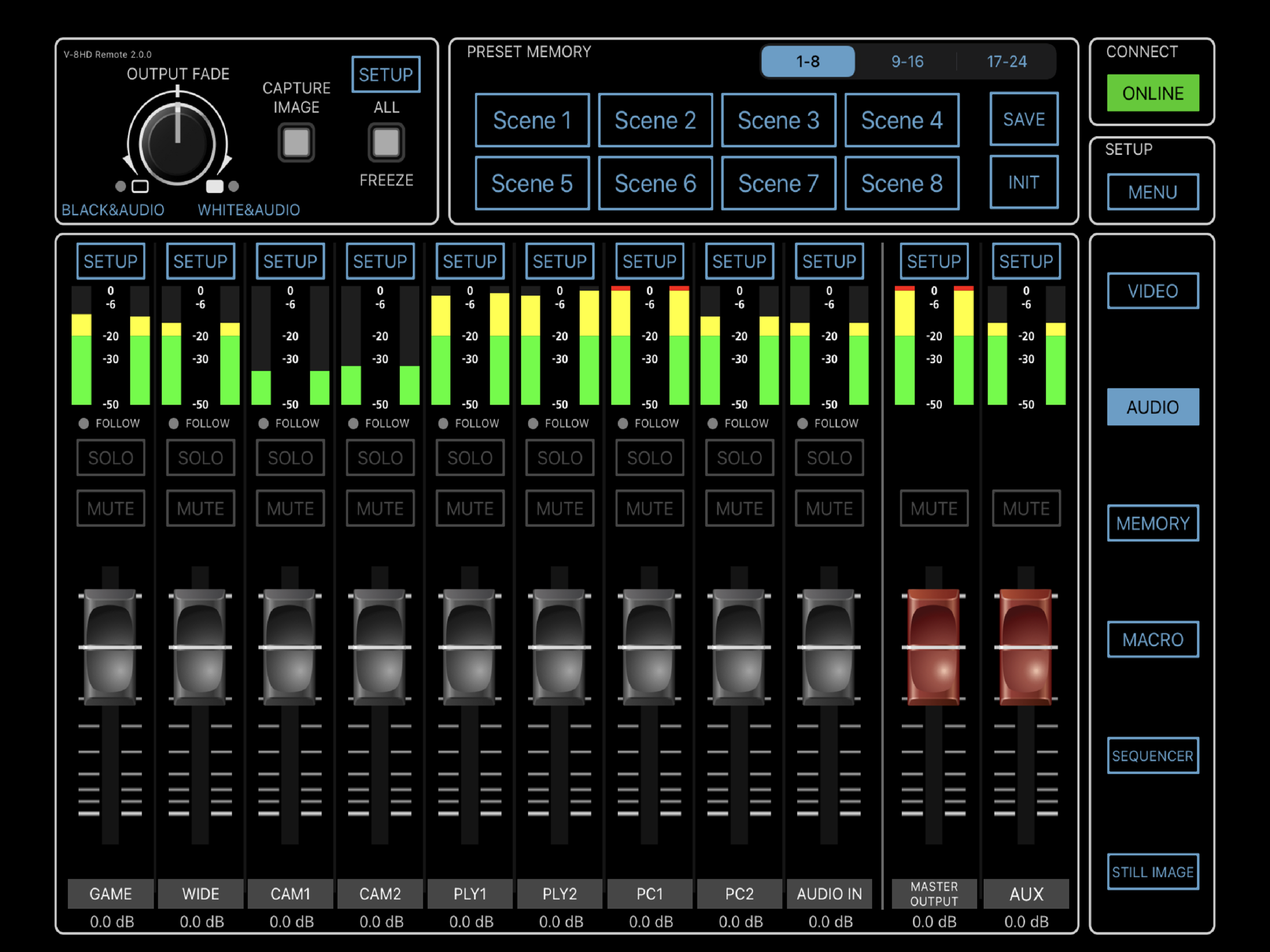
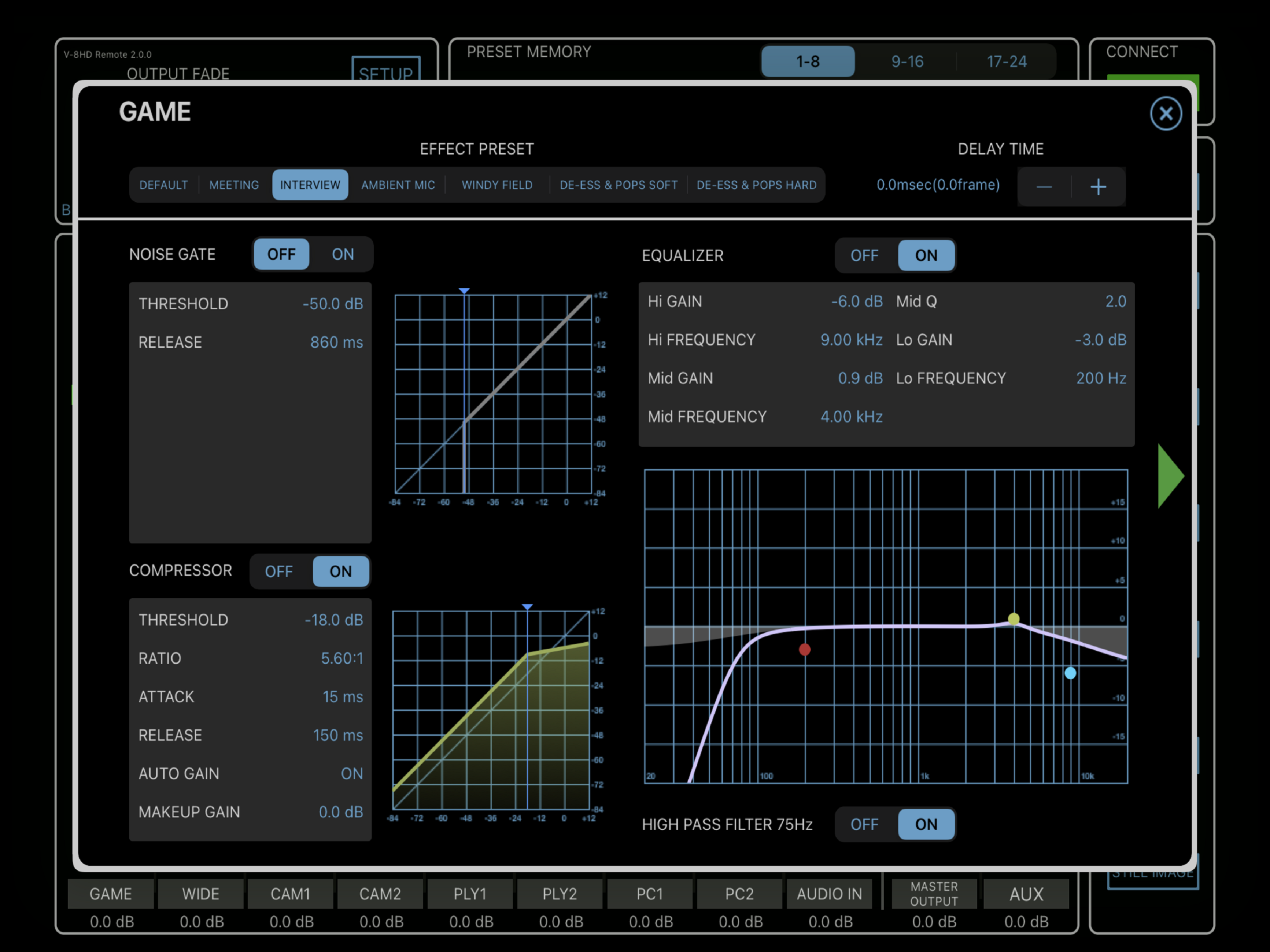
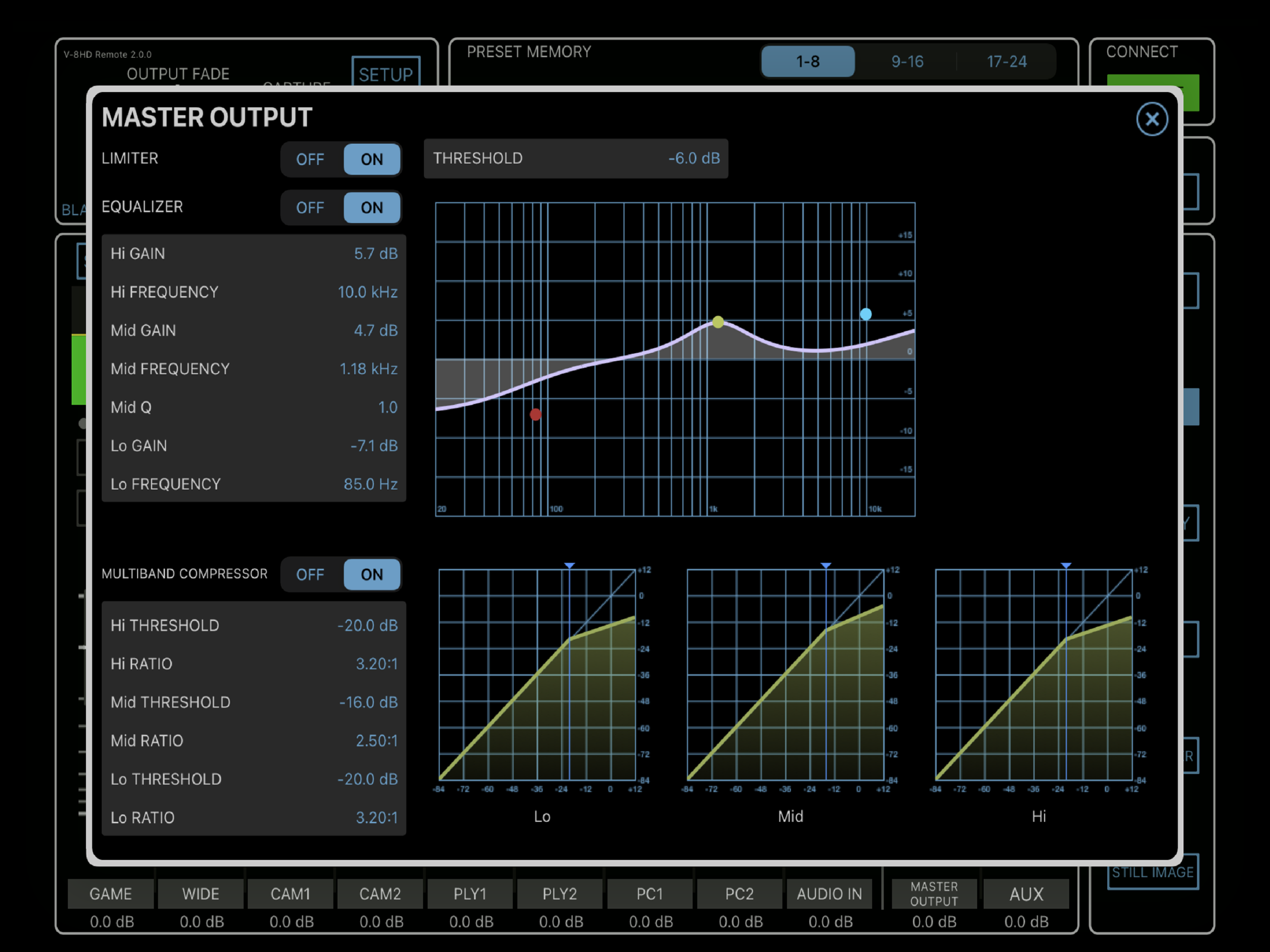
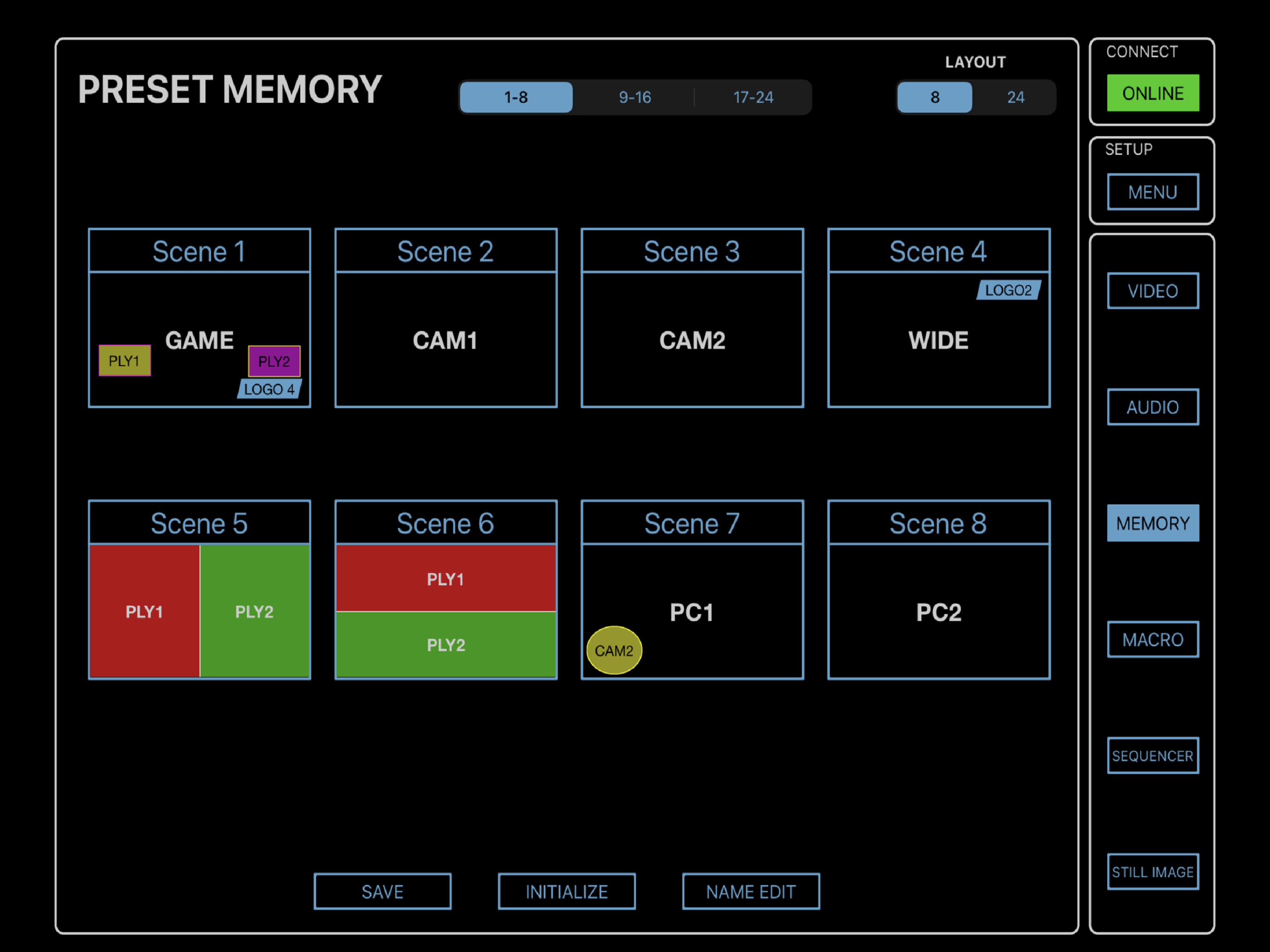
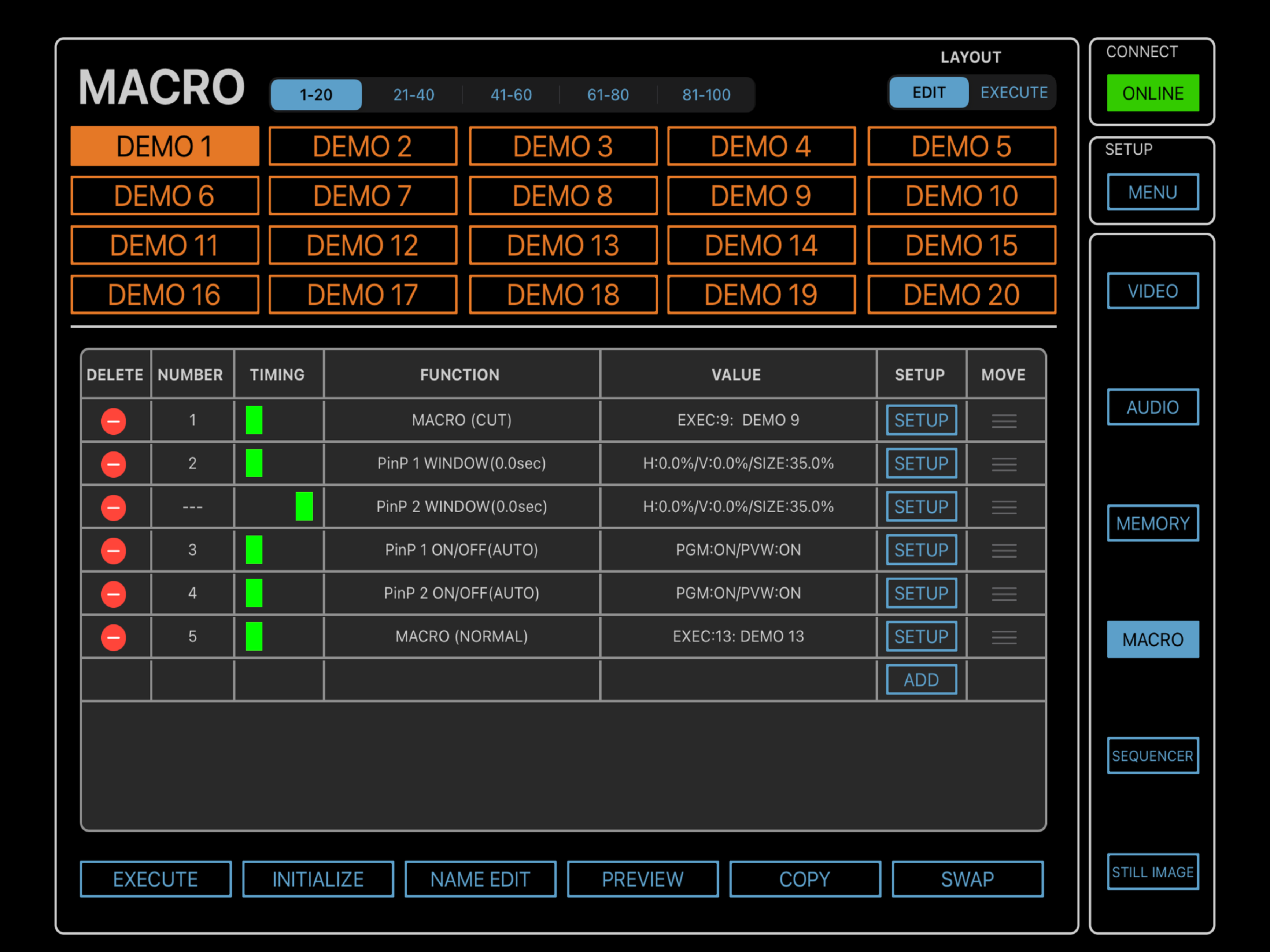
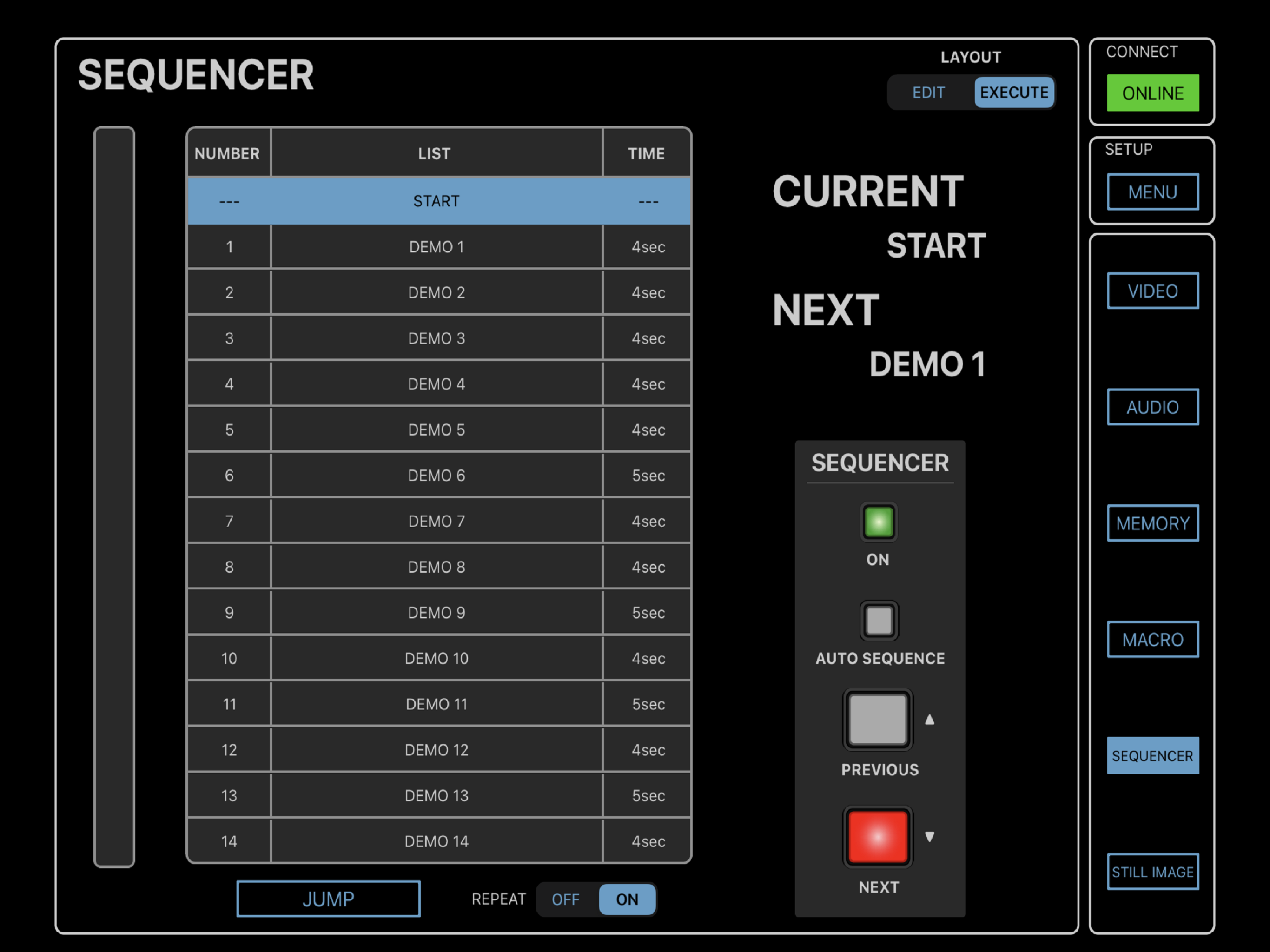
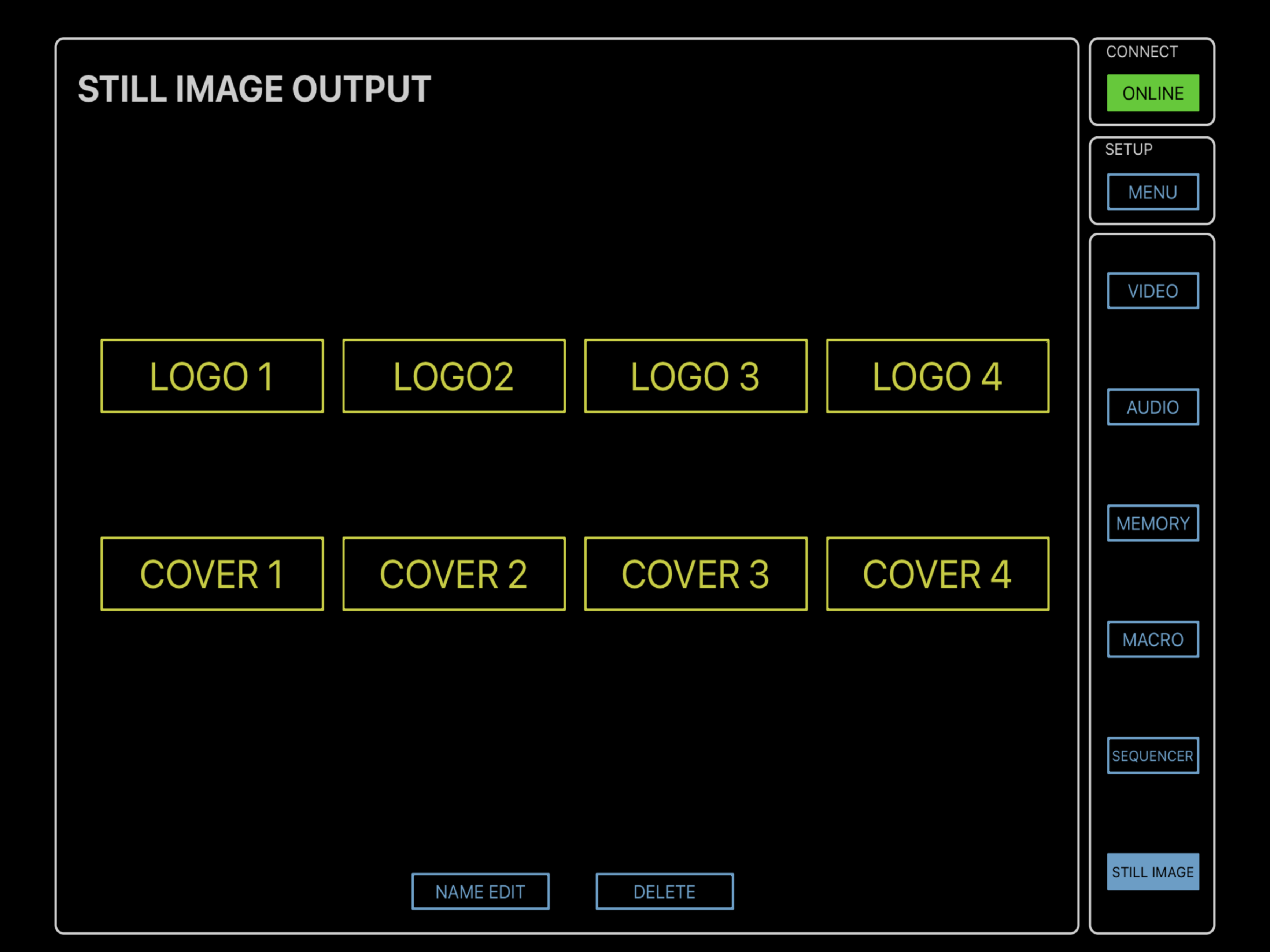
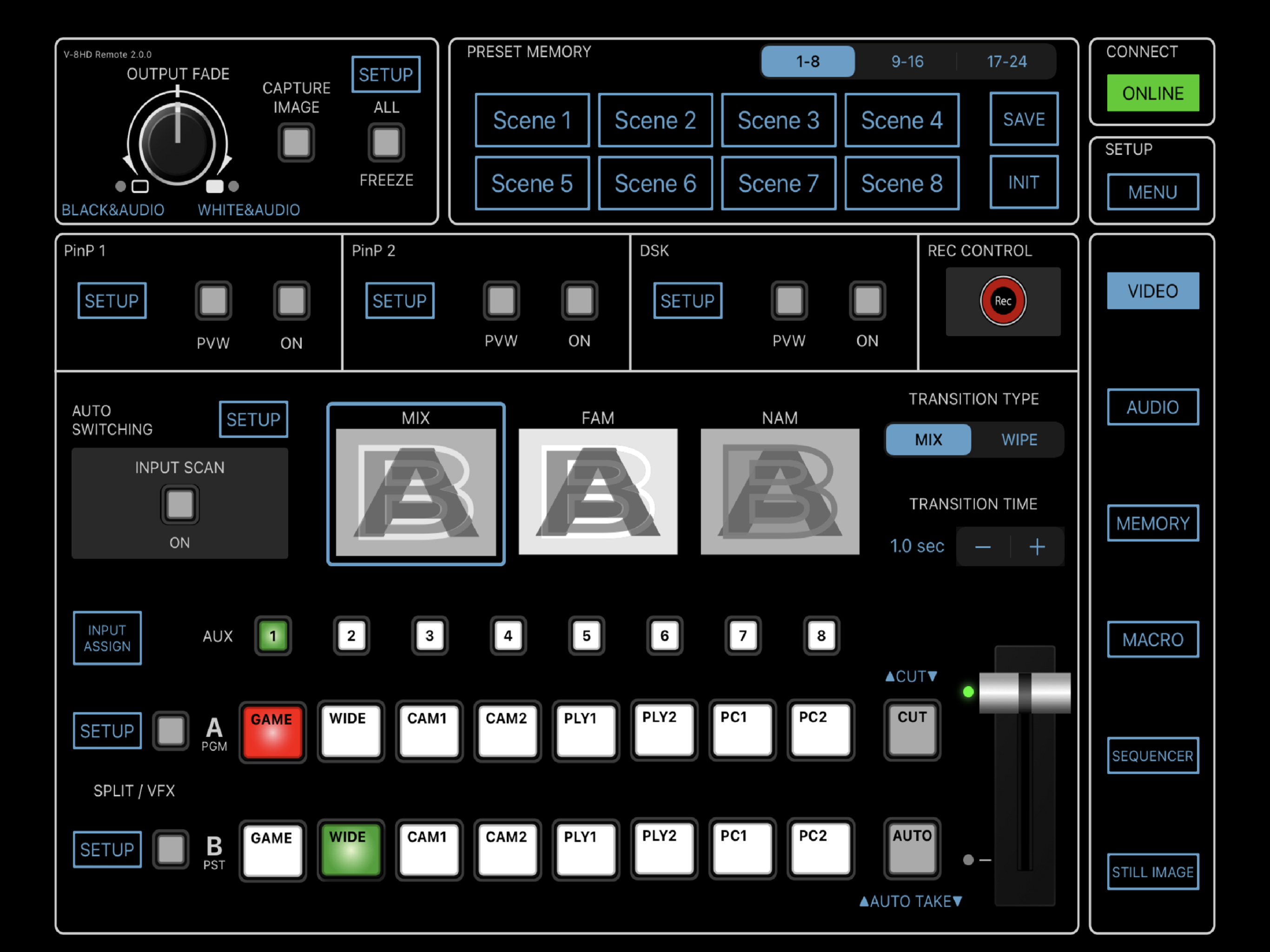
-Headline- Remote Control App for the V-8HD HD Video Swicher -Thumbnail Caption- Dedicated iPad app for remotely controlling the Roland V-8HD HD Video Swicher. -Overview- The free V-8HD Remote app allows you to operate most functions on the V-8HD HD Video Swicher from the convenience of your iPad’s touch interface. Use the app for extended control during events, remotely adjust settings from different spots in a venue, and free up the V-8HD's preview monitor for other functions. -Bullets- · iPad remote control app for the V-8HD · Wired operation · Connects via USB · Switch video and mix audio · Specify the video effect assigned to each bus · Adjust audio volume and effect levels · Set up and cue the sequencer · Set up and trigger macros and preset memories · Trigger a connected video recorder · Adjust the video output · Access system settings -Detail- Where to Find the V-8HD Remote App For download and compatibility information, visit the V-8HD Remote page on the App Store for iPad. -Detail- Operation Notes · To use the V-8HD Remote app, the V-8HD must be running Version 3.00 or later. · For instructions on setting up communication between the V-8HD and your iPad, refer to the V-8HD Remote Connection Guide. · For other related settings, refer to the V-8HD Reference Manual.

Screenshots

https://is1-ssl.mzstatic.com/image/thumb/PurpleSource211/v4/c1/3a/9d/c13a9d38-ef67-1f70-d788-ce38e7934bc2/d822c07d-caf7-48ef-a1ab-dbc9e54ab31a_01.VIDEO_MIX.png/2732x2048.pnghttps://is1-ssl.mzstatic.com/image/thumb/PurpleSource211/v4/7a/24/22/7a24224a-68b0-09e4-274e-0e638e537d58/707dc708-7303-4db0-86ec-ea3adefd5fa5_02.VIDEO_PinP.png/2732x2048.pnghttps://is1-ssl.mzstatic.com/image/thumb/PurpleSource221/v4/11/85/37/11853753-327a-8569-d41f-4fab00dac1a1/baa3233f-18e2-45b3-a619-f18c254d81ee_03.VIDEO_DSK.png/2732x2048.pnghttps://is1-ssl.mzstatic.com/image/thumb/PurpleSource221/v4/1d/f7/39/1df7394a-f622-3d3c-2ea2-ab2d13d228f4/765e64ed-4a36-45a7-a619-3a34bb681acf_04.AUDIO_MIXER.png/2732x2048.pnghttps://is1-ssl.mzstatic.com/image/thumb/PurpleSource211/v4/1f/c0/07/1fc007fb-83b0-1c49-d703-0fc451ad0c7d/0bd4f509-9e2b-4f2a-854f-f064c4f4f3f3_05.AUDIO_INPUT.png/2732x2048.pnghttps://is1-ssl.mzstatic.com/image/thumb/PurpleSource211/v4/80/47/59/8047598a-c191-b67b-91a6-481902681ac3/96c15233-16a6-4082-9c73-aef1b6b0b070_06.AUDIO_MASTER_OUTPUT.png/2732x2048.pnghttps://is1-ssl.mzstatic.com/image/thumb/PurpleSource211/v4/ab/db/6b/abdb6bd4-55ee-ee57-62b7-933d23a98def/db90059a-a2d2-4cba-96d3-bbbf60a8c715_07.PRESET_MEMORY.png/2732x2048.pnghttps://is1-ssl.mzstatic.com/image/thumb/PurpleSource211/v4/f9/21/c4/f921c4d7-564d-7e66-d353-c7e501d36f6f/d85a8208-36f0-42d2-b5fa-dfdc9be48724_08.MACRO.png/2732x2048.pnghttps://is1-ssl.mzstatic.com/image/thumb/PurpleSource221/v4/7b/bf/3a/7bbf3a4f-51e2-589c-7b4b-cc03f3bb9d33/fe4ffedc-b216-4375-a1e9-bb8c8c225a7a_09.SEQUENCER.png/2732x2048.pnghttps://is1-ssl.mzstatic.com/image/thumb/PurpleSource211/v4/2c/8f/92/2c8f9299-9985-fdb9-3822-e9ce1eda82d2/2e519e8b-60a9-4b46-bbdb-86a4dbf94fee_10.STILL_IMAGE.png/2732x2048.png
Loading...
Loading...

Find growth insights on our blog

React to user feedback and market trends faster