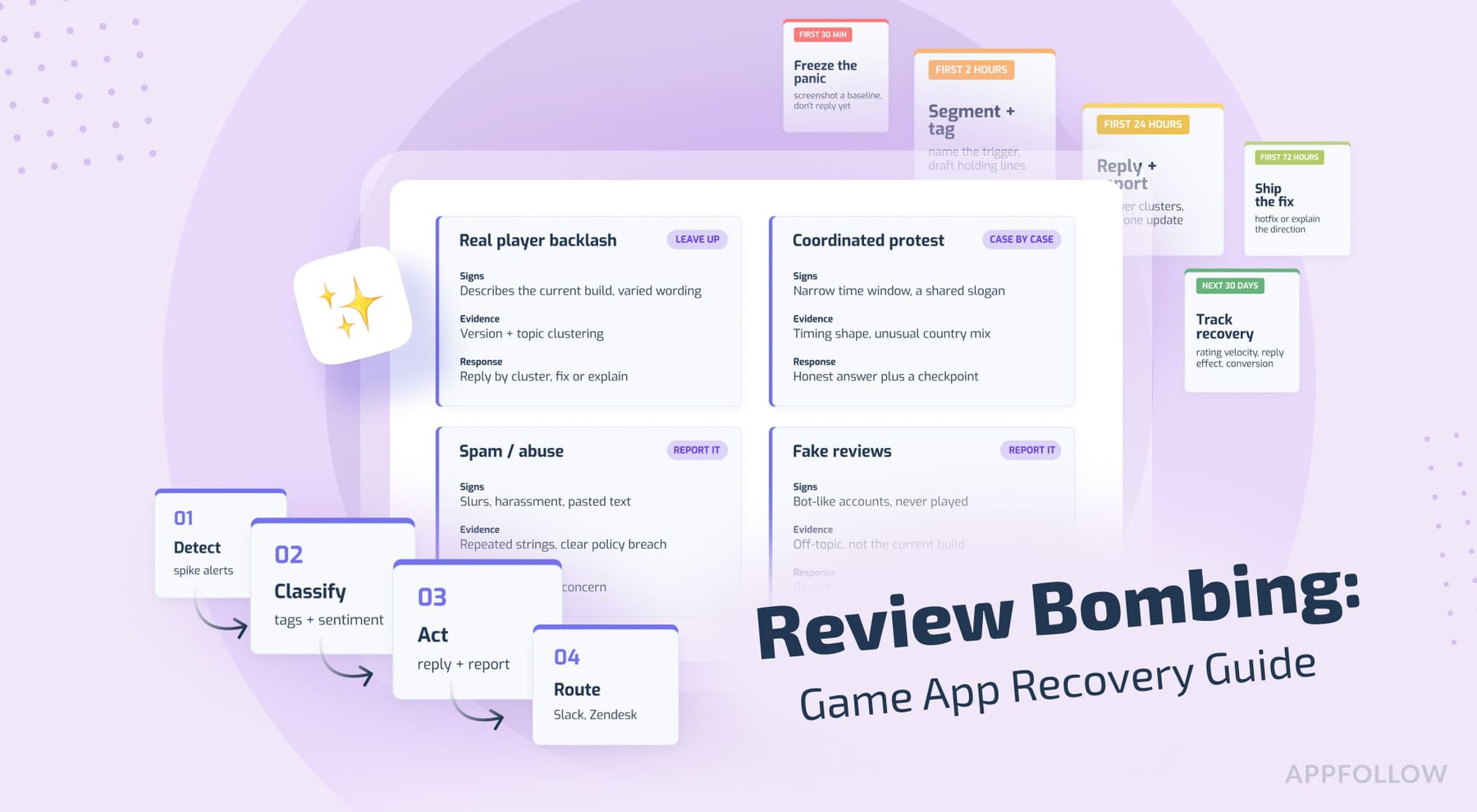
Ratings & Reviews performance provides an overview of what users think of your app. Here are the key metrics to help you identify how your app is rated by users and how successful is your review management strategy.
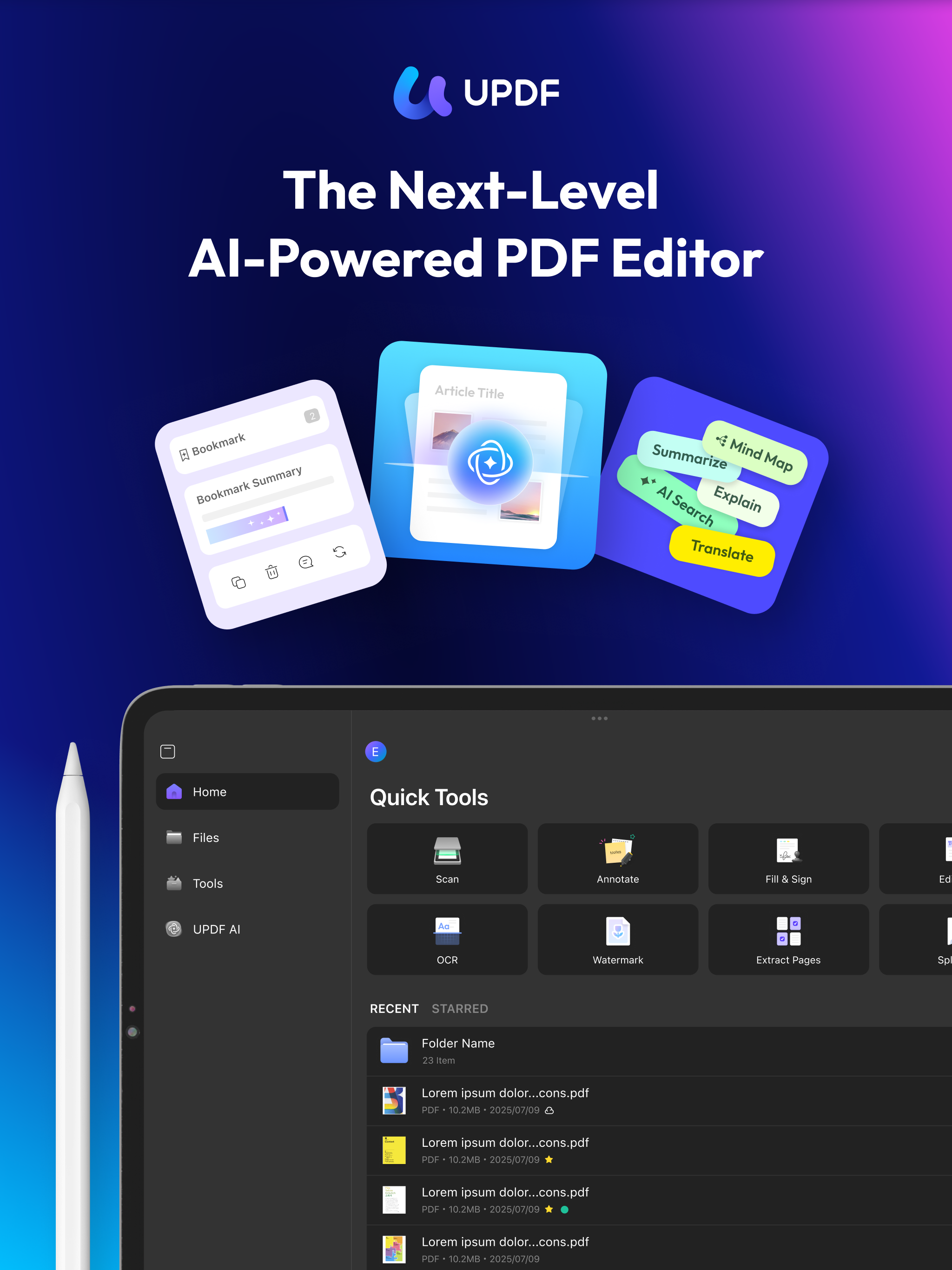
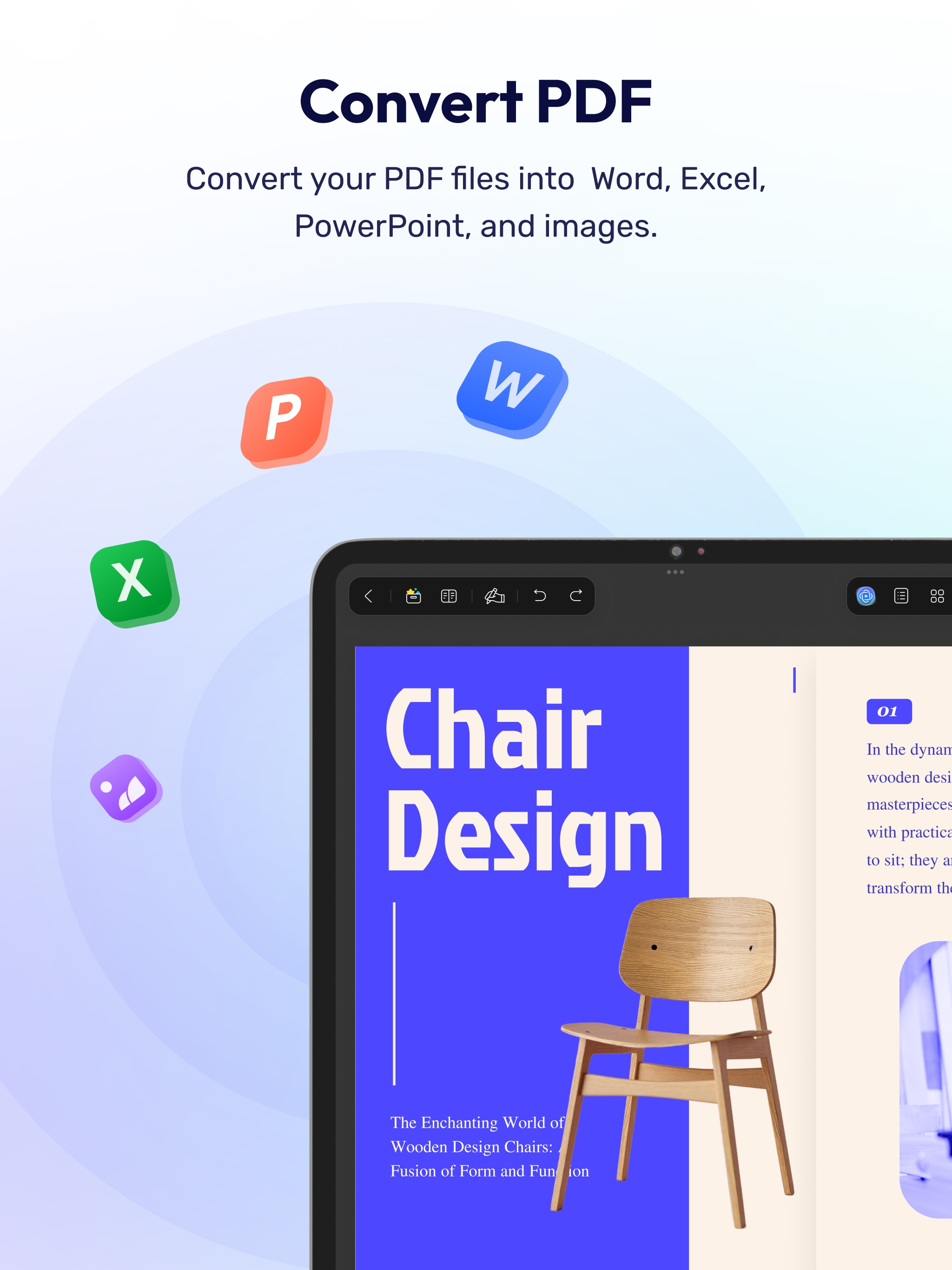
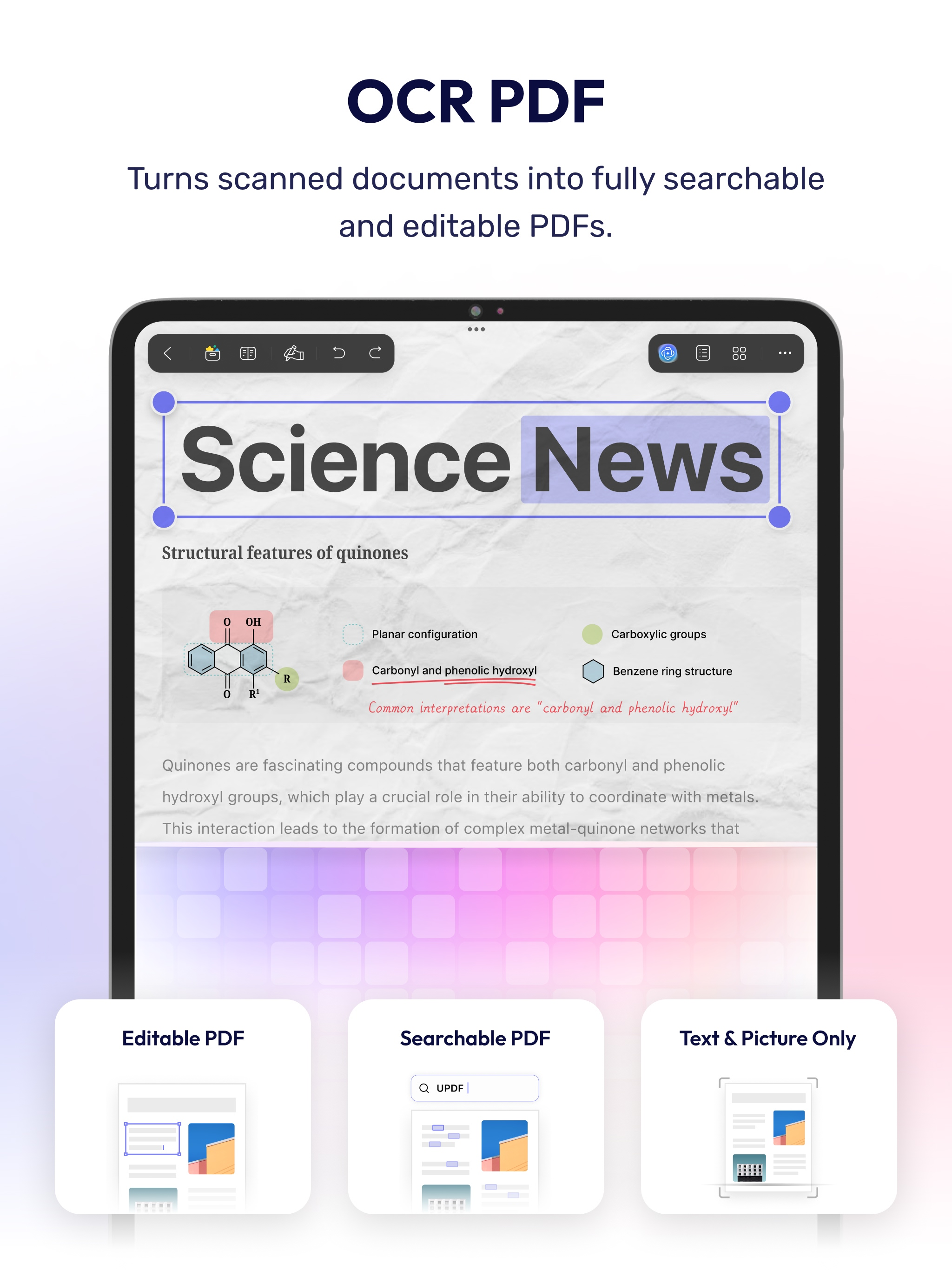
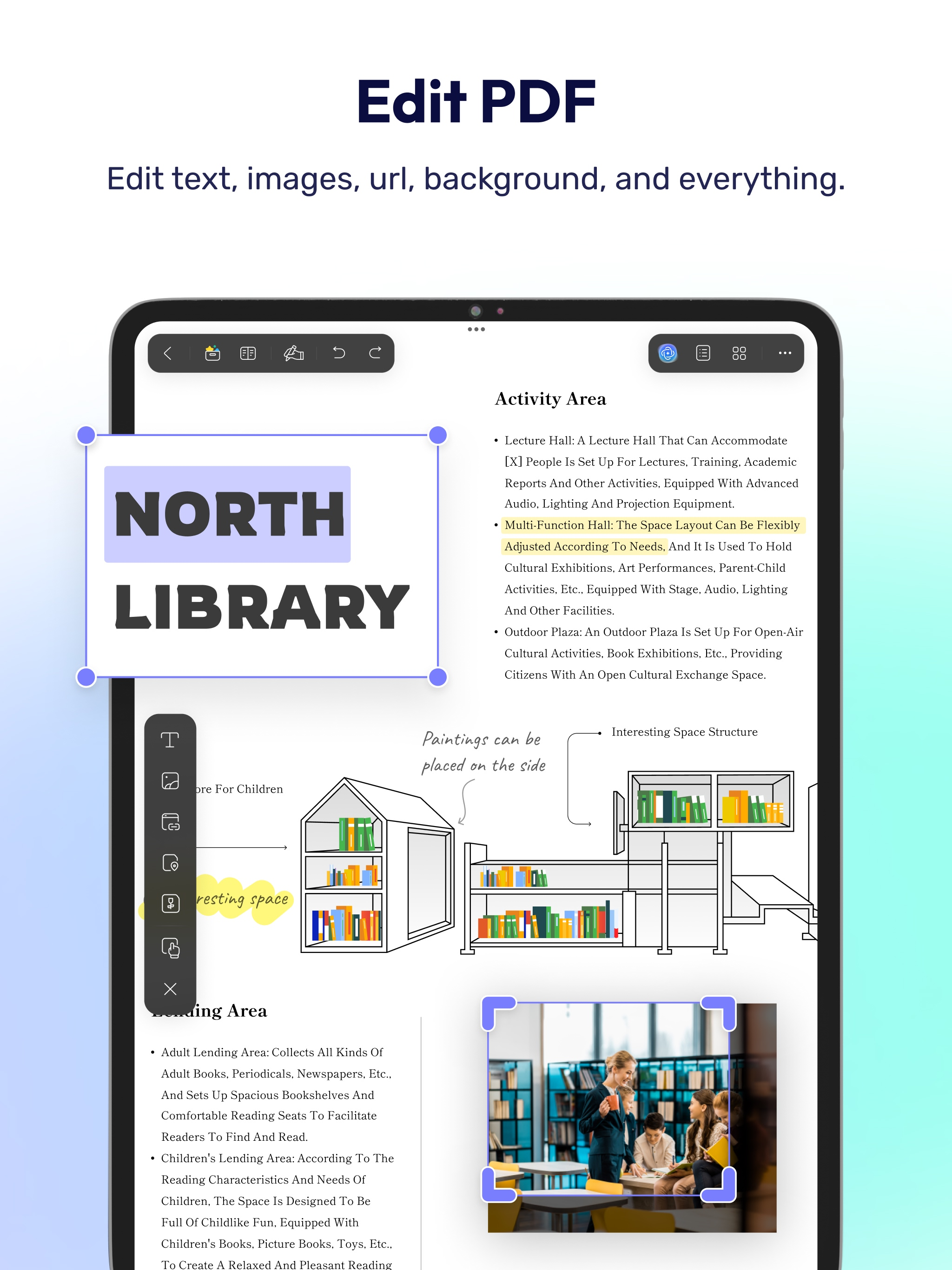
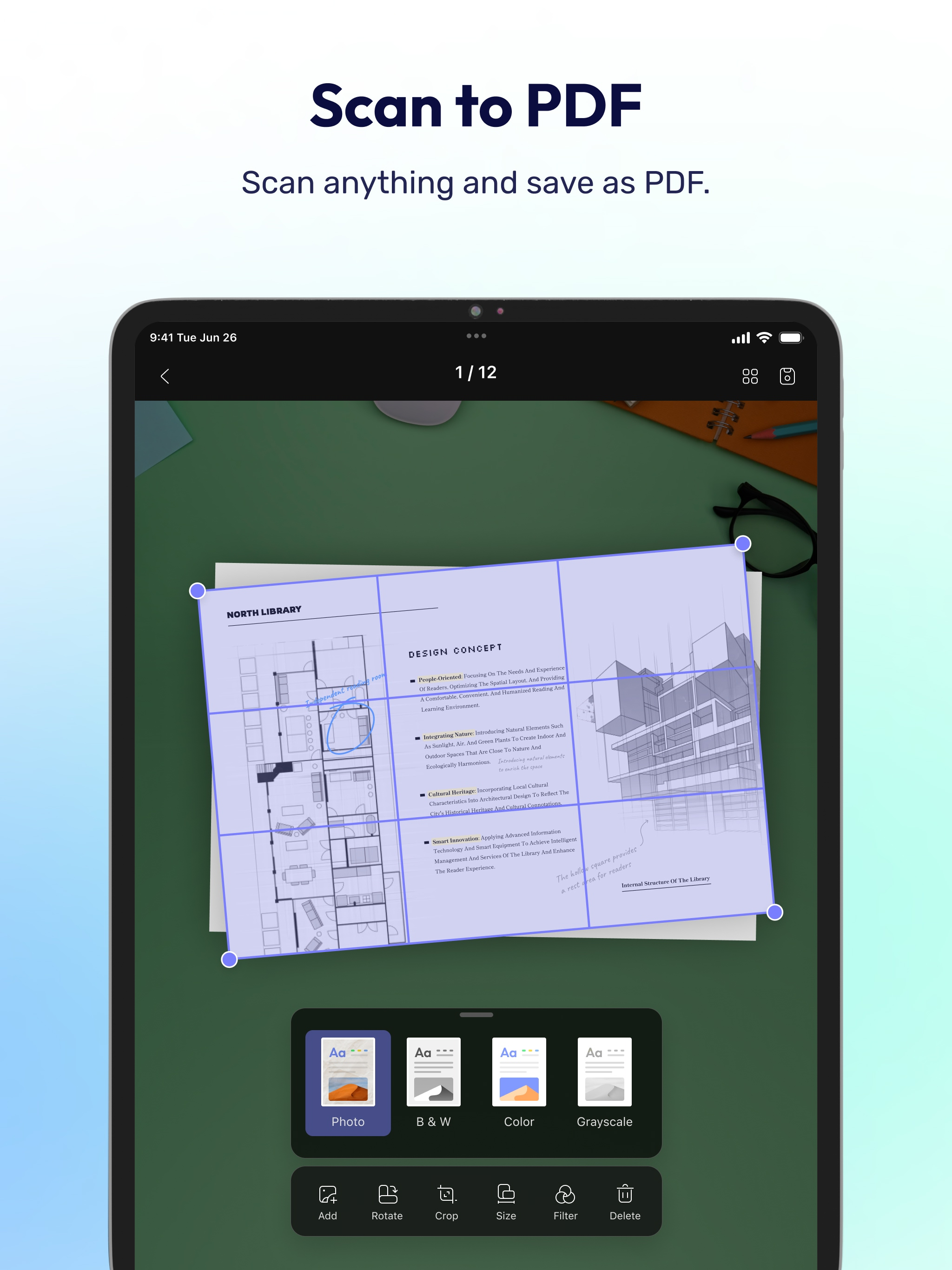
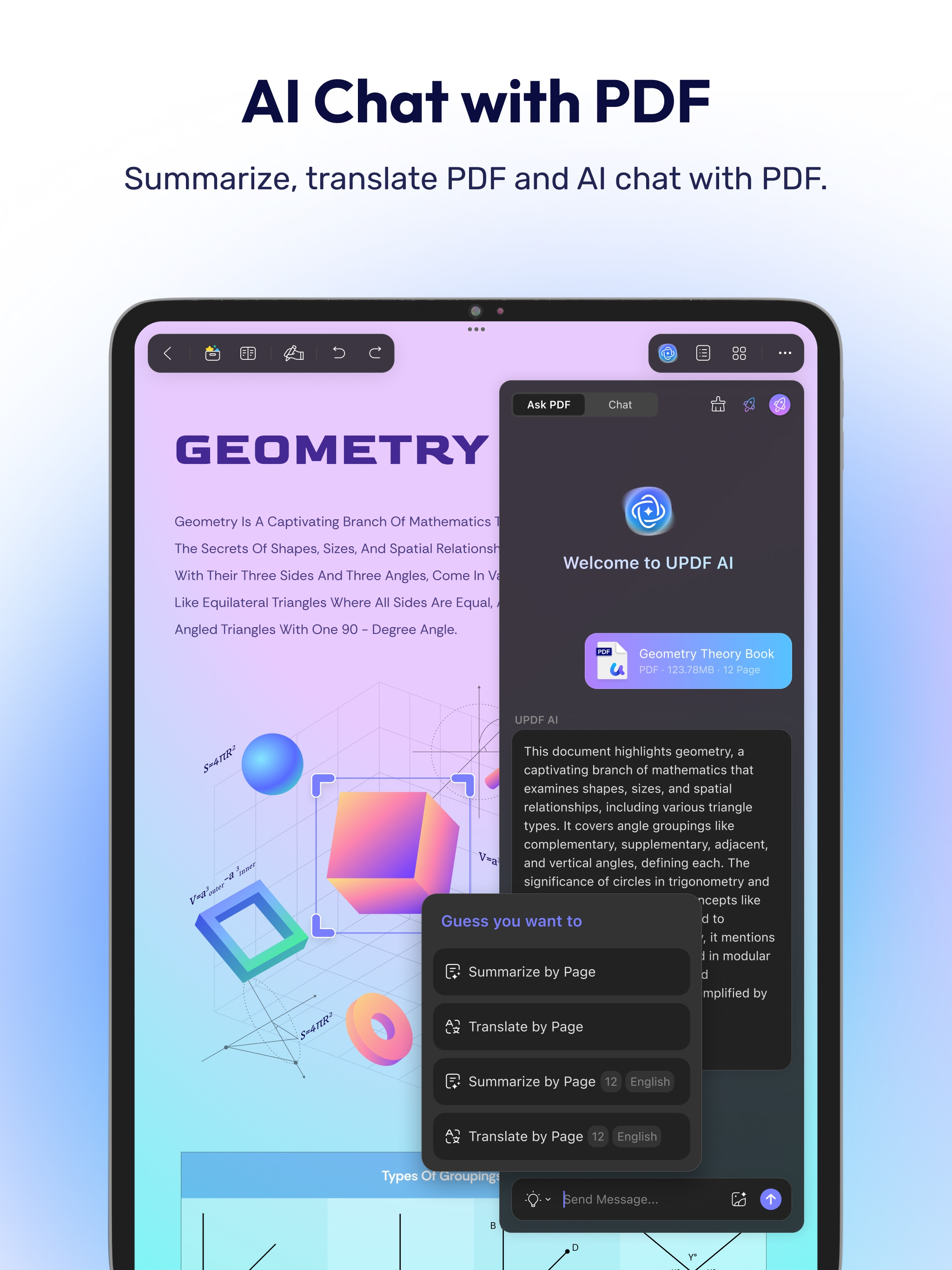
UPDF for iOS is an AI-powered PDF editor for iPhone and iPad. Read, edit, annotate, convert, sign, and AI chat with your PDFs — all from your iOS device. Summarize lengthy documents, translate full PDFs, scan paper to PDF, and manage all your files in one place. Amazing features of UPDF for iOS: Edit PDF - Edit text in PDF (change color, font style, font size) - Edit images in PDF (rotate, extract, replace, and crop images) - Edit watermark in PDF (add, edit, delete and favor watermark) - Edit links in PDF (add, edit, copy, and delete) AI Assistant - Summarize, translate, explain, and rephrase lengthy PDFs in minutes. - Engage in a chat with UPDF AI and ask it any questions you have. - Summarize or translate PDF by pages. - Export conversations to Markdown or TXT files. - NEW AI Bookmark Agent: Auto-generate bookmarks and get instant section summaries for any PDF. - NEW AI Semantic Search: Search your PDF by meaning, not just exact words. - NEW AI Editing Suite: Rewrite, refine tone, or correct grammar directly. Read PDF - Flexible reading: vertical and horizontal scrolling, single page or two-page view - Dark mode to protect your eyes - Add and manage bookmarks with AI Bookmark Agent's help - Search text in PDF - Present PDF as a slideshow - Text-to-speech support Annotate PDF - Annotate PDFs using markup tools: pencil, highlight, underline, strikethrough, squiggly line - Add text boxes, text comments, callouts, sticky notes - Add shapes, stamps, and stickers to PDFs - Free-hand drawing on PDF pages OCR PDF - Convert scanned documents and images into searchable and editable PDFs - Recognize text in 38 languages Scan to PDF - Scan physical documents to PDF with your camera - Scan ID cards onto one page - Crop, rotate, and filter scanned images Convert PDF - Convert PDF to Word, Excel, PPT, and images Organize PDF Pages - Insert, replace, extract, split, rotate, remove, and reorder pages in PDFs - Merge multiple PDFs into one file - Copy, paste, and share specific pages in a PDF Sign PDF & Fill PDF Form - Create handwritten signatures - Import and add image signatures - Fill PDF form and add e-signatures - Save signatures to cloud for cross-platform use Create PDF - Create PDF with blank, lined, dotted, grid, and graph papers - Combine multiple files/images into one PDF Protect PDF - Password-protect PDFs to restrict opening, editing, and printing - Add or remove watermarks - Add digital signatures Manage Files - Upload, create, rename, move, copy, duplicate, and organize files or folders - Unzip files by simply tapping .zip files - Search for files - Supports two-finger multiple selections and operations - Move files or folders to trash, and find deleted items in the trash - Protect PDF files with a password or unlock protected PDF files - Compress one or multiple files into a zip file Security Space - Protect your privacy by moving files or folders to Security Space - Enable Face ID & Passcode to access your Security Space Import File - Import files from Photos albums - Import files from the Files App - Transfer files from a computer over the same Wi-Fi View files in All Formats - Browse dozens of different file formats including PDFs, Office documents (.doc, .docx, .ppt, .pptx, .xls, .xlsx), Pages, Keynotes, and Numbers with a single app - Open other formats such as text, HTML, XML, Web Archive, Images (JPG, JPEG, GIF, PNG, TIFF, SVG, BMP), video, audio *** Pro Features of In-App Purchase *** - Use UPDF across all platforms including desktops and mobiles - Free Users will get 1 GB of Cloud Storage; Paid users will get 10 GB of Cloud Storage for free - Advanced PDF features such as Convert PDF with OCR, batch process, etc. are available on the desktop - Unlimited use of Scan to PDF (Free trial only scans up to 5 pages) - Unlimited use of Security Space (Trial version stores up to 10 items) - Secure App with passcode/TouchID/FaceID Need help? Email us at support@superace.com