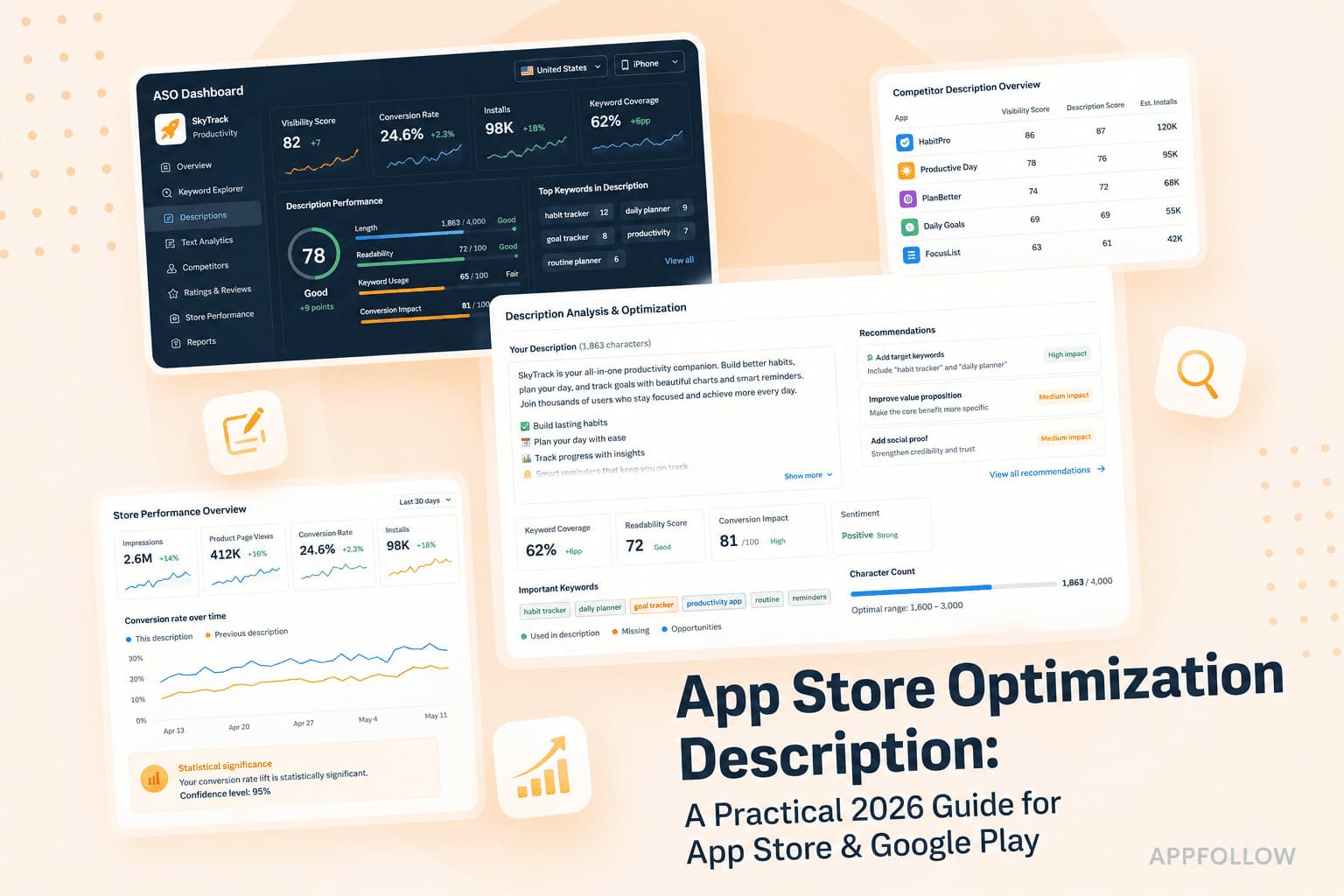
Ratings & Reviews performance provides an overview of what users think of your app. Here are the key metrics to help you identify how your app is rated by users and how successful is your review management strategy.
 2.4
2.4* This app requires a connection to the Unity Editor to function (see the requirements below). * Setup: https://docs.unity3d.com/Packages/com.unity.live-capture@4.0/manual/virtual-camera.html Unity Virtual Camera is a simple, intuitive tool for virtual cinematography in Unity. It captures the position and orientation of your mobile device and allows you to control a camera in Unity in real time. Use Unity Virtual Camera to: - Preview and record camera motion for films, animations, games, and other content. - Block shots and discover your lens language. - Create storyboards. - Scout locations in virtual environments to explore, feel, and understand the space. Key Features: - See results in real time, both in-Editor and on the device. - Play back your takes instantly. - Adjust ergonomic controls for comfortable handling. - Record everything in a single pass, or isolate elements for finer control. - Control focus, zoom, depth-of-field, and more. - Synchronize the app data with other connected devices using a centralized timecode source. Requirements: - Computer running Windows or macOS - Unity Editor 2021.3 or later version - Live Capture (Unity package) - Private network access for both the app and the Unity Editor Documentation: - User Manual: https://docs.unity3d.com/Packages/com.unity.live-capture@4.0/manual/virtual-camera.html - Forum: https://forum.unity.com/threads/1111255/