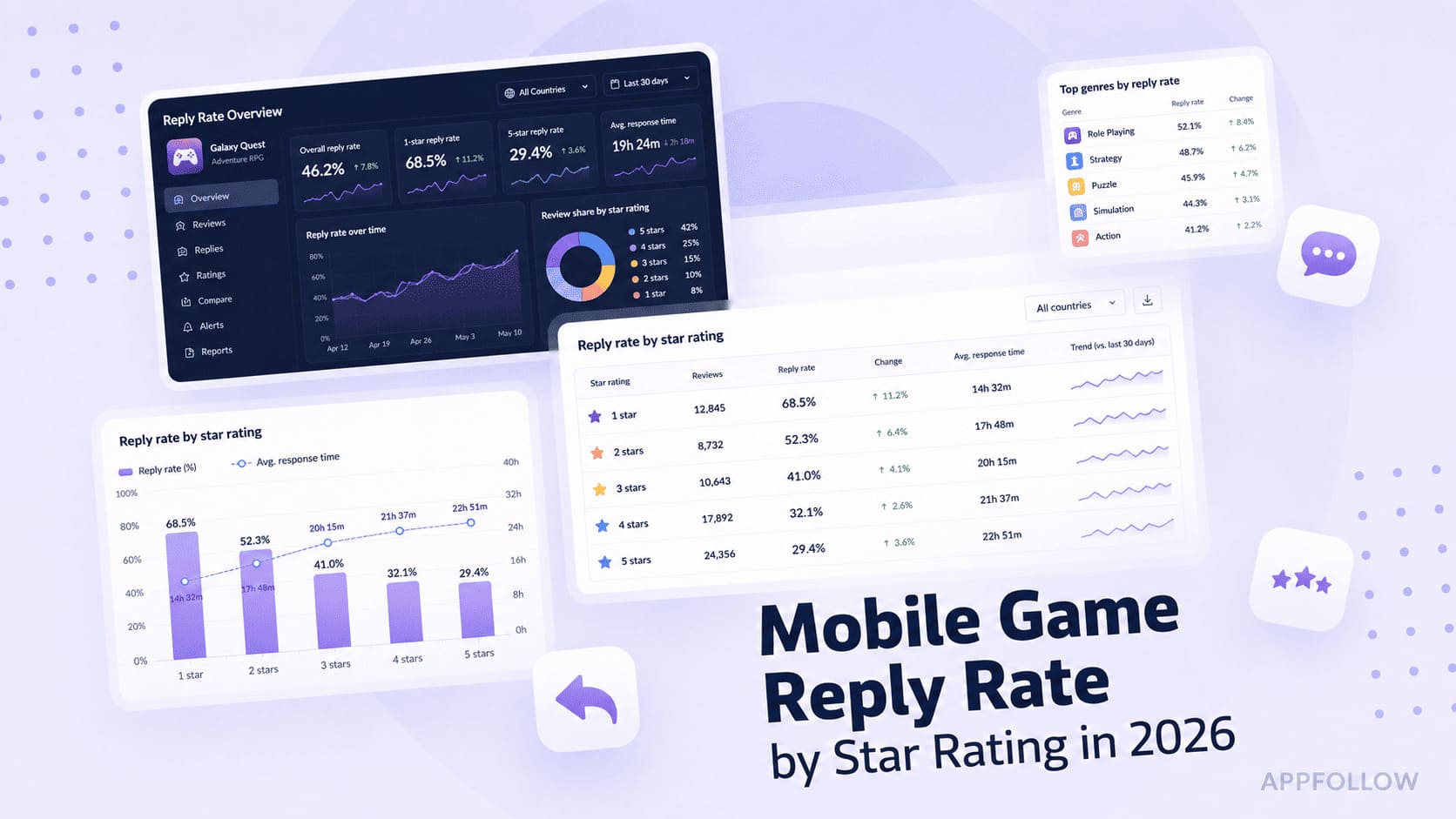
Ratings & Reviews performance provides an overview of what users think of your app. Here are the key metrics to help you identify how your app is rated by users and how successful is your review management strategy.
 3.5
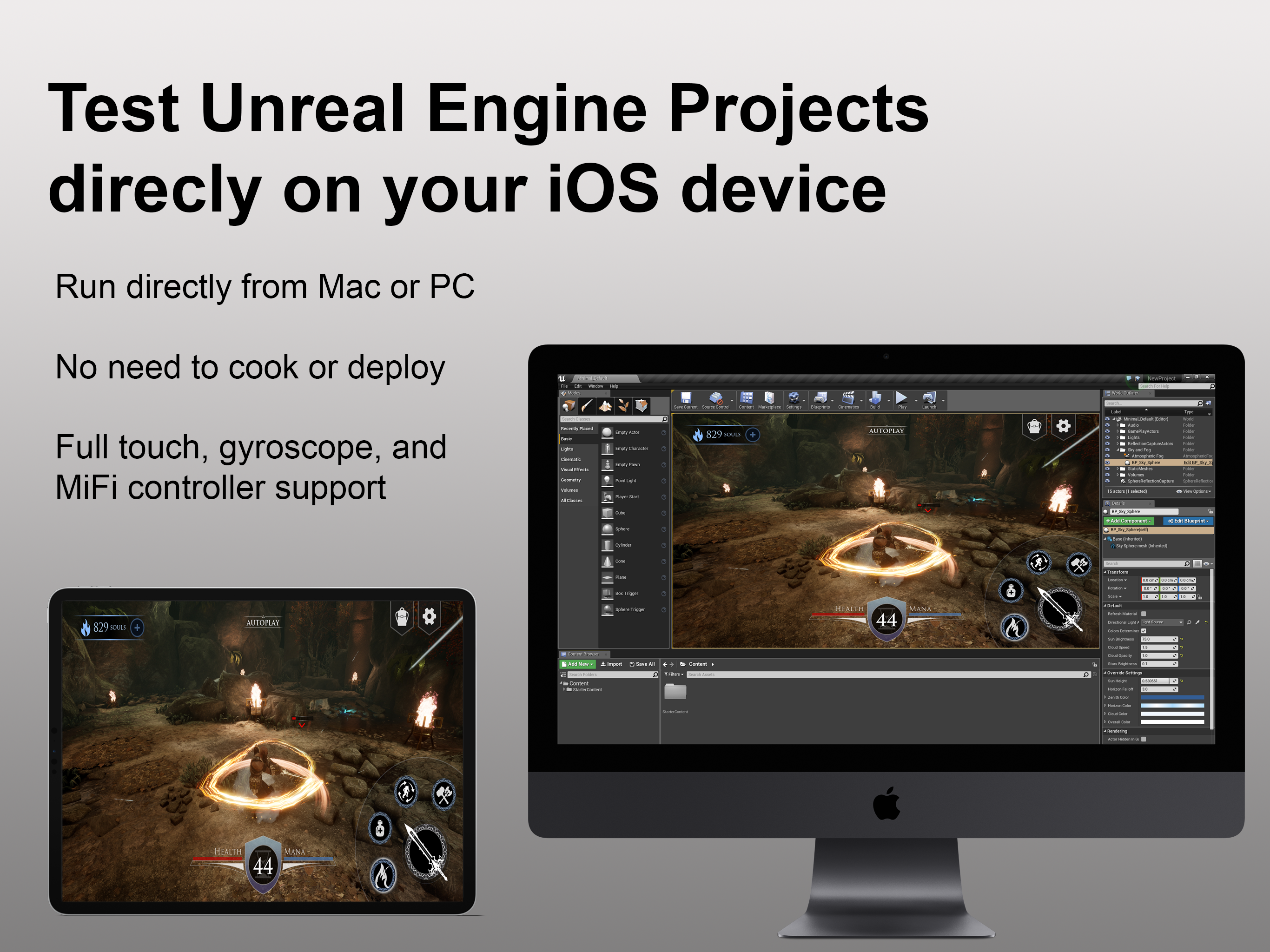
3.5Unreal Engine Remote lets you quickly and easily test your Unreal Engine 5 and Unreal Editor for Fortnite projects directly on your development computer using your mobile device's touch controls. Stream your preview session directly to your iOS device and iterate on gameplay and input features in real time. Now powered by Pixel Streaming 2, Unreal Engine Remote delivers a faster, higher-quality streaming experience and full compatibility with Unreal Engine 5 and Unreal Editor for Fortnite. How to use Unreal Engine Remote with an Unreal Engine 5 project: * Open your Unreal Engine 5 project. * Launch Unreal Engine Remote on your iOS device. * Enable the Remote Session plugin in your Unreal Engine 5 project. * Make sure your development computer and mobile device are on the same network. * Launch Play In Editor session. * When the session is launched, enter your computer's IP address in the Unreal Engine Remote running on your mobile device and tap Connect. How to use Unreal Engine Remote with an Unreal Editor for Fortnite project: * Open your Unreal Editor for Fortnite project. * Launch Unreal Engine Remote on your iOS device. * Make sure your development computer and mobile device are on the same network. * Launch a Mobile Preview session. * When the session is launched, enter your computer's IP address in the Unreal Engine Remote running on your mobile device and tap Connect. Your preview session will appear on your iOS device, and all touch input on your iOS device will be processed as standard touch input.