


Ratings & Reviews performance provides an overview of what users think of your app. Here are the key metrics to help you identify how your app is rated by users and how successful is your review management strategy.
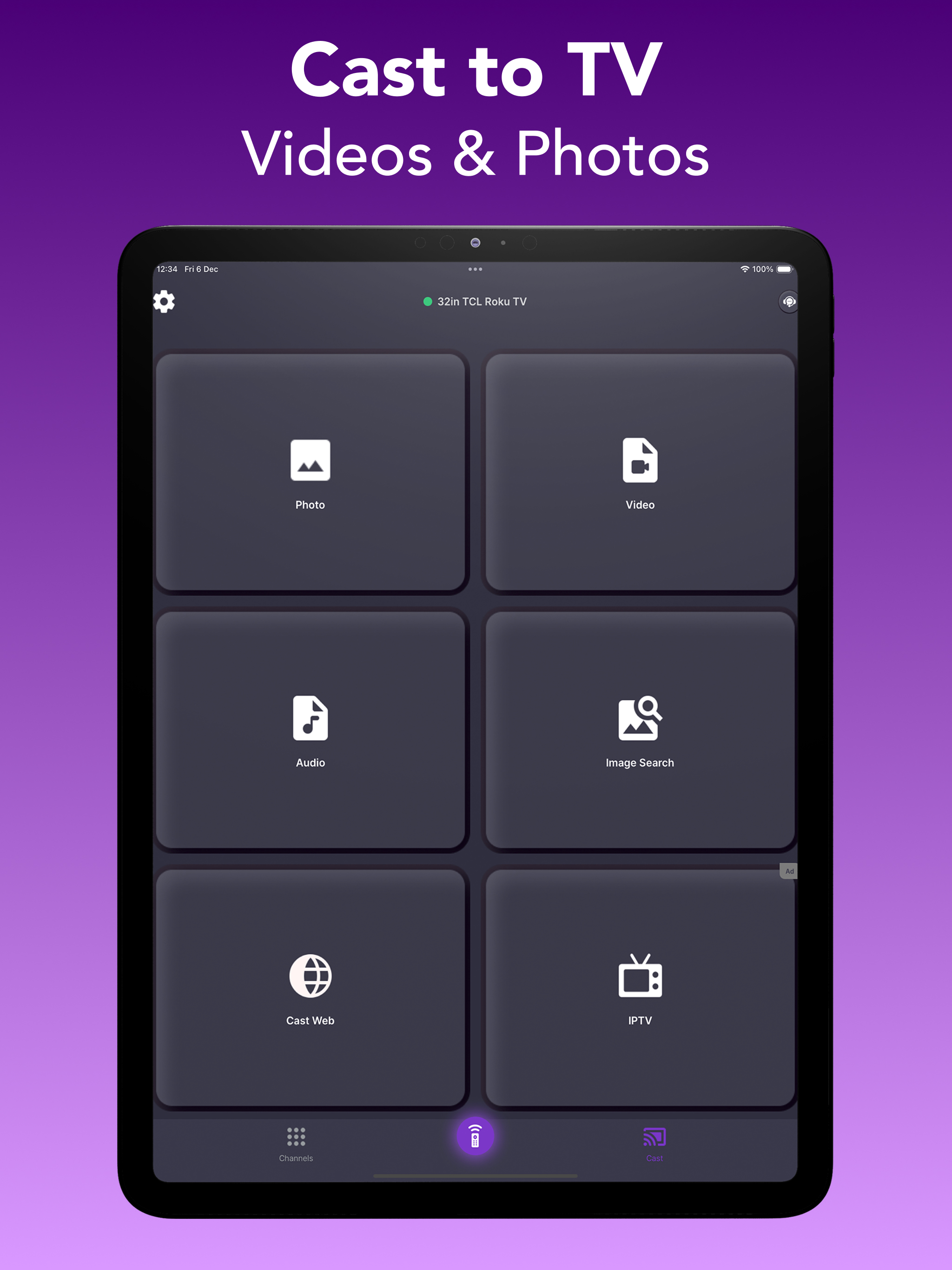
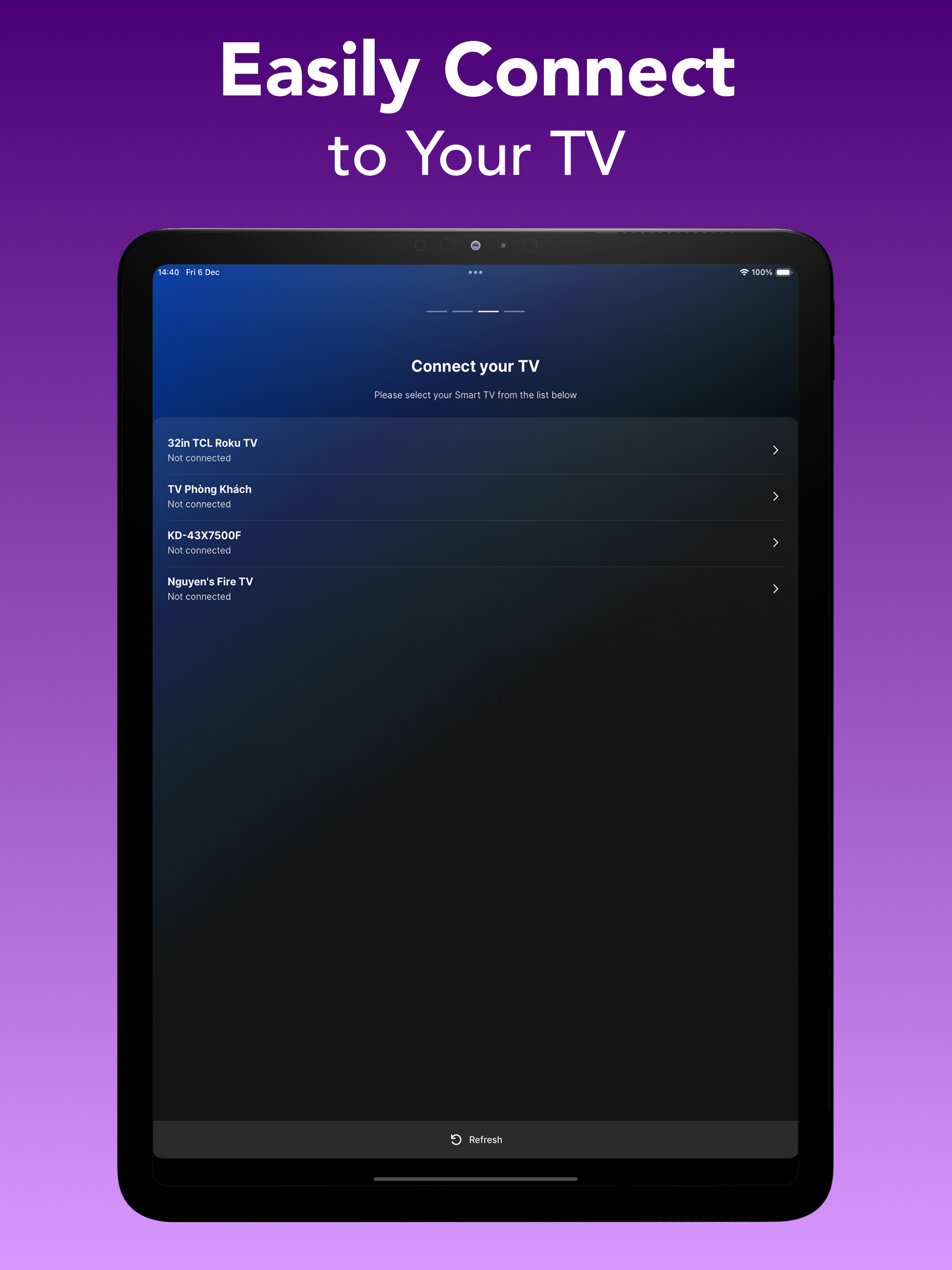
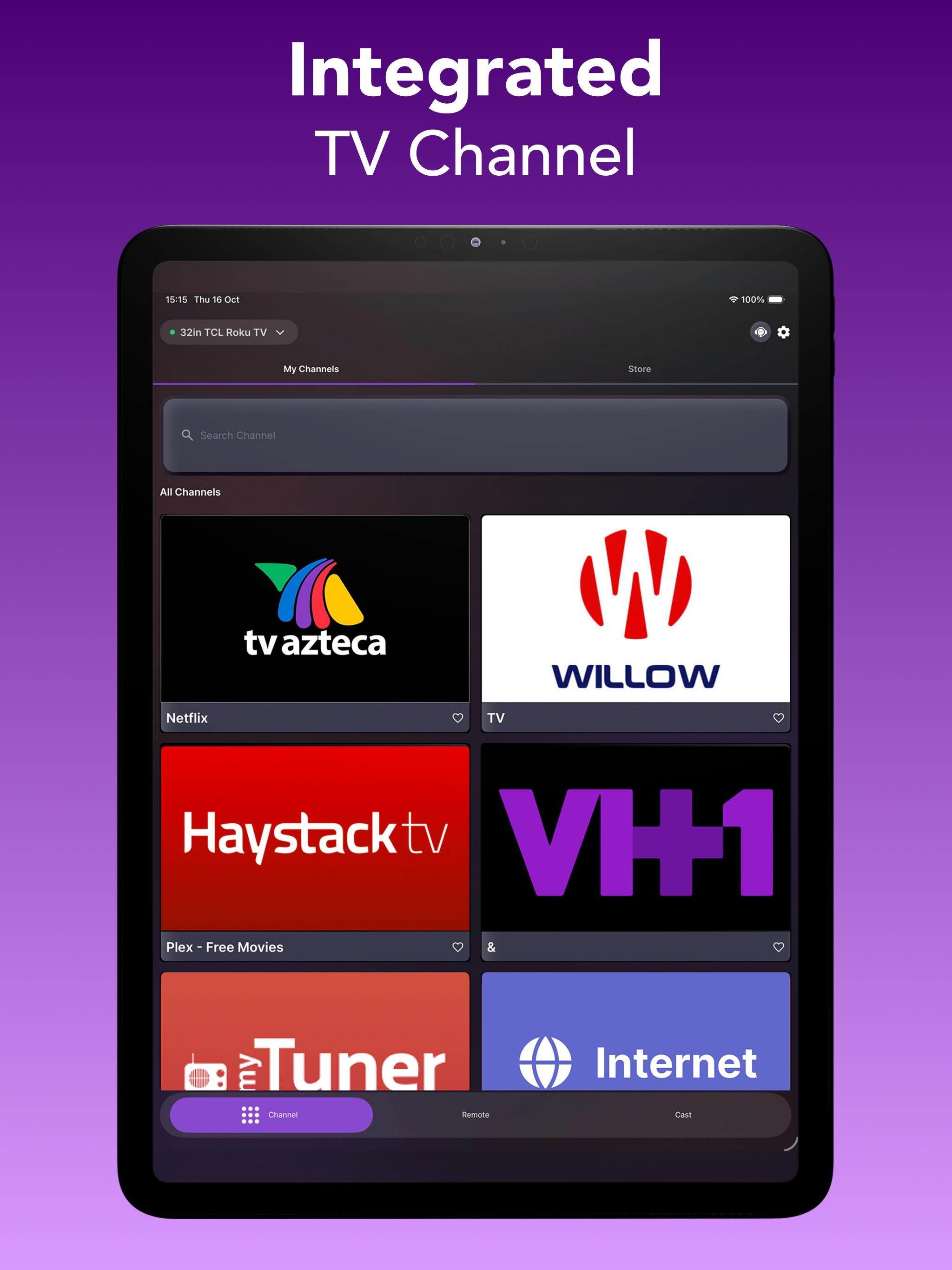
All-in-One Universal TV Remote App for Roku, LG, TCL, Vizio, Fire Stick, Onn, Insignia & More Are you tired of constantly searching for your TV remote? Frustrated with broken buttons or batteries that die when you need them most? It’s time to make your entertainment experience smoother, smarter, and wireless. Introducing TV Remote Control - Smart TV, the universal TV remote app built for convenience, compatibility, and complete control. Whether you own a Samsung TV, LG Smart TV, Vizio, TCL Roku TV, Philips, Insignia, Onn, or use streaming devices like Amazon Fire Stick or Roku Stick, this app is your go-to solution. 1) Universal Remote Control Control multiple TVs and devices using just one app: - Samsung Smart TVs - LG Smart TVs - TCL Roku TVs - Vizio TVs - Philips TVs - Onn TVs - Insignia Fire TVs - Sony Bravia TVs - Hisense Smart TVs - Amazon Fire Stick / Fire TV - Roku Stick & Roku Boxes Other universal remote compatible TVs via Wi-Fi 2) TV Control Made Effortless With your smartphone connected to the same Wi-Fi network as your smart TV, you can instantly: - Power your TV on/off (supported models) - Adjust the volume or mute - Change channels instantly - Navigate with arrow keys, OK, back, home, etc. - Use a built-in touchpad for cursor-style navigation 3) Media Casting & Screen Mirroring - Cast videos from your phone gallery or video apps - Mirror your screen to display presentations, games, or social media - Play IPTV or web-based video content - Supported platforms include YouTube, Spotify, Netflix (via casting), local files, and more. 4) Voice Control Our voice search feature supports natural speech input so you can search for shows, change channels, or browse content hands-free. Examples: “Open Netflix”, “Search for comedy movies”, “Volume up”, ... etc 5) Favorite Channels & App Launching Add shortcuts to your favorite apps and streaming services like: Disney+, Loo Loo Kids, Roku Channel, Netflix, Prime Video, HBO Max, YouTube, Spotify, ... 6) Touchpad Navigation Use your phone screen as a virtual touchpad to navigate TV menus more naturally—especially useful for apps like YouTube or web browsers on smart TVs. Easy Setup – No Pairing Hassles 1. Ensure your smart TV, Fire Stick, or Roku is connected to the same Wi-Fi network as your mobile device. 2. Open the app and allow it to scan for available devices. 3.Tap to connect. That’s it! SUBSCRIPTION PRICING & TERMS Users can subscribe for unlimited access to Premium features and without ads. Payment will be charged to your iTunes Account at confirmation of purchase. Subscriptions may be managed by the user and auto-renewal may be turned off by going to the user's Account Settings after purchase. For details please visit the link https://support.apple.com/HT202039 Subscription automatically renews unless auto-renew is turned off at least 24 hours before the end of the current period. Account will be charged for renewal within 24-hours prior to the end of the current period and determine the renewal cost. When the current trial/subscription period expires, the user will be unsubscribed. The current active subscription period cannot be canceled. Once the subscription expires, the user will no longer be able to use the Interactive tab. Any unused portion of a free trial period, if offered, will be forfeited when the user purchases a subscription to that publication, if any. DISCLAIMER: TV Remote Control - Smart TV is not affiliated with or endorsed by any relevant brands. Privacy Policy: https://sites.google.com/view/privacypolicytvremotecontrol/ Terms of Use: https://sites.google.com/view/termofusetvremotecontrol/





![How to measure customer sentiment for app reviews [7 metrics]](https://cdn.appfollow.io/blog/static/appfollow_1335e02d-b0b3-49f7-9eb6-94171dc7e379.jpg)
