Ratings & Reviews performance provides an overview of what users think of your app. Here are the key metrics to help you identify how your app is rated by users and how successful is your review management strategy.

User reviews affect conversion to installs and app rating. Featured and helpful reviews are the first to be noticed by users and in case of no response can affect download rate.
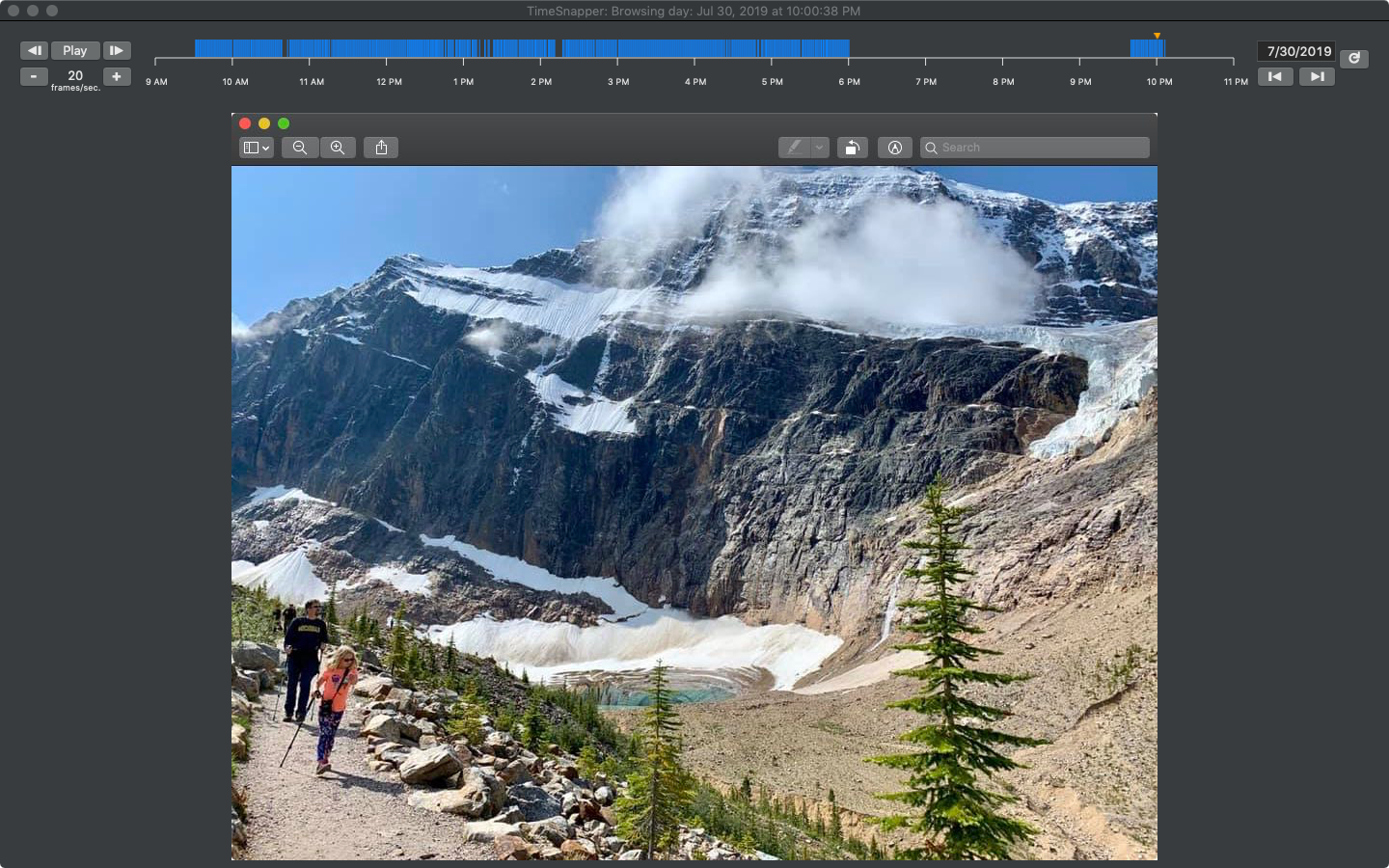
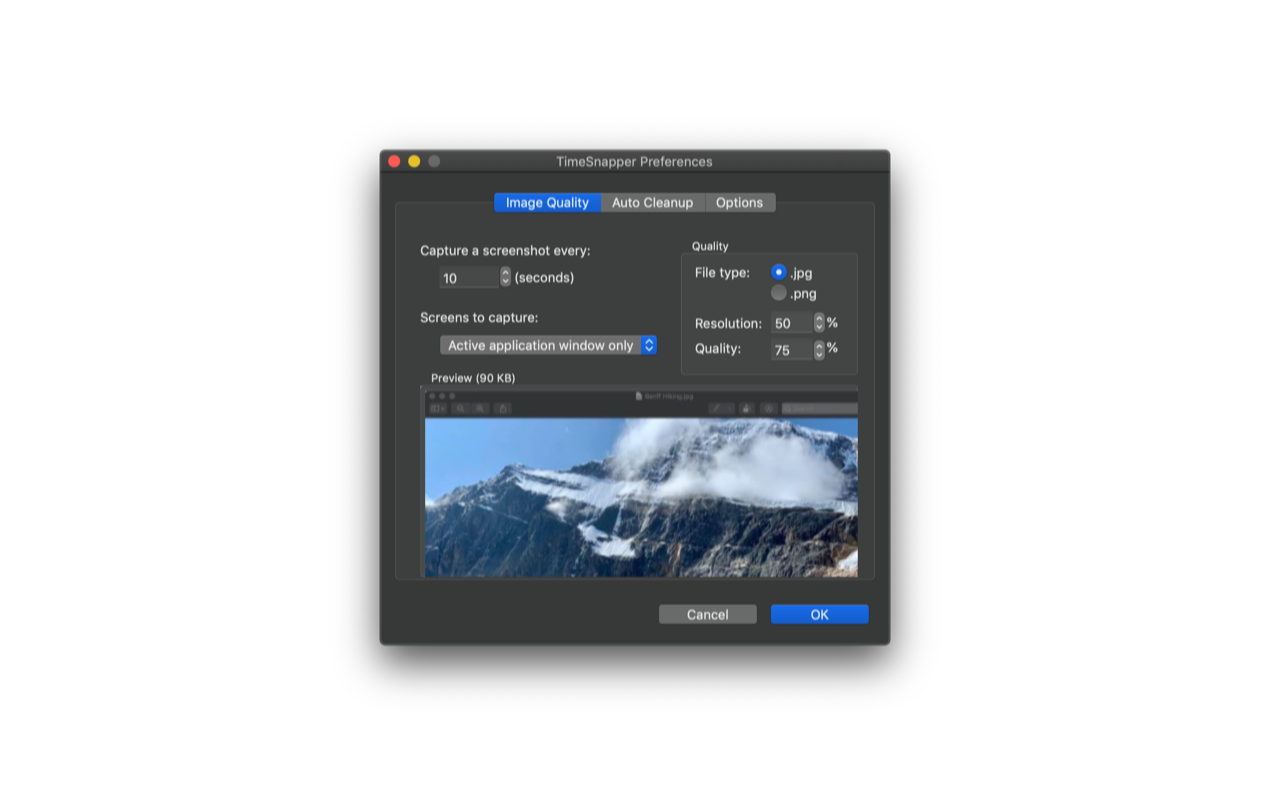
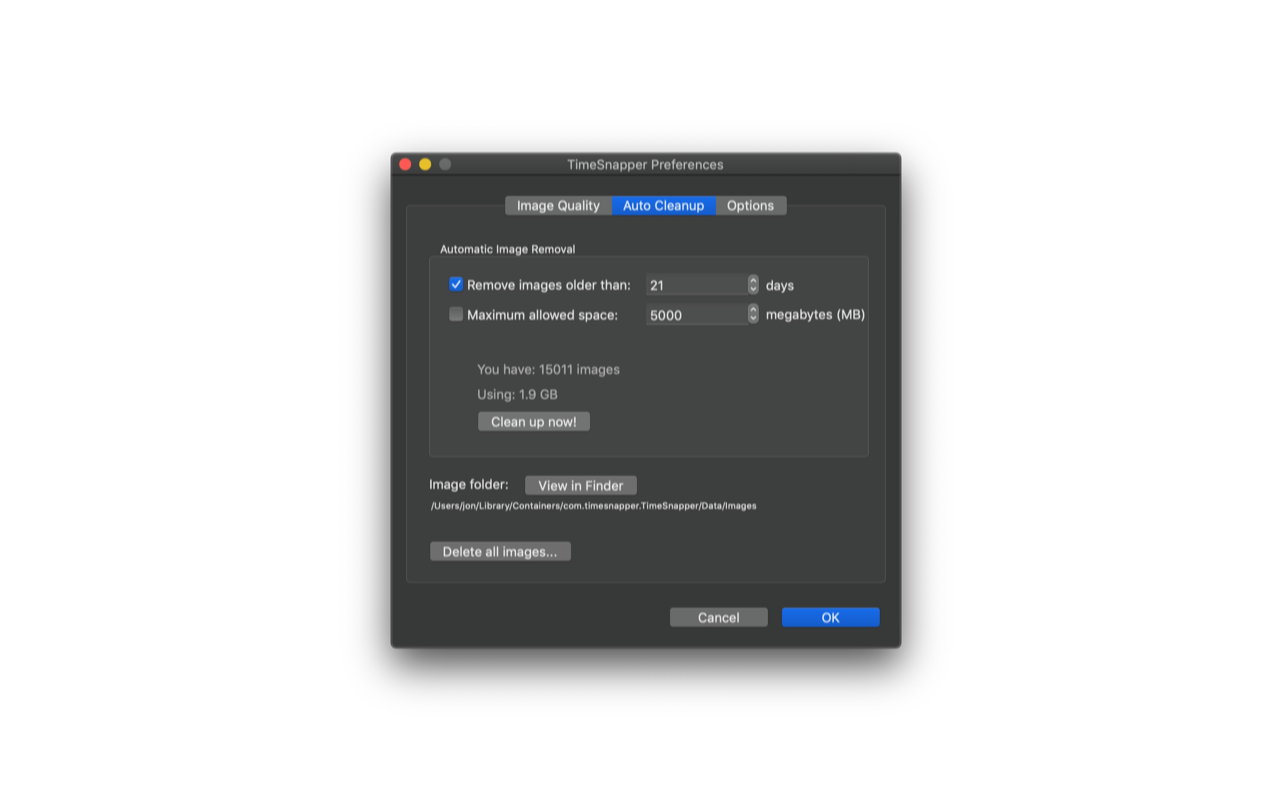
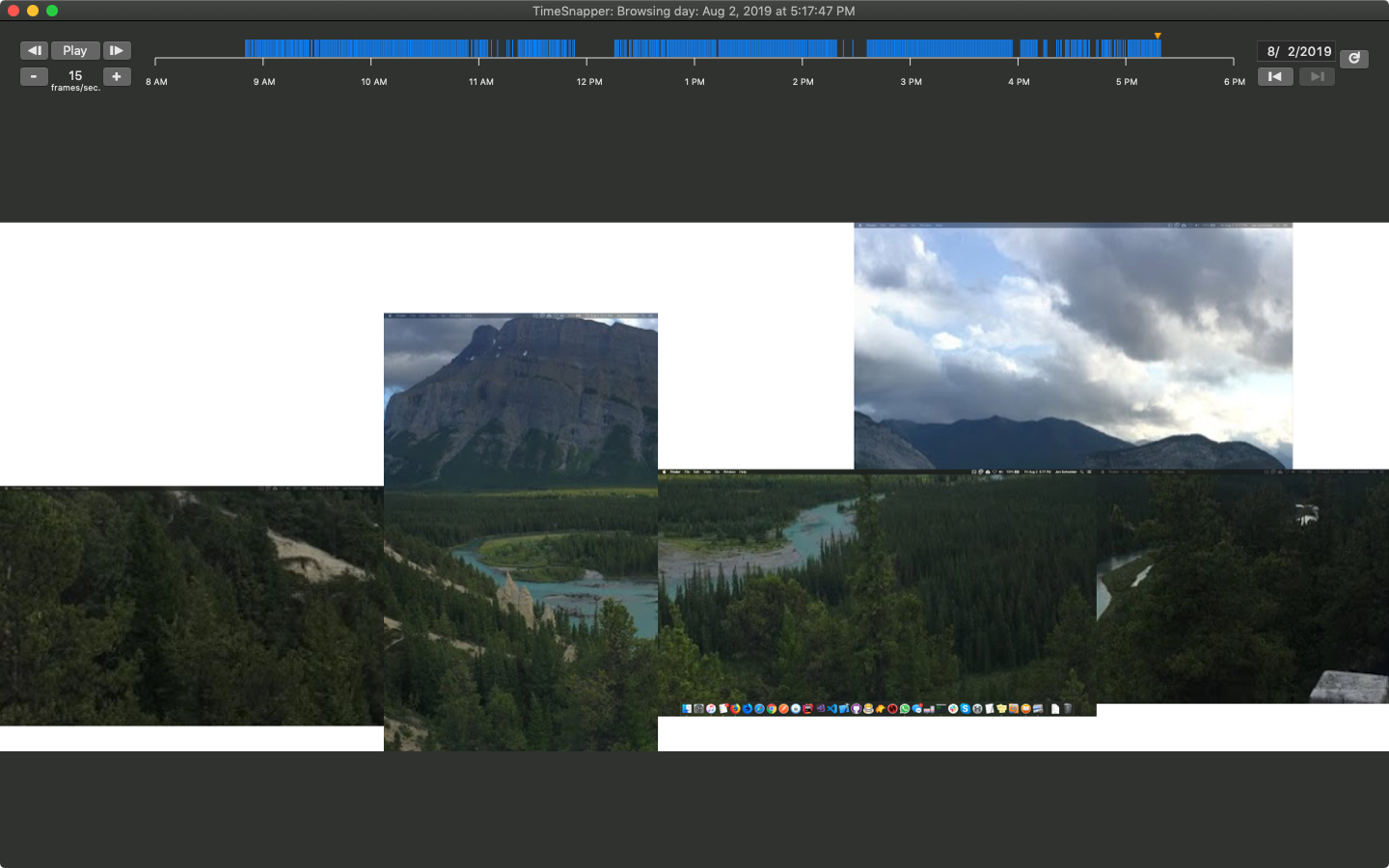
TimeSnapper runs in the background of your Mac, taking screenshots of your desktop every few seconds all week long. TimeSnapper lets you play back your week just like a movie. You can play it at any speed you like, and jump in at any time you like. Did your browser crash, causing you to lose that long post you were writing? Do you need the exact wording of that error message you got 10 minutes ago? No worries! Get them back from TimeSnapper's record of your on-screen history. When it's time to fill out that dreaded timesheet, TimeSnapper is a savior. No need to tear your hair out trying to remember where all the time went. Select from snapshotting your active monitor, all monitors, or just the active application window. TimeSnapper can save screenshots at full resolution and quality, or at levels of your choosing, so you can control how much disk space your screenshots will take. Screenshot intervals, and optional automatic cleanup of old images to save disk space, are configurable as well. TimeSnapper is highly performant, and should have no noticeable effect on the performance of your Mac. TimeSnapper for macOS was developed in partnership with the team that brought you the original TimeSnapper for Windows. Note that TimeSnapper for macOS is a separate codebase and product from TimeSnapper for Windows, and not all features in the full version of TimeSnapper Professional for Windows are also included in TimeSnapper for macOS. Please see our website or contact us for full details. TimeSnapper is not intended for monitoring others' computer use. By installing and running TimeSnapper, you agree that your use of TimeSnapper is exclusively to monitor your own activity, and not the activity of others.