Ratings & Reviews performance provides an overview of what users think of your app. Here are the key metrics to help you identify how your app is rated by users and how successful is your review management strategy.
 4.5
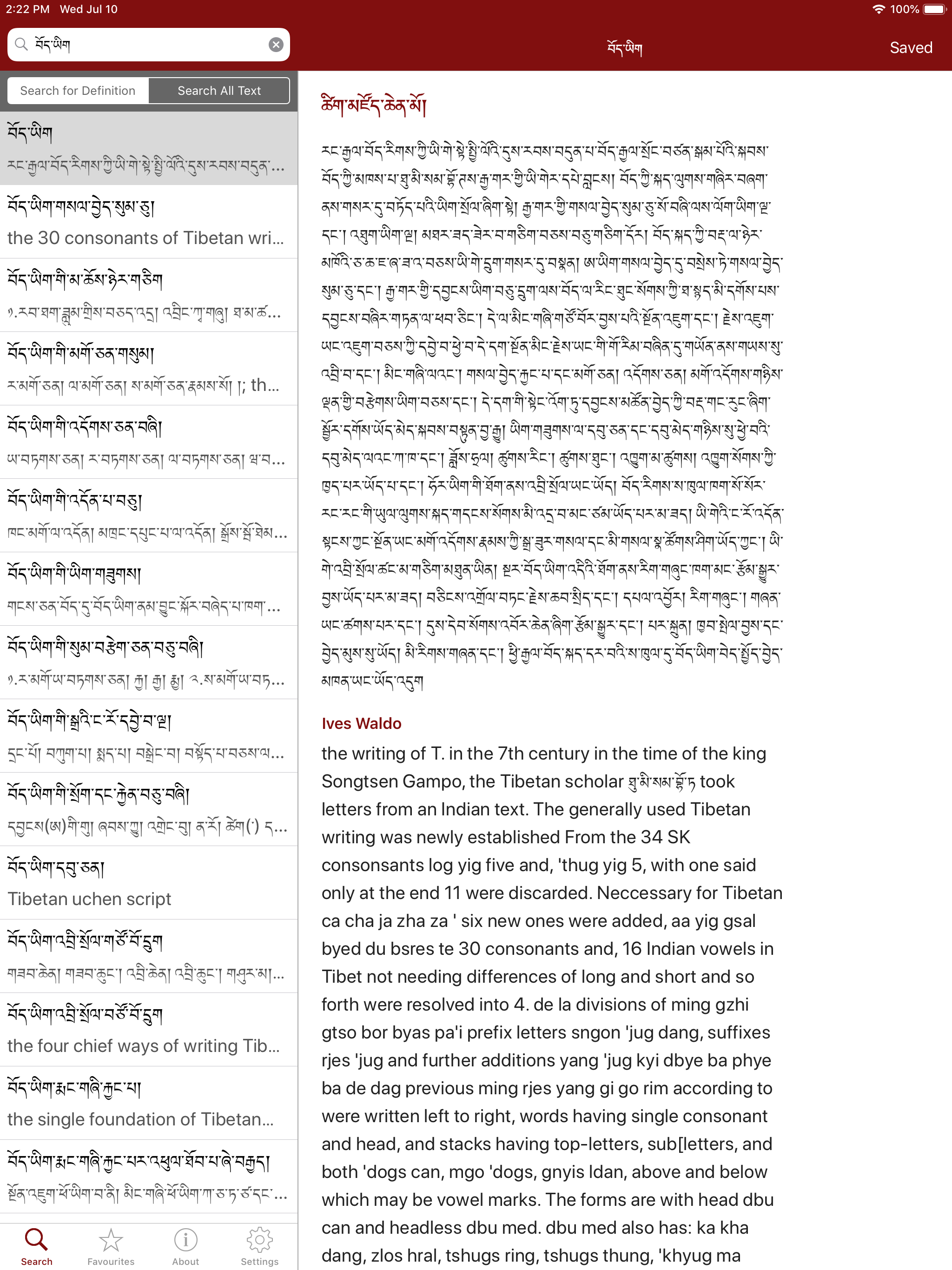
4.5The Tibetan Dictionary combines several dictionaries into a single app. Words and definitions can be searched for in both english and tibetan, taking advantage of the Tibetan language support built-in to iOS. It is a universal app and is optimised for both iPhone and iPad. The following dictionaries are included: * tsig mdzod chen mo * dag yig gsar bsgrigs * New Tibetan-English-Chinese Vocabulary * New English-Tibetan Dictionary * Rangjung Yeshe Dictionary * Mahāvyutpatti To type using tibetan script, you need to turn on the tibetan keyboard in the main Settings app: Settings > General > Keyboard > International Keyboards > Add New Keyboard... You can then select the Tibetan keyboard by tapping the 'world' icon on the keyboard, next to the spacebar. == Keyboard Shortcuts == Command-F: Activate search bar Command-Shift-F: Activate search bar for Search All Text Tab: Move between search bar and search results Down-arrow: Move to next search result Up-arrow: Move to previous search result