Ratings & Reviews performance provides an overview of what users think of your app. Here are the key metrics to help you identify how your app is rated by users and how successful is your review management strategy.
 1.0
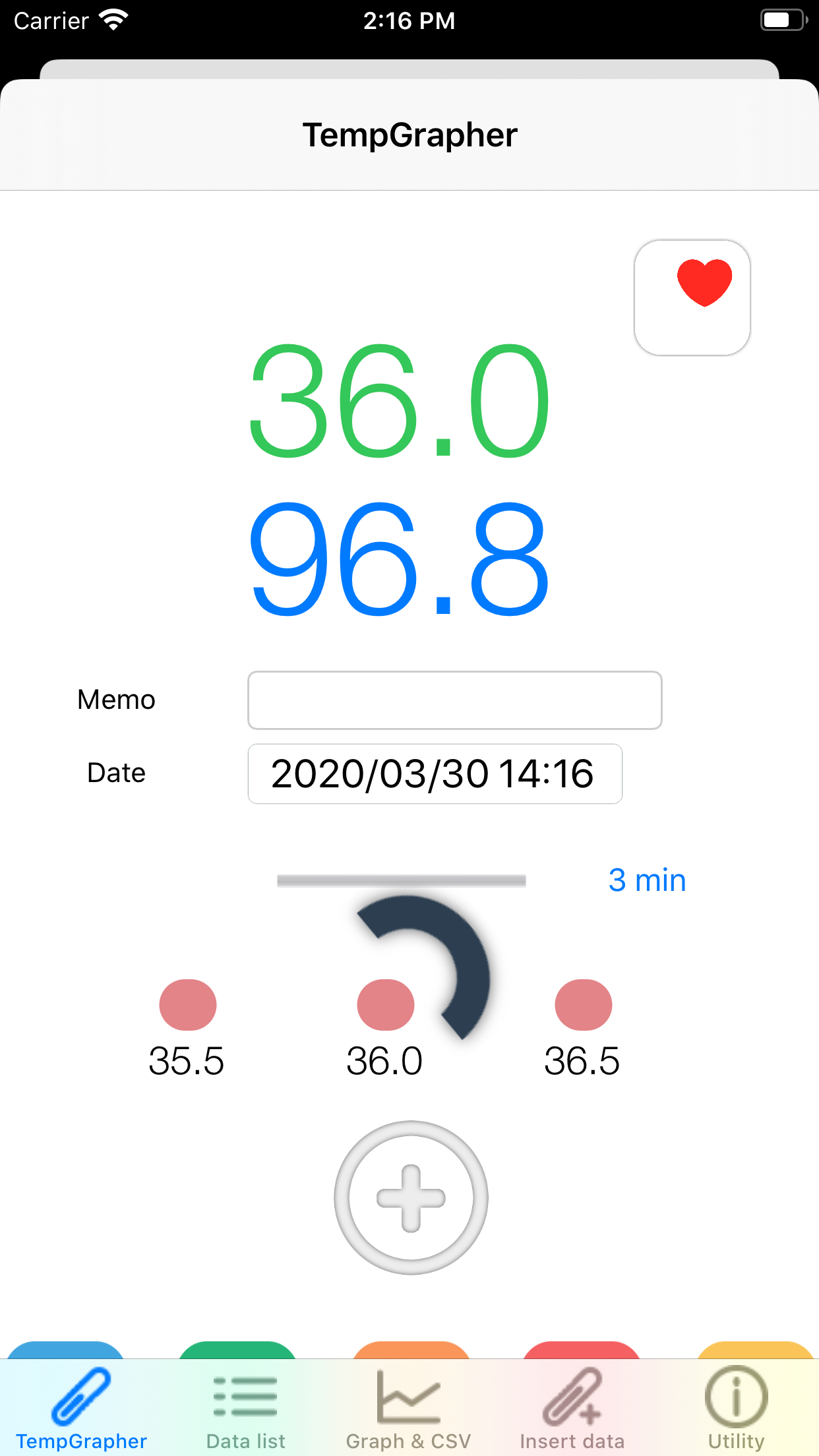
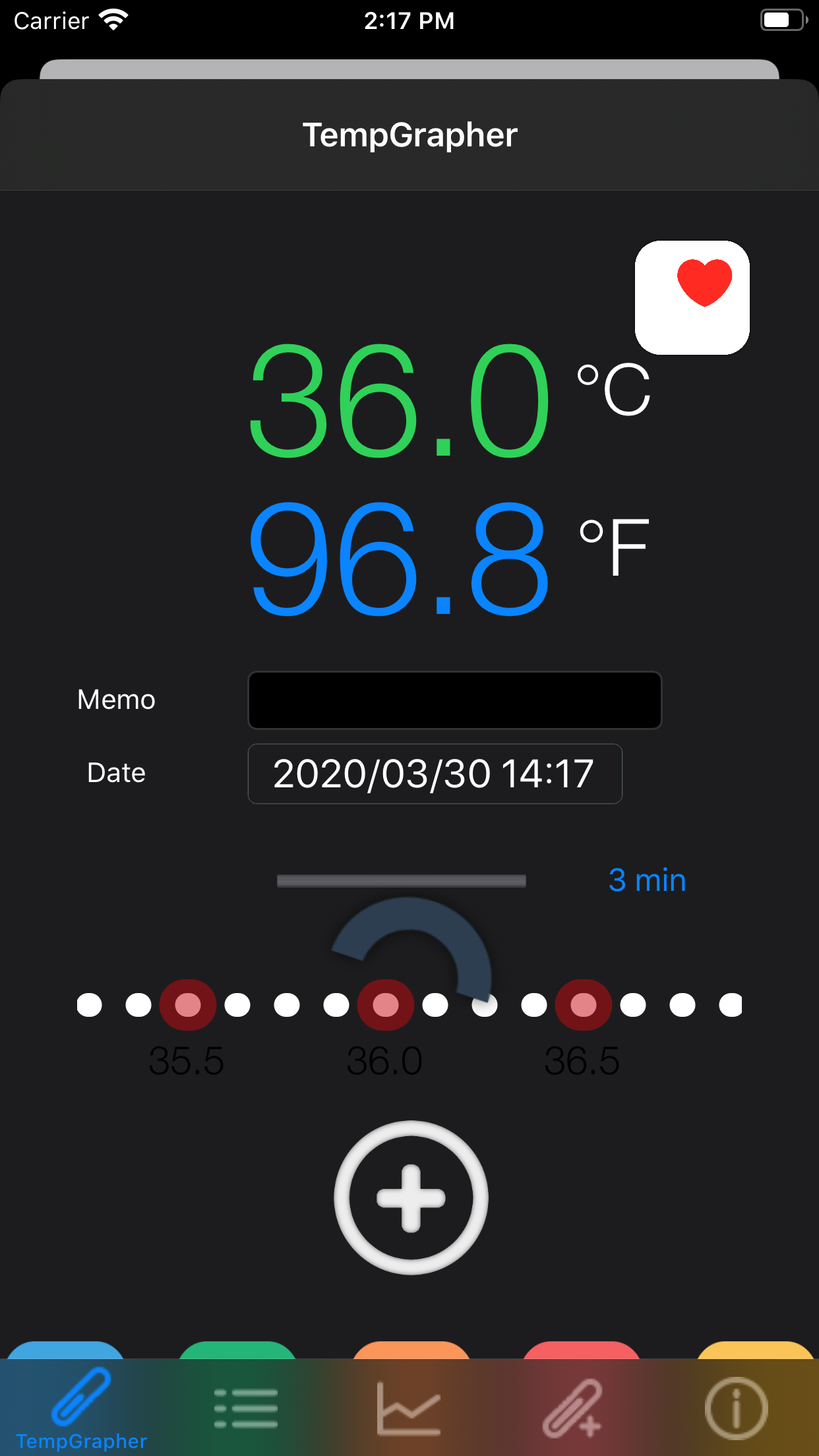
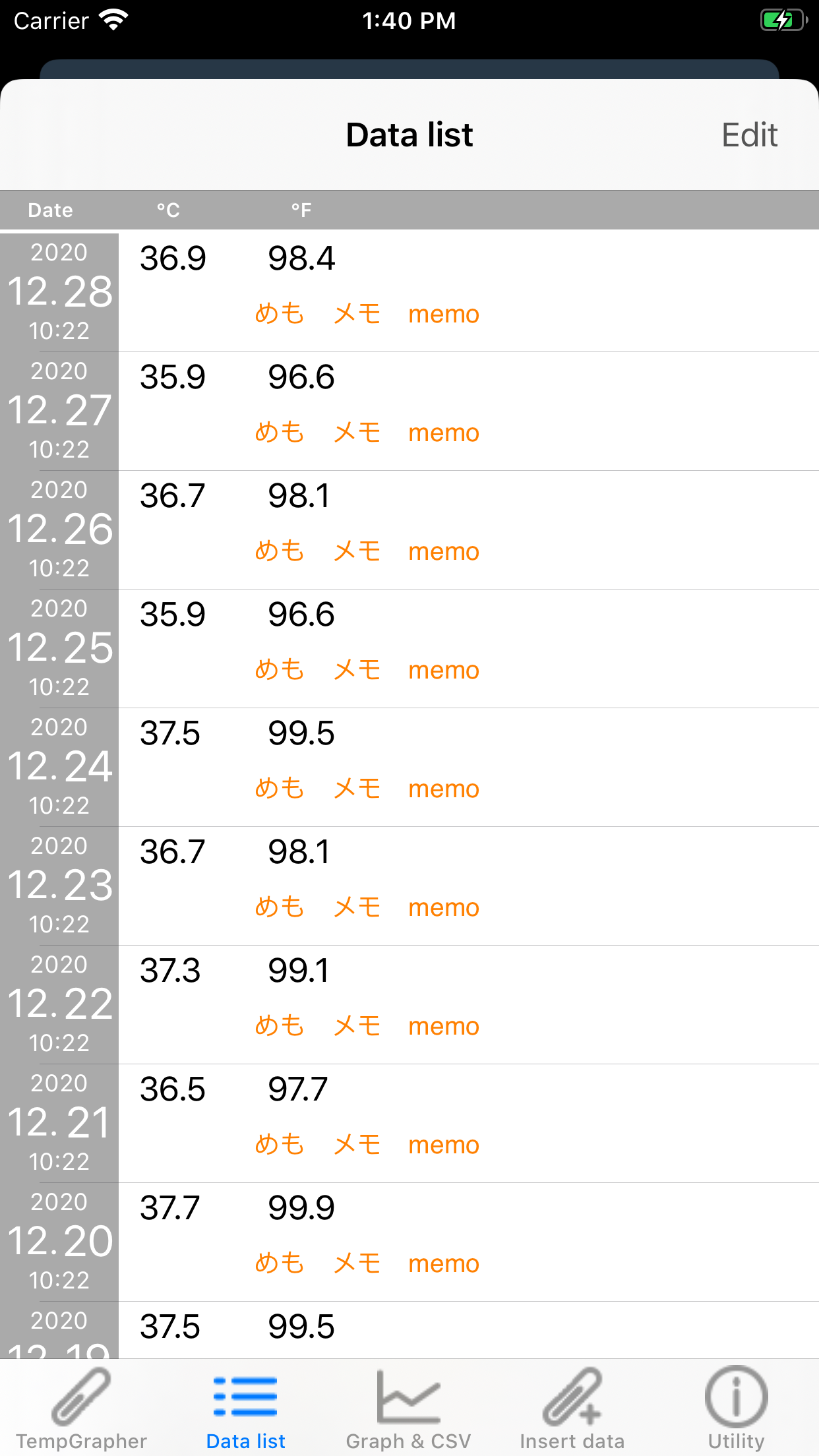
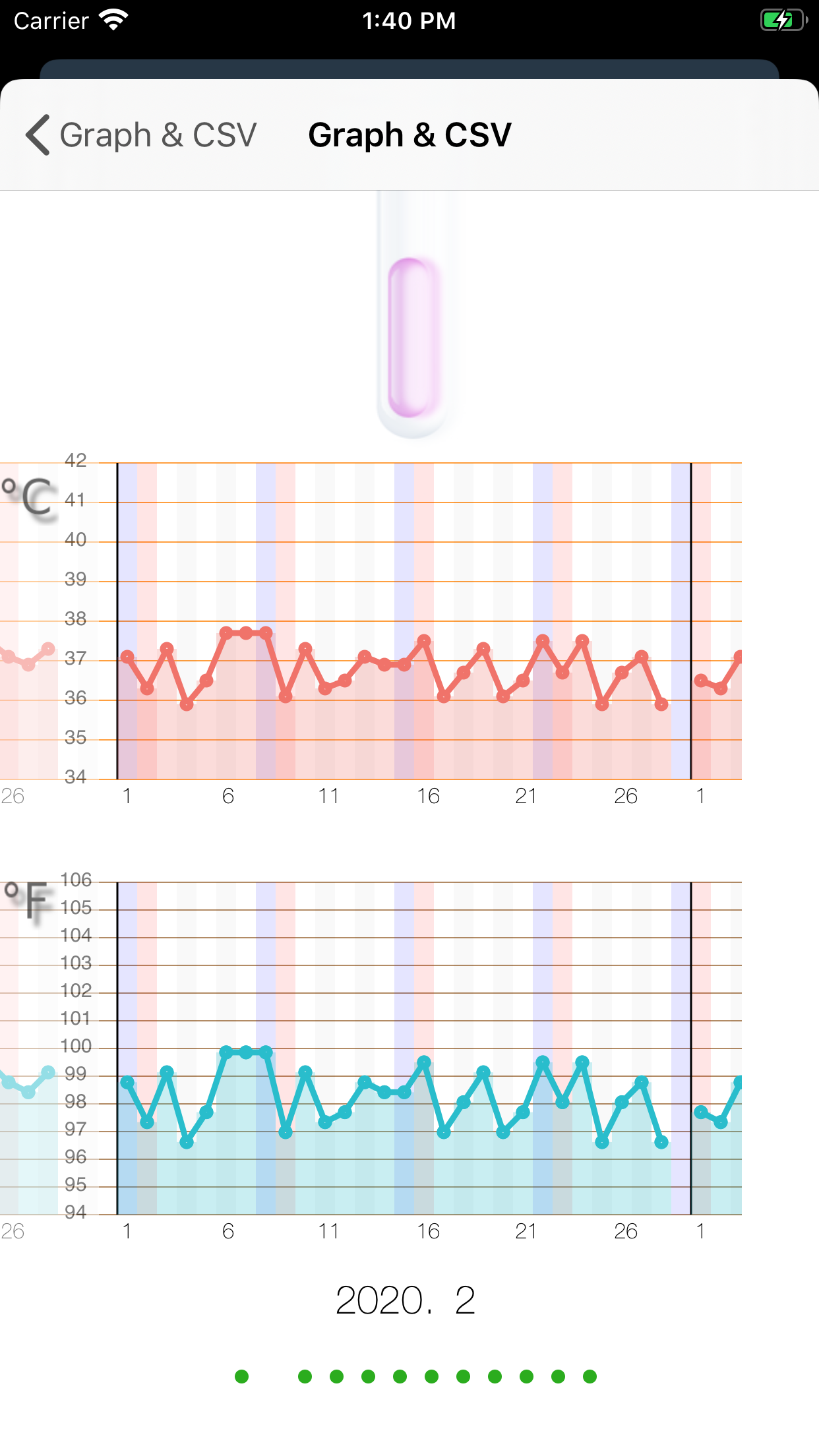
1.0TempGrapher is your body temperature tracking app. HealthKit support. This app has a very simple input method that just slide your finger on slider to choose your body temp.. No Keypad. And this app is converting between degrees Celsius to degrees Fahrenheit during input slider moving. And you can check your temperature record with line graph with the both of Celsius and Fahrenheit. Selection of the use of default Calendar App of iOS. Temperature data are saved at default Calendar App on iOS. You can check the date and data with default Calendar. and with using Cloud service, sharing of data will be available and you can referring the data from PC. Feature 1, There is a very simple user interface to input temperature data. 2, You can input notes. 3, The input range is between from 93.2 to 107.6 degrees Fahrenheit. (from34 to 42 degrees Celsius) with 0.1 degree interval. 4. Temperature data convert automatically between degrees Celsius to degrees Fahrenheit and record the both of data. 5, You can insert temp data. 6, There is a Reset menu to all data clear. 7, You can choose the font color for temperature display. There are White, Gray, Blue, Pink, Green and OFF. You can be hidden temp display by selecting OFF. 8, Dark mode support on iOS13. 9. Exporting stored data to mail in CSV format. 10, There is simple timer for five minute. A orange bar extend to the right. 11, HealthKit support.