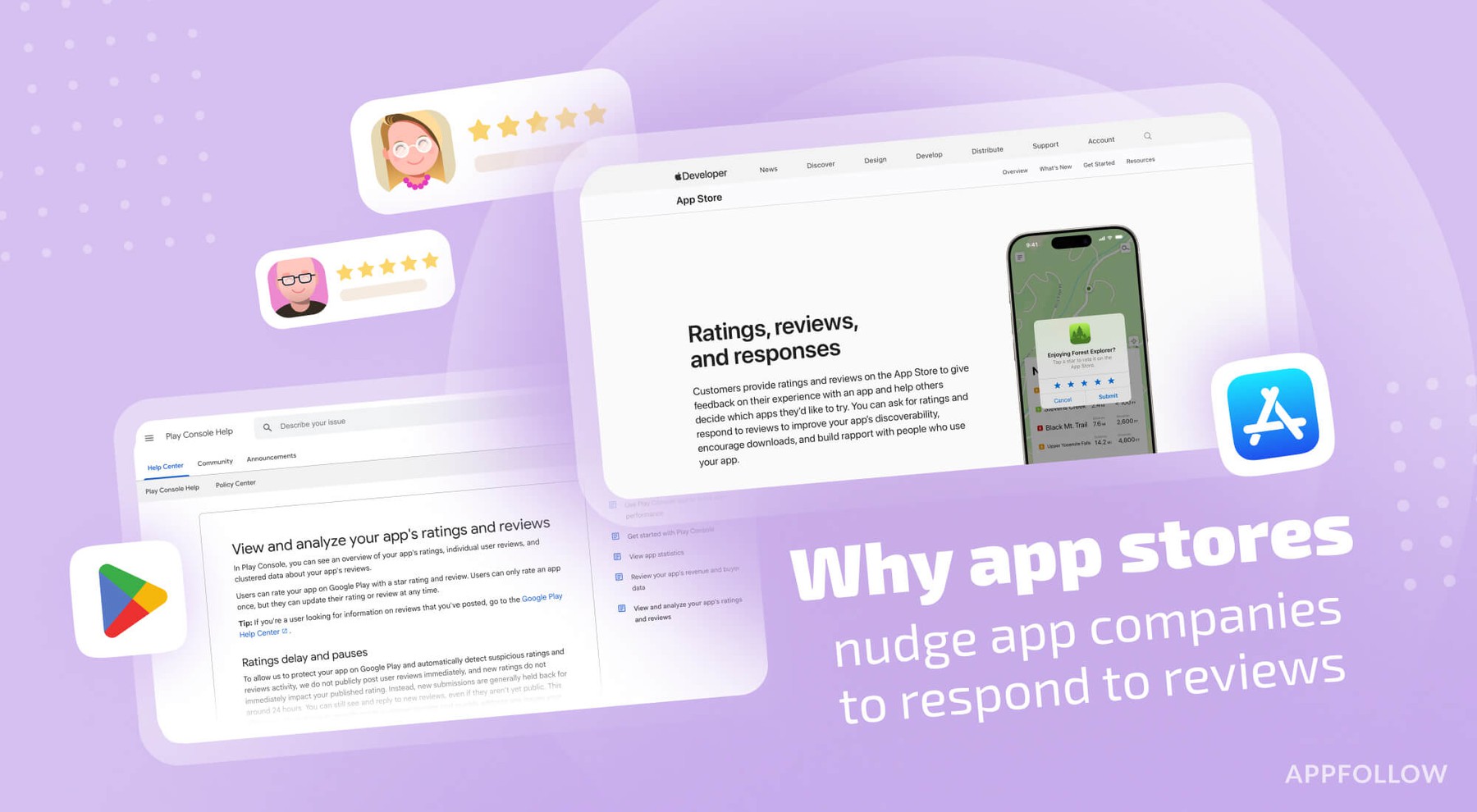
Ratings & Reviews performance provides an overview of what users think of your app. Here are the key metrics to help you identify how your app is rated by users and how successful is your review management strategy.
 5.0
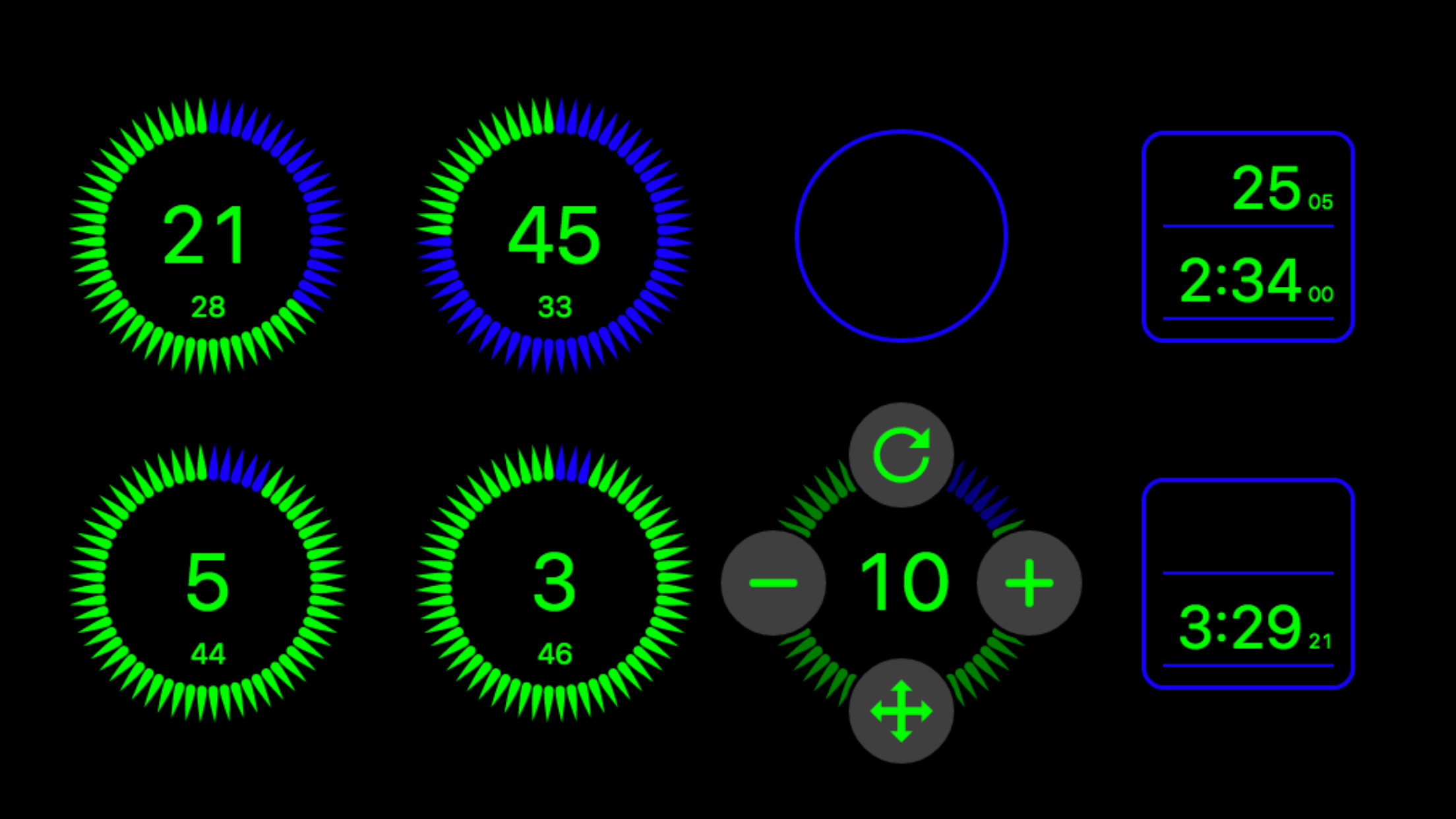
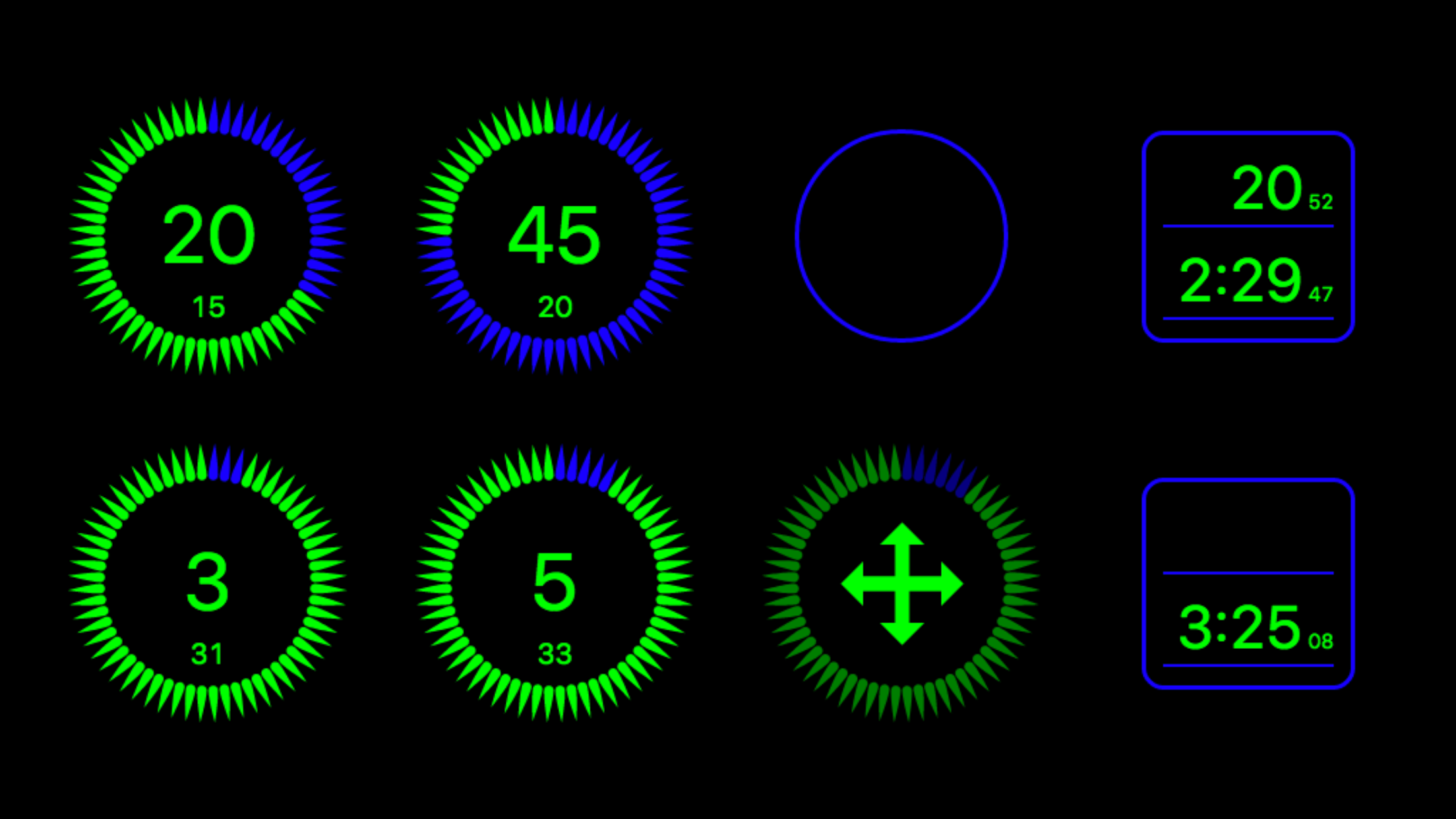
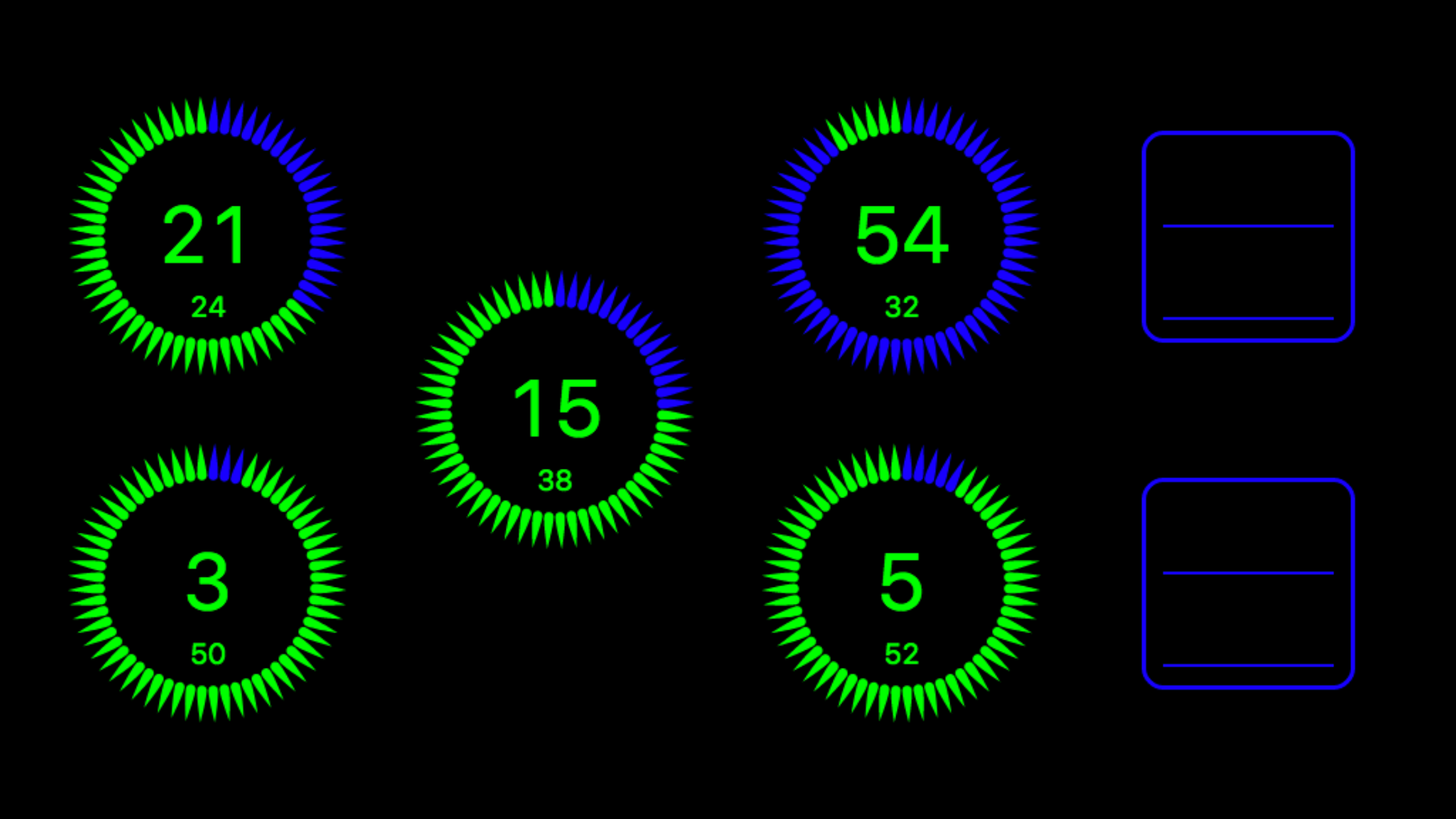
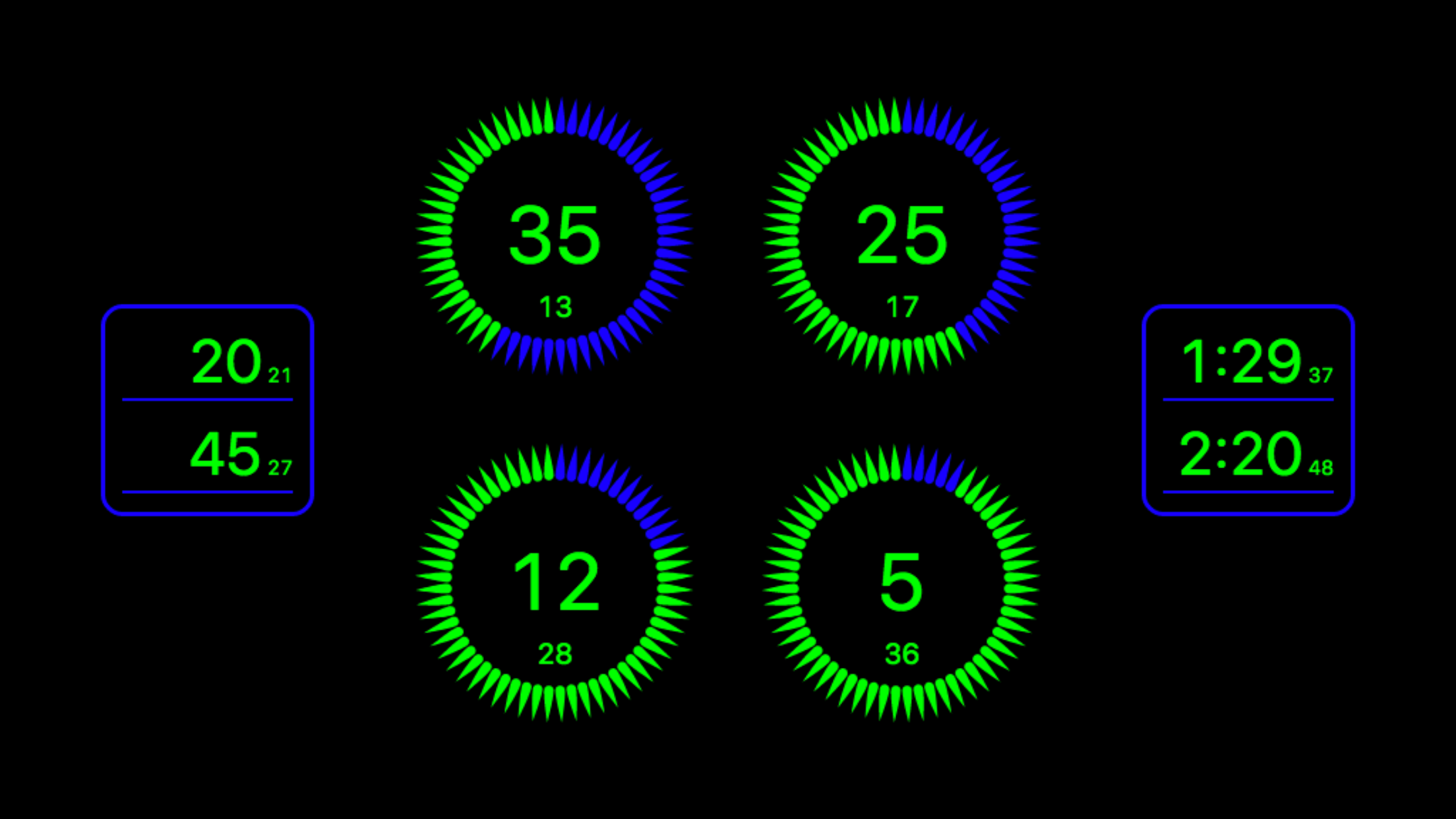
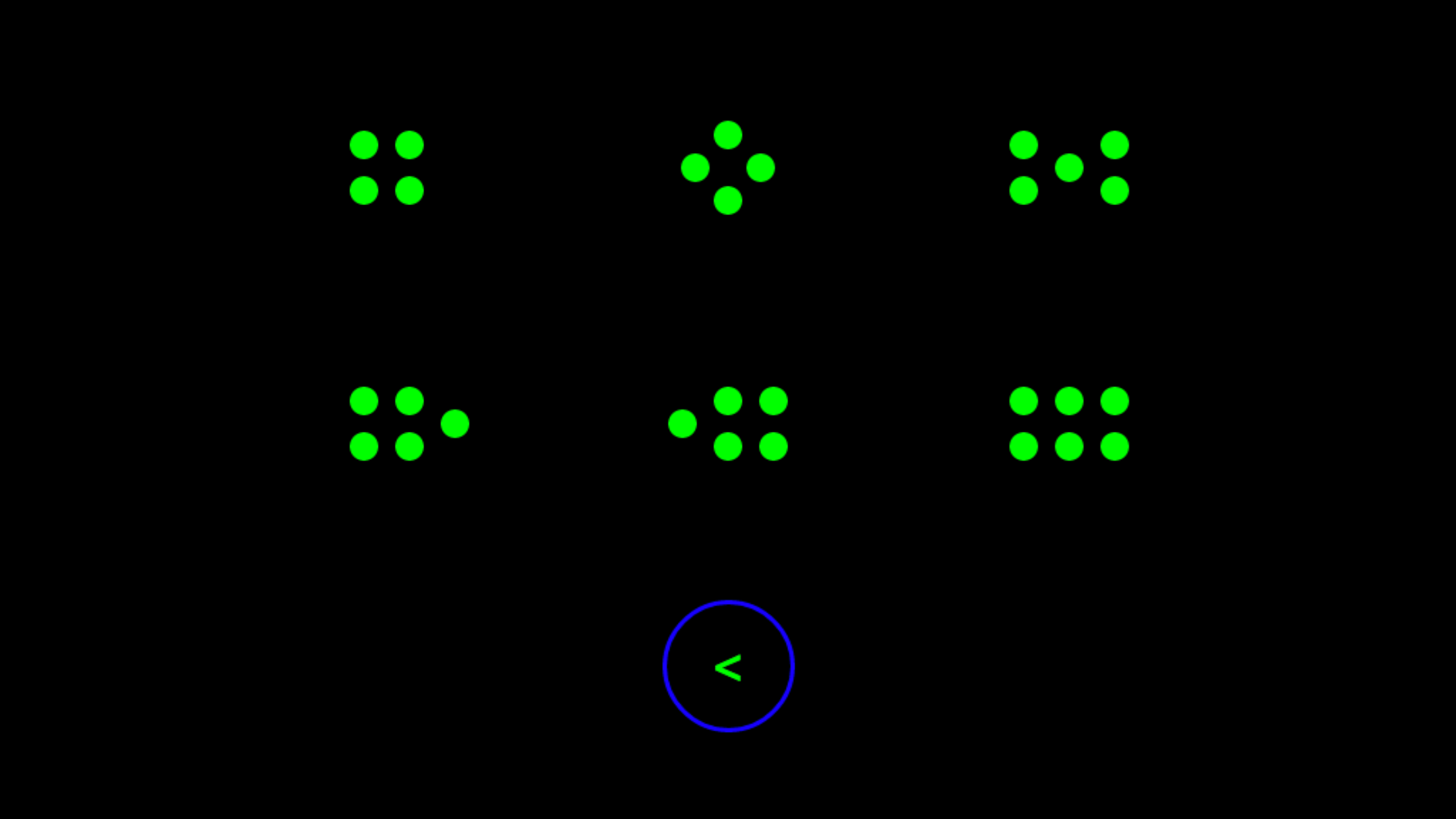
5.0Individually time every ring/burner and oven shelf on your hob and in your oven. With layouts that cover every configuration from a simple four ring to a six ring two oven range on the iPhone and an eight ring four oven range on the iPad. Each cooking ring has it’s own timer and each oven has a separate timer for each shelf. Makes cooking a Roast Dinner a stress free event ! A best in class App with no advertising and no in-App purchases. A unique interface provides a graphical representation of the cooker/hob layout that you actually have in your own kitchen. On launch you will be presented with the fourteen different hob layouts available on existing appliances (iPad x 14, iPhone x 6). Simply select the one that represents the cooker/oven/hob layout you have in your own kitchen. If you place something to cook on the top left ring of your cooker/hob then just tap the top left ring on tastytimer. If you put something to cook on the bottom right ring of your cooker/hob just tap the bottom right ring on tastytimer and so on, it’s simple and incredibly useful. Our ‘Number Grid’ system is by far the quickest method of entering a cooking time, just tap to set. Moving between rings: If you want to literally put a pan ’on the back burner’ there is no need to reset, simply tap the relevant ring, tap the move button, then drag to it’s new location. The timer will then continue timing on the new ring. tastytimer is intended to be permanantly on screen while you cook, however if you do need to take a call or answer a message it continues working in the background and will send Alarm Notifications when not on screen. The settings section allows you to change the ring layout or change the alarm sound to one of many tones and rhythms. Settings can be found at the bottom right of the time selection grid. A large amount of time has been spent (with people who actually cook) creating the unique interface for tastytimer which has resulted in an app which ‘just works’ and, once tried, will seem like the obvious and only way to do it. For home Cooks and professional Chefs we believe tastytimer to be the very best App of it’s type and hope that you find it as useful as we do.