Ratings & Reviews performance provides an overview of what users think of your app. Here are the key metrics to help you identify how your app is rated by users and how successful is your review management strategy.
 2.1
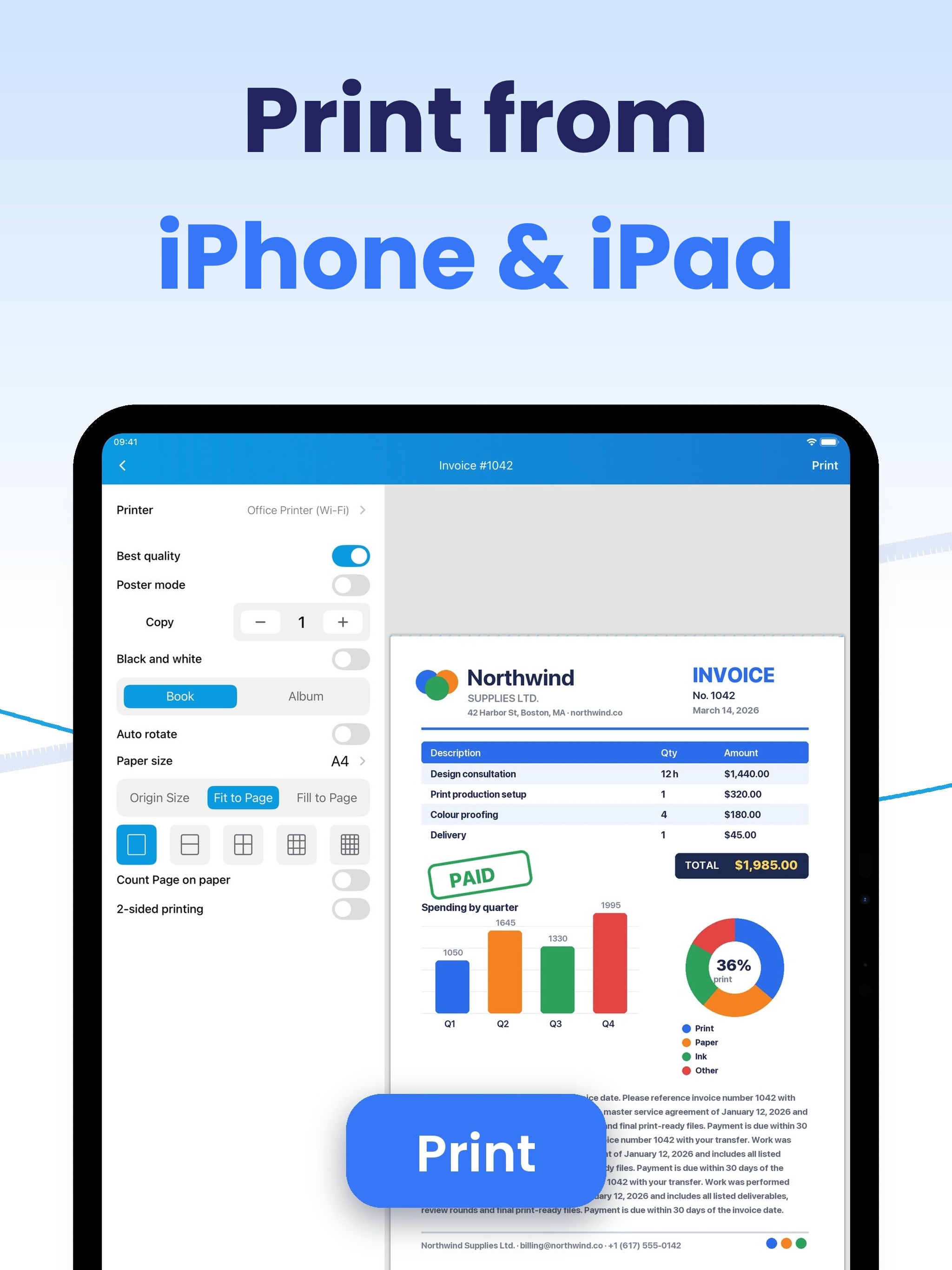
2.1Print from iPhone and iPad to any Wi‑Fi printer — HP, Canon, Epson, Brother and every AirPrint printer. No drivers, no setup, no computer: pick a printer on your Wi‑Fi and print a test page in the first minute. Scan to PDF, print photos, documents and web pages, and edit before you print. WORKS WITH YOUR PRINTER 9,000+ models supported: HP, Canon, Epson, Brother, Samsung — and any AirPrint‑enabled printer. PRINT ANYTHING Photos, PDFs, Word, Excel, web pages, emails and files from iCloud, Google Drive or Dropbox — 30+ formats. Choose paper size, color, copies, one- or two-sided printing. EDIT BEFORE YOU PRINT Highlight lines, add notes and sign documents right in the app — print exactly what you need. PRINT POSTERS AT HOME Split any photo across multiple sheets and print a poster on a regular home printer. SCAN TO PDF Digitize receipts, contracts and notes with your camera, save as PDF and share in seconds. Premium features require a subscription. It renews automatically unless cancelled at least 24 hours before the end of the current period. Manage or cancel anytime in your Apple Account settings. Privacy Policy: https://smart-mobile-apps.com/tap-and-print/privacy.html Terms of Use: https://smart-mobile-apps.com/tap-and-print/terms.html



![[Webinar recap] What gaming apps get wrong (and right) in the app stores](https://cdn.appfollow.io/blog/static/appfollow_72417f3e-2586-4881-b677-60b644c4e653.jpg)