Ratings & Reviews performance provides an overview of what users think of your app. Here are the key metrics to help you identify how your app is rated by users and how successful is your review management strategy.
 5.0
5.0
User reviews affect conversion to installs and app rating. Featured and helpful reviews are the first to be noticed by users and in case of no response can affect download rate.
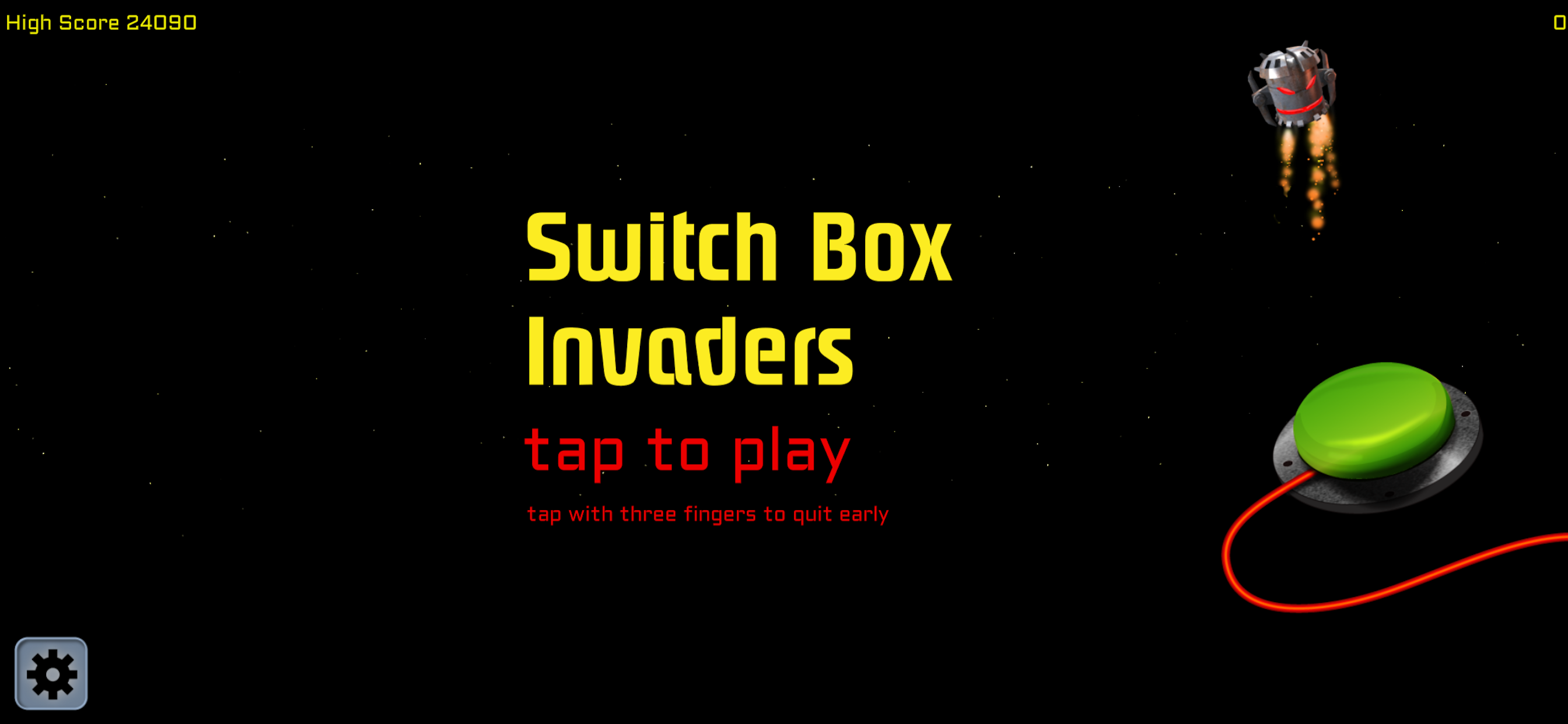
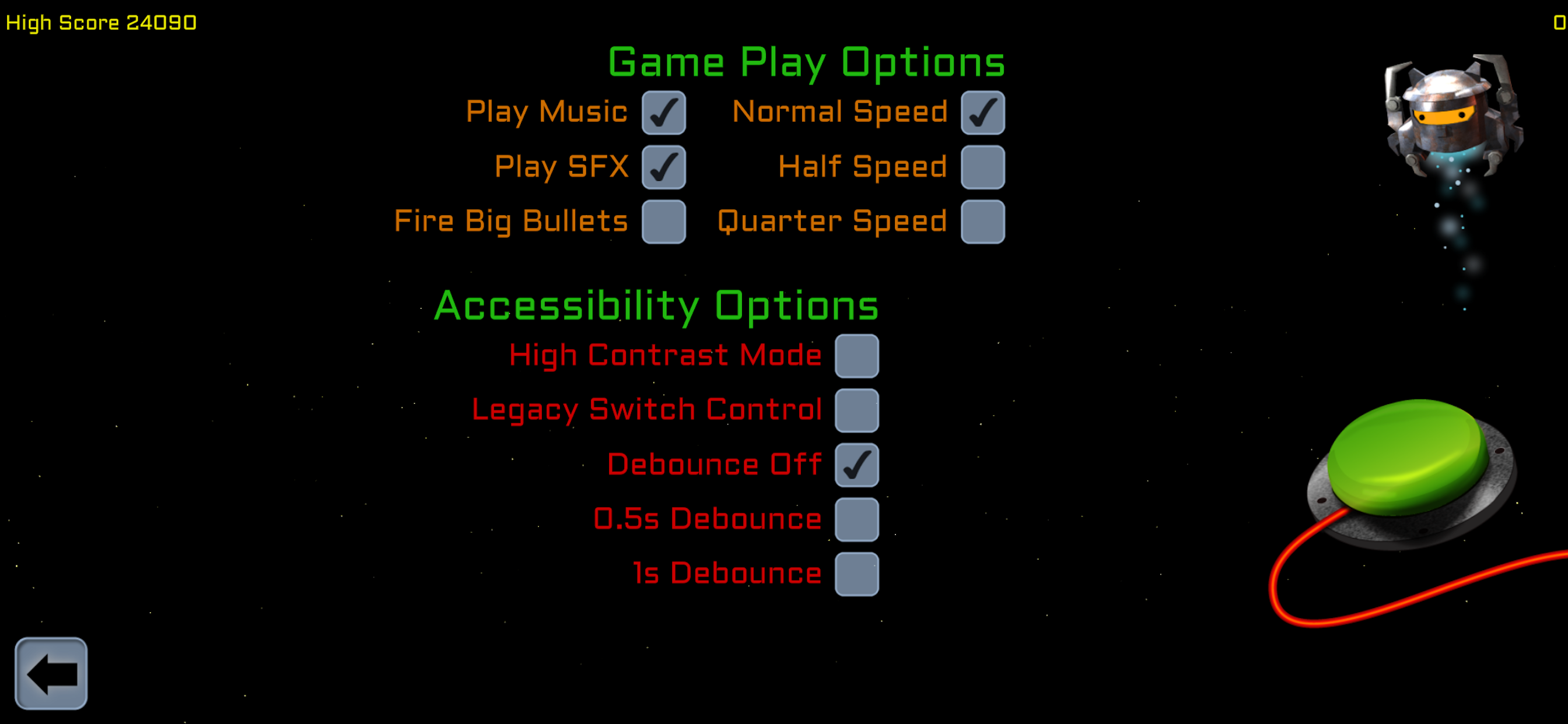
Switch Box Invaders is a fast paced single tap game made for and with young people who use switches to control their iOS devices. It can be played by touching the screen or with any iOS compatible switch interface. The app is an established and enjoyable way of improving timing and tracking skills with over 20,000 downloads on iPad since 2012. The latest update also supports recent iPhones and iPod Touch. Speed of game play can be adjusted to suit slower players and laggy switch boxes. An optional high-contrast mode optimised for players with CVIs and moderate visual impairment is also provided. Apple Game Center support for Achievements, Leaderboards and Challenges is included. Discounted pricing and VPP for educational users is supported. Quick Start for Switch Users iOS Switch Control (Recommended) ● Use 'Tap Middle of Screen' as your Launch Recipe ● Alternatively map a switch to 'Tap Middle of Screen' ● Leave the 'Legacy Switch Control' option in the app's settings disabled ● A scannable game options menu is available via the main iOS Settings Legacy/Direct Switch Control ● Supports most switch interfaces when iOS Switch Control is disabled. ● Also supports all iOS wired and wireless keyboards - use the spacebar to play. ● Enable the 'Legacy Switch Control' option in the app's settings ● See the Support Page for a list of tested switch interfaces and compatible modes To prevent lockout when people enable it by mistake, Legacy Switch Control must be selected each time you start the app - all other game settings are saved for the next time you play.