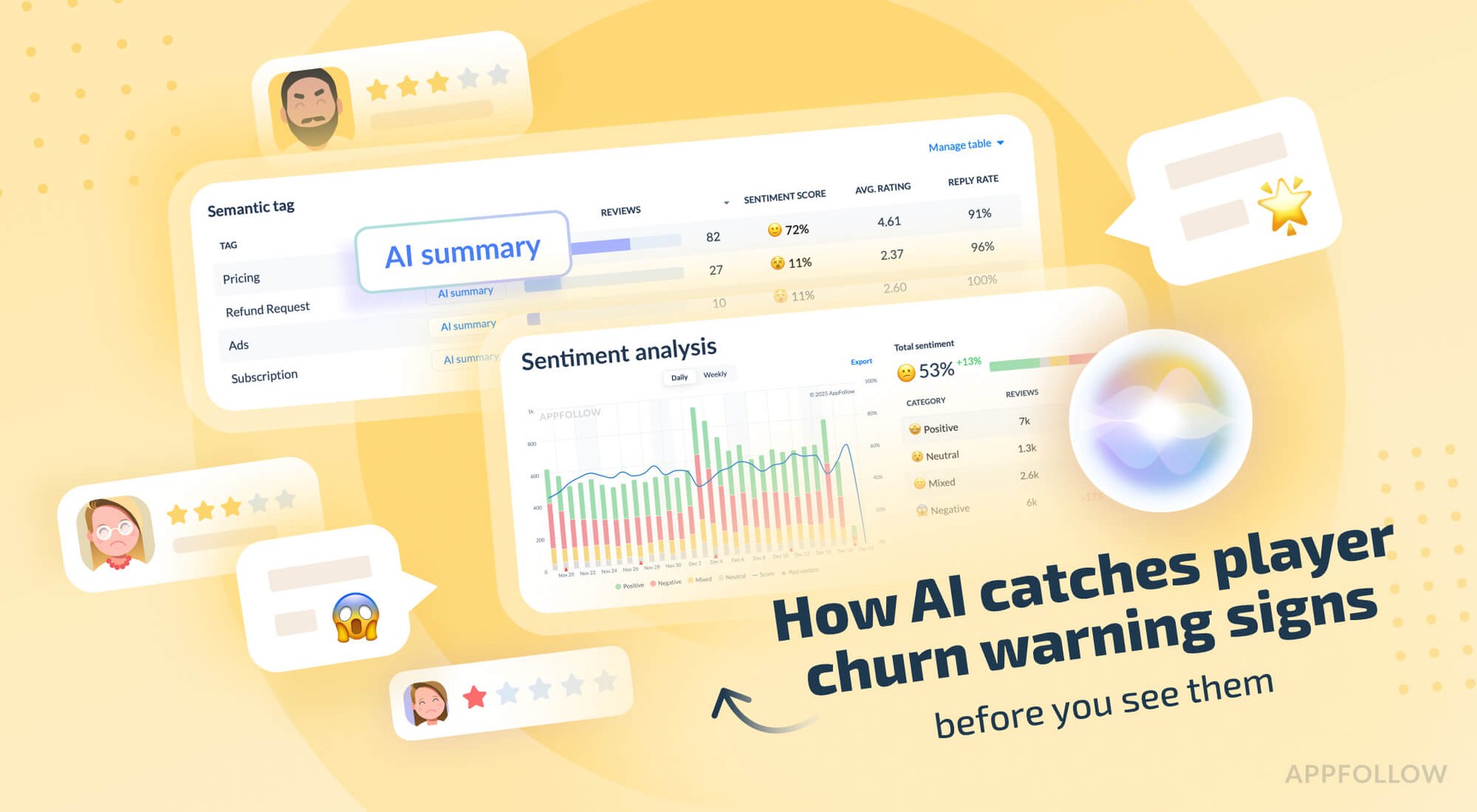
Ratings & Reviews performance provides an overview of what users think of your app. Here are the key metrics to help you identify how your app is rated by users and how successful is your review management strategy.
 5.0
5.0I own app to Strong Motion Monitor the site found in the National Research Institute for Earth Science and Disaster Prevention, Japan. The URL hard-coded, such as might not see the site design changes. You can enter the setting screen from Settings app. The items that can be set, • Sleep invalid setting • background map, white / black / Appearance interlocking(iOS13 or higher) selection • Type setting of the screen next to the time left map and portrait screen time • Type setting of the screen next to the time right map in landscape screen(or portrait screen of iPad) • Server data acquisition offset time ※ Please try to adjust when the blank map is frequently displayed, processing of server is heavy (for example, -4 seconds to -6 seconds) • selection of Strong Motion Monitor server Should be done than notification items in the Settings app notification settings. The following operations are possible in the portrait screen display. • In the lower left button, the type of setting horizontal screen when left map and vertical screen time • At the bottom right button, the type of setting right next to the screen during map • In slide bar at the bottom left and display the data for up to one hour past • In button on the slide bar left and right to move data around 2 seconds • The return to the latest data displayed in a button press on the bottom right in the past at the time data display • In iOS6 or more, you can send the image to Twitter, such as by pressing and holding the map. • You can switch the type of map by swiping left and right on the map. (Left:Surface PGA -> Surface -Seismic intensity -> Borehole-PGA -> Borehole-Seismic intensity -> Surface PGA, Right:Surface PGA -> Borehole-Seismic intensity -> Borehole-PGA -> Surface -Seismic intensity -> Surface PGA)