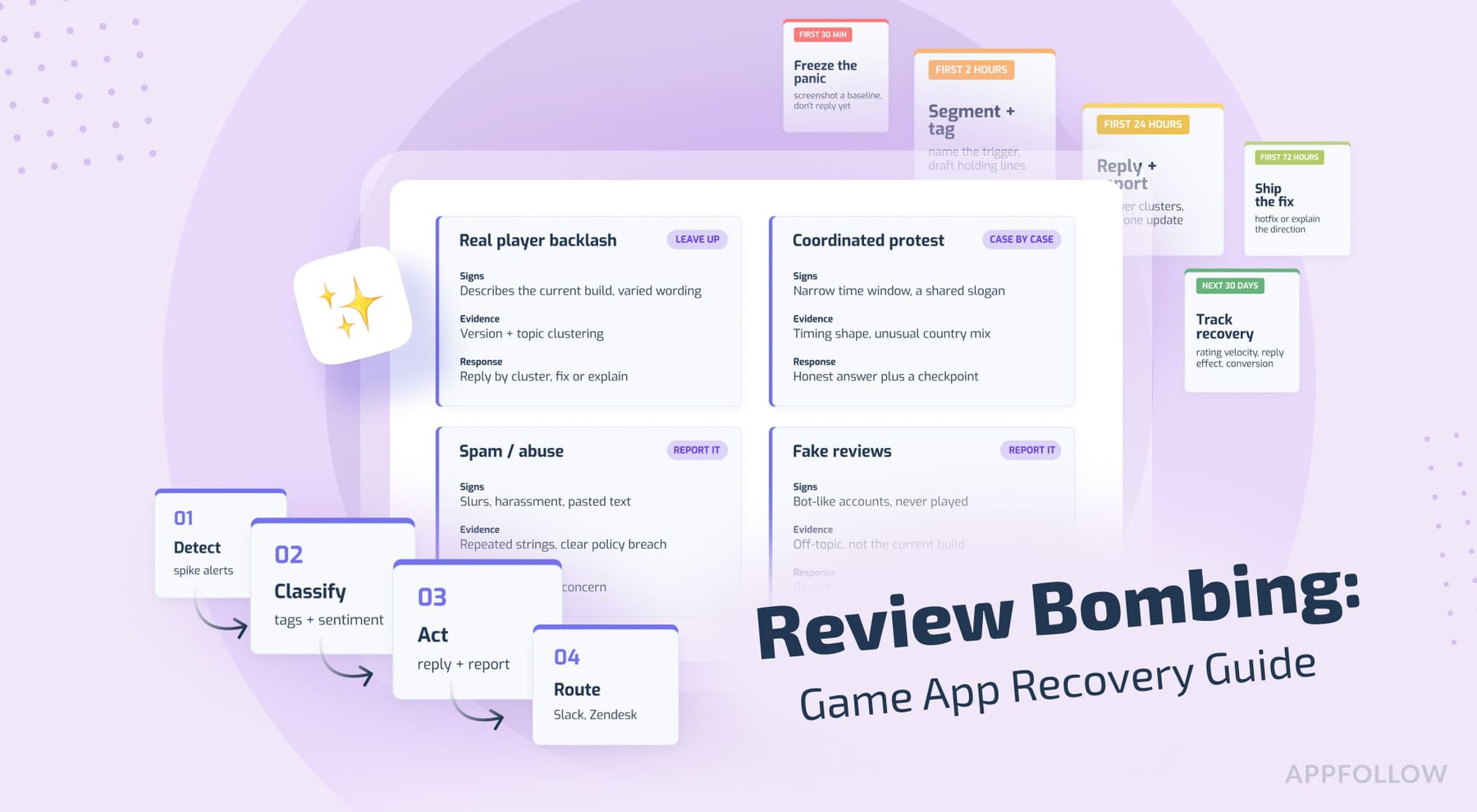
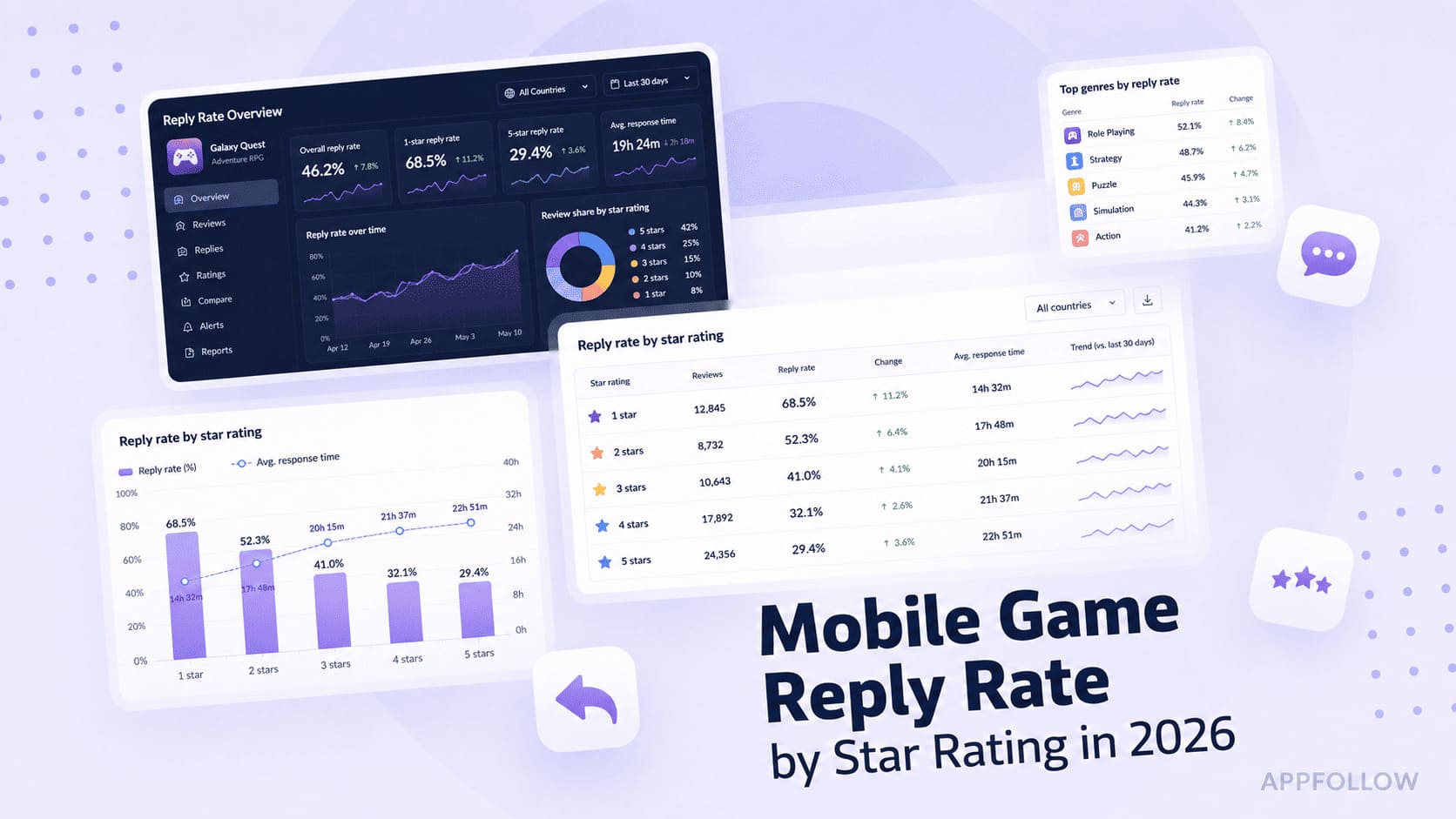
Ratings & Reviews performance provides an overview of what users think of your app. Here are the key metrics to help you identify how your app is rated by users and how successful is your review management strategy.
 5.0
5.0Clocks for Standby transforms your device’s screen into a stylish desk clock with useful widgets. The app supports customizable digital and analog clocks, as well as additional elements such as date, calendar, reminders, and other information blocks. You can personalize the appearance by choosing a design style, changing text color, background, and font so that widgets match your environment and personal preferences. The built-in editor allows you to quickly and easily adjust the design, switch between themes, and adapt the screen for different scenarios — from your work desk to your bedside table. A night mode is included for comfortable viewing in low-light conditions. App Benefits: – wide selection of stylish design templates – quick setup without unnecessary steps – flexible personalization of all interface elements – smooth animation and clear information display – optimized performance without overloading the system – stability and fast response time – design that fits any interior The app is aimed at those who value visual order, functionality, and individuality in details. SUBSCRIPTION INFORMATION The app offers a subscription plan that provides unlimited access to all widgets. Payment will be charged to your iTunes account upon confirmation of purchase. Subscription automatically renews unless auto-renew is turned off at least 24 hours before the end of the current period. The account will be charged for renewal within 24 hours prior to the end of the current period, indicating the cost of the renewal. Users can manage subscriptions and turn off auto-renewal by going to their account settings after purchase. Any unused portion of a free trial period, if offered, will be forfeited when the user purchases a subscription, where applicable. Privacy Policy: https://polbudapp.com/policy.html Terms of Use: https://polbudapp.com/terms.html