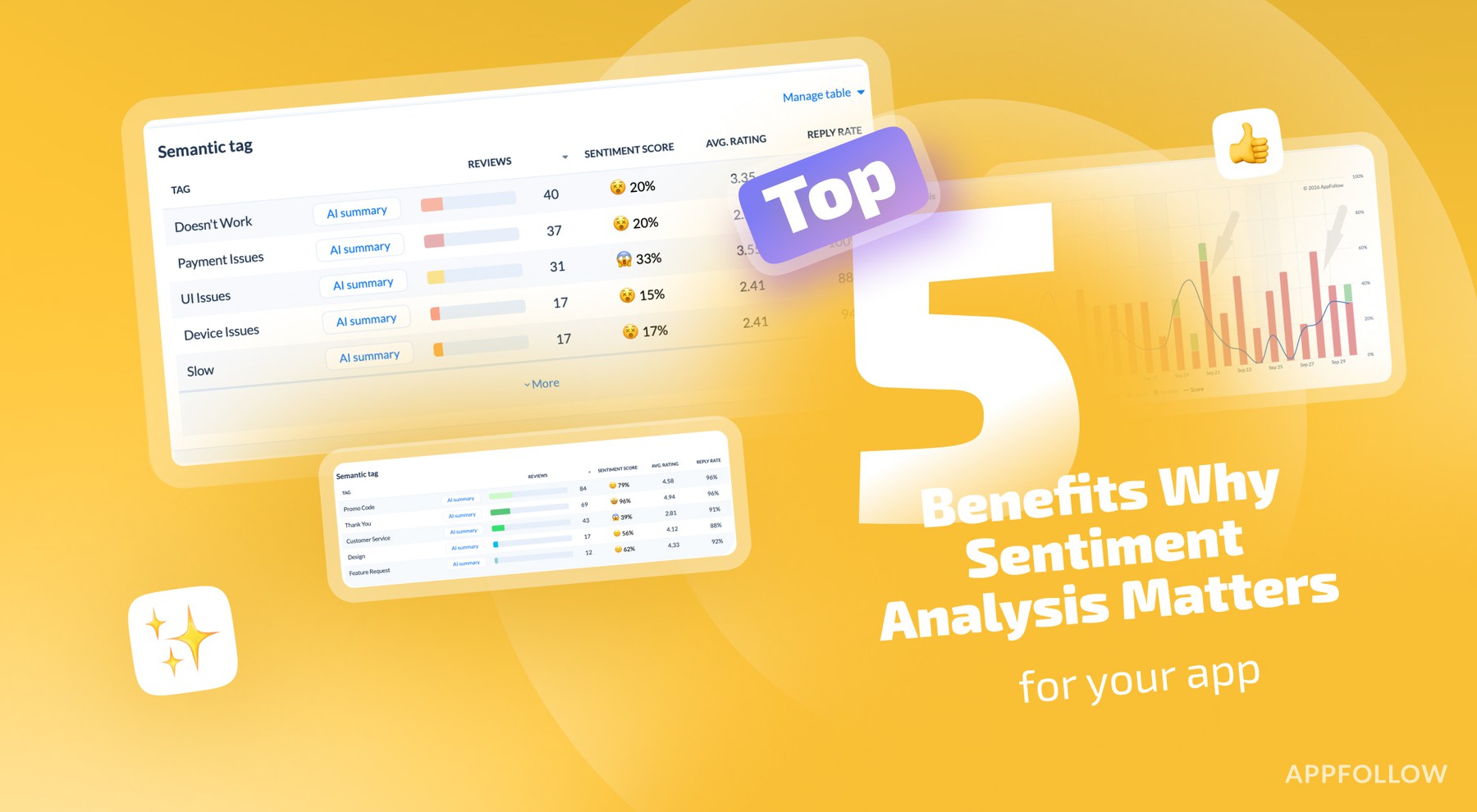
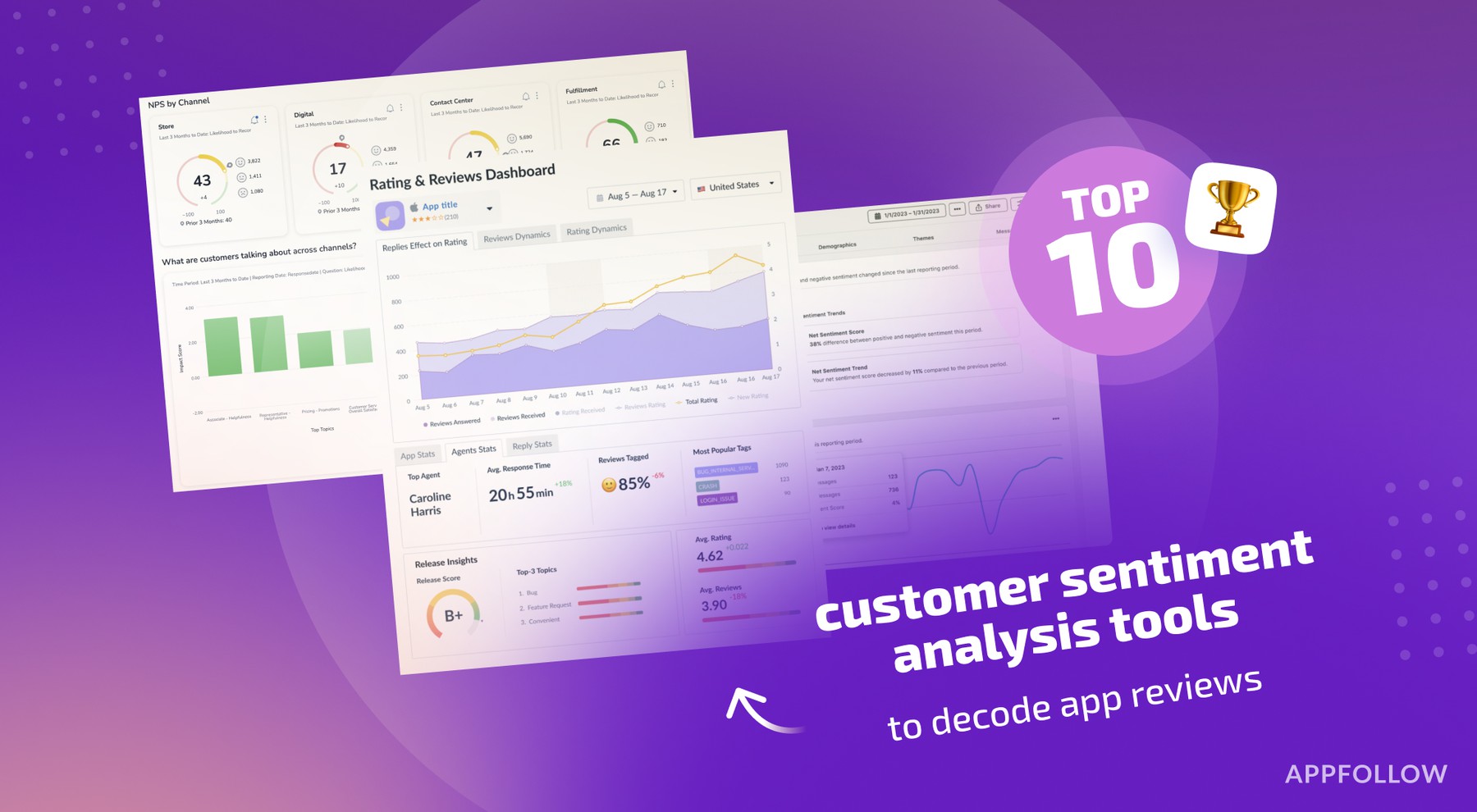
Ratings & Reviews performance provides an overview of what users think of your app. Here are the key metrics to help you identify how your app is rated by users and how successful is your review management strategy.
 5.0
5.0SQLed is your database manager on the go. Manage your SQLite databases on your iPhone, iPod Touch or iPad. Features include: 1. Organize your work into projects 2. Manage SQLite databases for each project 3. Create, Edit, Delete tables, views, indexes and triggers. 4. Generate DDL scripts for your databases. 5. Generate DDL scripts for your tables, views, indexes and triggers. 6. Print DDL scripts. 7. Execute SQL queries with the SQL editor which includes notifications for error messages (based on a design provided by Jon Edlund), predefined SQL commands for less typing and syntax highlighting. 8. In SQL editor individual SQL queries can be selected for execution. 9. Powerful Table Data View. Supports Editing, Adding, Deleting, Searching and Sorting of data. 10. Table Data View. Supports Number Formatting. 11. Export or Import projects, databases, SQL scripts, DDL scripts (via e-mail, your favourite storage providers and iTunes). 12. Export tables and views as CSV (via e-mail, your favourite storage providers and iTunes). 13. Import table data from CSV (your favourite storage providers and iTunes). 14. Save DDL scripts or SQL scripts on the device for later use. 15. Open databases, SQL scripts and CSV files from external apps (Mail App, Safari, Dropbox, Box etc.). 16. Offline SQL reference. 17. Auto generated backups of your databases every time you open the app. 18. Passcode protection. 19. 1-finger swipes on text fields to move one character left/right, and 2-finger swipes to move one word. 20. Drag and Drop Support. Drag from rows from any Table or View as semicolon seperated Strings. Drop on any cell in Tables, to the SQL Editor and to the Add or Edit Data screens. 21. iPhone, iPod, iPad and iPad Pro support. 22. iOS 18 ready. A must have tool for Developers, Database Administrators and Students.