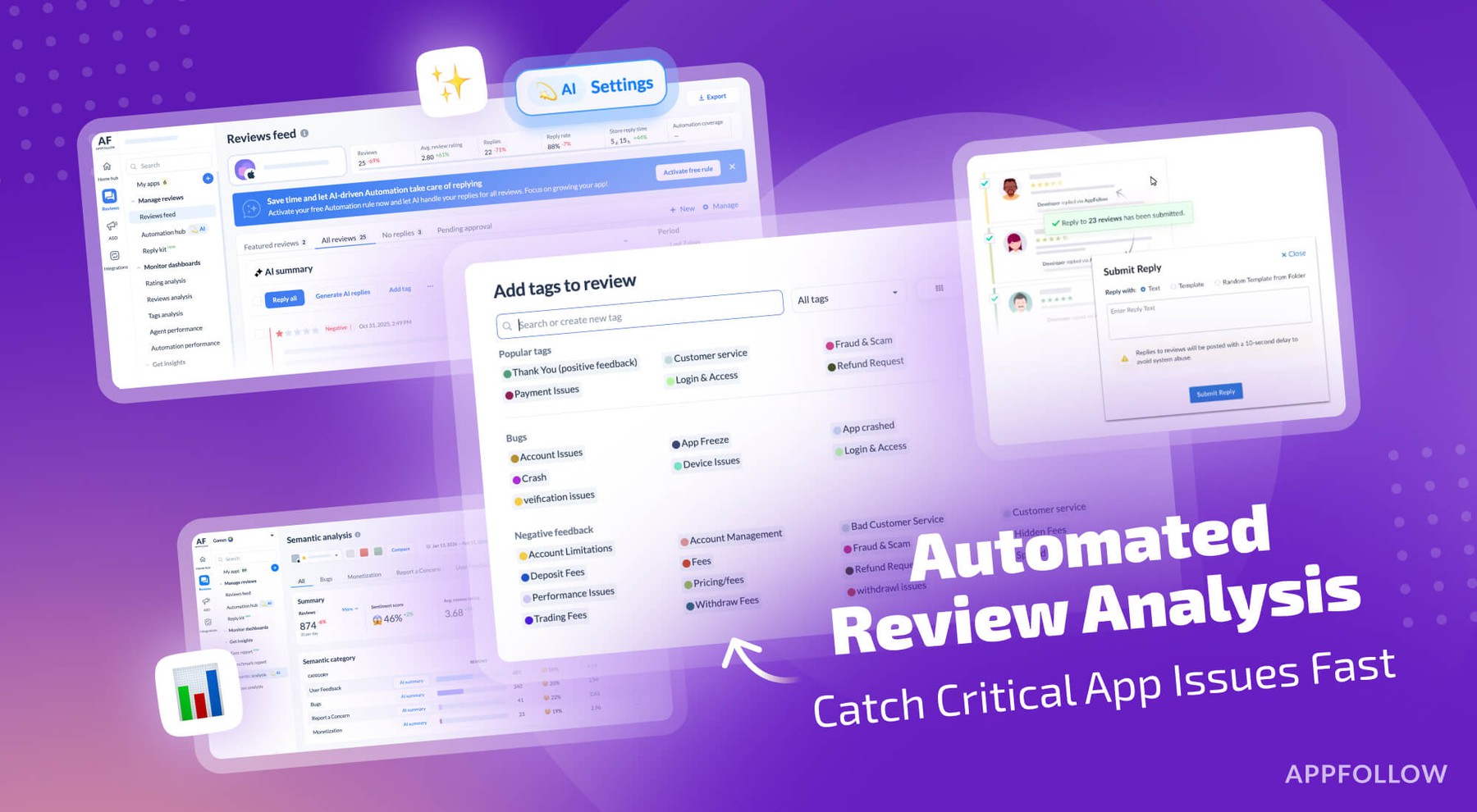
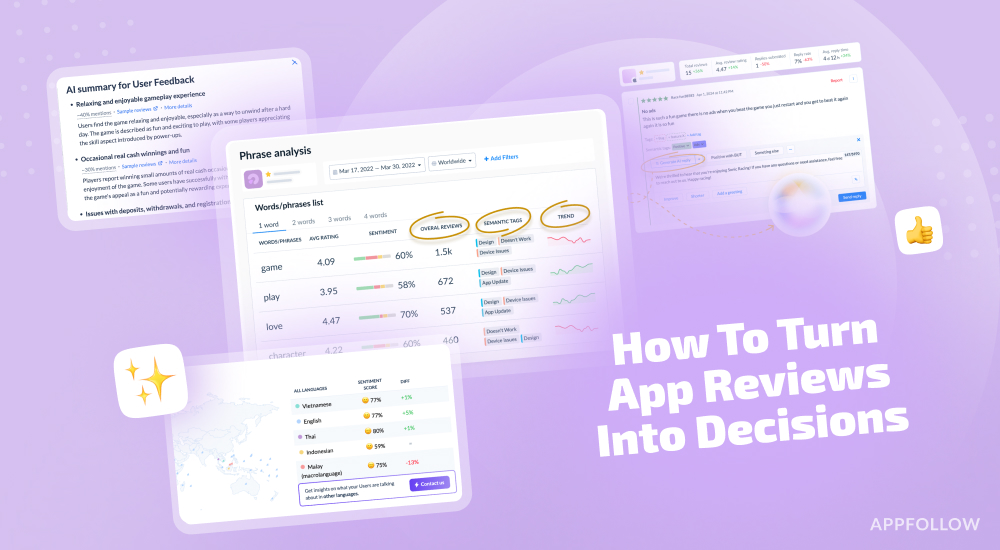
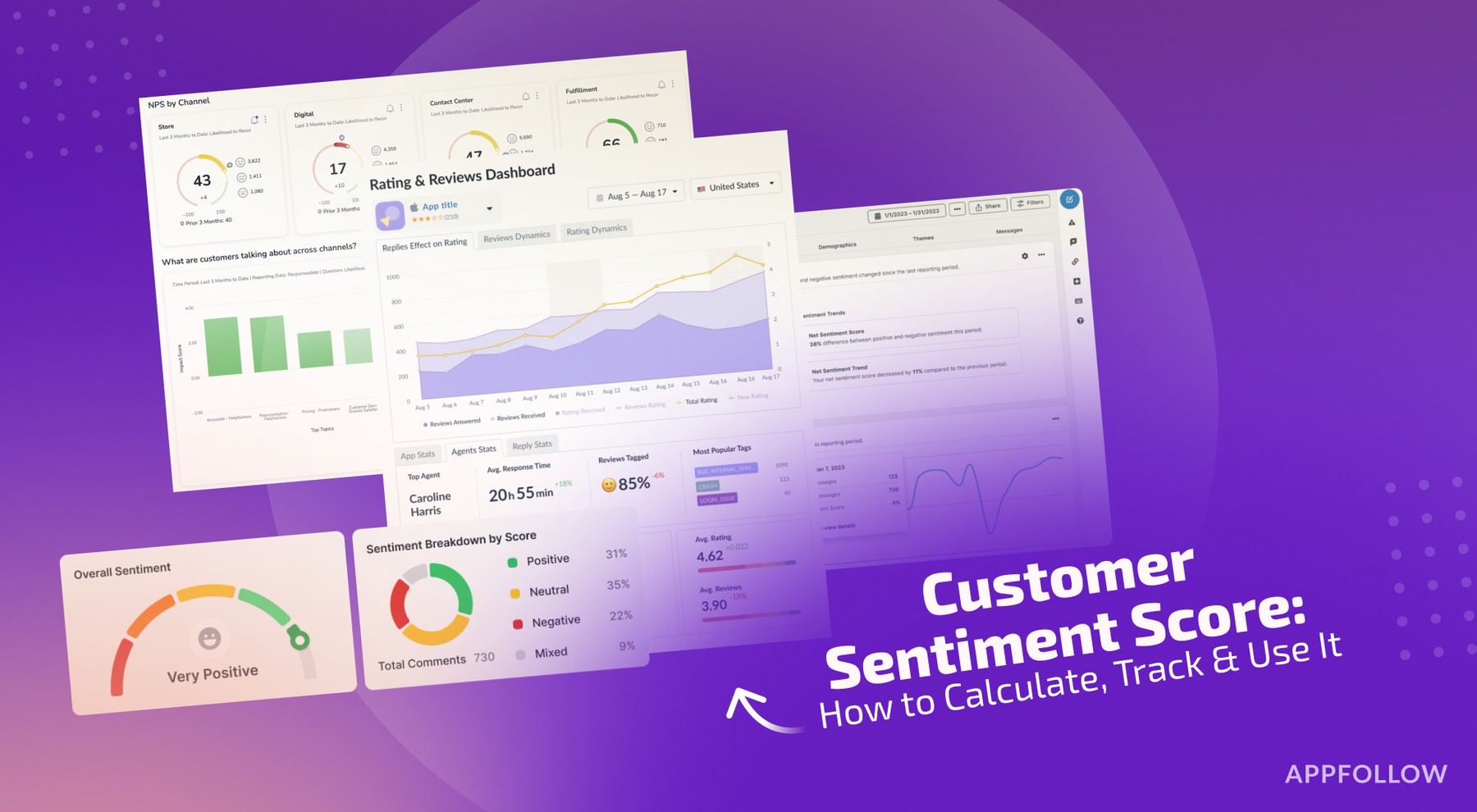
Ratings & Reviews performance provides an overview of what users think of your app. Here are the key metrics to help you identify how your app is rated by users and how successful is your review management strategy.
 3.0
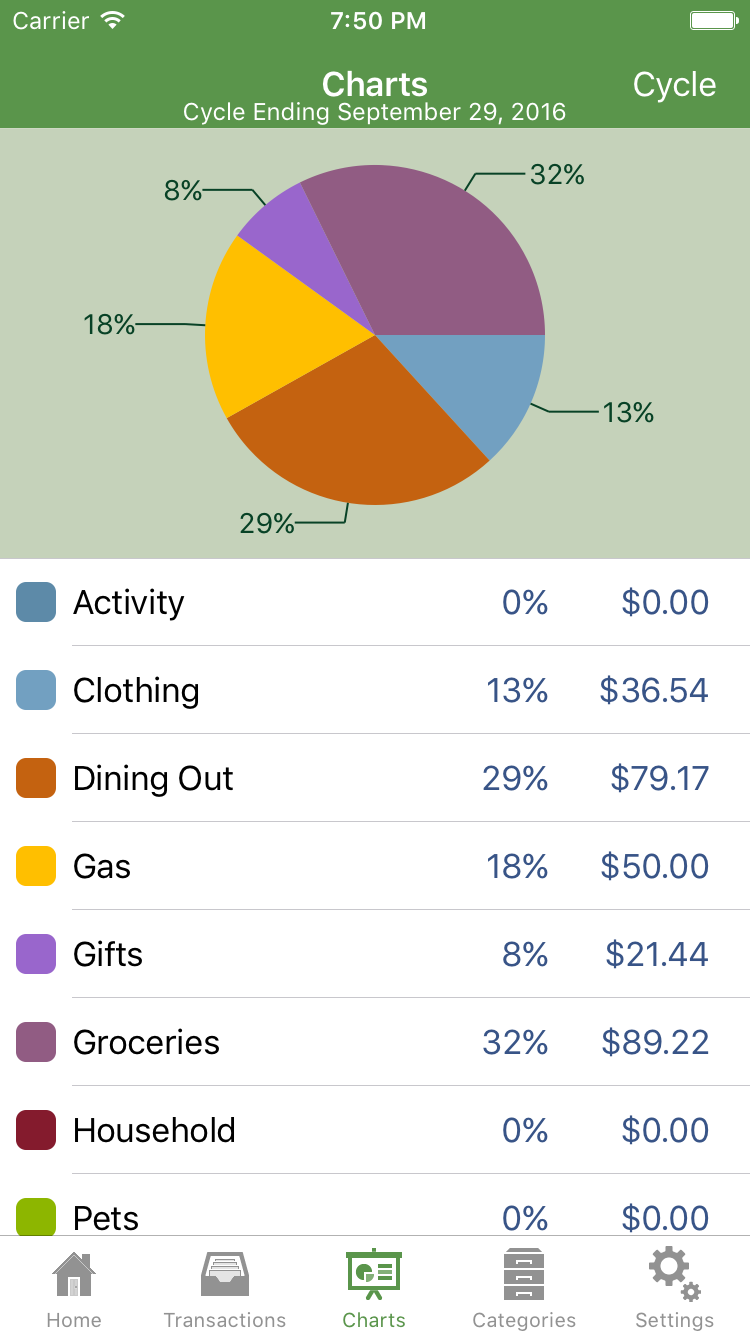
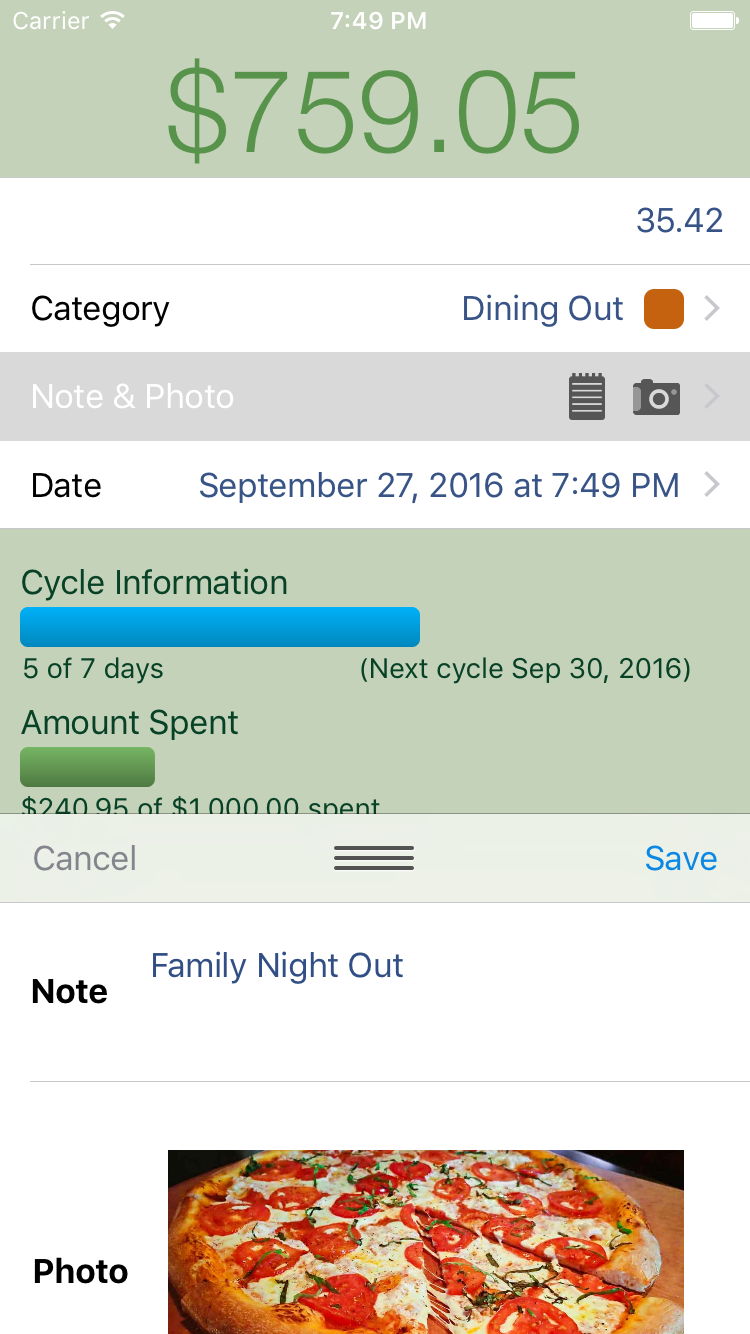
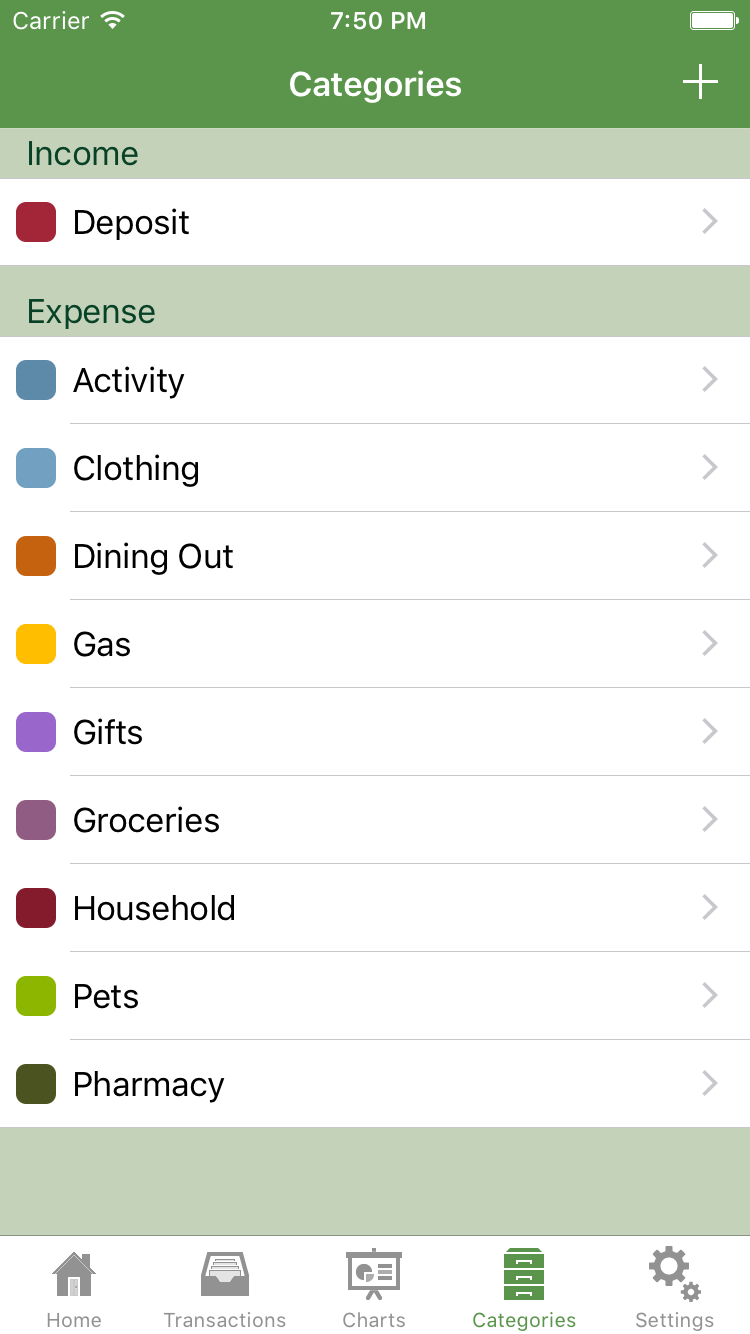
3.0Spense. Money. Simplified. You don’t have to make a complicated budget; just set a spending target and easily track it using Spense. No receipts to carry around and you know instantly how much you have left to spend. With Spense Plus, your transactions are instantly saved using our secure cloud sync technology. It’s an expense tracker you actually want to use! Featured by Apple in “New and Noteworthy” and “What’s Hot” People Love Spense: "Handy, very handy. **** Really helps you realize how much of each paycheck might be spent on trivial things. I like how you can see the overall view of how much is going WHERE. Keeps me much more mindful of my spending habits!" "Great app w/ clean interface ***** An awesome app that i've had for almost a year and it has become one of my most used apps. It is a great way to track where your money goes and then make necessary adjustments to your spending habits. You can create categories or use what Spense offers. It also lets you view your spending habits in an easy-to-read pie graph. Great app!" "Great app ***** I use it Daily. I love that I can always know what is in my account." Spense is an easy, on the go way to track your daily expenses: • When you spend money, enter the amount and category • Money spent is automatically deducted from your set spending target • Instantly see your current balance • Easy to read transaction history and charts of your spending Upgrade to Spense Plus! It has all the Spense features you love, plus: • Automatic backup using our secure cloud sync technology • Add or edit a note or photo for any transaction • An email at the end of each cycle that includes your category chart, your transaction history, and an attached .csv file containing your transactions for import into any financial software or spreadsheet. • Transactions are instantly synced with multiple users in a shared spending journal • Access to your spending journal with multiple devices • Access to all future added features Spense is built to be used while you are out running errands: • Fast entry so you can enter purchases as you make them • Make better spending decisions by always knowing your balance Notes and photos: • Document where your purchase was made or for what occasion • Take a photo of your receipt, purchase, store, etc. • All of your notes and photos will be easily available in your End of Cycle email Customize to fit your needs: • You set the amount and you set the repeat cycle • Use the default categories, or set your own • Add, edit and delete transactions See where your money is going: • Use the charts tab to see a detailed breakdown of your spending by category in an easy to read graph • Charts detailing how many days are left in the cycle, and what percentage has been spent is always available on the home screen See Spense in action: http://www.spenseapp.com/video-tutorial Follow us on: facebook.com/spenseapp twitter.com/spenseapp pinterest.com/spenseapp