


Ratings & Reviews performance provides an overview of what users think of your app. Here are the key metrics to help you identify how your app is rated by users and how successful is your review management strategy.
 4.3
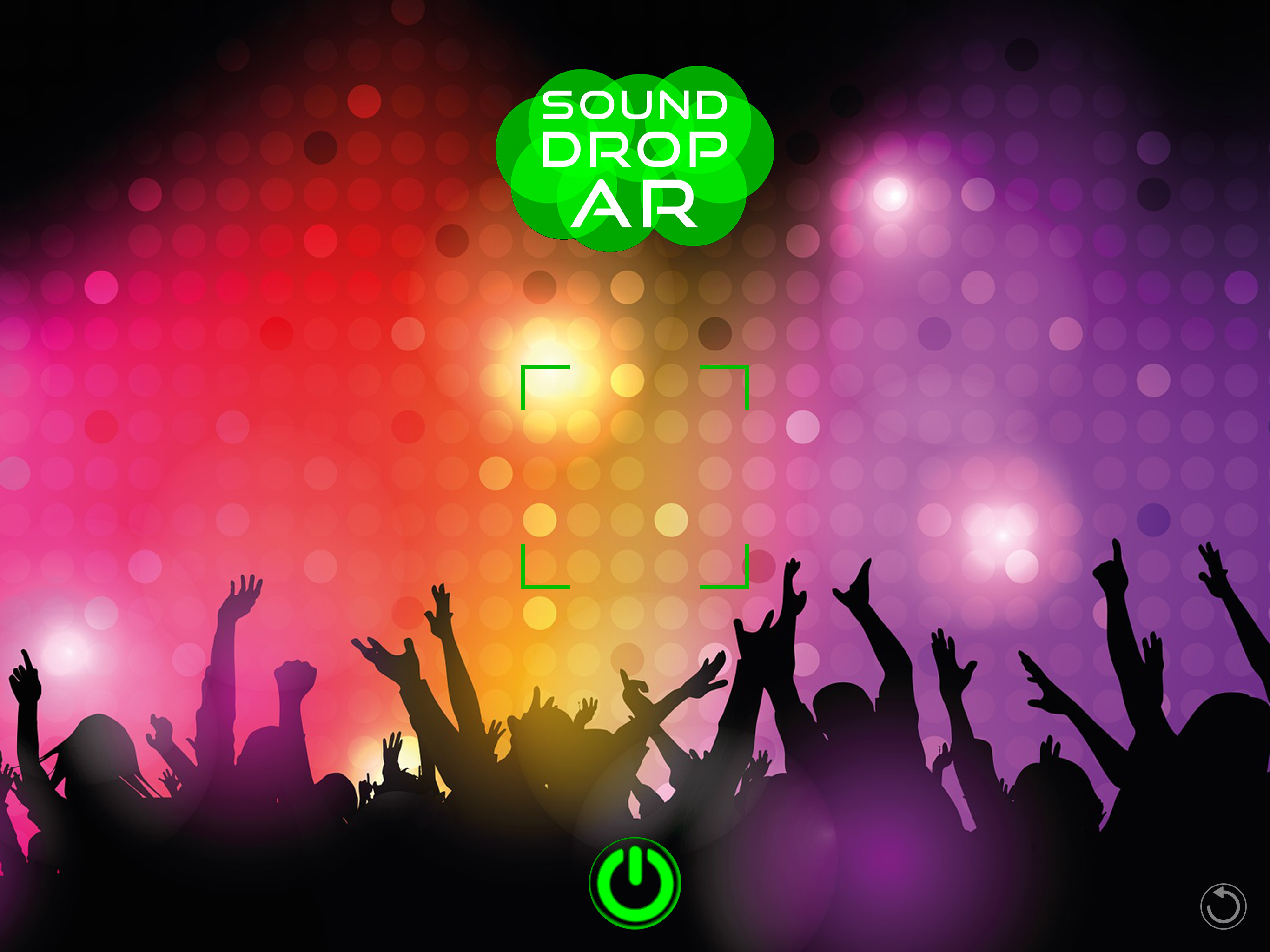
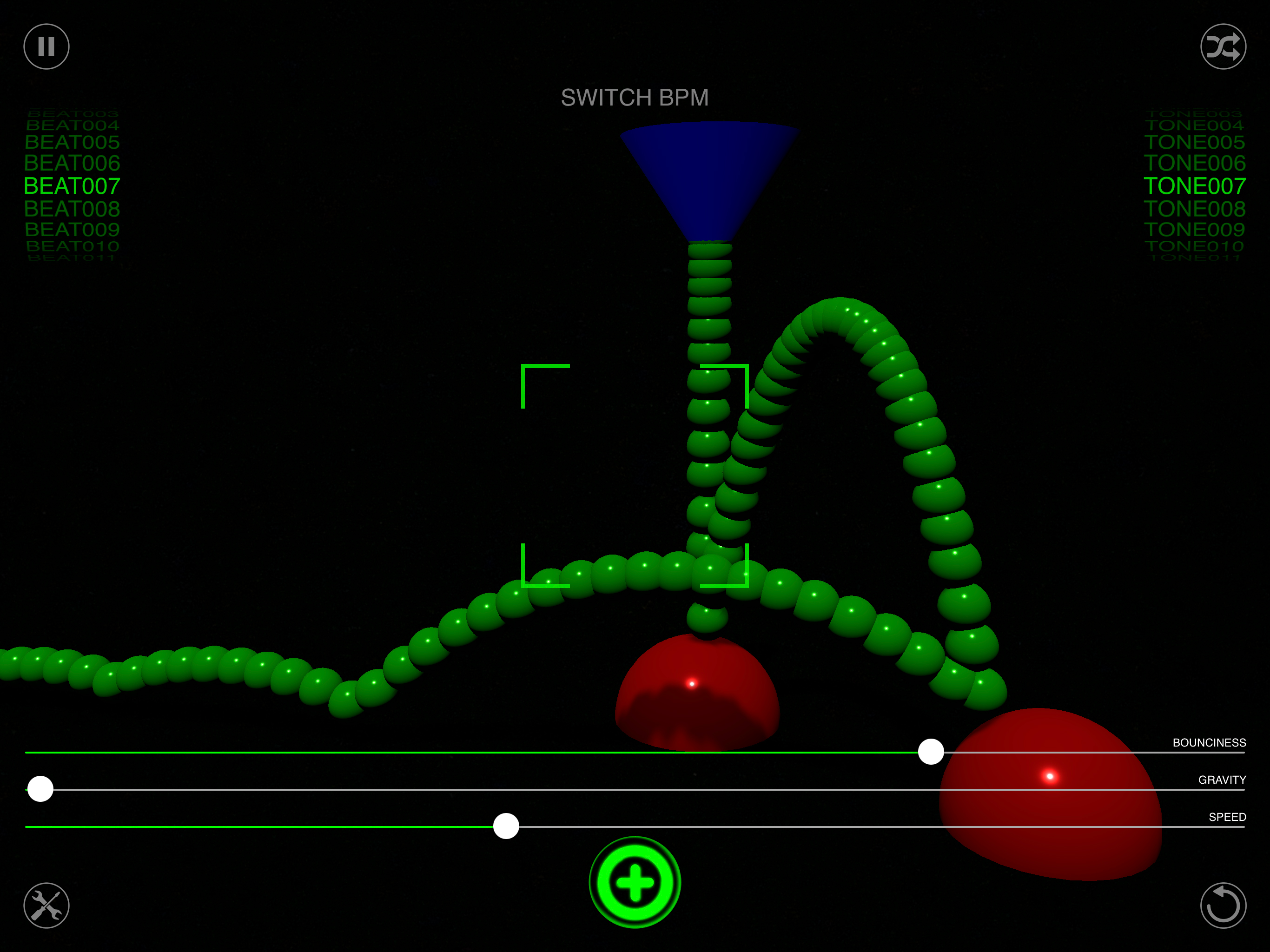
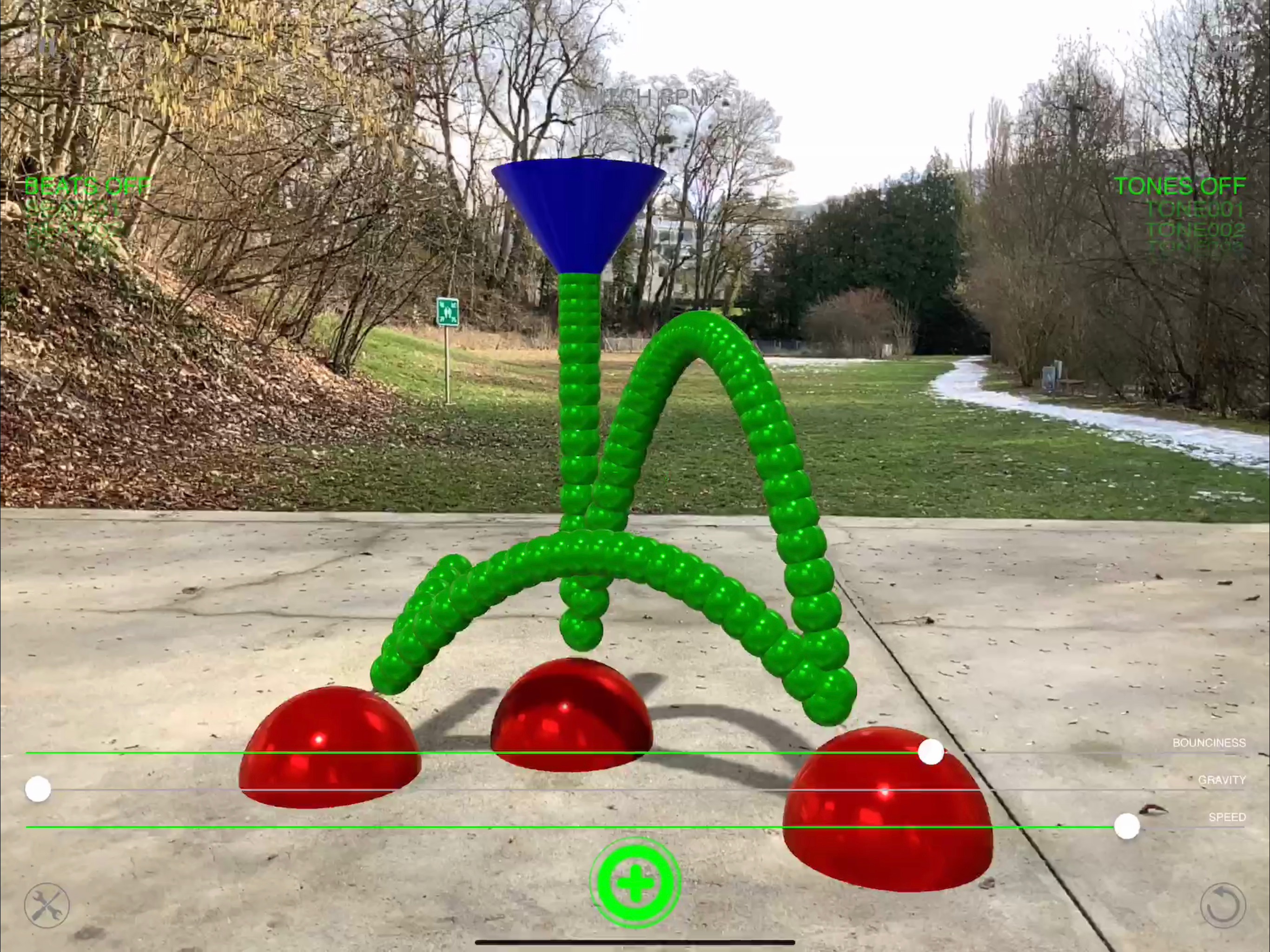
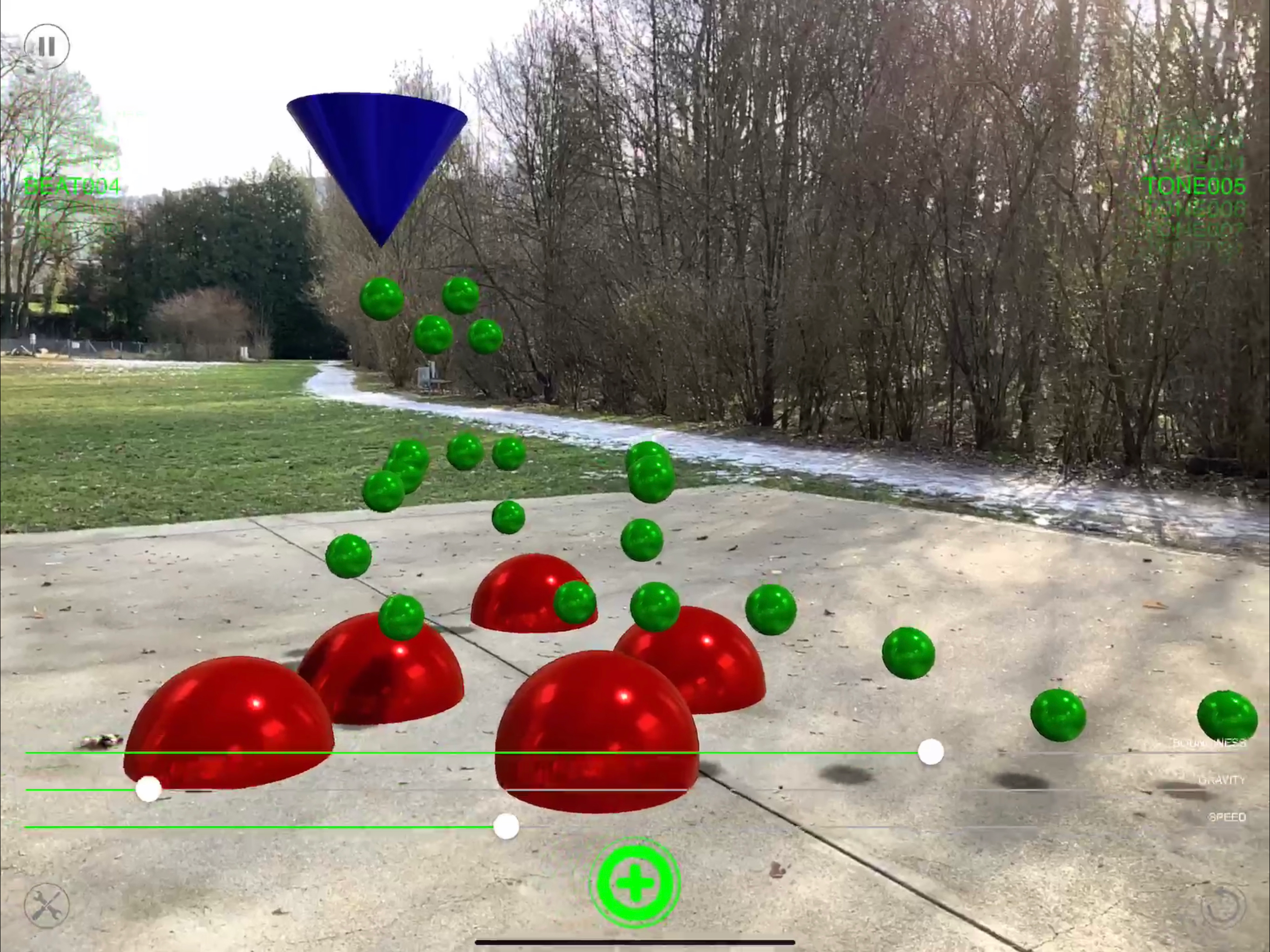
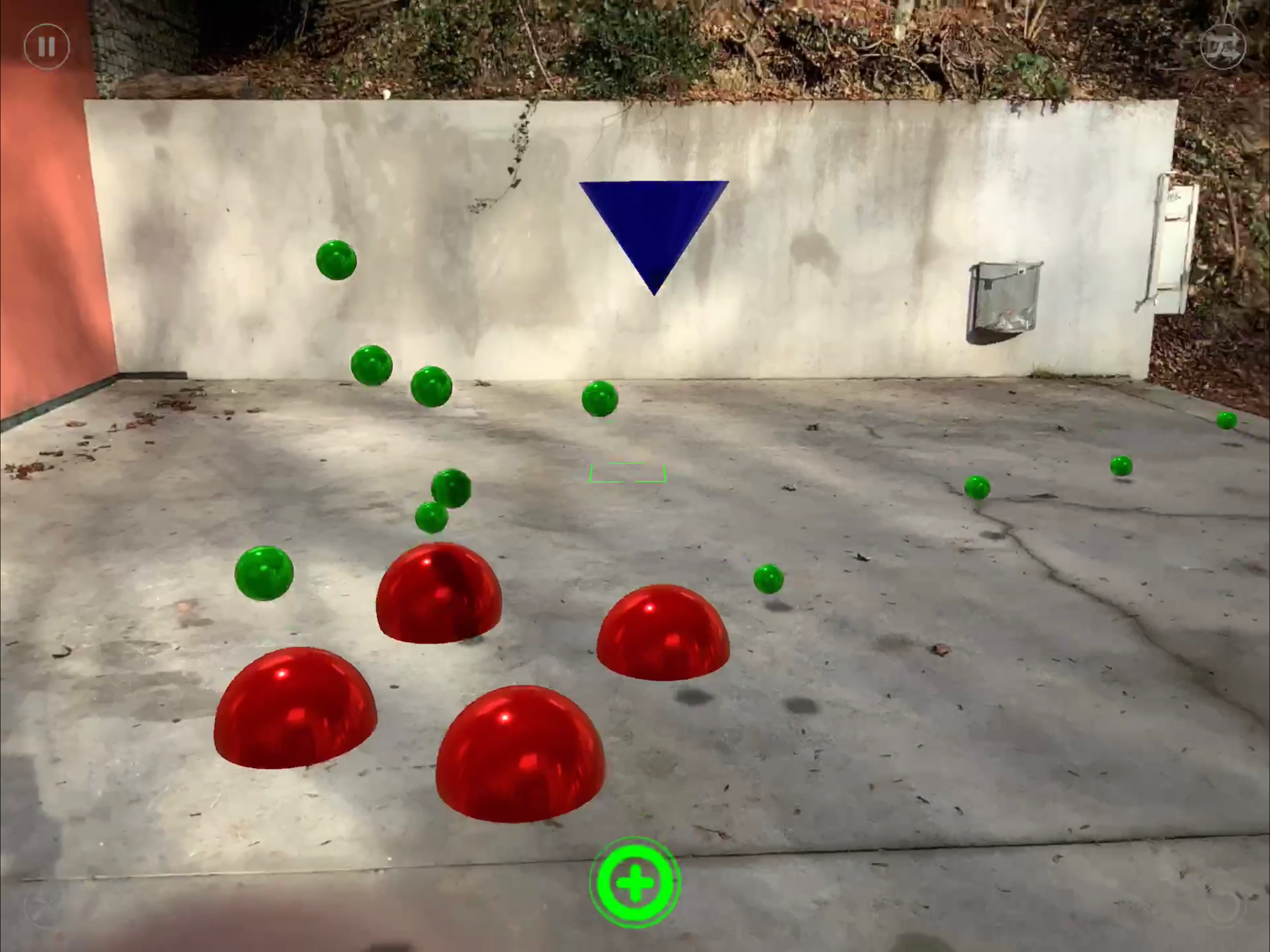
4.3Sound Drop AR - Build beats in your space. Turn any surface into a playful drum machine. Place reactors in AR, drop bouncing balls, and let physics create evolving rhythms. Every reactor carries its own sound—tap to pick one from 100+ effects, or shuffle for happy accidents. Add beat loops and tone sequences, tweak speed, bounciness, and gravity, and watch (and hear) your room groove. How it works - Move your device to scan—use the focus brackets to place your first reactor. - Tap + to add more reactors and shape the rhythm in space. - Tap a reactor to choose its sound from the built-in library (or randomize). - Adjust Speed, Bounciness, and Gravity to sculpt the feel. - Blend in beat loops and tone sequences at 125 or 130 BPM. Highlights - 100+ sound effects for reactors, plus curated loops & tone lines - Real physics = natural grooves (balls live ~10s for constant motion) - Tap-to-assign sounds with searchable picker & instant preview - Quick BPM switch (125 / 130) and global speed control - Glass UI (iOS 26) — cleaner, brighter, more touch-friendly - Pause/Resume, randomize sets, long-press to delete reactors - Works offline. No logins. No ads. What’s New - Complete UI redesign with the new iOS 26 Glass style - New coaching overlay & focus square for faster placement - Rebuilt audio engine & sound browser (search, preview, tap-to-apply) - Record an audio session and share by mail or Air-Drop - Snappier performance, smoother animations - Pan on empty space to move the directional light (orbit + height) for dynamic shadows - General polish across AR placement, labels, shadows, and controls Tip: Spread reactors at different heights and tweak gravity for polyrhythms. Short bounces = tighter grooves; higher throws = airy, evolving patterns. Enjoy exploring rhythms in 3D




![How to measure customer sentiment for app reviews [7 metrics]](https://cdn.appfollow.io/blog/static/appfollow_1335e02d-b0b3-49f7-9eb6-94171dc7e379.jpg)
![[AR] Curling](https://is1-ssl.mzstatic.com/image/thumb/Purple211/v4/46/d7/ad/46d7ad8f-99f7-7683-1131-c85ebfb609bc/AppIcon-1x_U007emarketing-0-8-0-85-220-0.png/400x400.png)


![[AR] Pocket Golf](https://is1-ssl.mzstatic.com/image/thumb/Purple221/v4/64/86/b2/6486b240-7d93-ad5e-ca29-b35d71eb4502/AppIcon-1x_U007emarketing-0-8-0-85-220-0.png/400x400.png)
