


Ratings & Reviews performance provides an overview of what users think of your app. Here are the key metrics to help you identify how your app is rated by users and how successful is your review management strategy.
 4.6
4.6
User reviews affect conversion to installs and app rating. Featured and helpful reviews are the first to be noticed by users and in case of no response can affect download rate.
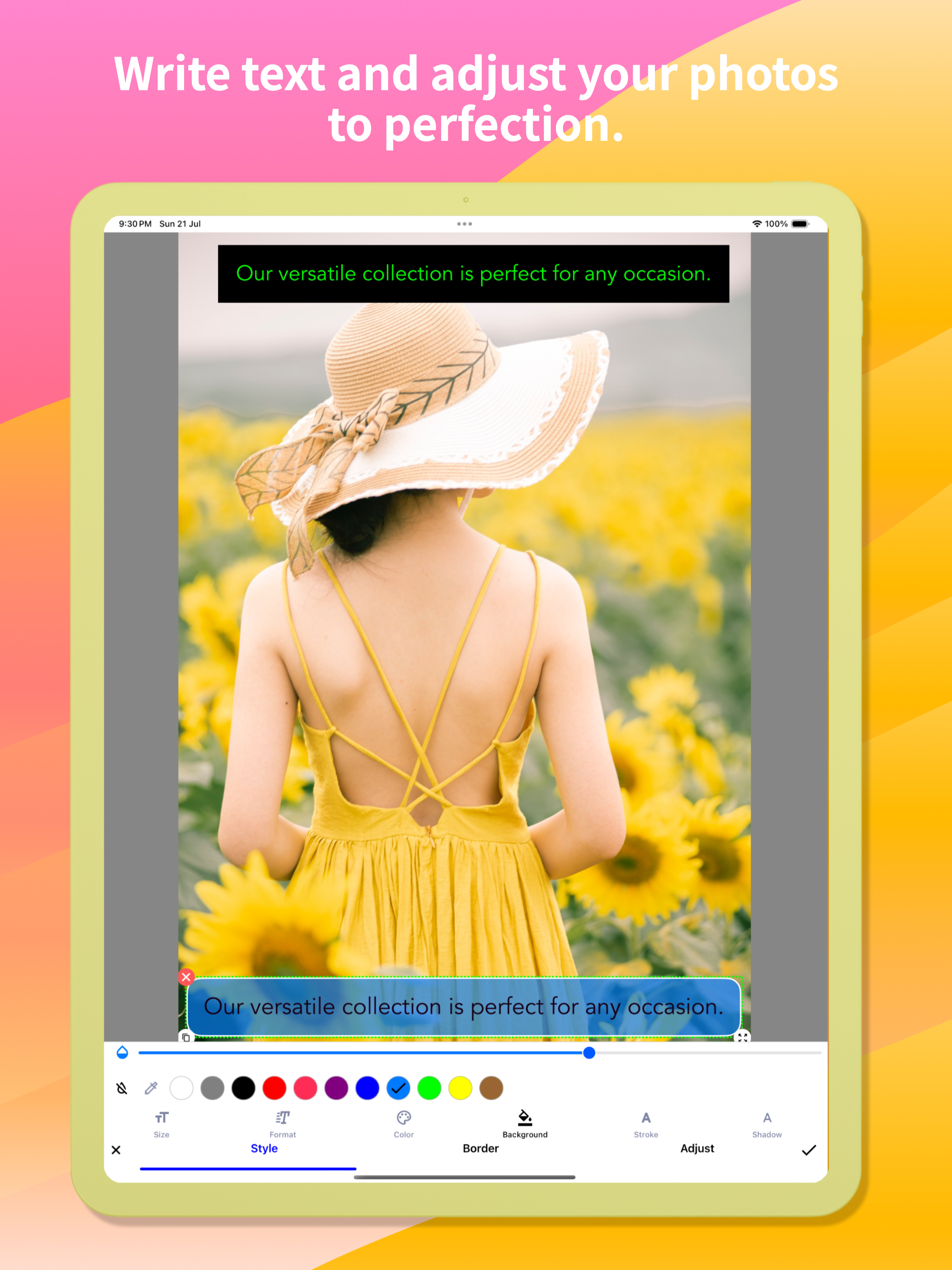
Snap Markup is an easy-to-use and powerful photo markup tool. It offers a variety of annotation features such as cropping, adding text, pixelating images, drawing arrows, rectangles, circles, lines, freehand drawing, curves, triangles, and more. It allows you to edit and markup your photos effortlessly and share them quickly with your friends! Key Features: - Crop and rotate images: can be cut into rectangular, round, star, triangle, and other shapes - Highlight key info: spotlight important details - Blur images: pixelate to cover areas you don't want to show - Magnify images: zoom in on selected sections with a loupe - Add emoji stickers: make your photos lively and interesting - Add text on photos: customise text colour, background, shadow, stroke, style, size, and more - Annotate pictures with all necessary tools: Arrow, Rect, Circle, Pen - Direct annotation of large pictures without needing to crop first - Import photos from your gallery, save in HD, and share with friends - High-quality, lossless saving in PNG and JPG formats - Support for multiple languages Stitching Photos: Easily stitch multiple photos into panoramic images, horizontally and vertically. Webpage and Map Annotation: Mark up web pages and maps effortlessly, and share your ideas with friends. Blank Image Creation: Create blank images and draw according to your needs. For comments or suggestions on Snap Markup, please contact us at support@appculus.com. We appreciate your feedback!











![File Explorer & Player [Pro]](https://is1-ssl.mzstatic.com/image/thumb/Purple211/v4/f0/bb/e8/f0bbe83c-8339-186d-687e-97ad91de7f57/AppIcon-0-0-1x_U007emarketing-0-8-0-85-220.png/400x400.png)

