Ratings & Reviews performance provides an overview of what users think of your app. Here are the key metrics to help you identify how your app is rated by users and how successful is your review management strategy.
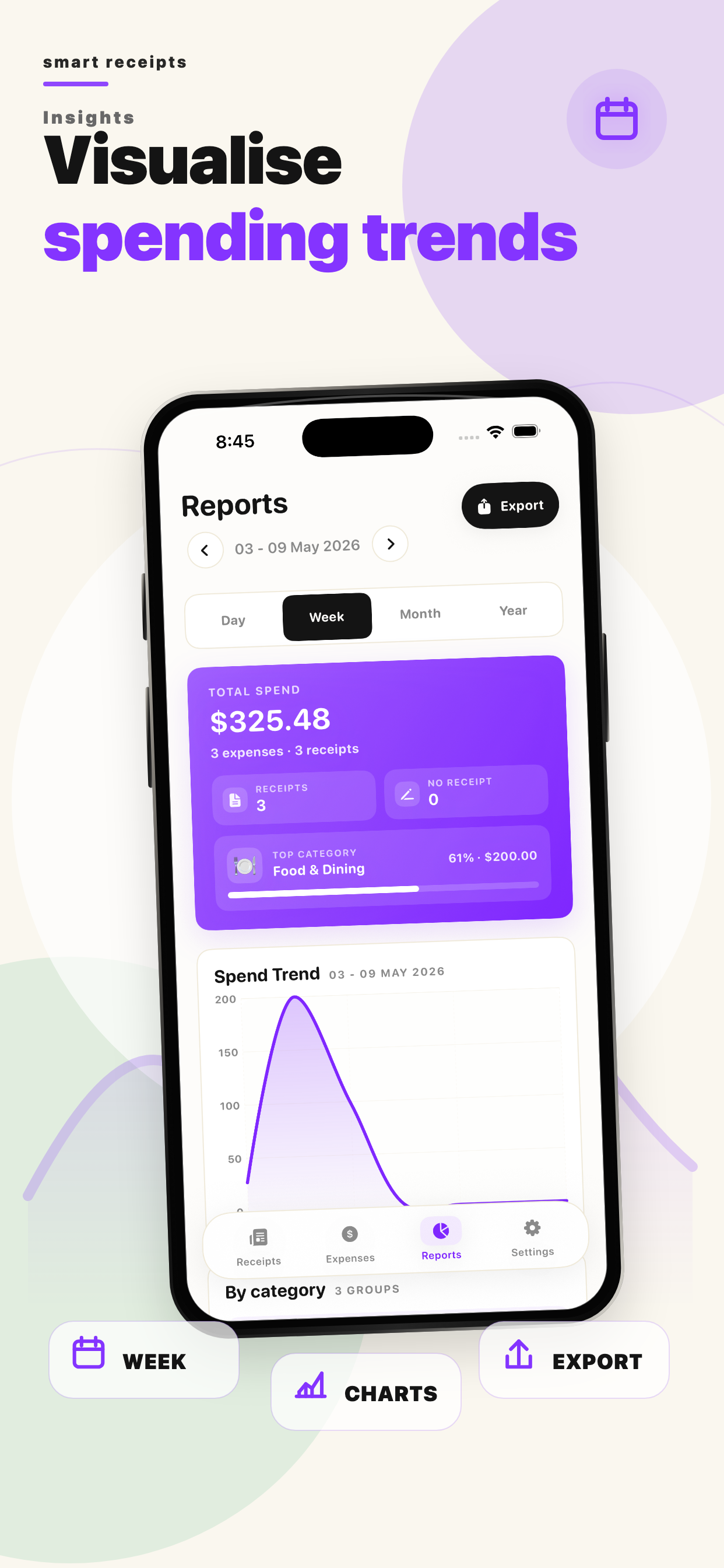
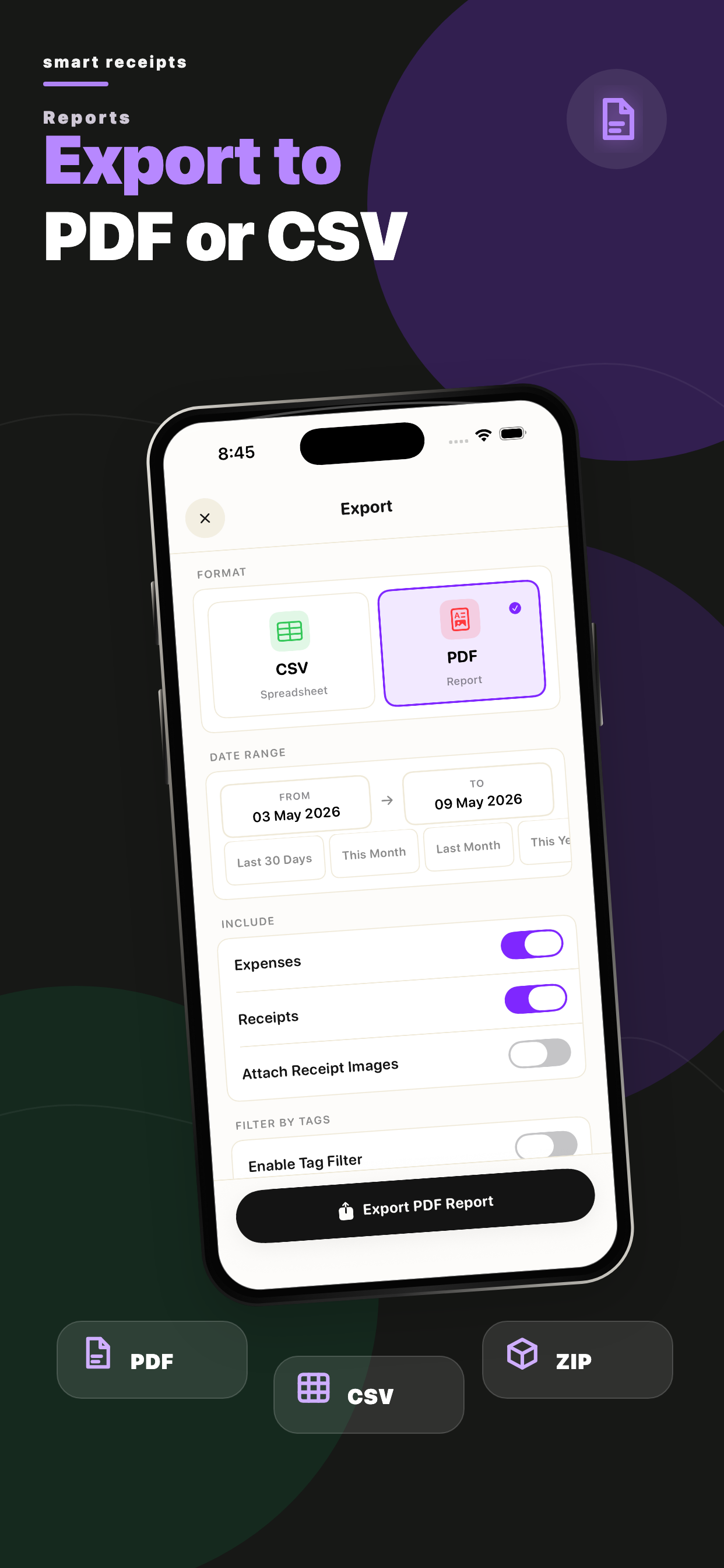
Scan, Track & Organize Receipts Easily! Smart Receipts helps you scan receipts, track expenses, and generate detailed reports for taxes, budgets, and reimbursements — all in one app. Why Choose Smart Receipts? • Receipt Scanner - Snap a photo or import a file, and Smart Receipts automatically extracts key details like merchant, total, tax, and date. • Receipt Organizer - Sort receipts into folders, add tags, categories, payment methods, and notes for quick access. • Expense Tracker - Track personal and business expenses with easy-to-read charts and insights. • Manual Currency Conversion - Enter and manage expenses in different currencies with flexible manual conversion. • Smart Predictions - Speeds up data entry by learning from your past receipts. • Flexible Export Options - Create professional PDF, CSV, or ZIP reports that fit your needs. • Cloud Backup Options - Secure your data with reliable backups, including OneDrive, so your receipts are always safe. Perfect For: • Tax Filings - Organize receipts and maximize returns • Business Users & Freelancers - Track expenses and reimbursements • Personal Finance - Manage daily spending and budgets • Warranties & Proof of Purchase - Store important receipts safely Stay Organized. Save Time. Maximize Your Returns. With AI-powered OCR, Smart Receipts removes the hassle of manual entry and keeps your finances under control. Download Smart Receipts today — the smarter way to scan, track, and manage your receipts. Some features may require an in-app purchase. Support: support@reku.dev Privacy Policy: https://smart-receipts.com/privacy.html Terms of Service: https://smart-receipts.com/terms.html




![[Webinar recap] What fintech apps get wrong (and right) in the app stores](https://cdn.appfollow.io/blog/static/appfollow_126bb420-cee0-4ea0-9a8c-6c1d9871175f.jpg)