Ratings & Reviews performance provides an overview of what users think of your app. Here are the key metrics to help you identify how your app is rated by users and how successful is your review management strategy.
 3.8
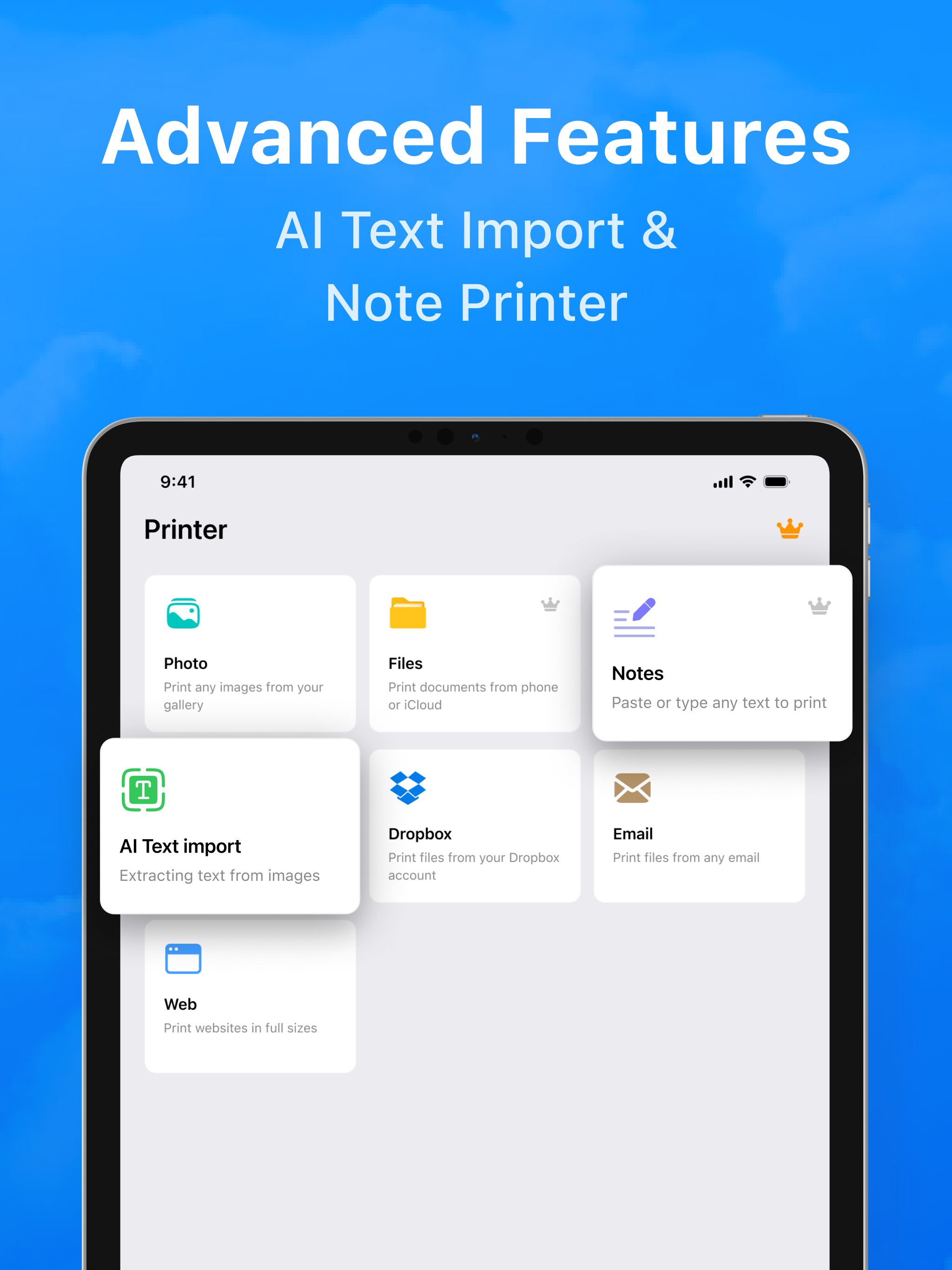
3.8Print anything from your iPhone or iPad—instantly. Smart Printer - Auto AirPrint finds compatible printers on your Wi-Fi network and lets you print documents, photos, emails, web pages, and more in just a few taps. No drivers. No setup headaches. Just open, detect, and print. Why you’ll love it * Auto-Detect Printers: Seamless discovery of AirPrint-enabled printers on your Wi-Fi. * One-Tap Printing: Send PDFs, photos, Word/Excel files, emails, and web pages straight to your printer. * Built-In Scanner: Turn your camera into a fast document scanner with auto-crop and adjustable filters, then print or save as PDF. * Print Options You Need: Choose paper size (A4, Letter, Legal), color or B&W, copies, duplex* and orientation—if your printer supports it. * Photo Layouts: Quickly print standard photo sizes like 4x6, 5x7, 8x10. * Share Sheet Support: Print from Files, Photos, Mail, Safari, Notes, and your favorite apps via the iOS share menu. * PDF Tools: Reorder pages, add multiple pages from scans, and preview before you print. * Clipboard & Camera: Paste content from the clipboard or snap a photo and print right away. * On-Device Privacy: Your documents stay on your device and local network; printing uses Apple’s AirPrint protocols. How it works 1. Connect your iPhone/iPad and printer to the same Wi-Fi. 2. Open the app—your AirPrint printer is detected automatically. 3. Pick what to print (Files, Photos, Scan, Web), tweak options, and tap Print. Works with popular printers Compatible with AirPrint-enabled printers from leading brands like HP, Canon, Epson, Brother, and more. Features such as duplex, borderless, or specialty paper depend on your specific printer model. Perfect for * Tickets, receipts, boarding passes, and invoices * Homework, handouts, and meeting notes * Photos, IDs, and scanned documents SUBSCRIPTIONS: Please note, you will need a subscription in order to get access to some features of the app. The subscription will be automatically renewed unless auto-renew is turned off at least 24 hours before the end of the current payment period. Your iTunes account will be automatically charged at the same price for renewal within a 24-hour period prior to the end of the current payment period unless you change your subscription preferences in your iTunes Account Settings. When a subscription is canceled, access to the features will expire at the end of the current payment period. Terms of Use: https://evolly.app/terms-of-service/ Privacy Policy: https://evolly.app/privacy-policy/