Ratings & Reviews performance provides an overview of what users think of your app. Here are the key metrics to help you identify how your app is rated by users and how successful is your review management strategy.
 4.4
4.4
User reviews affect conversion to installs and app rating. Featured and helpful reviews are the first to be noticed by users and in case of no response can affect download rate.
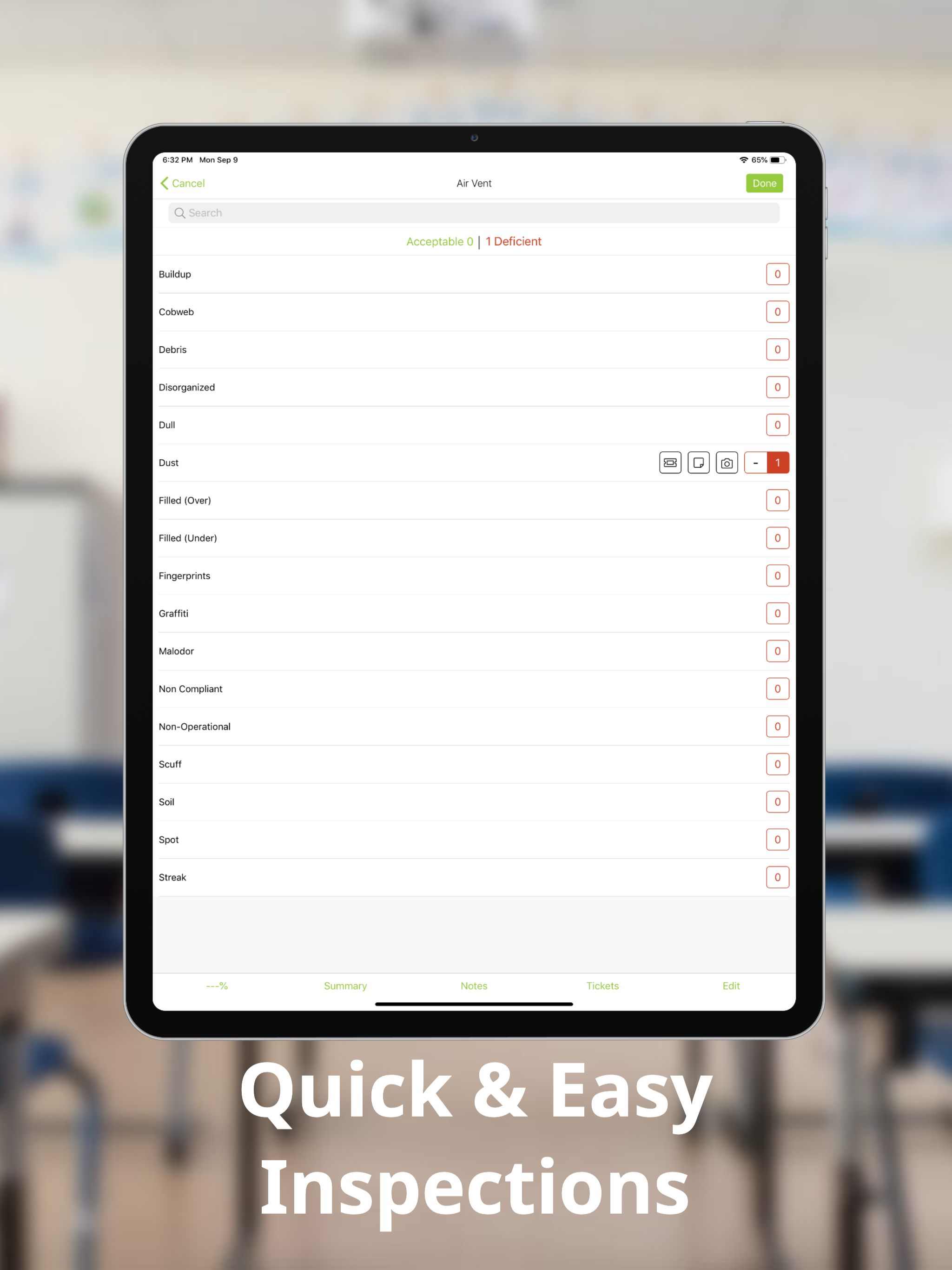
Eliminate the paper trail Smart Inspect eliminates the paper trail and redundancies involved with other inspection programs. Paper-based program data is very difficult to manage and places an unnecessary burden on your organization and the environment. By keeping everything digital, data is stored electronically and shared automatically. Uploading is easy When your inspection is complete, upload your data wirelessly. Once uploaded, notifications / reports are pushed to selected users, tickets are generated, photos are sent, and your inspection data is ready for viewing. Spend less time entering data Smart Inspect saves time and clicks by “defaulting” all items within an area to “acceptable.” You simply need to record “deficient” items and any associated notes or pictures. The intuitive controls will make inspections a breeze. Stay in-touch Smart Inspect provides automatic email notifications customized to your needs and your organizational levels. You decide “who sees what” when a user uploads a cleaning inspection, leaves an important note or assigns a ticket. Multi-task while inspecting Smart Inspect provides a screen for reporting on hazards in the workplace, producing tickets / work orders, recognizing project opportunities, identifying HR-related issues or addressing other categories of your choosing. Maintenance inspectors can write or speak during your walk to capture your data, or take a photo. Use Tickets to Close the Quality Loop Smart Inspect includes a ticket option for users that need to generate / track work orders, schedule project and restorative work, schedule cleaning inspections, and assign tickets. Users can create, view, edit and close-out tickets from the field or at their desk. Back up your inspection data with pictures With the ability to take pictures of deficiencies, you can confirm your cleaning inspection data with tagged images. Help your stakeholders to “see what you saw” during your inspection. Add Photos to your Notes and Tickets Attach photos to notes or tickets and tell a more accurate story. Inspectors can take a picture of a leaky faucet or safety hazard and quickly share with the appropriate department. Photos add accountability Each captured photo is tagged with a date and time stamp, along with a location, building, room number, area type and cleaning inspector name.