Ratings & Reviews performance provides an overview of what users think of your app. Here are the key metrics to help you identify how your app is rated by users and how successful is your review management strategy.
 4.5
4.5
User reviews affect conversion to installs and app rating. Featured and helpful reviews are the first to be noticed by users and in case of no response can affect download rate.
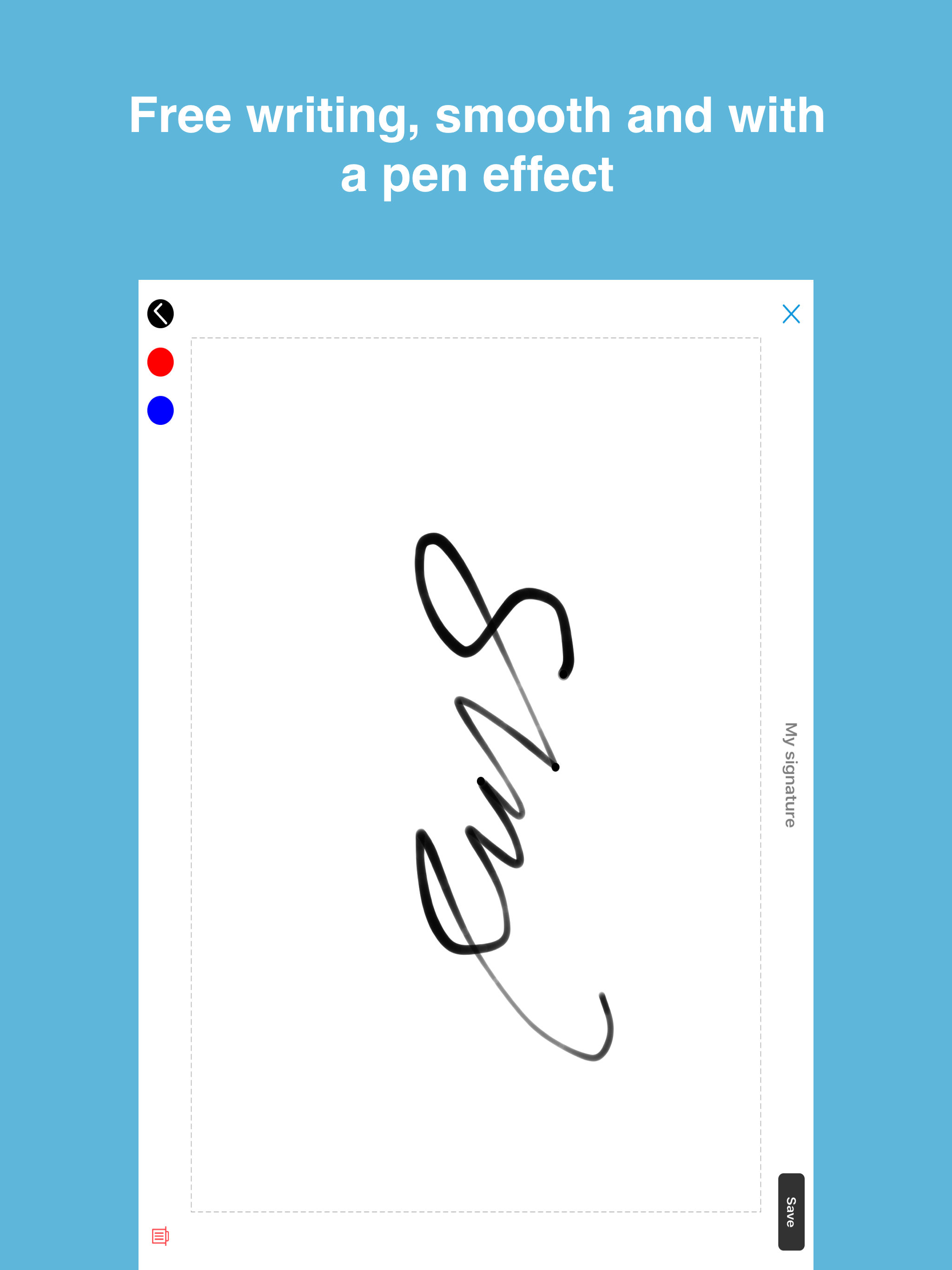
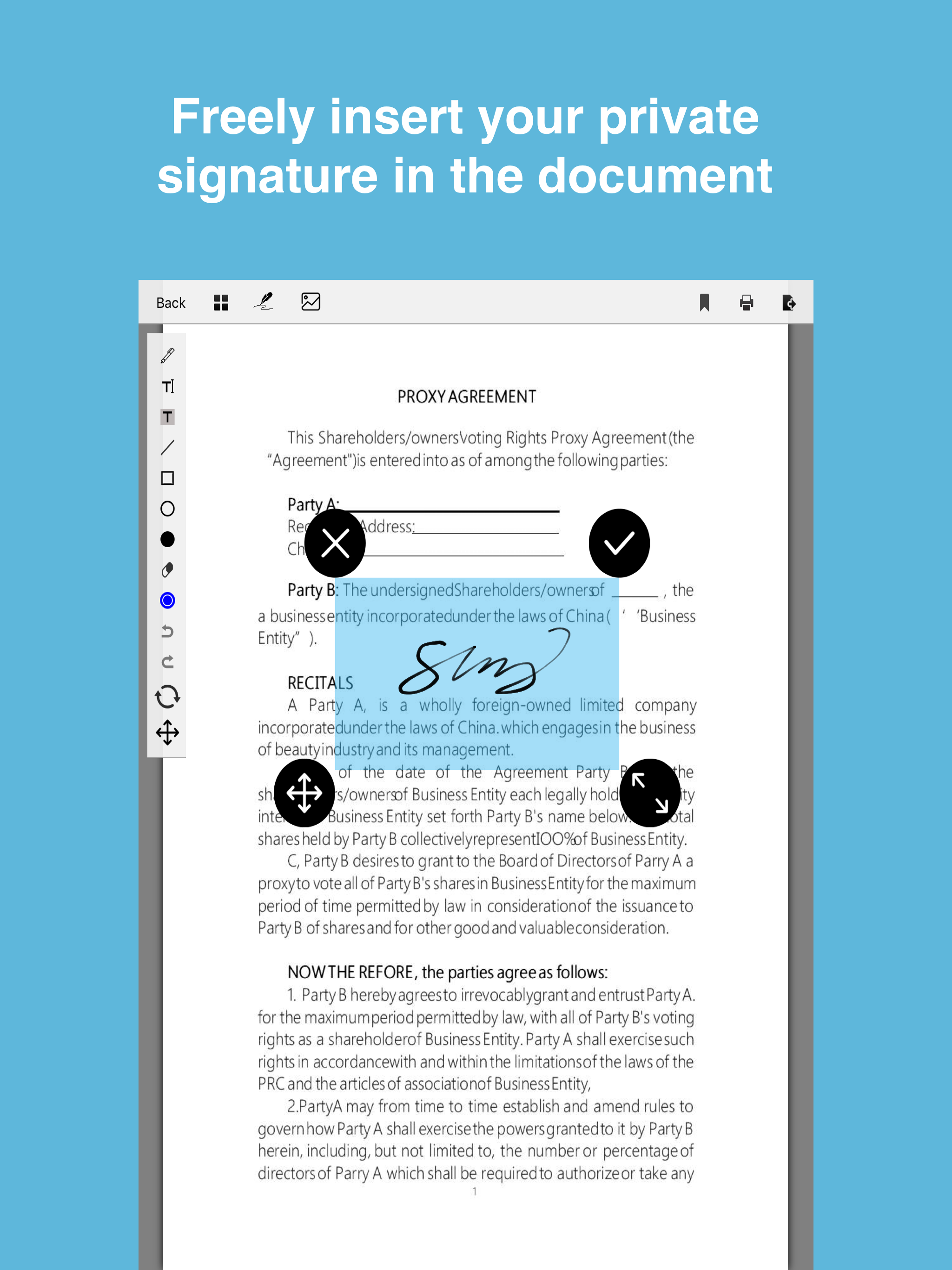
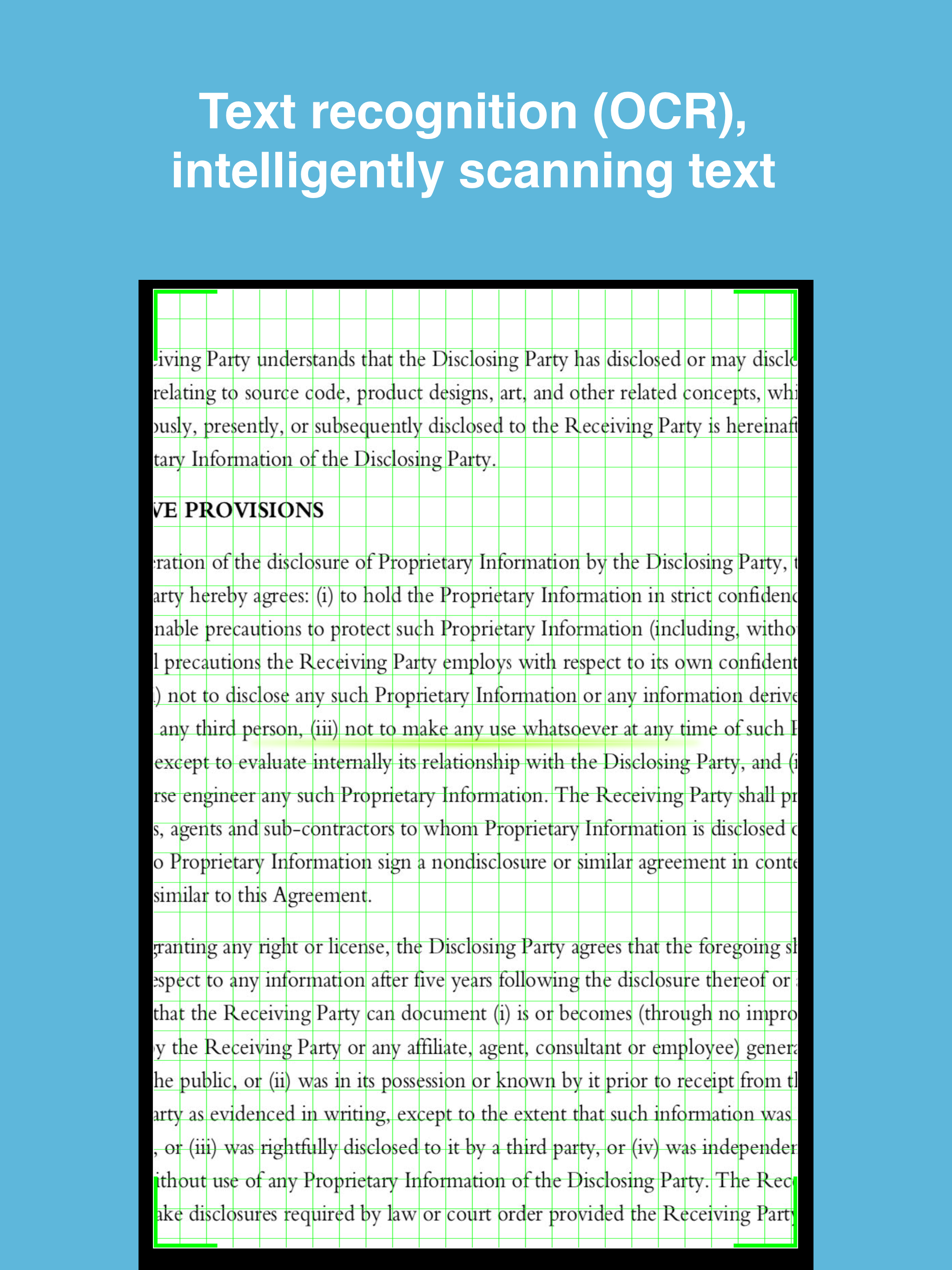
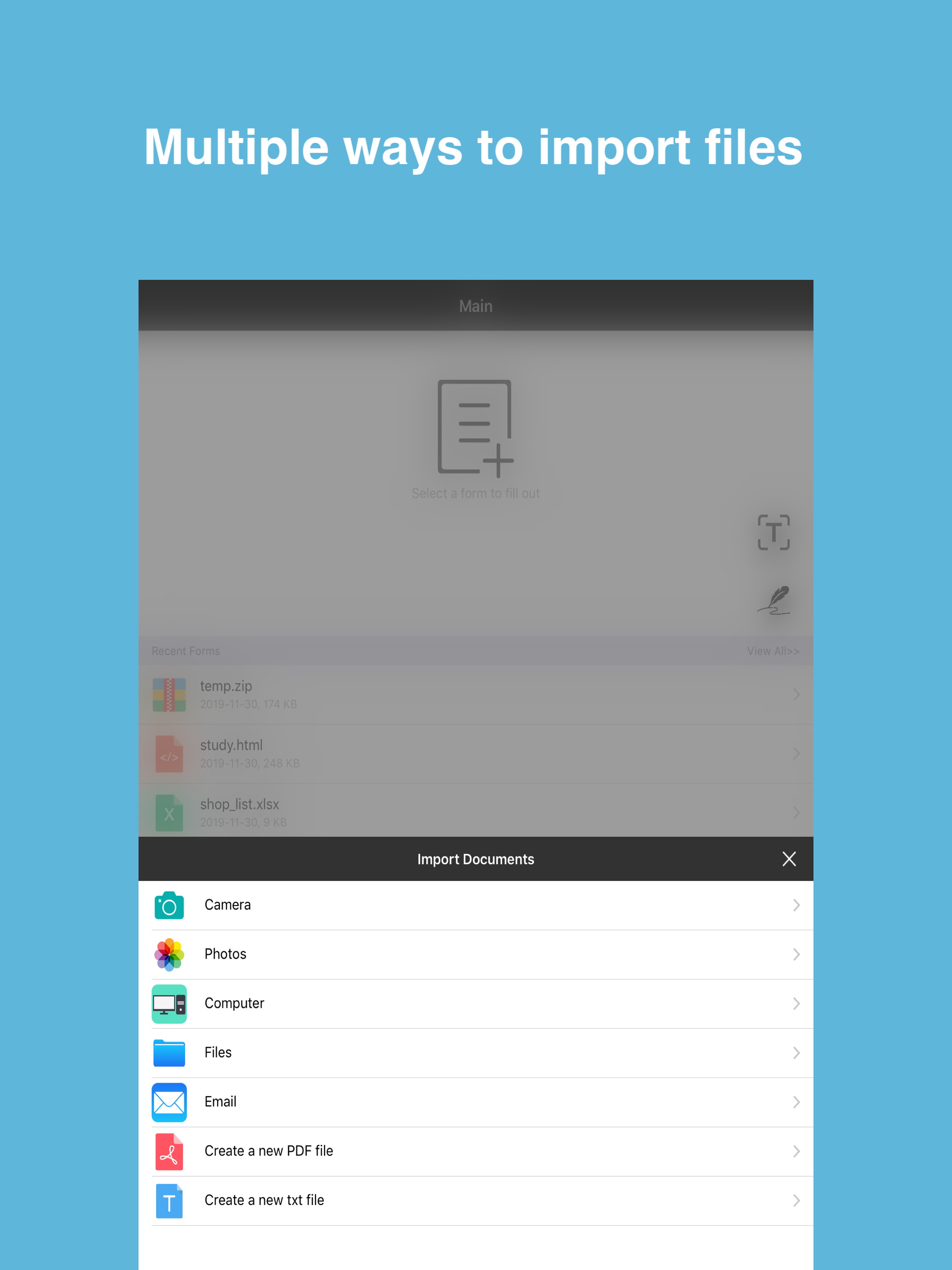
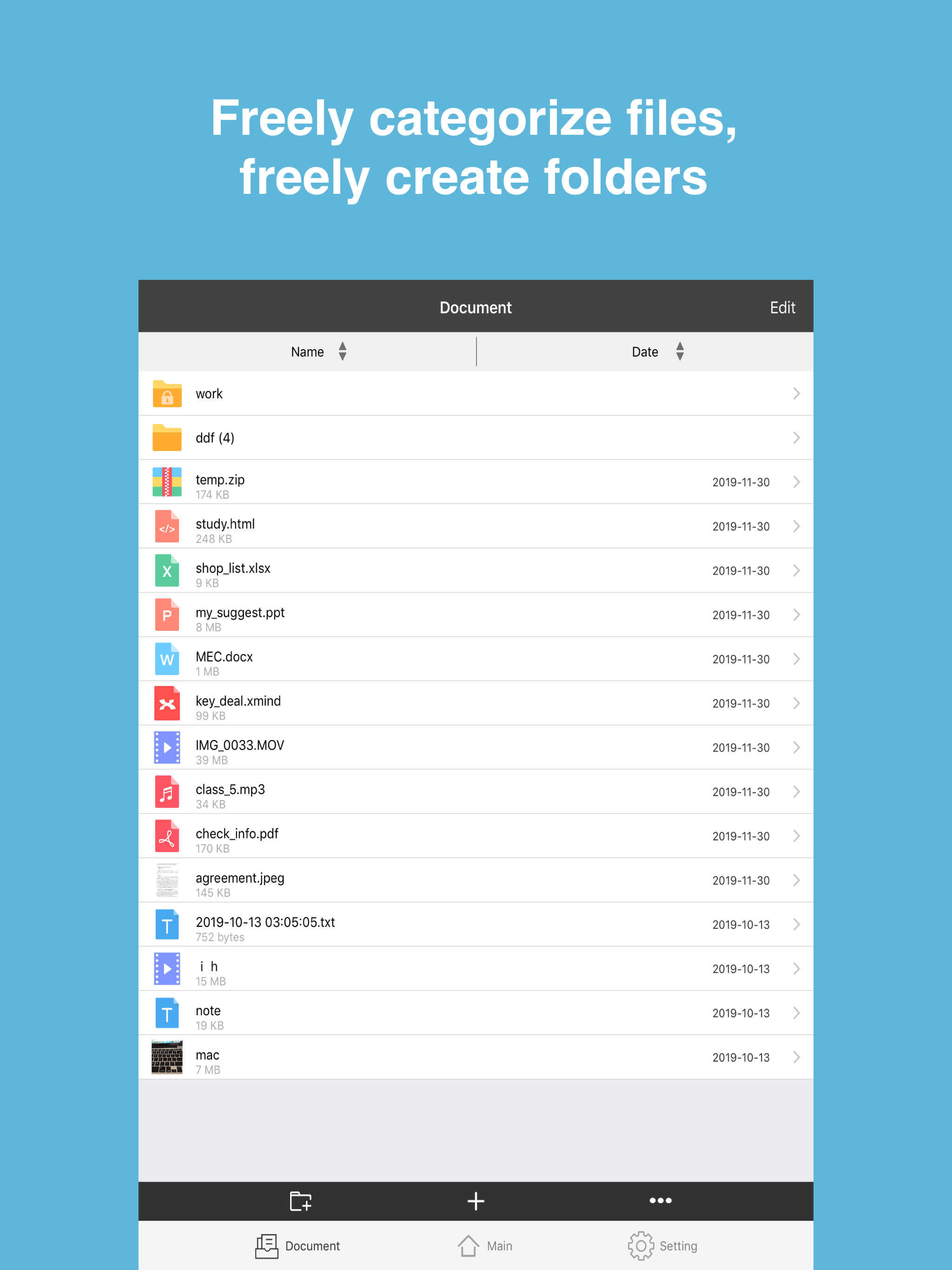
Use MySign to quickly fill in, sign, and send any forms and other file formats-PDF, Word, Excel, Text, Pages, JPG, PNG, etc., and you can add multiple signature handwriting and daily expressions. You can even take a photo of the paper form on your phone or tablet and fill it out. Then, electronically sign the form and send it. No need to print or fax. Instructions: • fill in. Open the file from the email. Click to enter text or check mark in the form field. Use custom auto-fill entries to fill out forms faster. • Sign: Use your finger or stylus to easily create a signature, and then apply the signature or initials to the form. • Send: Save the form and send it to others via email immediately. The operation is so simple. What can I sign for you? • Instant operation. Fill out the form anytime, anywhere. • Green. Send the form via email, no need to print and fax. • Arranged in an orderly manner. Store the form in one place. • Text Recognition (OCR): Text recognition provides accurate image text recognition technology services in a variety of scenarios, allowing your application to read pictures and improve input efficiency. • Private address book: It is convenient to store contact information, and can associate the signature and handwriting of the person, and make the contact card function. • TXT file: support reading function, automatically read text content; • Documents: Support multiple file formats such as pictures, videos, GIF, Word, PDF, etc.; • You can add remarks to the PDF file and set a password; • Process the paper signature picture into a usable signature picture with a transparent background; • The application supports Touch ID, Face ID, PIN Password login to make your files more secure; Privacy Policy: http://note.youdao.com/noteshare?id=45da468b7855fe9fd5c1c5e2a2d29d53 Terms of Service: http://note.youdao.com/noteshare?id=a2f3d9ca79dd8df9567289afc33cdbaa