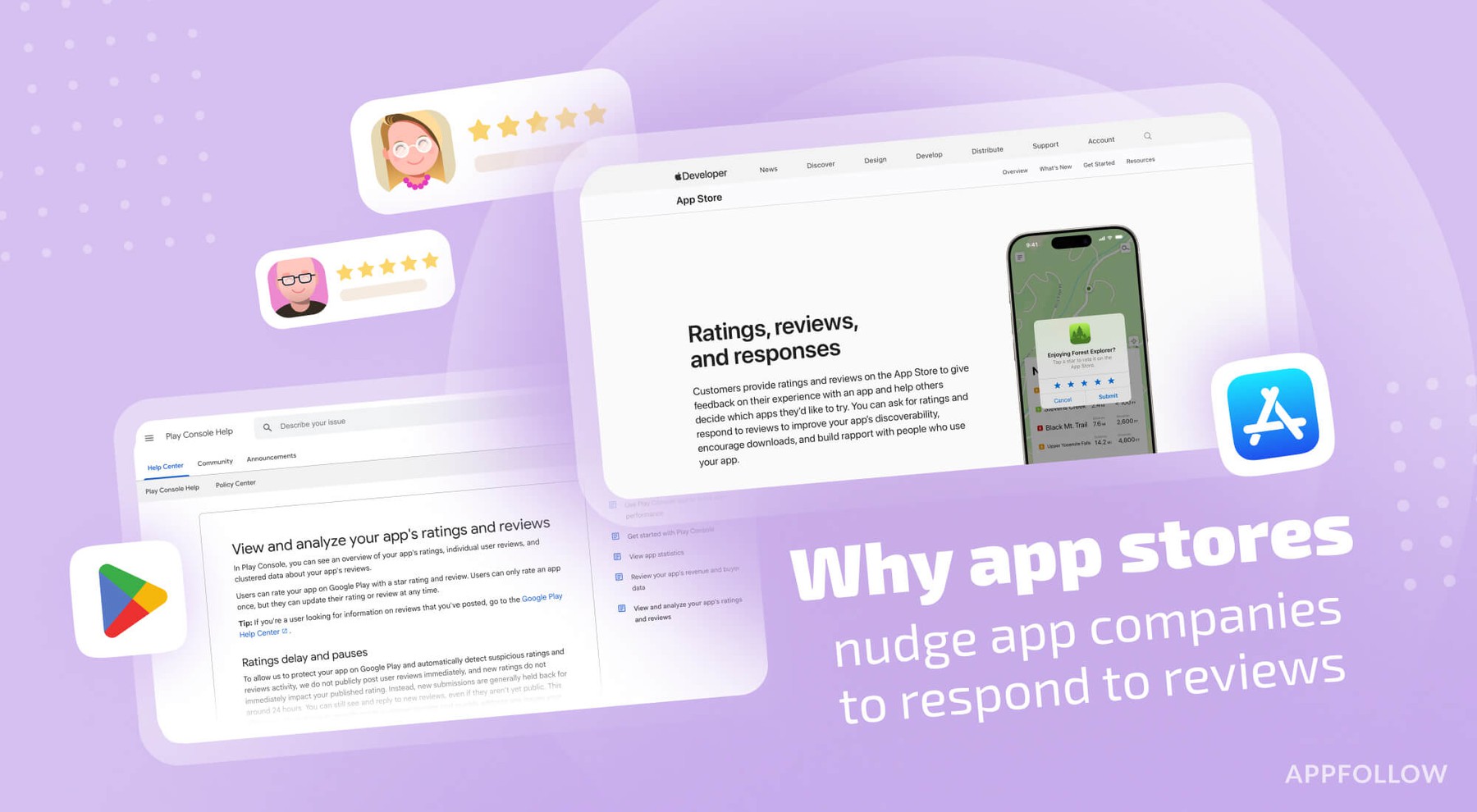
Ratings & Reviews performance provides an overview of what users think of your app. Here are the key metrics to help you identify how your app is rated by users and how successful is your review management strategy.
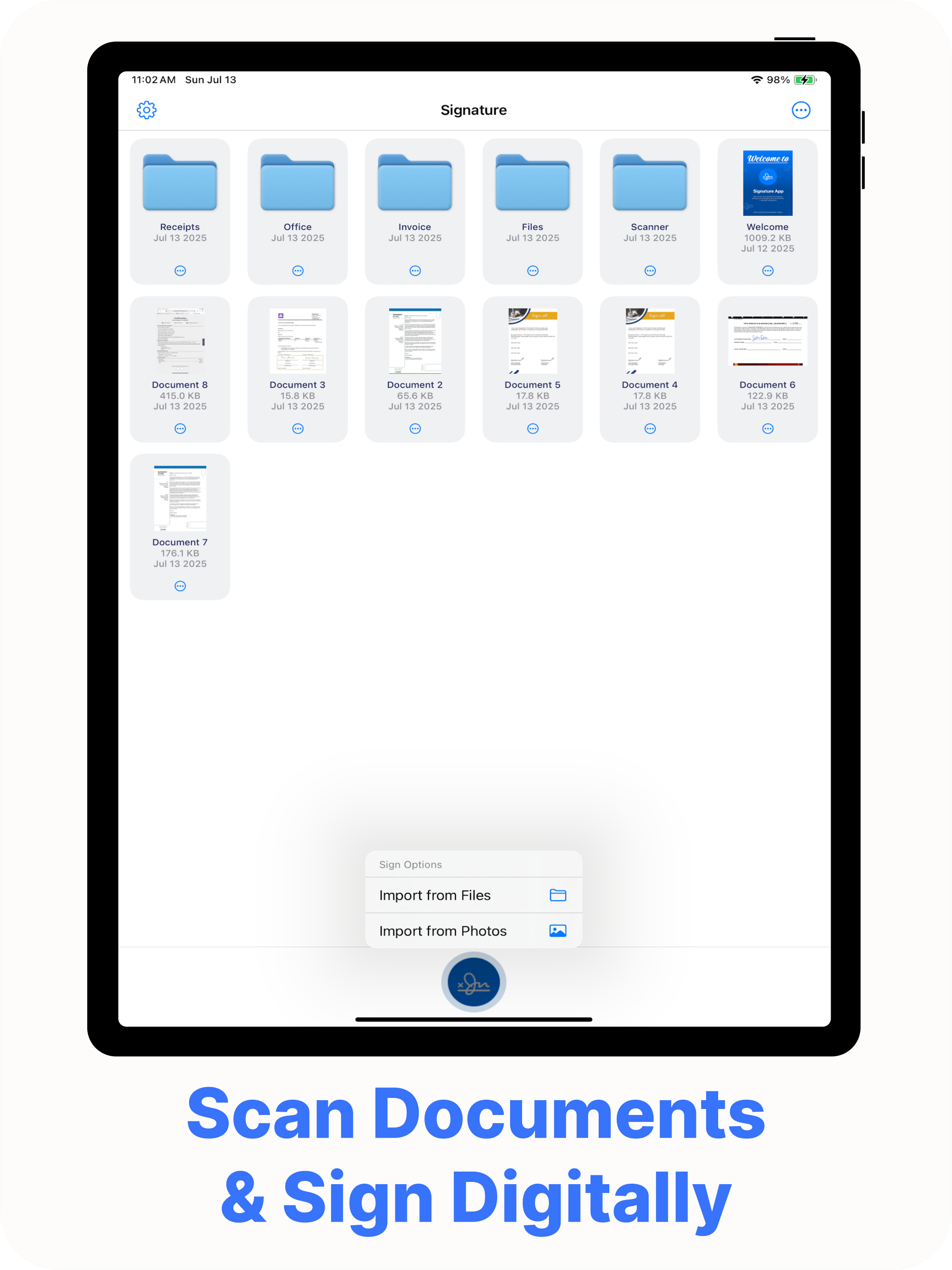
Go completely paperless with an all-in-one PDF solution built for iPhone and iPad. This powerful mobile app lets you scan paper documents, edit and annotate PDFs, merge multiple files, and sign contracts or forms in seconds. Whether you’re a student managing coursework, a professional handling agreements, or anyone who needs a full PDF toolkit, this app delivers everything you need to stay productive anywhere. All-In-One PDF Toolkit Powerful PDF Editing Add or edit text, insert images or shapes, highlight important sections, and write notes directly on any PDF. Perfect for reviewing contracts, marking up lecture notes, or preparing professional presentations. Instant Digital Signatures Create a realistic handwritten or calligraphy-style signature in seconds. Save it for repeated use and apply it to any document instantly—ideal for business agreements, authorizations, and e-signatures. Smart PDF Scanner Use your camera to scan receipts, forms, whiteboard notes, or multi-page documents. Advanced edge detection and image enhancement create sharp, print-quality PDFs ready to share or archive. Merge and Organize Combine multiple PDFs into a single document, rearrange pages, or split files as needed. Manage invoices, project files, reports, and academic papers without a computer. Fill and Share Forms Complete application forms, tax documents, or contracts directly on your device. Add text fields, check boxes, and signatures, then send or store the finished file immediately. Productivity and Personalization Import documents from Files, Photos, iCloud, Dropbox, Google Drive, and other cloud services. Customize pen color, thickness, and background to create professional or creative signatures and annotations. Design stylish name art for social media profiles or wallpapers using the same high-quality tools. Security and Privacy All editing can be done offline to keep your documents private. Protect sensitive files with Face ID or Touch ID. No tracking or hidden data collection—your documents stay on your device or the cloud service you choose. Why Users Love This App • Complete PDF workflow in a single, easy-to-use app • Saves time—no printing, scanning, or desktop software needed • Crisp scans with adjustable filters and accurate edge detection • Professional results for contracts, invoices, school projects, and everyday paperwork Perfect For Business professionals who need to sign and share agreements on the go Students who want to scan and annotate notes or assignments Freelancers who need to merge, organize, and protect important client documents Anyone who values a reliable mobile PDF editor and scanner Privacy Policy: https://appdevtechnolabs.com/privacypolicy.html Terms of Service: https://appdevtechnolabs.com/termsofuse.html Support: info@appdevtechnolabs.com