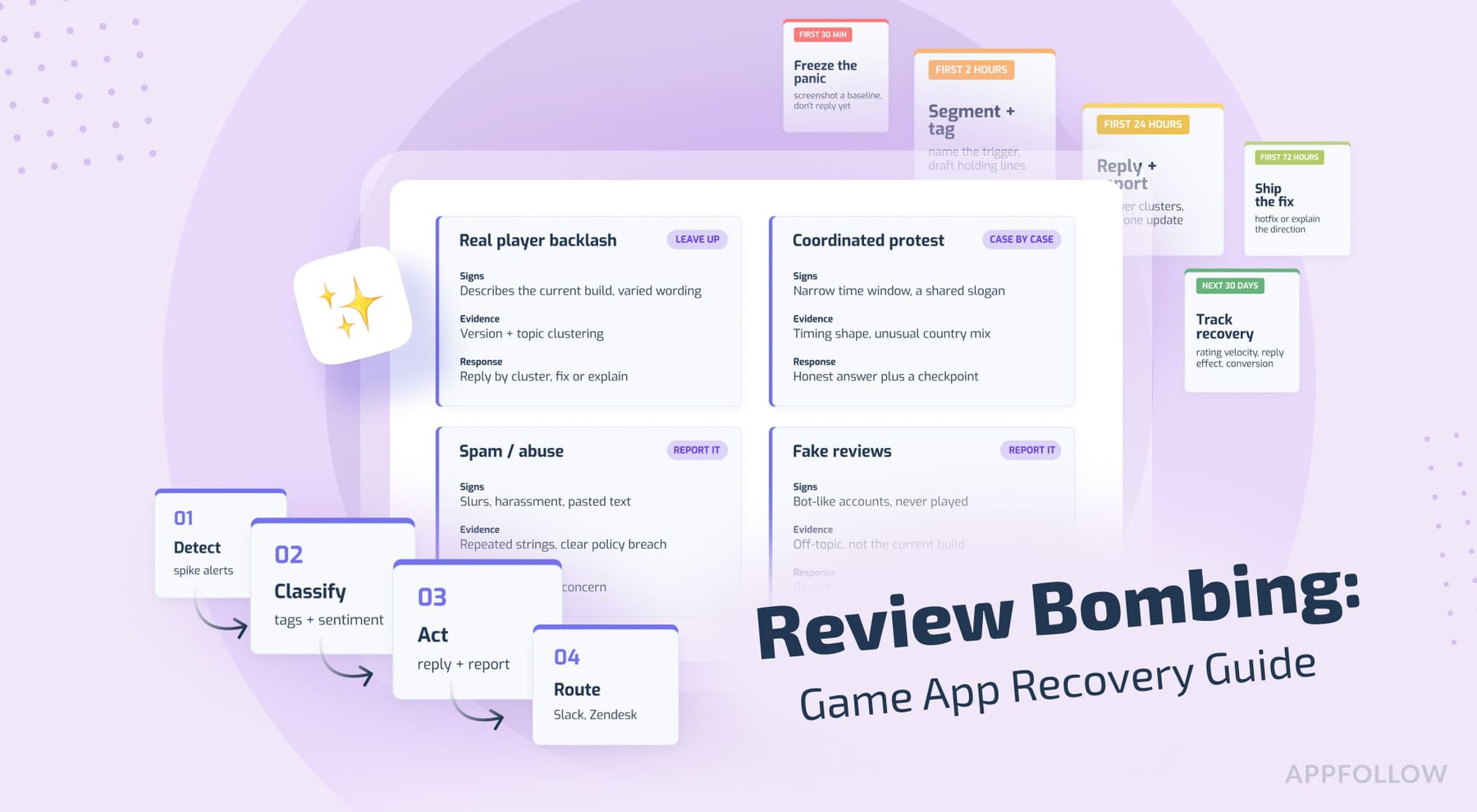
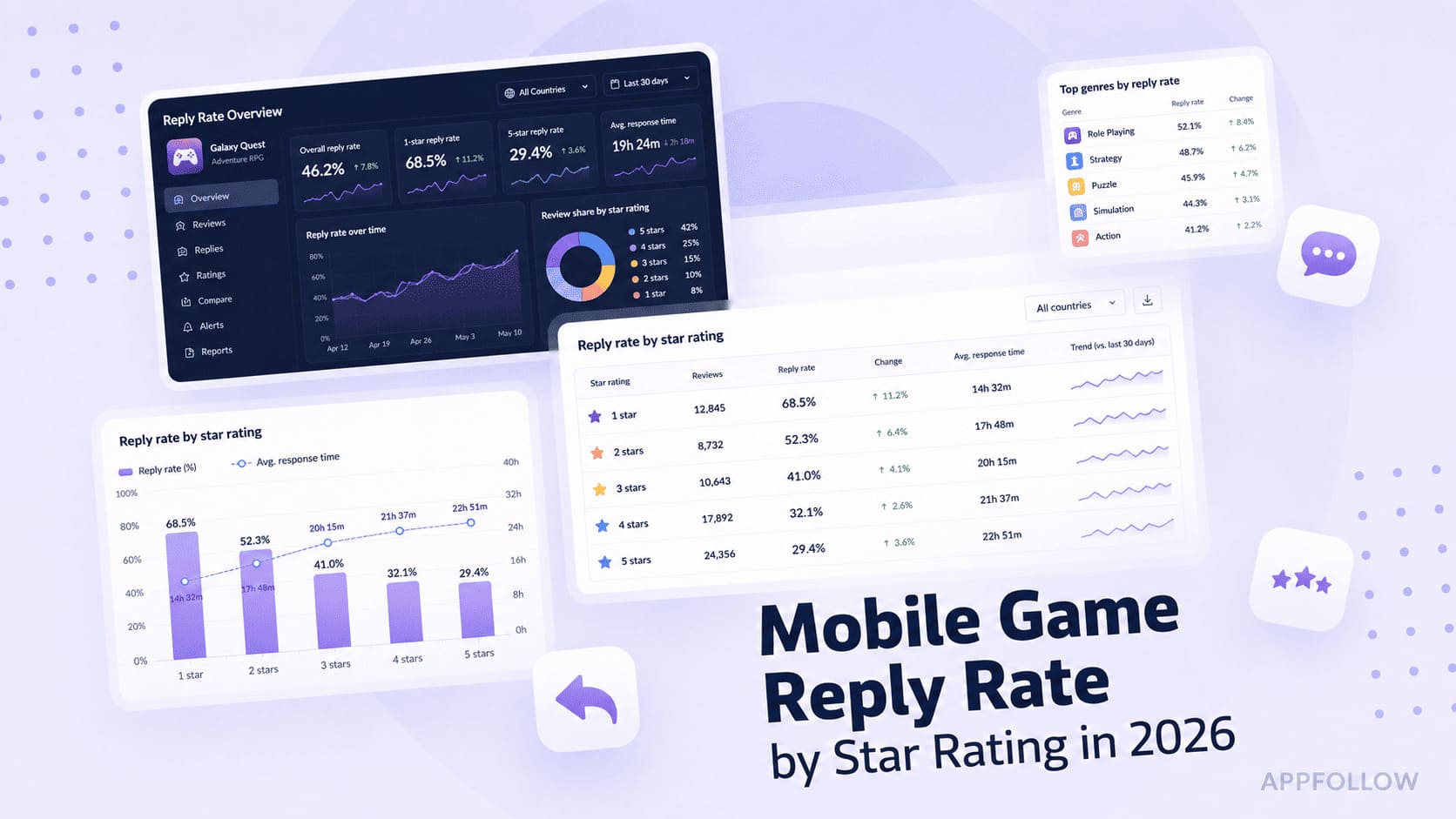
Ratings & Reviews performance provides an overview of what users think of your app. Here are the key metrics to help you identify how your app is rated by users and how successful is your review management strategy.
 4.5
4.5
User reviews affect conversion to installs and app rating. Featured and helpful reviews are the first to be noticed by users and in case of no response can affect download rate.
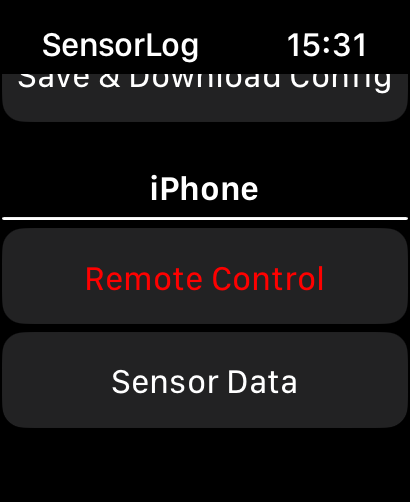
With SensorLog you can read sensor data from the iPhone, iPad and Apple Watch. The sensor data can be saved as a file in CSV or JSON format, streamed via TCP/UDP or sent as an HTTP request. The most important functions for iPhone and iPad: - Sensor data can be recorded at up to 100Hz (depending on the iOS device version and sensor type). - Sensor data can be streamed in server or client mode using TCP or UDP. Depending on the network speed and the server or client configuration used, this is possible with up to 100Hz. - Via HTTP(S) GET/POST request, sensor data in JSON format (POST) or form-url encoded (POST and GET) can be transmitted to a REST API with up to 20Hz. - With the SensorLog Remote Client/Server function, an iPad or iPhone can connect as a SensorLog Remote Client to an iPhone or iPad, which takes on the role of SensorLog Remote Server. The client's sensor data can be visualized on the server, and the server can control the clients (start/stop logging, start/stop sending data). - Logging can be started and stopped using Siri and shortcuts. - SensorLog supports Core ML models created with Apple's Create ML app. Log data with SensorLog, train a model with the data in Create ML, load exported models in SensorLog and log the model prediction. Supported Create ML models are: Activity Classifier, Tabular Regressor and Tabular Classifier. - If you have an Apple Watch, HealthKit data such as heart rate, energy used, sleep and movement data can be exported on the watch as a csv or json file and then transferred to your iPhone. Sensor data iPhone / iPad: For sample log files, please visit the SensorLog homepage (link App Support). - CLLocation, CLHeading, CMAccelerometer, CMGyroData, CMMagnetometer, CMDeviceMotion, CMActivity, CMPedometer, CMAltimeter, WLAN and network provider IP addresses, device orientation, battery info, decibels. The most important functions for Apple Watch: - Logging Option 1: Logging duration up to 1 hour Simultaneous logging of all selectable sensor data is supported in the background with up to 50Hz. Individual sensors can be logged with a higher frequency of up to 100Hz. Sending data via HTTP requests is supported. - Logging option 2: Logging duration greater than 1 hour In the background only logging of the accelerometer data with max. 50Hz is supported. In the foreground all sensor data with up to 100Hz. Sending data via HTTP requests is only supported when the app is in the foreground. - Via HTTP(S) GET/POST request, sensor data can be transmitted to a REST API with up to 10Hz in JSON format (POST) or form-url encoded (POST and GET). - The Health Store data feature off the SensorLog Watch app allows you to export HealthKit data like heart rate, energy burned, sleep, and movement data. This data is automatically recorded by your Watch and can be read out and exported by SensorLog as csv or json file and transferred to your iPhone. - Logging can be started and stopped using Siri and Shortcuts. Sensor Data Watch: For sample log files, please visit the SensorLog homepage (link App Support). - CLLocation, CMAccelerometer, CMDeviceMotion, CMActivity, CMPedometer, CMAltimeter, battery info