Ratings & Reviews performance provides an overview of what users think of your app. Here are the key metrics to help you identify how your app is rated by users and how successful is your review management strategy.
 3.0
3.0
User reviews affect conversion to installs and app rating. Featured and helpful reviews are the first to be noticed by users and in case of no response can affect download rate.
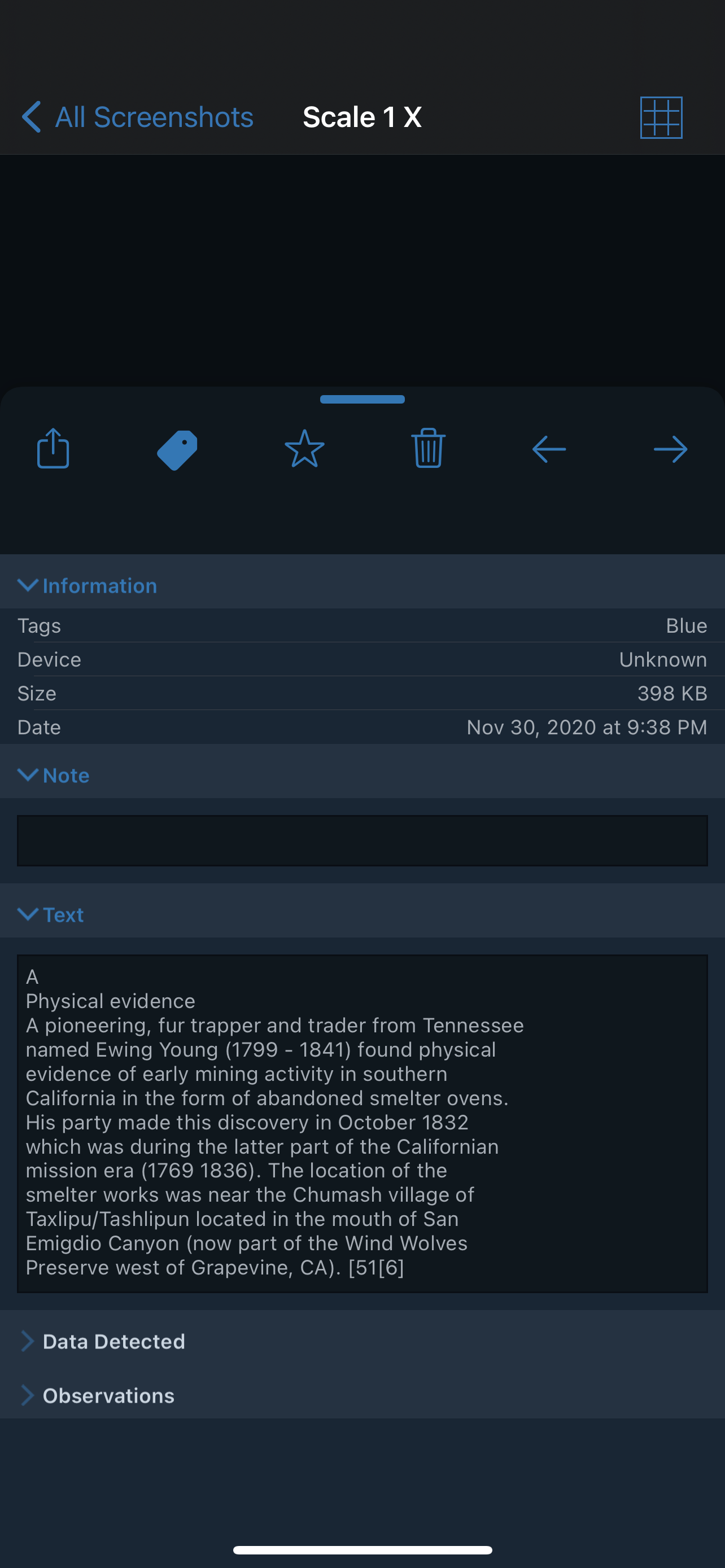
Screenshot Journal is the ideal tool for archiving, organizing, and inspecting iOS screenshots. • Archive: Screenshots are copied to Screenshot Journal. • Organize: Tags let you organize your screenshots in any way you want. • Inspect: Pixel perfect zooming lets you inspect screenshots at up to 3200% without blurring. Quotes: "Screenshot Journal is an app that celebrates and respects UI design." - Neven Mrgan “Overall, this app looks great and will be very useful for people dealing with a lot of screenshots or UI designers and developers who have tons of screenshots in their camera rolls.” - Beautiful Pixels “Great idea.” - Daring Fireball More features: * Send screenshots to Screenshot Journal from other apps. * URL scheme for opening Screenshot Journal directly to specific tags screenshotjournal://tagname * Swipe between screenshots. * Tap and hold to copy screenshot. * Scans for and automatically imports only your screenshots. * Favorite screenshots that you want to reference over and over again. * View your screenshot collection grouped by month. * Overlay a Grid that helps define pixels, and measure elements. * Send your screenshots over Twitter, email, and clipboard. * Send screenshots to other apps, which include Dropbox and Evernote, via "Open With...". * Manual import for any image available on the device. Follow us on Twitter: @screenshotsapp