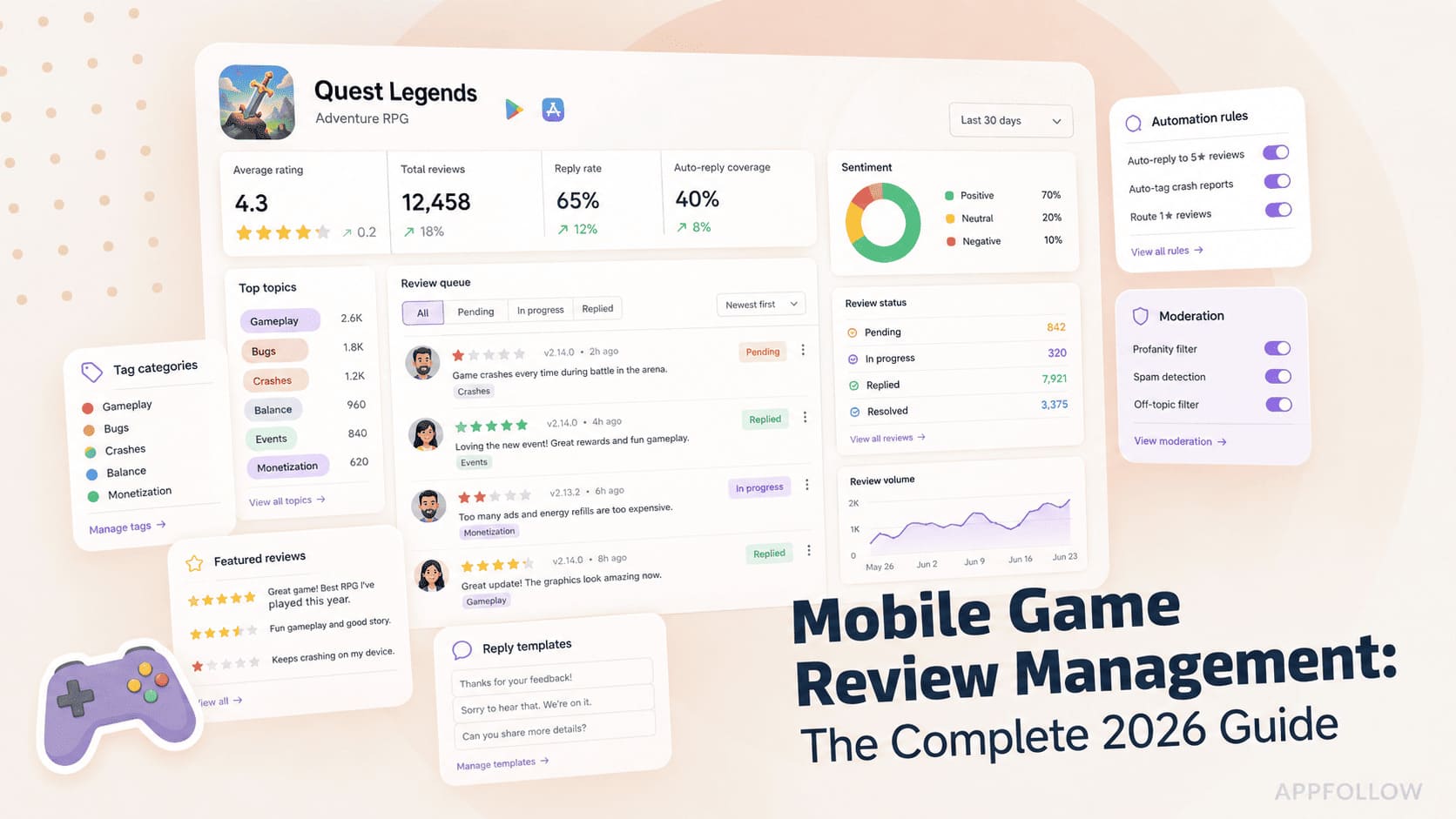
Ratings & Reviews performance provides an overview of what users think of your app. Here are the key metrics to help you identify how your app is rated by users and how successful is your review management strategy.
Enhance your viewing experience with ScreenCast TV Screen Mirroring and cast your phone's screen and media to TV! Revolutionize how you watch your favorite content by connecting your phone to your TV! Share screen, apps or web content to your TV! ScreenCast TV will help you to: • Mirror your entire phone screen to TV in HD quality and with sound! • Stream favorite movies, TV shows and series • Play games on the big screen • Share presentations and documents How it works: • Connect your phone and TV or streaming device to the same WiFi network • Open the app and select TV from the list • Select desired function and enjoy! How to connect phone to TV: • Ensure all devices are connected to the same Wi-Fi network! Make sure you don’t use VPN! • Open ScreenCast TV Screen Mirroring and connect your phone to a compatible TV device - such as Samsung, LG, Sony, Philips, TCL, etc • Allow device connection on your local network Payment will be charged to your Apple ID account at the time of purchase confirmation. Subscription renews automatically unless it is canceled at least 24 hours before the end of the current period. Your account will be charged for renewal within 24 hours prior to the end of the current period. You can manage and cancel your subscriptions by going to your account settings on the App Store after purchase!