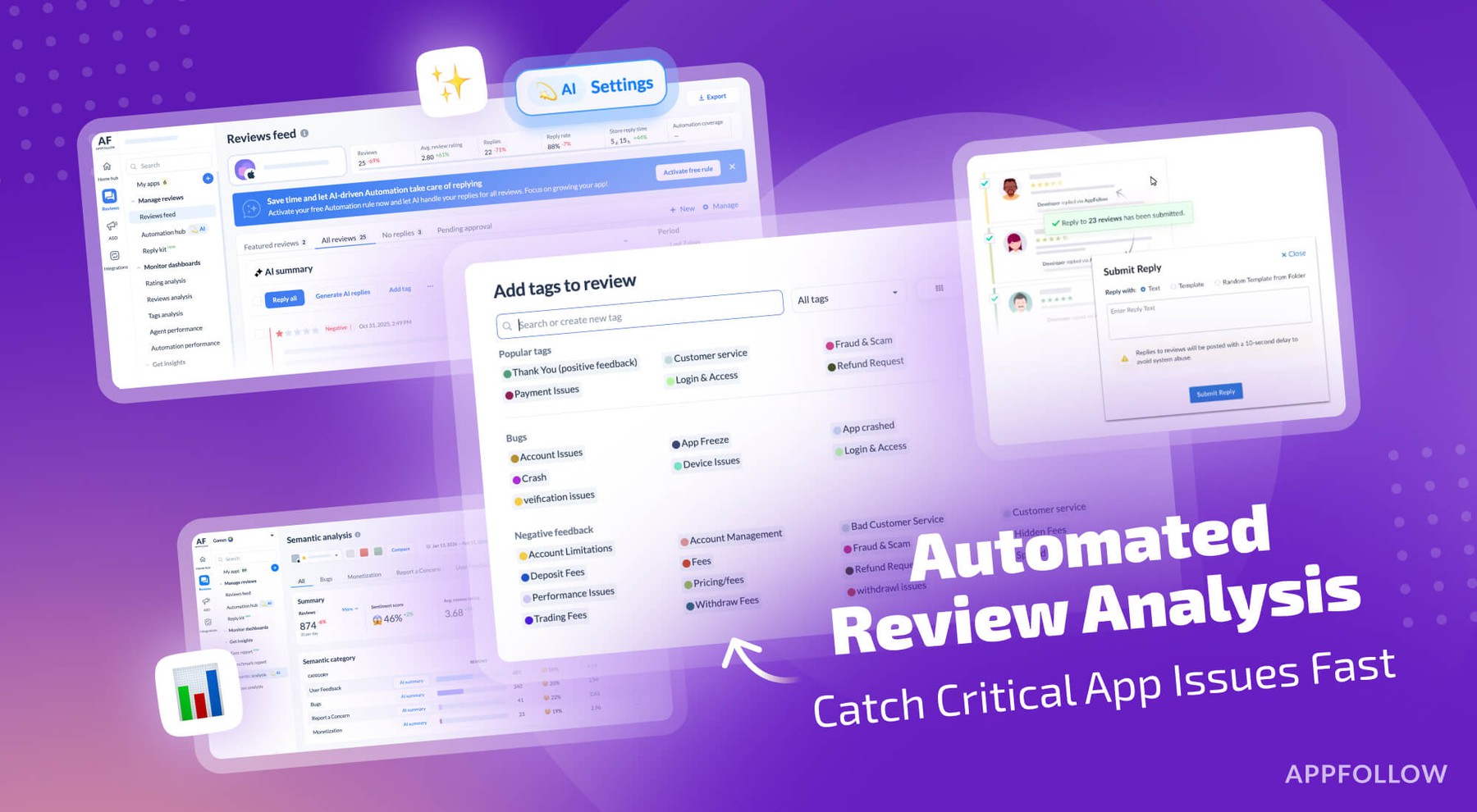
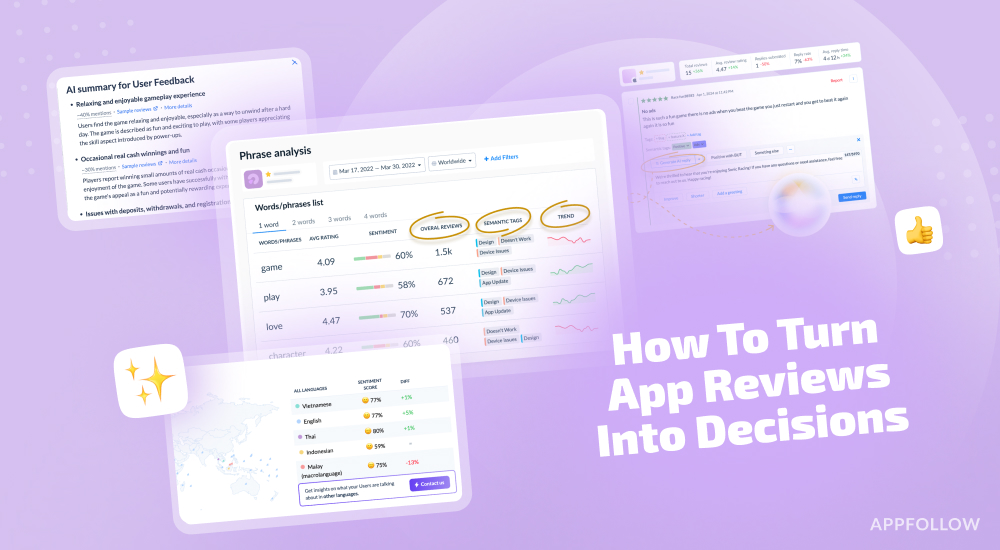
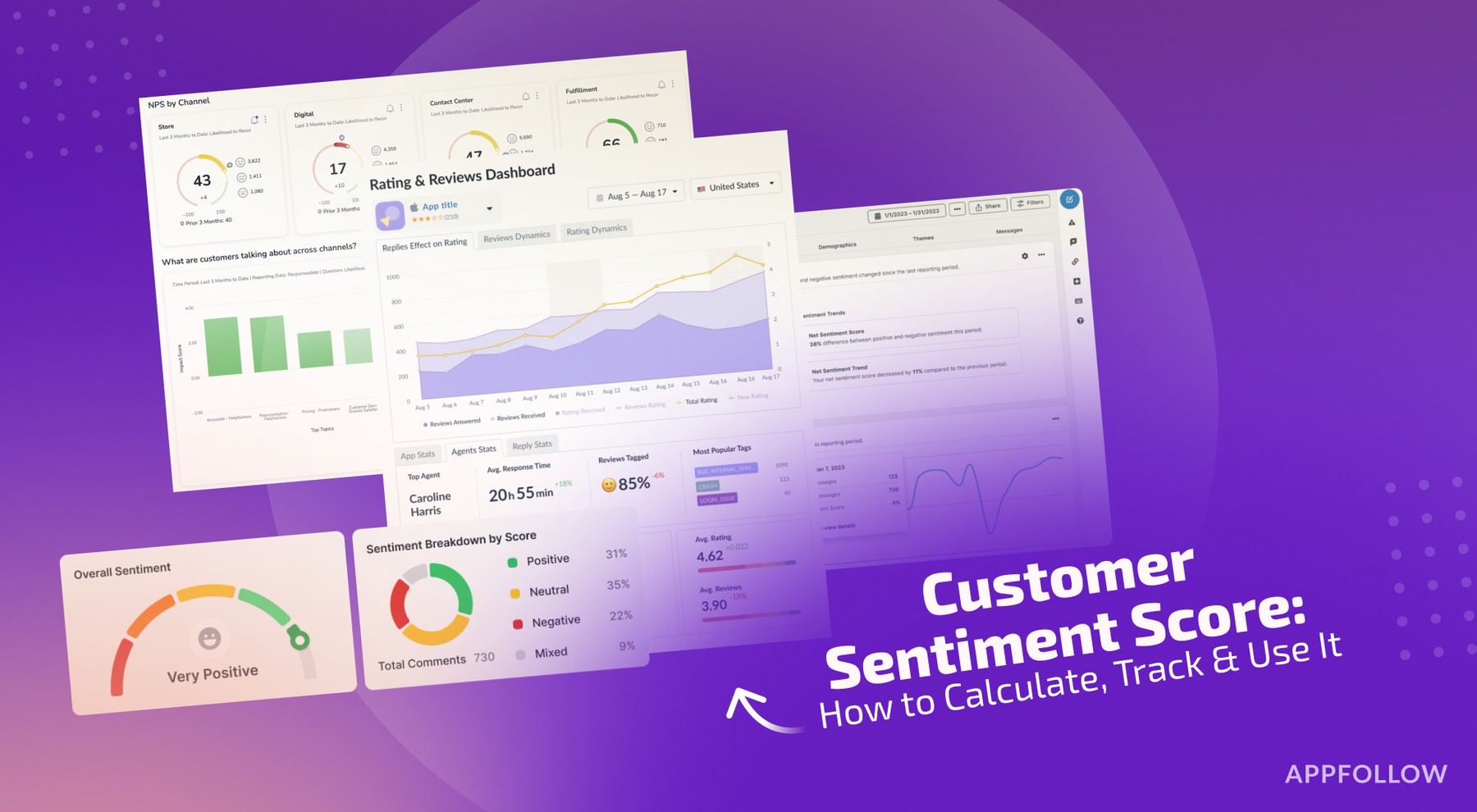
Ratings & Reviews performance provides an overview of what users think of your app. Here are the key metrics to help you identify how your app is rated by users and how successful is your review management strategy.
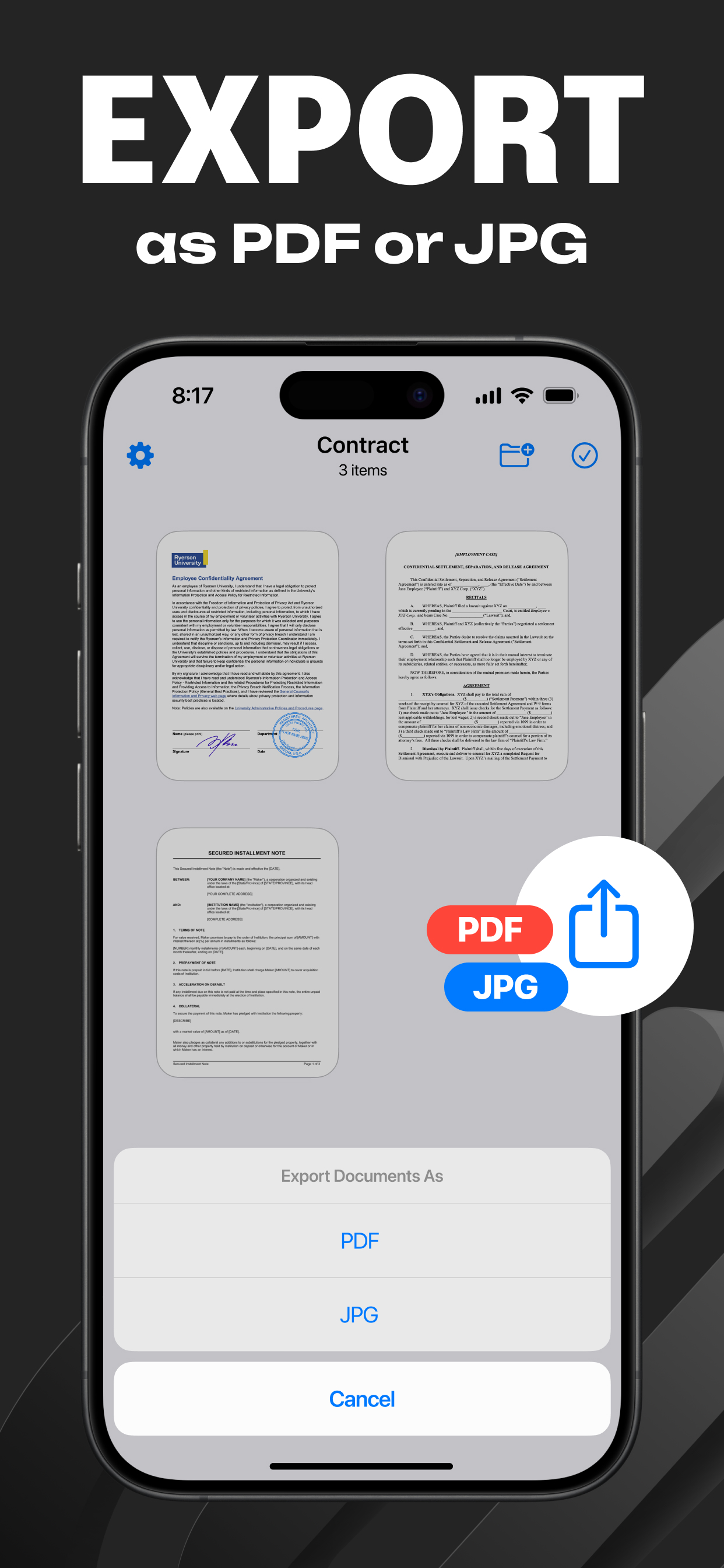
Transform Your iPhone or iPad into a Versatile Mobile Scanner with Scanner App . Scanner App is your go-to mobile scanner, now enhanced with powerful PDF converter features, including Text Recognition. Easily scan, edit, save, and share documents, receipts, business cards, notes, and books as high-quality PDF or JPG files. Whether you need to convert images to PDFs, create PDFs from photos, or extract text with OCR, Scanner App has you covered. Choose between automatic or manual image capture modes and enhance your scans with edge detection, optimization, and color correction. Key Features: * Premium Quality Scans: Create high-quality PDFs or JPGs. * Effortless Image-to-PDF Conversion: Convert images to PDF quickly and easily. * Quick Document Capture: Use automatic or manual modes for fast scanning. * Enhanced Scanning: Improve your scans with edge detection, OCR, and handwriting recognition. * Efficient Multi-Page Document Saving: Save and manage multi-page documents effortlessly. No Internet connection is needed—your scans are stored securely on your device. Say goodbye to bulky office scanners and embrace the Scanner App for your daily business needs! Capture High-Quality Images Automatic document edge detection ensures optimal image quality every time. Quick Conversion Experience fast scanning and conversion—scan a document in just one tap. Scan Anything From documents to business cards, Scanner App is your all-in-one scanning solution. Share with Ease Easily share your scanned documents, making collaboration simple and efficient. Discover the ultimate PDF maker in the palm of your hand with Scanner App! Subscription Auto-Renewal Information: * Free trial period available. * Payment charged to your iTunes account upon confirmation of purchase. * Free trial automatically renews to a paid subscription unless auto-renew is turned off at least 24 hours before the end of the trial period. * Subscription automatically renews unless auto-renew is turned off at least 24 hours before the end of the current period. * The account will be charged for renewal within 24 hours before the end of the current period. The cost depends on the selected plan. * Users can manage subscriptions and turn off auto-renewal in Account Settings after purchase. * Any unused portion of the free trial will be forfeited when the user purchases a subscription. Privacy Policy: https://telegra.ph/Privacy-policy-08-21-49 Terms of Use: https://telegra.ph/Terms-and-Conditions-08-31-3 For any questions or inquiries, please contact us at email: givikiviri2@gmail.com