


Ratings & Reviews performance provides an overview of what users think of your app. Here are the key metrics to help you identify how your app is rated by users and how successful is your review management strategy.
 4.5
4.5
User reviews affect conversion to installs and app rating. Featured and helpful reviews are the first to be noticed by users and in case of no response can affect download rate.
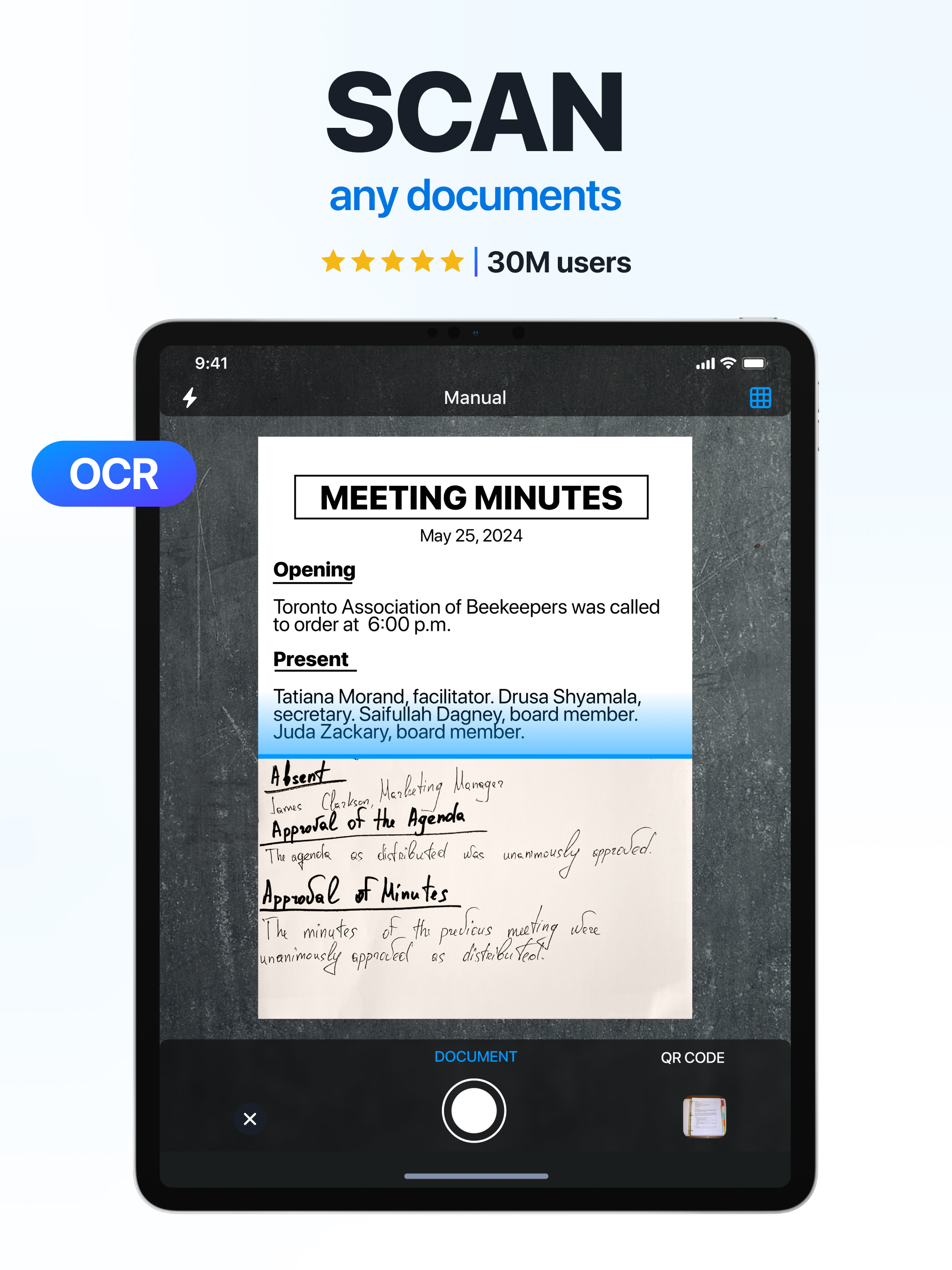
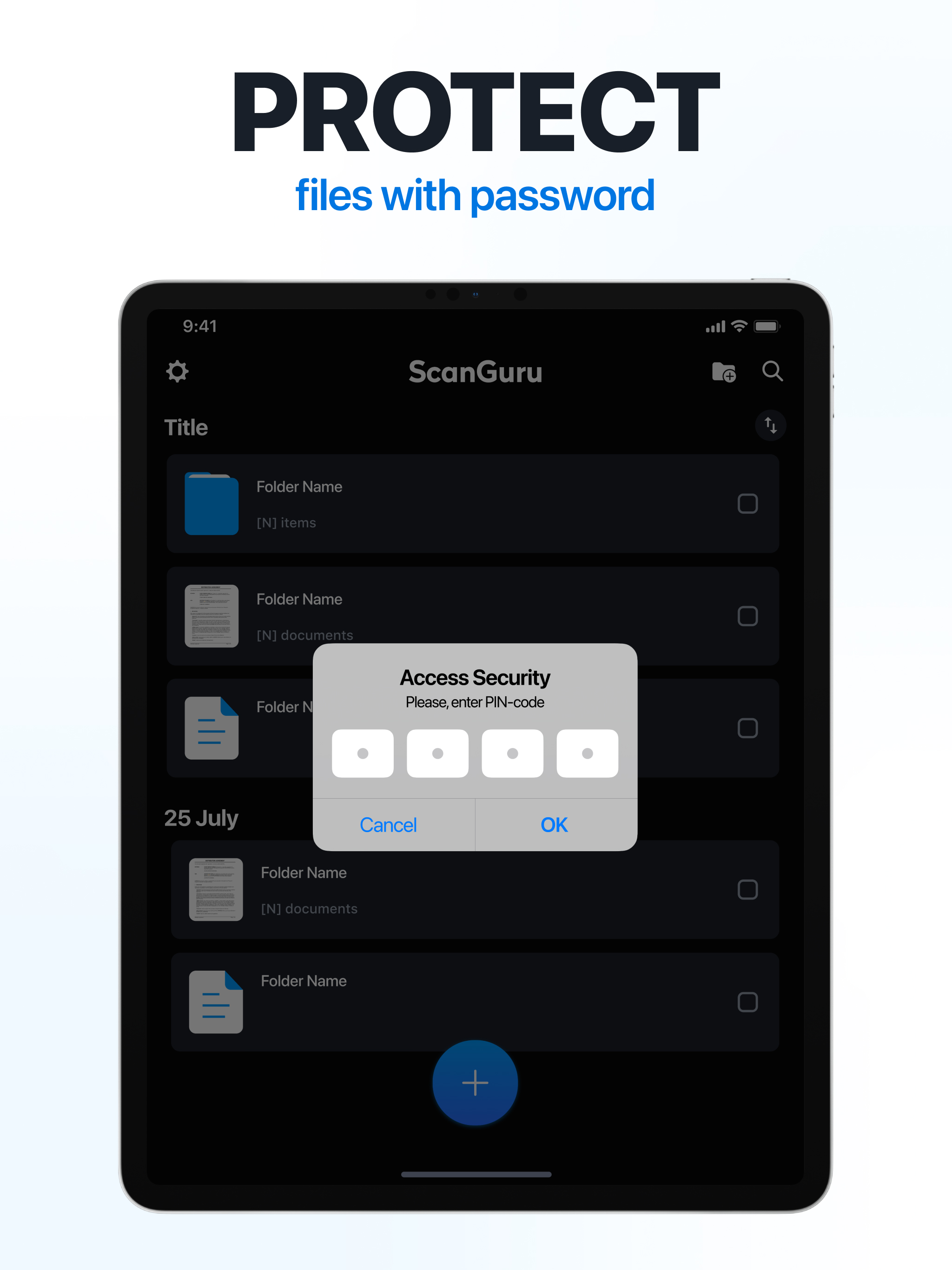
Transform your mobile device into a powerful document scanner and pdf converter that fits in your pocket. Scan, edit, and share high-quality files instantly. Our scanner app streamlines your daily workflow by bringing professional document processing right to your fingertips. Whether you need a quick photo to pdf converter or a comprehensive pdf editor, this tool delivers crystal-clear results every time. Using advanced camera technology, our free scanner app automatically detects borders, corrects perspective, and enhances text clarity. Simply scan and go, confident that your digital files will look pristine. From digitizing paper notes to acting as a seamless image to pdf converter, your new virtual assistant handles it all. ADVANCED PDF SCANNER AND EDITOR - Smart Auto-Cropping - Instantly detect document edges for perfectly aligned scans. - High-Definition Quality - Enhance colors, remove shadows, and crisp up text. - Multi-Page Scanning - Rapidly digitize entire books into a single pdf doc. - Seamless PDF Editor - Make quick adjustments or reorder pages directly on your phone. POWERFUL OCR TEXT RECOGNITION - Extract Text from Images - Convert any photo into editable text using intelligent ocr technology. - Translate Scanned Documents - Break language barriers by translating recognized text. - Export to Word - Turn a standard pdf into a fully editable word document instantly. - Searchable Files - Find exactly what you need by converting paper into searchable digital assets. DIGITAL SIGNATURES AND ANNOTATIONS - Sign Documents on the Go - Add your electronic signature to contracts and invoices in seconds. - Highlight Information - Use intuitive annotation tools to mark up key points in your pdf documents. - Protect Sensitive Files - Secure confidential files with a custom pin code or face recognition. QR CODE SCANNER AND CONVERTER - Instant QR Code Scanner - Quickly scan any qr code to access websites safely. - Photo to PDF Converter - Select images from your camera roll and merge them into a unified pdf. - Convert to JPG - Easily switch between pdf and jpg formats depending on your sharing needs. WHO IS THIS APP FOR? - Busy Professionals - Digitize business cards, manage expense receipts, and securely sign documents. - Dedicated Students - Scan lecture notes and textbook pages to create a digital library. - Creative Freelancers - Capture hand-drawn sketches and tax invoices to stay organized. - Everyday Users - Keep track of warranties, personal letters, and medical records securely. UNCOMPROMISING SECURITY AND PRIVACY We believe your data belongs entirely to you. Unlike cloud-based solutions, our scanner app ensures all document processing happens locally on your device. Your sensitive files are never uploaded to hidden servers. Enjoy peace of mind knowing your private information remains strictly under your control. JOIN THE DIGITAL REVOLUTION Join countless users who have upgraded their workflow with our versatile document scanner. Download today and take advantage of our free trial to experience the ultimate portable office. Scan, convert, edit, and organize with just a few simple taps! SUBSCRIPTION AND AUTO-RENEWAL - Subscription automatically renews unless auto-renew is turned off at least 24 hours before the end of the current period. - Manage subscriptions and turn off auto-renewal in Account Settings after purchase. - Any unused free trial period will be forfeited when purchasing a premium subscription. - Payment charged to iTunes Account at confirmation of purchase. - Account charged for renewal within 24 hours prior to the end of the current period. Cost depends on the selected plan. Terms of Services: https://scanguru.universeapps.limited/hub/legal/terms-of-use Privacy Policy: https://scanguru.universeapps.limited/hub/legal/privacy-policy Billing terms: https://scanguru.universeapps.limited/hub/legal/subscription-terms Contact Customer Support: support@universeapps.limited







![How to measure customer sentiment for app reviews [7 metrics]](https://cdn.appfollow.io/blog/static/appfollow_1335e02d-b0b3-49f7-9eb6-94171dc7e379.jpg)


