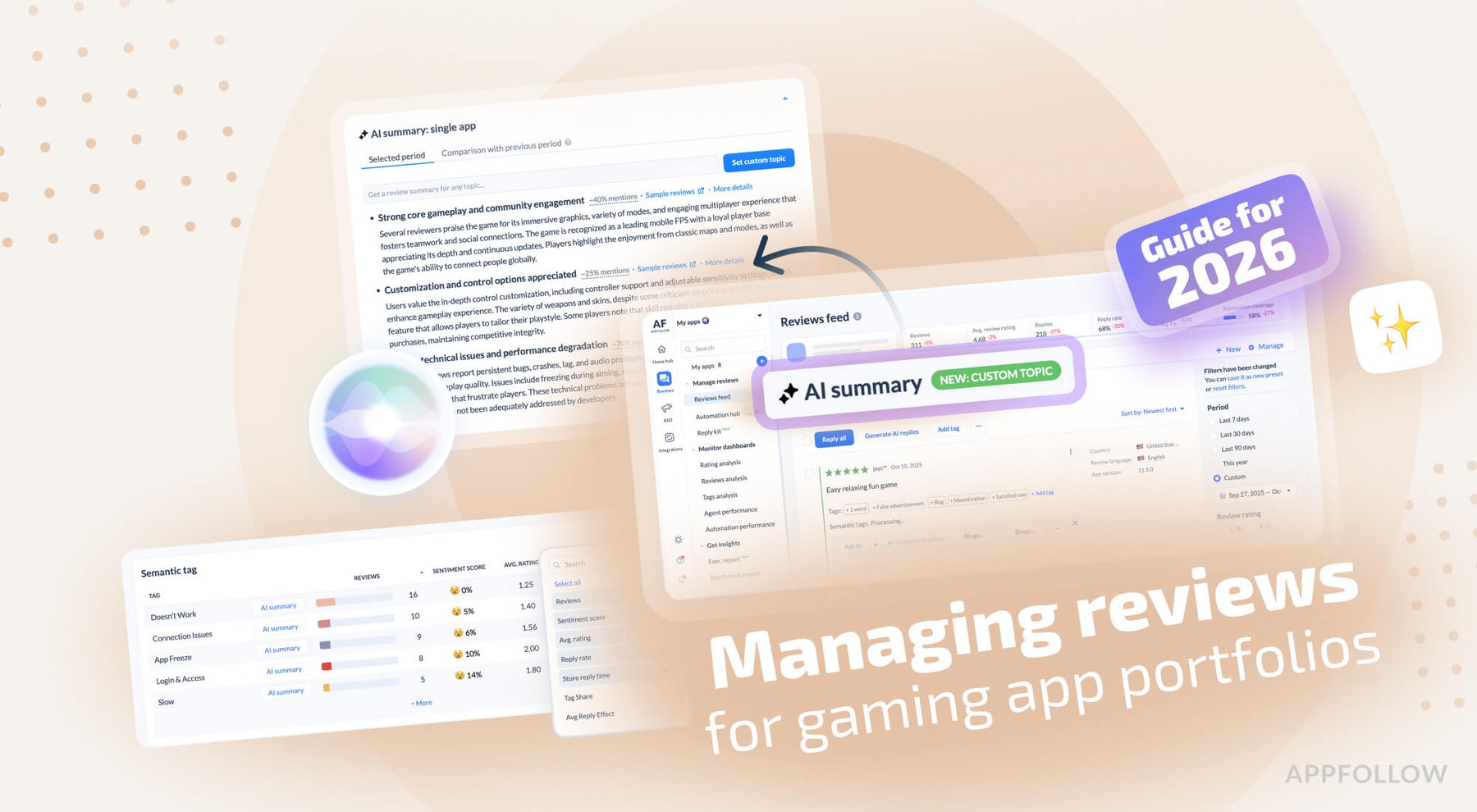
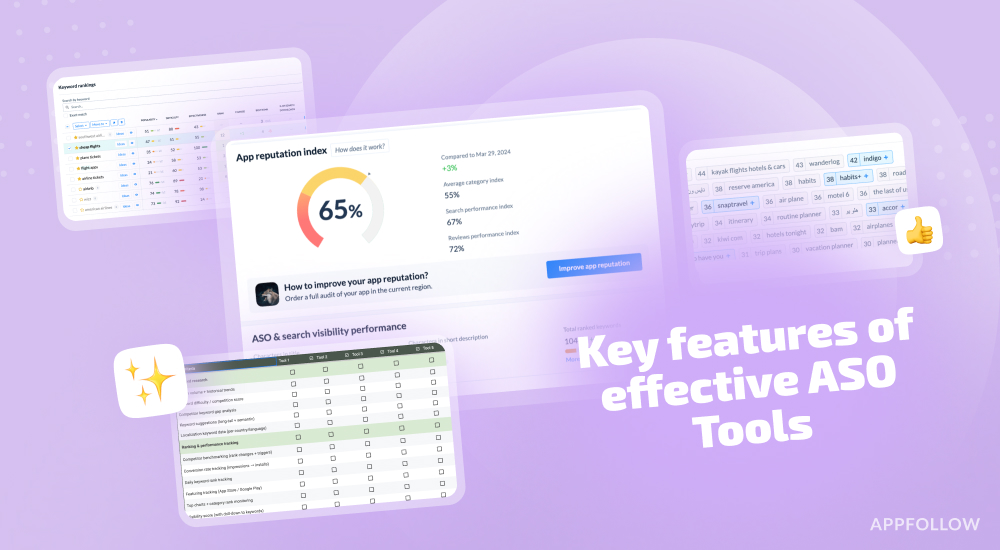
Ratings & Reviews performance provides an overview of what users think of your app. Here are the key metrics to help you identify how your app is rated by users and how successful is your review management strategy.
Stock / inventory management solution thanks to its high performance barcode scanner. ***There are 3 main tools in ScanAndFile*** 1 - Scan to easy retrieve your product, or update the quantity. 2 - The warehouse to manage each product. 3 - Extract your data (txt, csv, json, html, sqlite) and product photo. ***Thanks to the scan screen, detect new product by barcode*** 1 - Retrieve your product quantity or add it to the warehouse 2 - Check-in mode 3 - Check-out mode ***Thanks to the warehouse screen, manage your products*** 1 - Edit your list of product type (quantity, name, photo public price) 2 - Create a new product type by fill-in its barcode ***Thanks to the export screen*** - Export your data in txt file - Export your data in csv file - Export your data in json file - Export your data in html file - Export your data in sqlite file - Export your photo as an archive (zip file) In the settings, you can customize the scan filter to optimize the barcode detection. List of detected barcode : - Codabar, - Code 39, - Code 93, - Code 128, - EAN-8, - EAN-13, - ITF, - UPC-A, - UPC-E, - Aztec, - Data Matrix, - PDF417, - QR Code Website : https://occirama.com/scanandfile/en/ Terms Of Use : https://occirama.com/scanandfile/terms-of-use/ Privacy Policy : https://occirama.com/scanandfile/privacy/