Ratings & Reviews performance provides an overview of what users think of your app. Here are the key metrics to help you identify how your app is rated by users and how successful is your review management strategy.
 3.7
3.7
User reviews affect conversion to installs and app rating. Featured and helpful reviews are the first to be noticed by users and in case of no response can affect download rate.
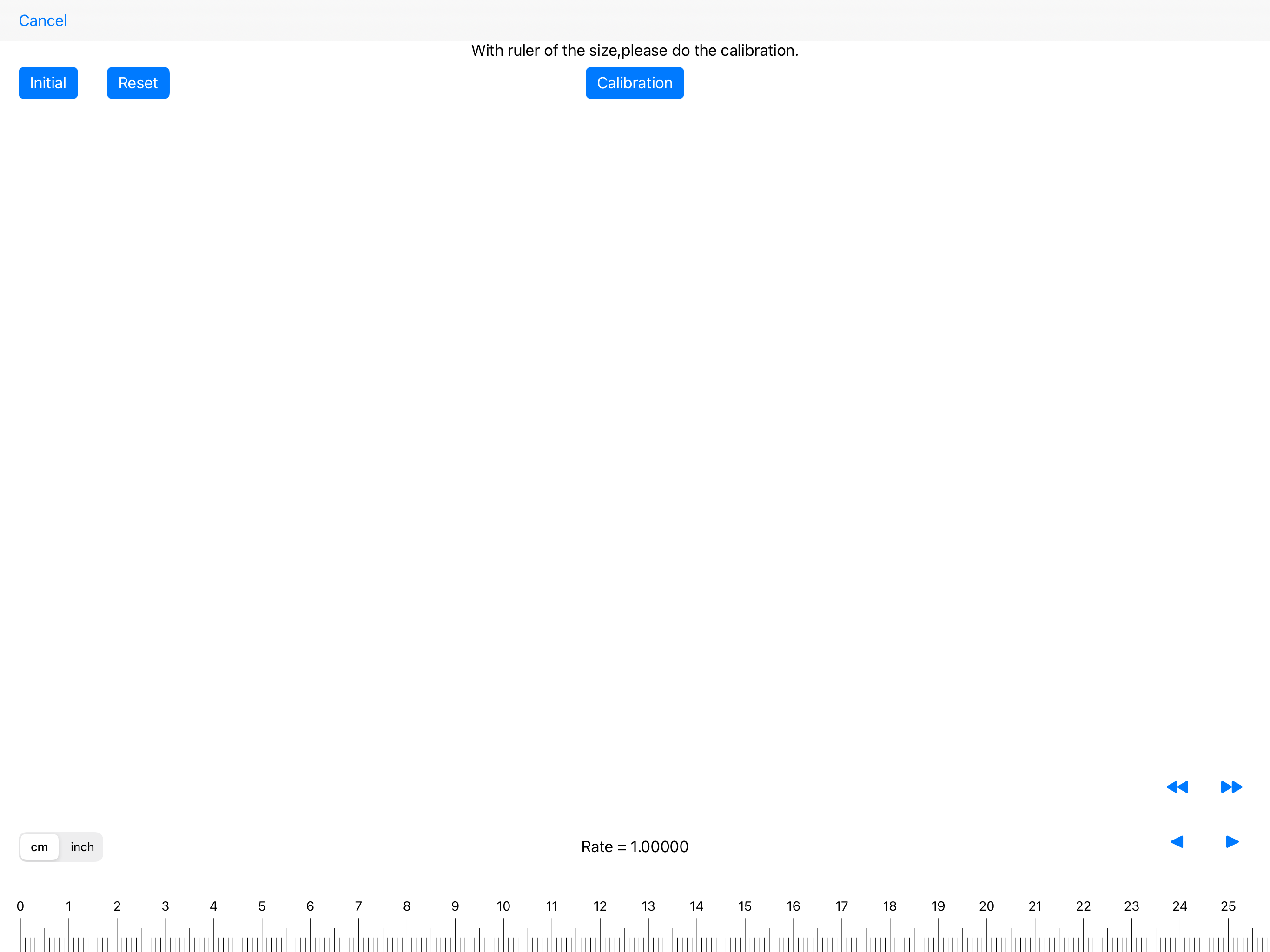
Scale Ruler is the simple application to display the scale of various measurement units. ※ Warning: - The accuracy of the scales cannot be guaranteed. - Calibration and PPI values will be reset when the model changes. - Set the PPI value only when the model is undecided. - When you change the PPI value, perform calibration after the change. ■How to use: ■Select mode In UNLOCKED state, after choosing measurement unit, magnification ratio and reduced scale, the scale is displayed. ■Free mode When dragging the screen at UNLOCK, you can set the scale in the range 1: 1 to 1: 100. When you press and hold the scale value, the keyboard is displayed and you can enter the scale. You can lock the scale on the ruler with a switch. Sorry for the advertisement during unlocking. After In-App Purchase, your ads will no longer be displayed. Specification of Scale Ruler - measure length meter,inches - magnification ratio 50% , 70.7% , 100% , 141% , 200% - reduced scale for meter 1:100 , 1:150 , 1:200 , 1:250 , 1:300 , 1:400 , 1:500 , 1:600 for inch 1:1 , 1:1.5 , 1:2 , 1:2.5 , 1:3 , 1:4 , 1:5 , 1:6 for inch(Architectural) 1:1 , 1:2 , 1:4 , 1:8 , 1:12 , 1:16 , 1:24 , 1:32 , 1:48 , 1:64 1:96 , 1:128 , 1:192 , 1:384 for inch(Engineering) 1:120 , 1:240 , 1:360 , 1:480 , 1:600 , 1:720 1:800 , 1:960 , 1:1080 ■ Settings - Calibration - PPI (pixels per inch) setting - In-app purchase (ads not displayed) - In-app purchase restoration ■ Calibration Adjust the length of the ruler. Use the correct ruler for adjustment. "Calibration" button: Records the adjusted state and reflects the calibration result on the ruler. "Reset" button: Returns the adjustment status to the specified value. It will not be recorded. "Initialize" button: Returns the adjustment status to the specified value and reflects it on the ruler. * Caution: The calibration value will be reset when the model changes. ■ PPI (pixels per inch) setting If the model is undecided, check the PPI value of the model before setting the PPI value. * Please set only when the model is undecided. "OK" button: Record the entered PPI value and reflect it on the ruler display. "Initialize" button: Returns the PPI value to the specified value and reflects it on the ruler. * Caution: The PPI value will be reset when the model changes.