Ratings & Reviews performance provides an overview of what users think of your app. Here are the key metrics to help you identify how your app is rated by users and how successful is your review management strategy.
 5.0
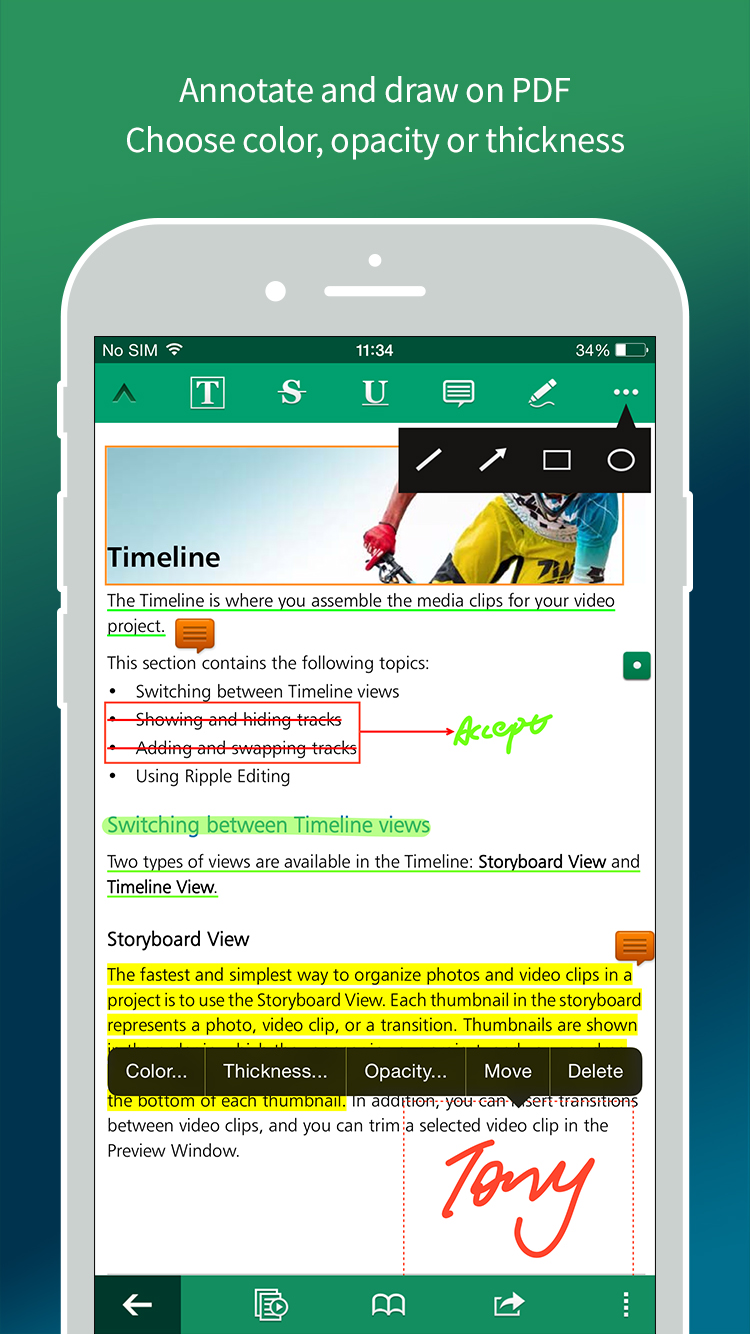
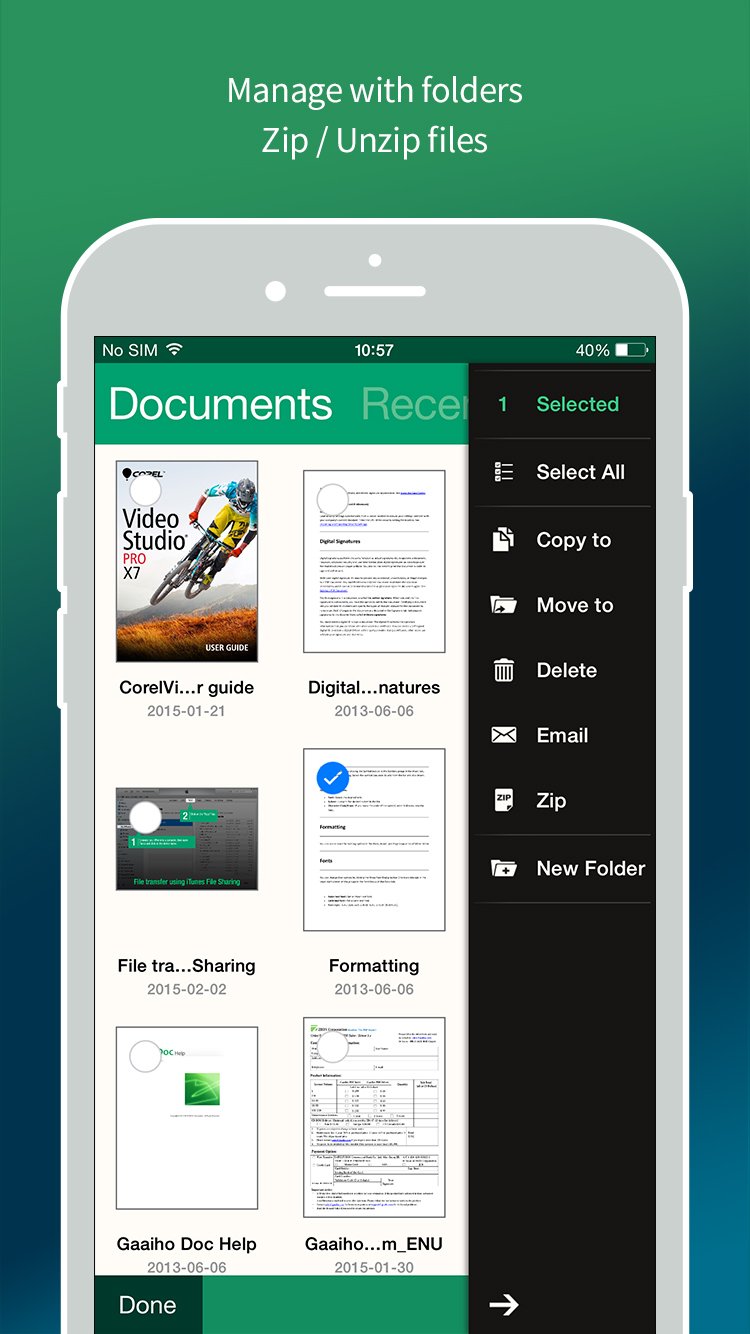
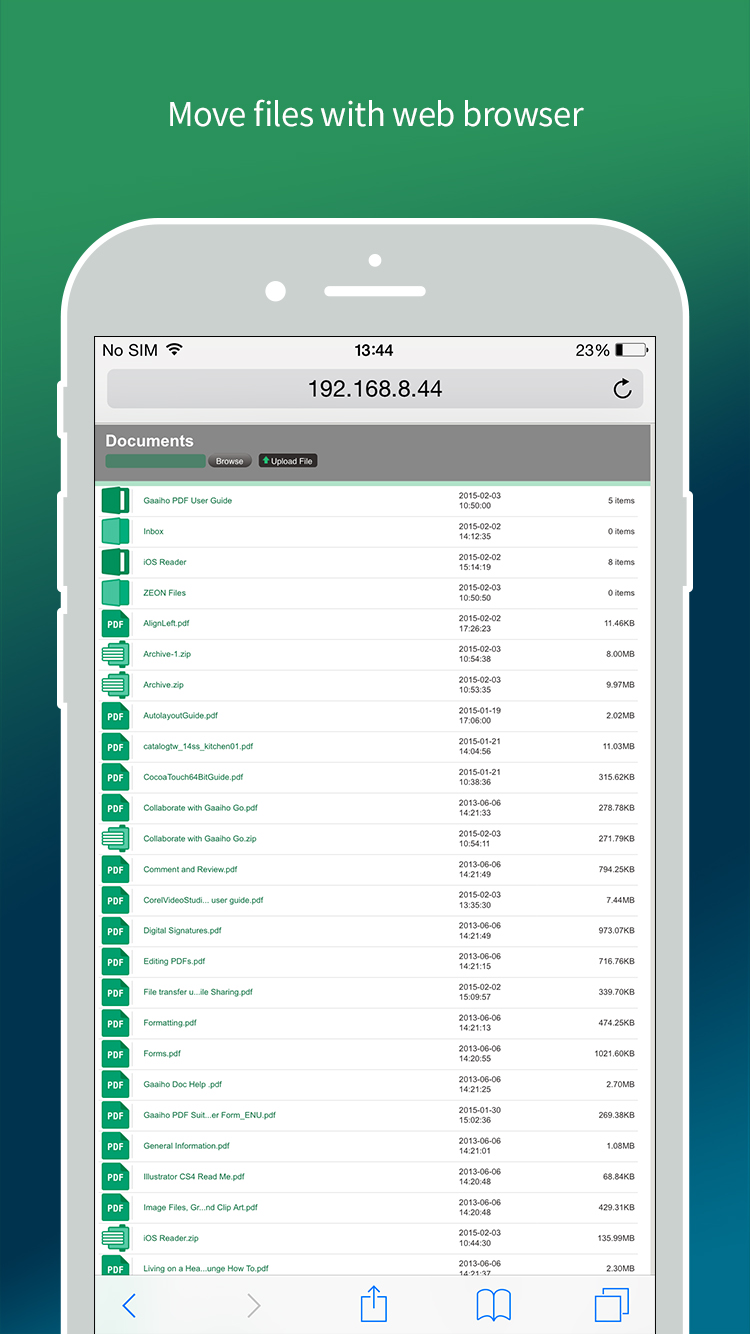
5.0Right PDF Reader goes beyond a free PDF reader app. Created by a team of professionals in the PDF software business since 1993, Right PDF Reader has a simple UI that is easy to navigate and more features than average free readers. PDF Viewing - Fast document open speed - Browse lets you view PDFs in the device or iCloud - Supported thumbnail view - View PDF portfolio, comment, attachment and protected document - Single page view or continuous view available - Fit page width or whole page are also available under single page view - Use Day/Night mode to adjust brightness - After tapping page number, you can enter a number and jump to that page directly. - Quickly add and edit Bookmarks and Marks - Search document Note and Comments - Use highlight, cross-out and underline to annotate PDF with customizable color and opacity - Note lets you to add text comment anywhere in PDF - Use Draw Tools to mark up PDF with color, thickness and opacity of your choice. Move and undo are also supported - Batch remove comments Document Management - Create folder to organize PDFs better - Move or copy multiple documents to a folder - Compress multiple documents or folders, or extract any package quickly - Rename document - Attach one or multiple PDFs to an e-mail - Select and delete multiple documents Online Sharing - Get documents in and out of Dropbox - Add WebDAV servers to upload/download documents easily - Access documents in Gaaiho PDF online or upload documents directly to the app (permissions required), breaking the barrier between computer and your iPhone/iPad Handwritten signature - You can create a handwritten signature by drawing, using an image, or taking a photo - Sign anywhere in document Other Features - Fill a form - Use “open in” to share PDF files with other applications - Auto-memorize the point you quitted reading last time - Protect PDF with an open password - Print document