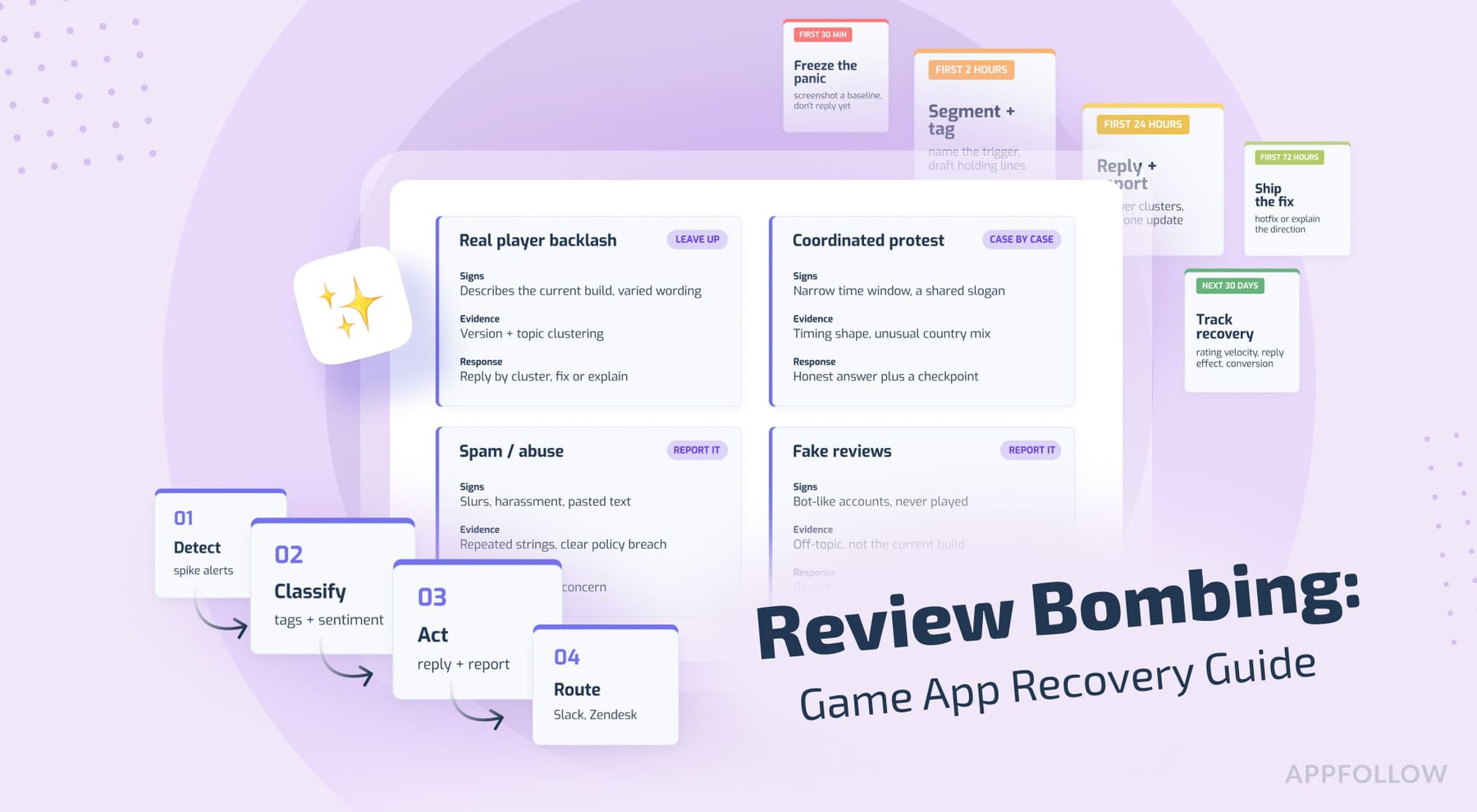
Ratings & Reviews performance provides an overview of what users think of your app. Here are the key metrics to help you identify how your app is rated by users and how successful is your review management strategy.
 1.0
1.0
User reviews affect conversion to installs and app rating. Featured and helpful reviews are the first to be noticed by users and in case of no response can affect download rate.
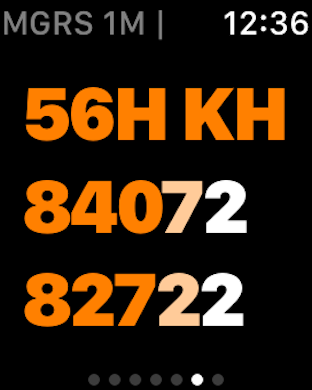
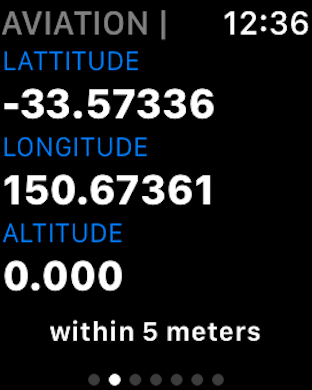
GPS Mapping Co-ordinates - Record & Share, Field Notes, Movement Tracking & Handbook FEATURES • RFS Buddy works anywhere • The RFS Buddy app does not need wifi or any phone carrier’s reception to work. • RFS Buddy works directly from the iPhone’s internal GPS. • Easily share your location with others via email. (Requires subscription) • Simple "one click" to start tracking your movement. (Requires subscription) • "Add Bearing" tool with camera zoom. With 2 or more Bearings you can triangulate the position of a point of interest in the distance, e.g. Smoke Sighting. Developed to assist Australian volunteer Bushfire Fighters from the NSW Rural Fire Service (RFS), and also anyone that need GPS location services. RFS Buddy translates your GPS location into the main RFS MGRS standard, including the LPI Map name and number. Also includes a number of other formats, and a Fire-ground Field Notes feature to record reference points of interest such as hazards, smoke etc. GPS CO-ORDINATES IN 5 FORMATS 1. RFS Mapping The Standard MGRS format used to match the RFS maps used in the field. Includes: - Full RFS Grid Reference (100m). - Short RFS Grid Reference - LPI Map Name, Reference Number & Scale - GPS Accuracy 2. Aviation 3. Standard GPS 4. Degrees, Minutes, Seconds 5. Easting Northing 6. What3Words (NEW) FIELD NOTES Name and record your current position in a list that (on swipe right) shows all 5 GPS formats. - Ability to Select Location Reference Type Icon. - Text to Convert for Location feature. Convert a Grid Reference into Lat-Long or Lat-Long into Grid easily, quickly and accurately – and immediately check it on the included map for confirmation. - Share / Publish location to your preferred setting of either State, District or Brigade. (required in-app subscription) - Saved Locations now expand to show all Lat/Long formats plus map. For more information, see Apple's standard Terms of use https://www.apple.com/legal/internet-services/itunes/dev/stdeula/ and our Privacy Policy https://vtsa.org.au/rfsbuddy-privacy-policy/