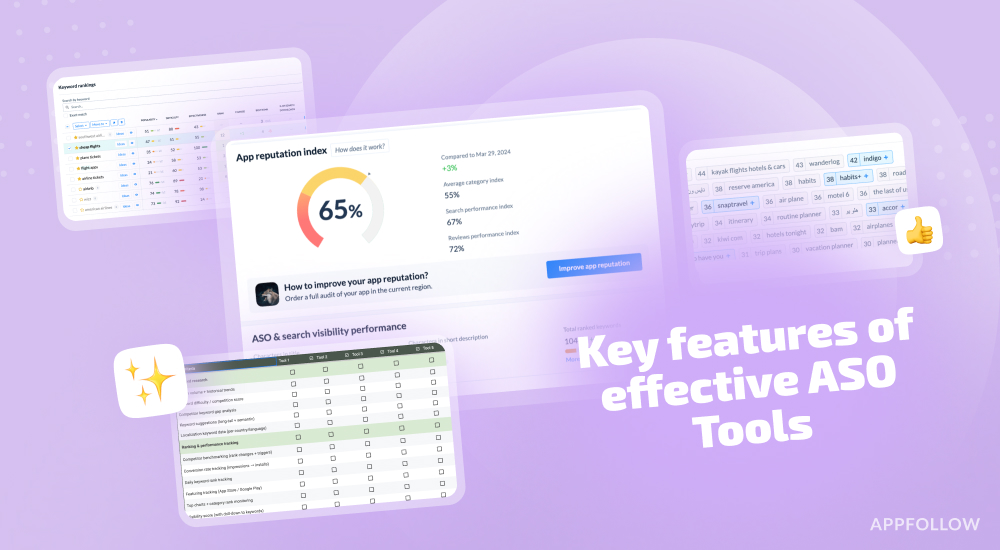
Ratings & Reviews performance provides an overview of what users think of your app. Here are the key metrics to help you identify how your app is rated by users and how successful is your review management strategy.
 1.5
1.5
User reviews affect conversion to installs and app rating. Featured and helpful reviews are the first to be noticed by users and in case of no response can affect download rate.
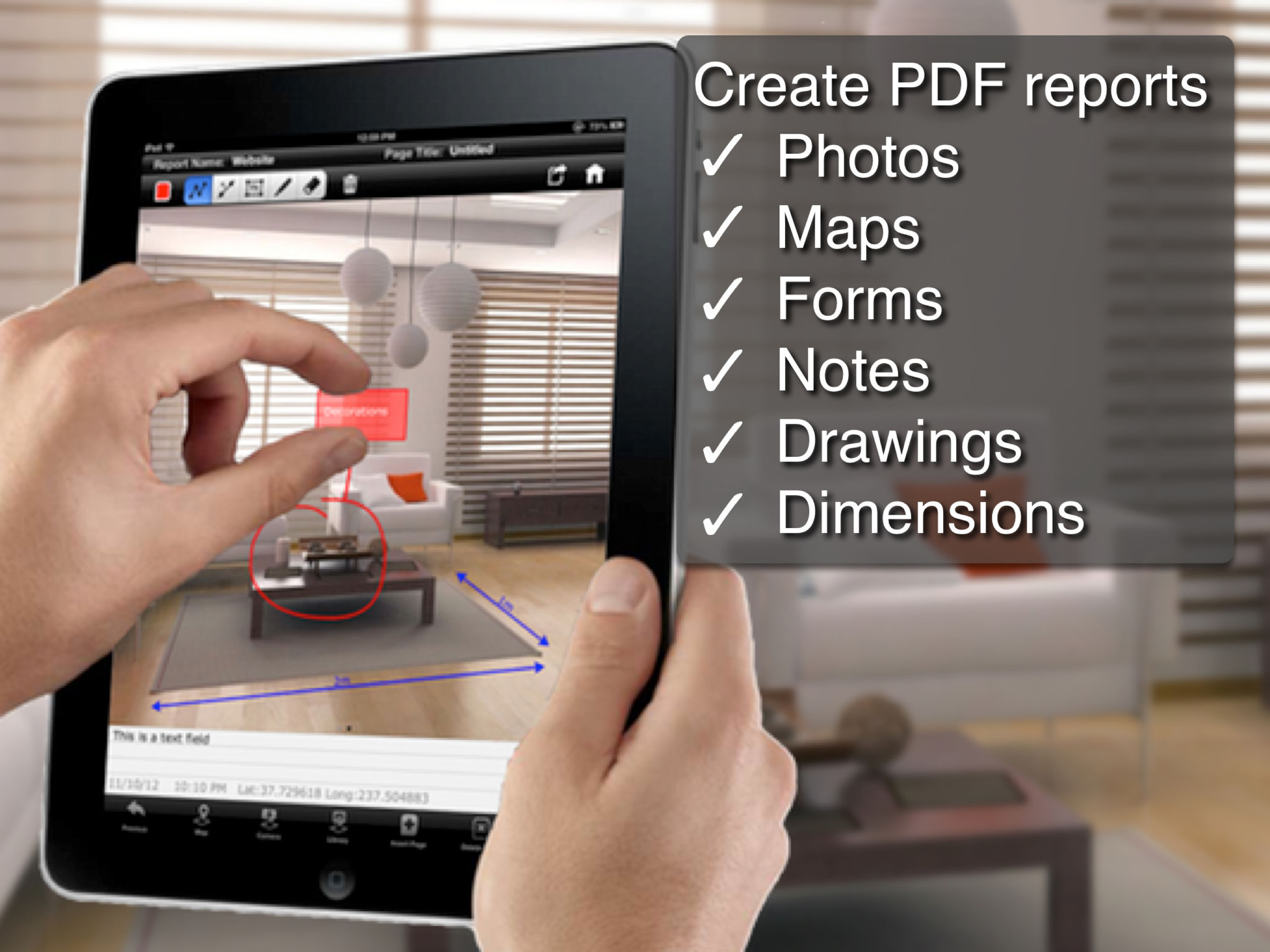
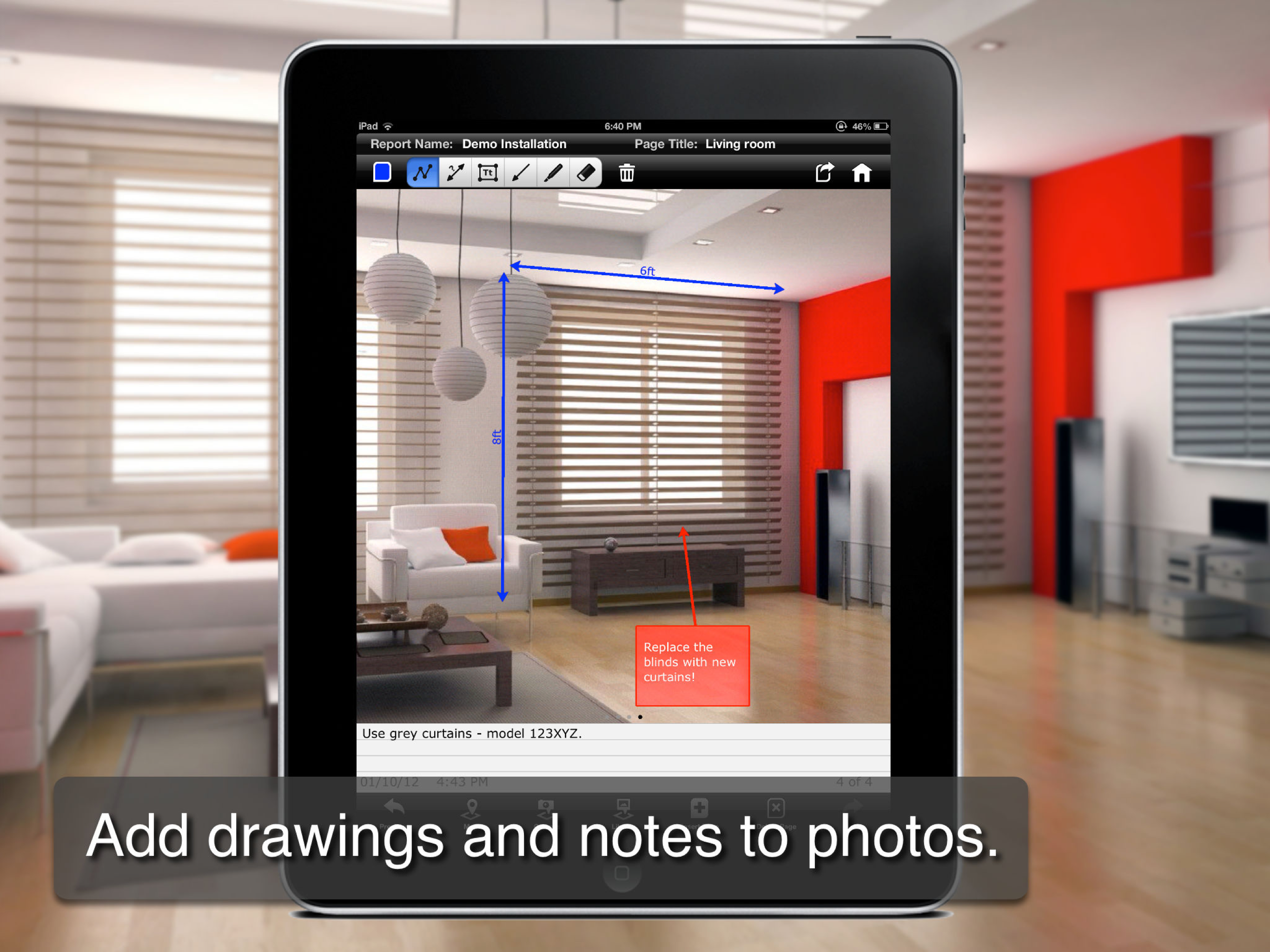
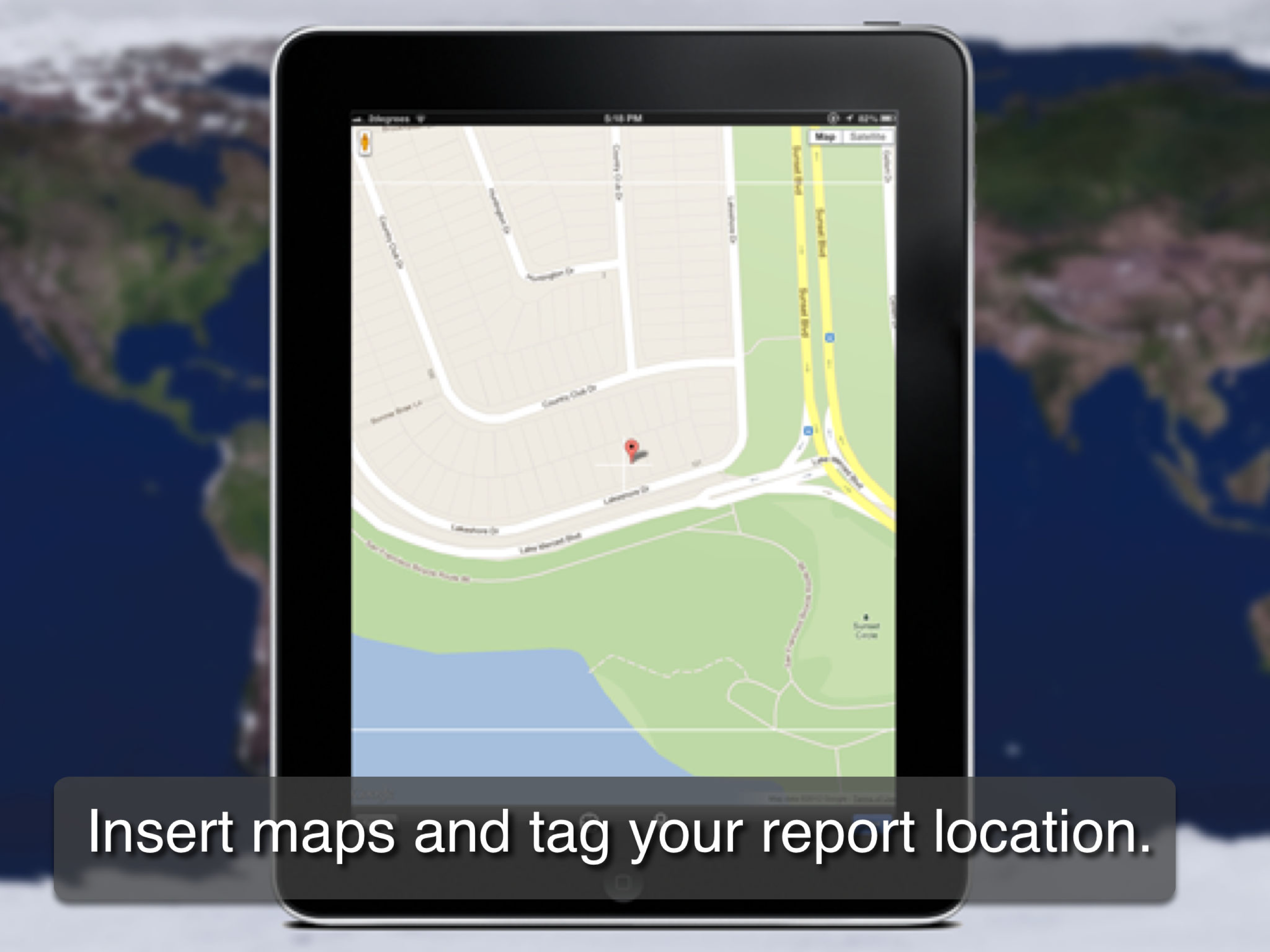
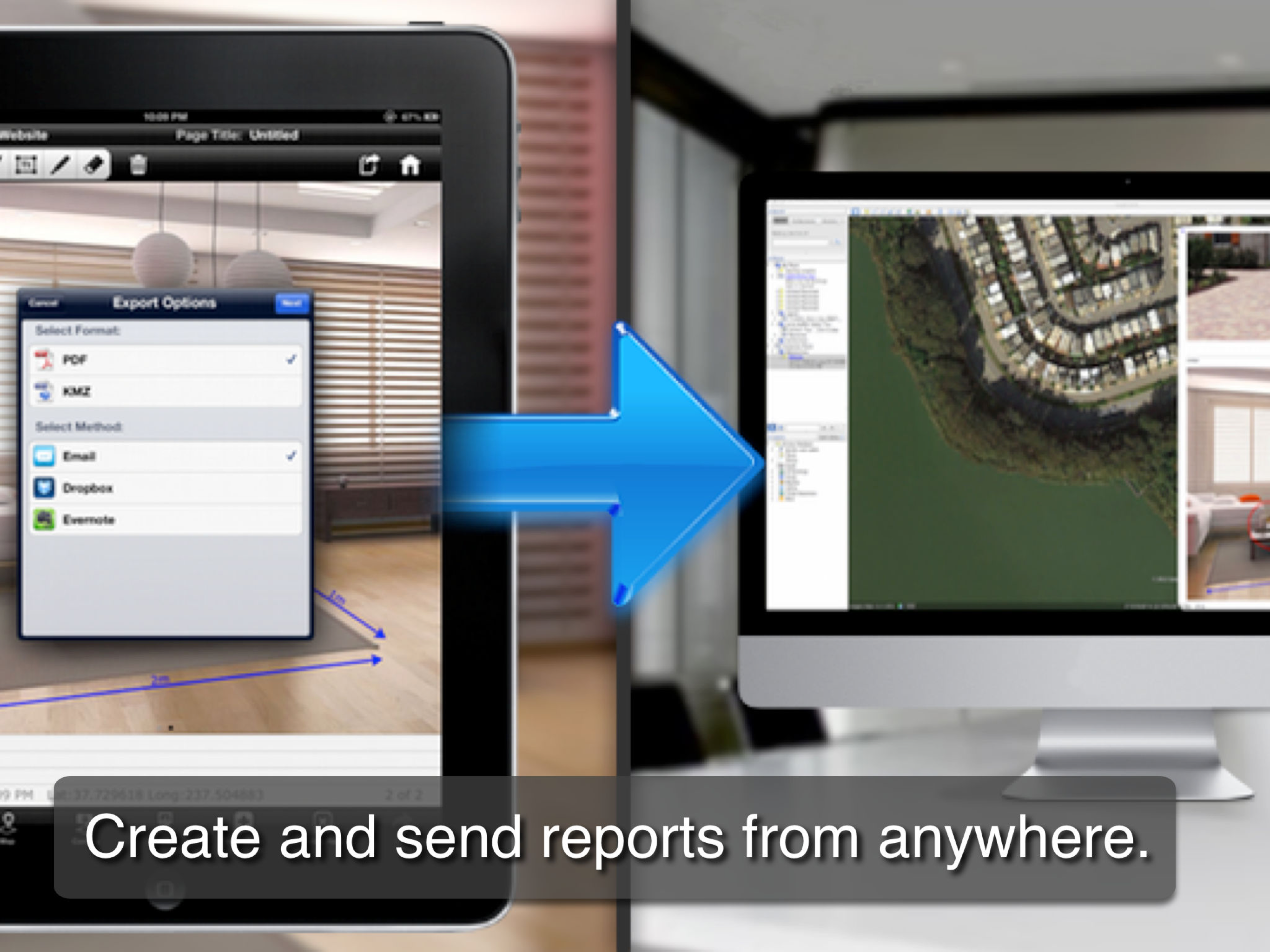
• Used by thousands of businesses and Government agencies across the globe! • WHAT OUR CUSTOMERS HAVE BEEN SAYING: "..I've found it amazing for creating my properties information, and has been a blockbuster with my fellow colleagues.." "..I love report monster.." '..Love your work, that's why I upgraded.." "..exactly the sort of report app I am looking for.." Report Monster is the ultimate field book. Easily capture photos and notes directly on-site. Send professional PDF reports back to your office instantly using Dropbox, Evernote or Email. USE REPORT MONSTER FOR: • Visual Instructions • Installation Records • Site Survey • Design Scoping • Quality Assurance • Claims Adjuster Notes • Asset Management • Property Inspection • Audit Report IN THESE INDUSTRIES: • Government and Council • Power and Telecommunication Utilities • Engineering and Consulting • Building and Construction • Insurance • Real Estate MULTIPLE PHOTOS PER REPORT Take photos with the built-in camera, or use images from the photo library as your main drawing canvas. Add extra detail with 'picture in picture' inset images (requires Pro upgrade). ANNOTATE WITH DRAWING TOOLS Add mark-ups to images using professional drawing tools such as polylines, dimensions, arrows, free-hand draw and text boxes. ADD NOTES TO IMAGES Every page has a dedicated notes field for adding additional information about each image. CREATE AND INSERT FORMS Use the form builder to create custom forms (requires Pro upgrade). Quickly capture field data with free text, multi choice, date and number pickers. INSERT MAPS Add standard maps, satellite imagery, or even Street View images. TAG YOUR LOCATION Pin the report to your current GPS location, or manually re-position as desired. The address is automatically translated and added to your report. AUTOMATIC PHOTO LABELING Captured photos can be automatically labeled with the report name and exported using iTunes at full quality. Eliminates the tedious manual naming of photo files back in the office! COMMON FILE TYPE Easily save the report in PDF format. FLEXIBLE STORAGE AND EXPORT OPTIONS All reports are stored locally on the iPad and can be exported using Email, Dropbox and Evernote. NOTE: The free version of Report Monster supports up to 3 pages per report. An ‘In App Purchase’ allows you to unlock the full 20 pages and 'Form Builder', plus other features.